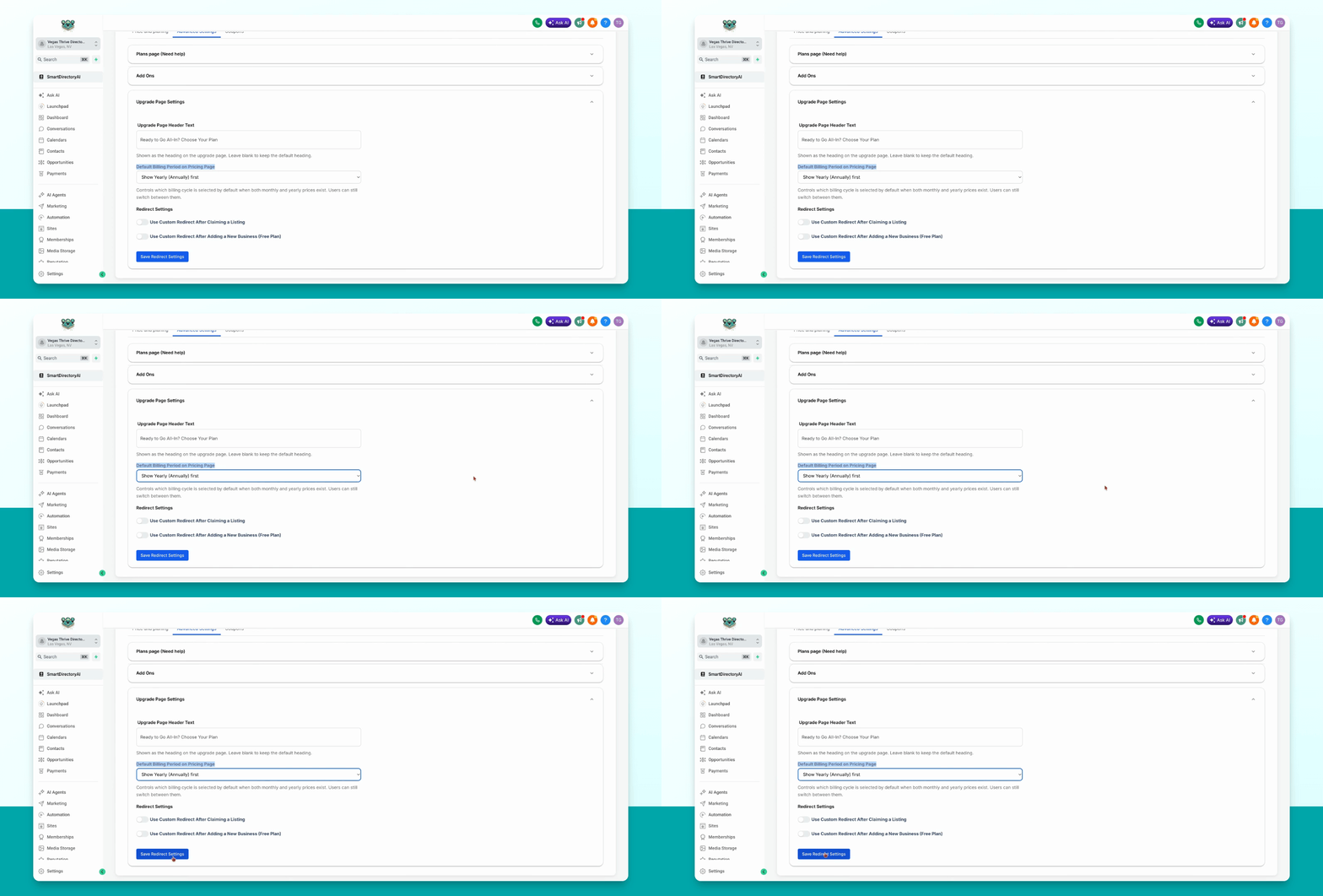
To set the default billing period for your plans page in the Smart Directory AI Dashboard, use the Plans Advanced Settings. Let's look at the steps:
Step 1: Choose Default Billing Period
On the Plans Advanced Settings page, go to Upgrade page Settings and find Default Billing Period. On the Pricing page, click the dropdown and select either Show Monthly first or Show Yearly or Annually first as your default option.
Step 2: Save Your Settings
After making your selection, click Save Redirect Settings to apply the changes.