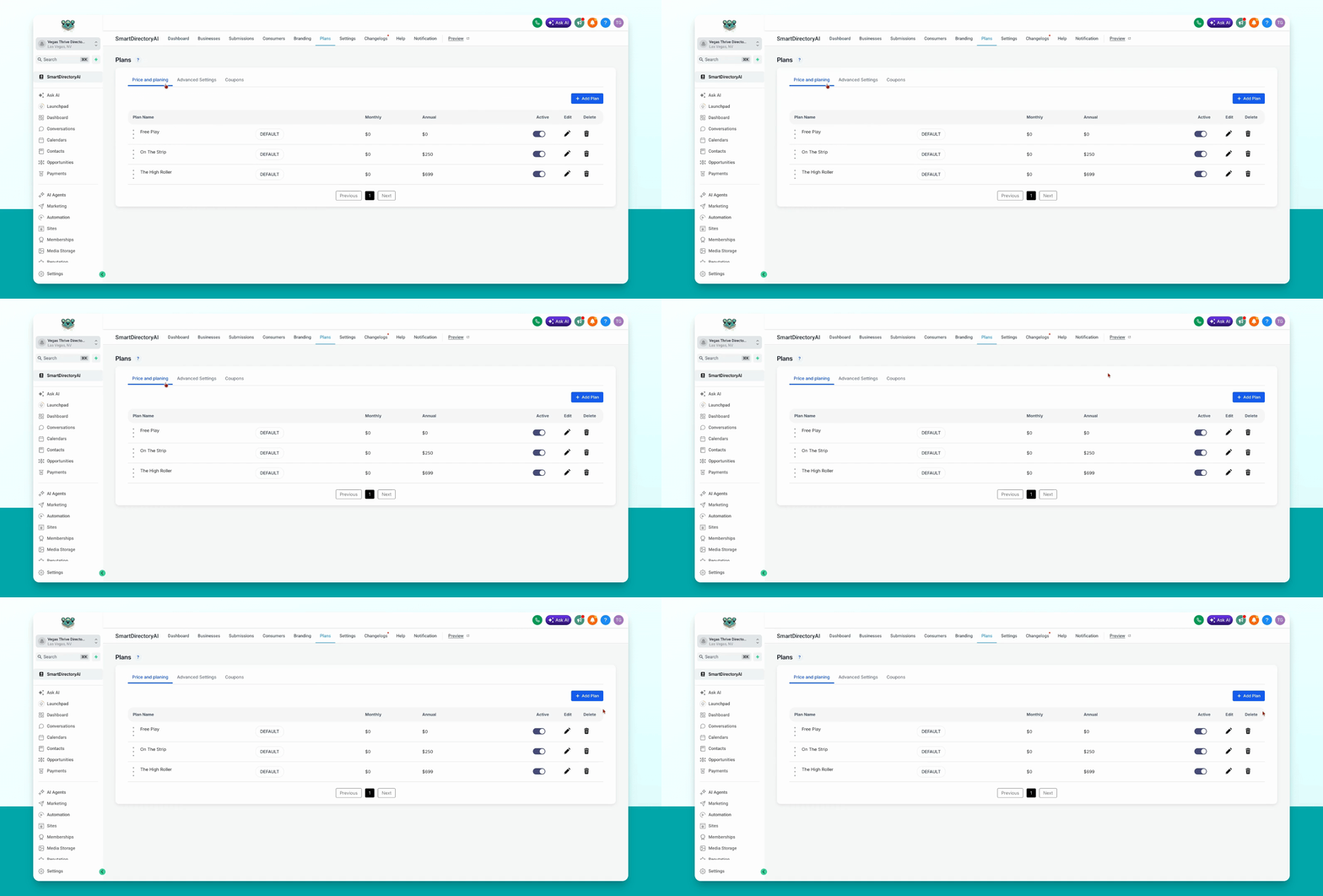
This guide explains how to delete a premium or free plan in your Smart Directory AI dashboard. Let's look at the steps:
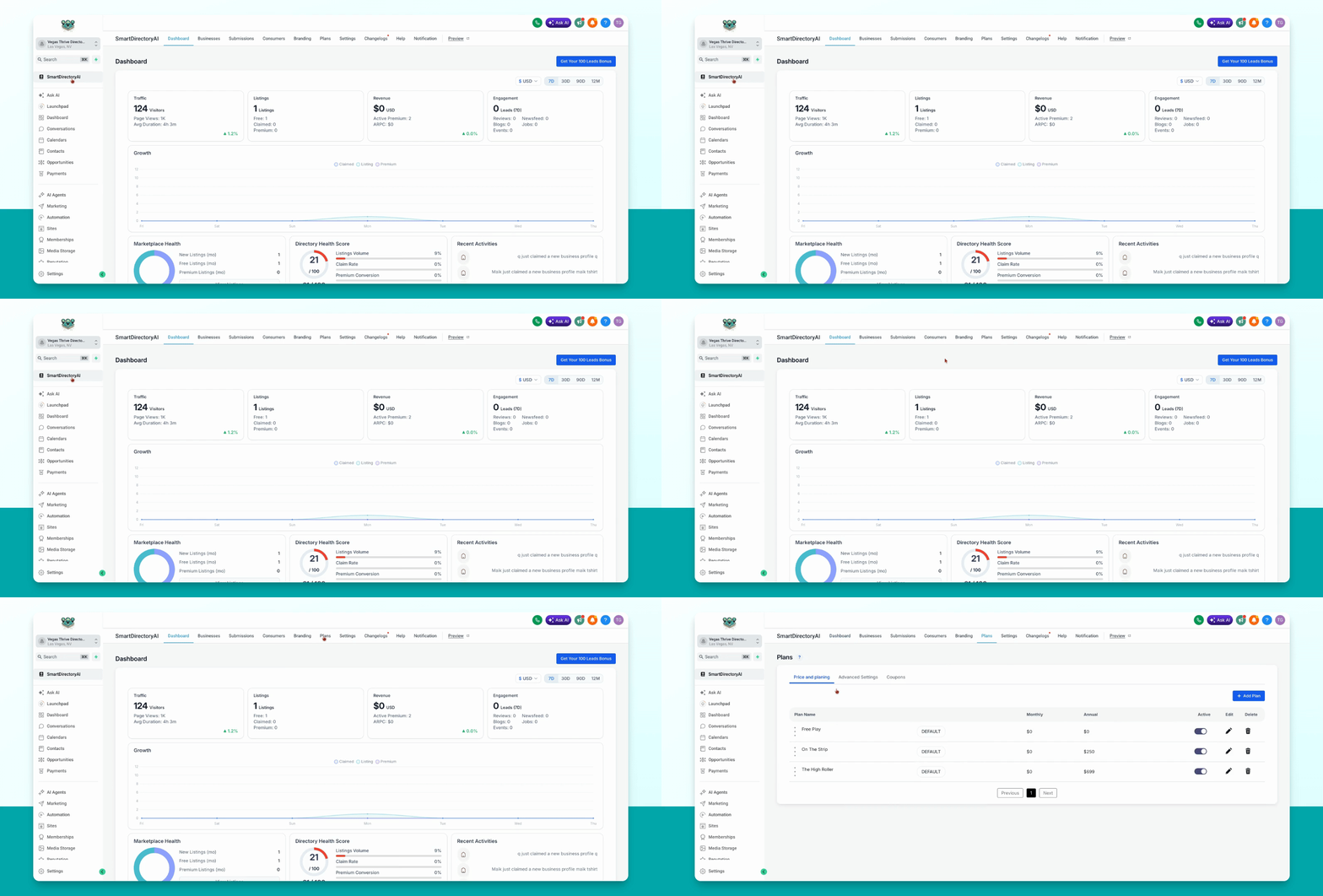
Step 1: Open Plans Section
Go to Plans, Price and Planning in your dashboard.
Step 2: Delete the Desired Plan
Click the trash can icon under Delete next to the plan you want to remove.