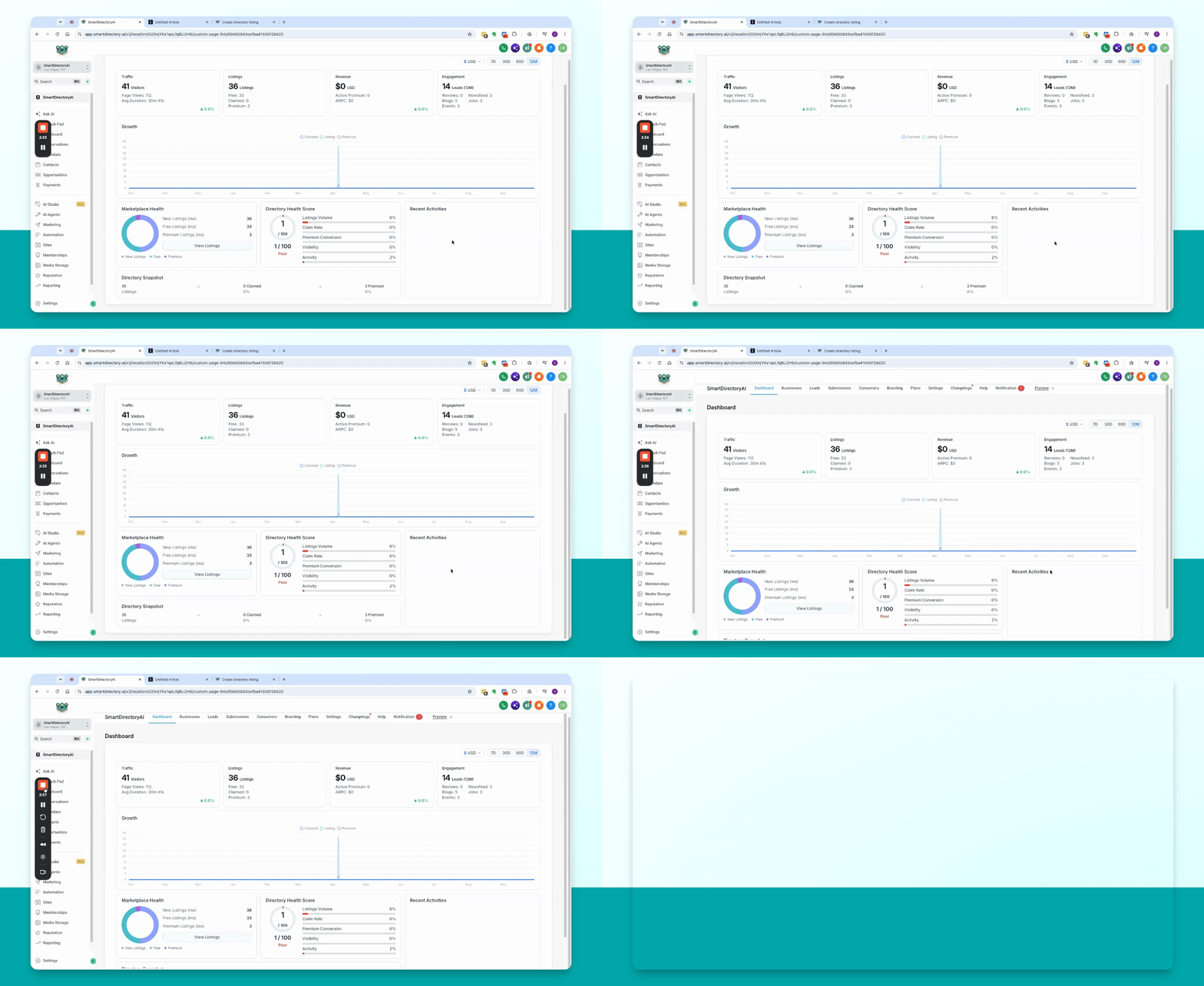
This guide provides a quick overview of the Smart Directory AI dashboard screen. Let's look at the steps:
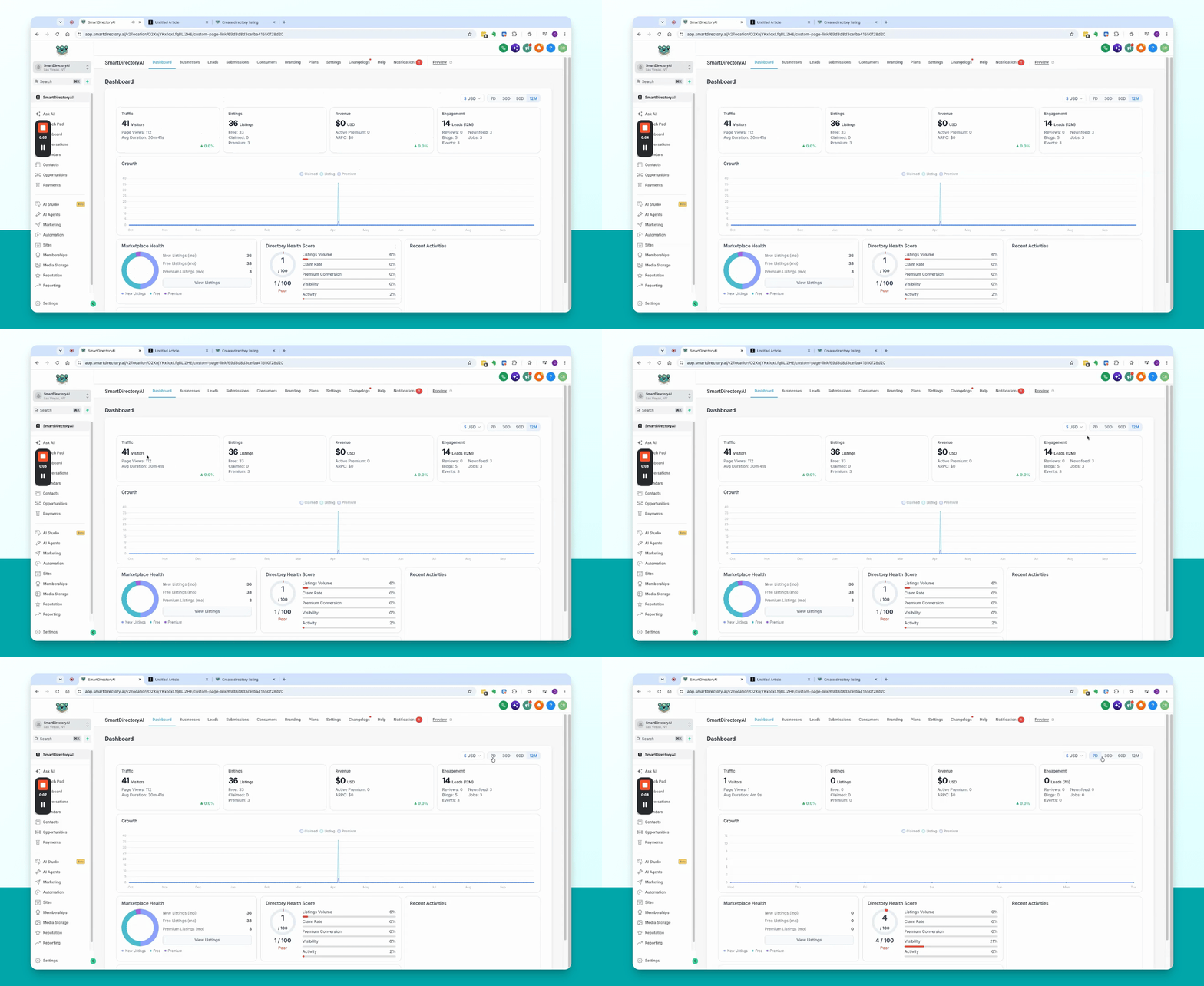
Step 1: Adjust Date Range
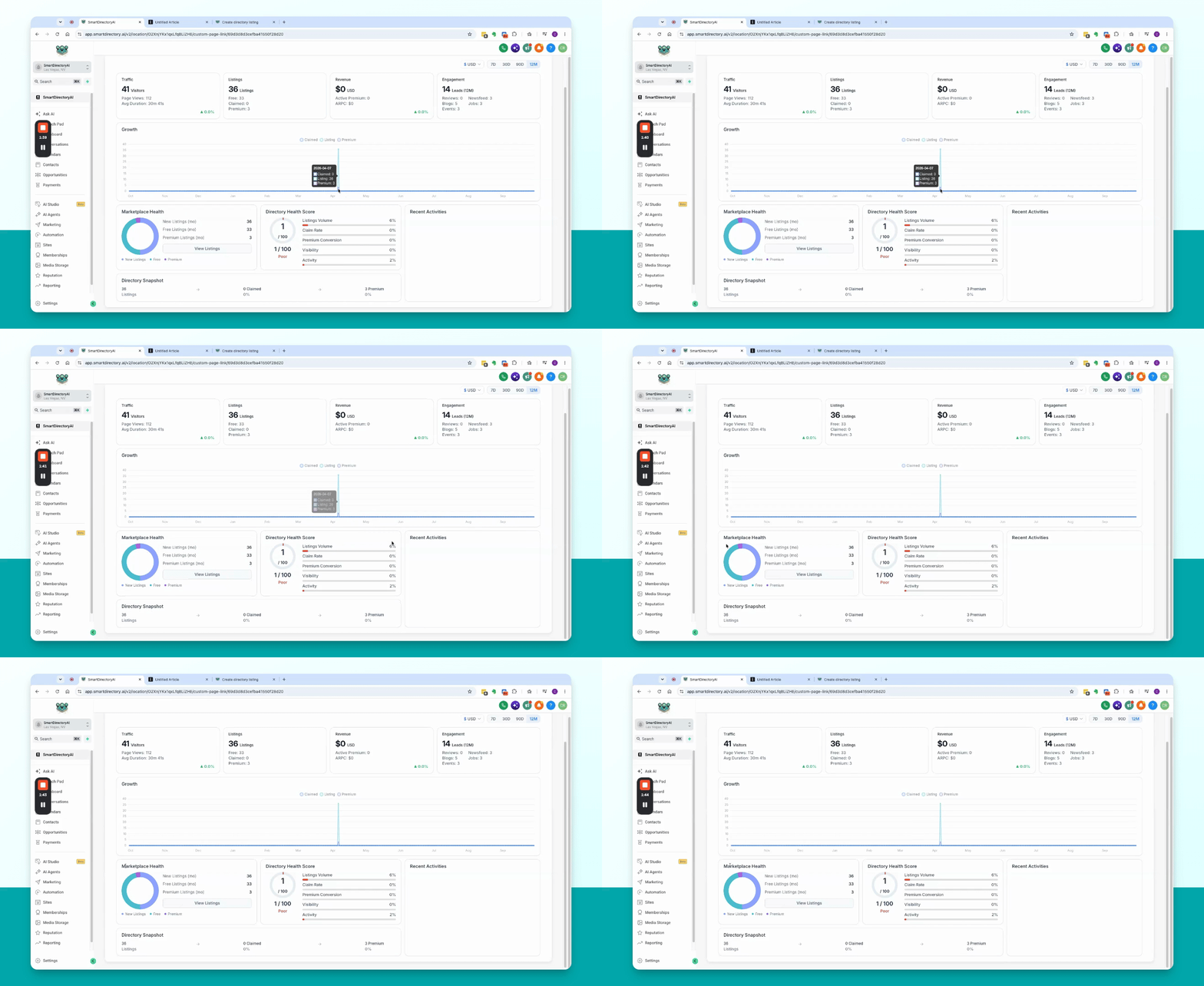
Use the date selector at the top of the dashboard to choose your preferred date range. Options include 7 days (default), 30 days, 90 days, or 12 months. The statistics below will update according to your selection.
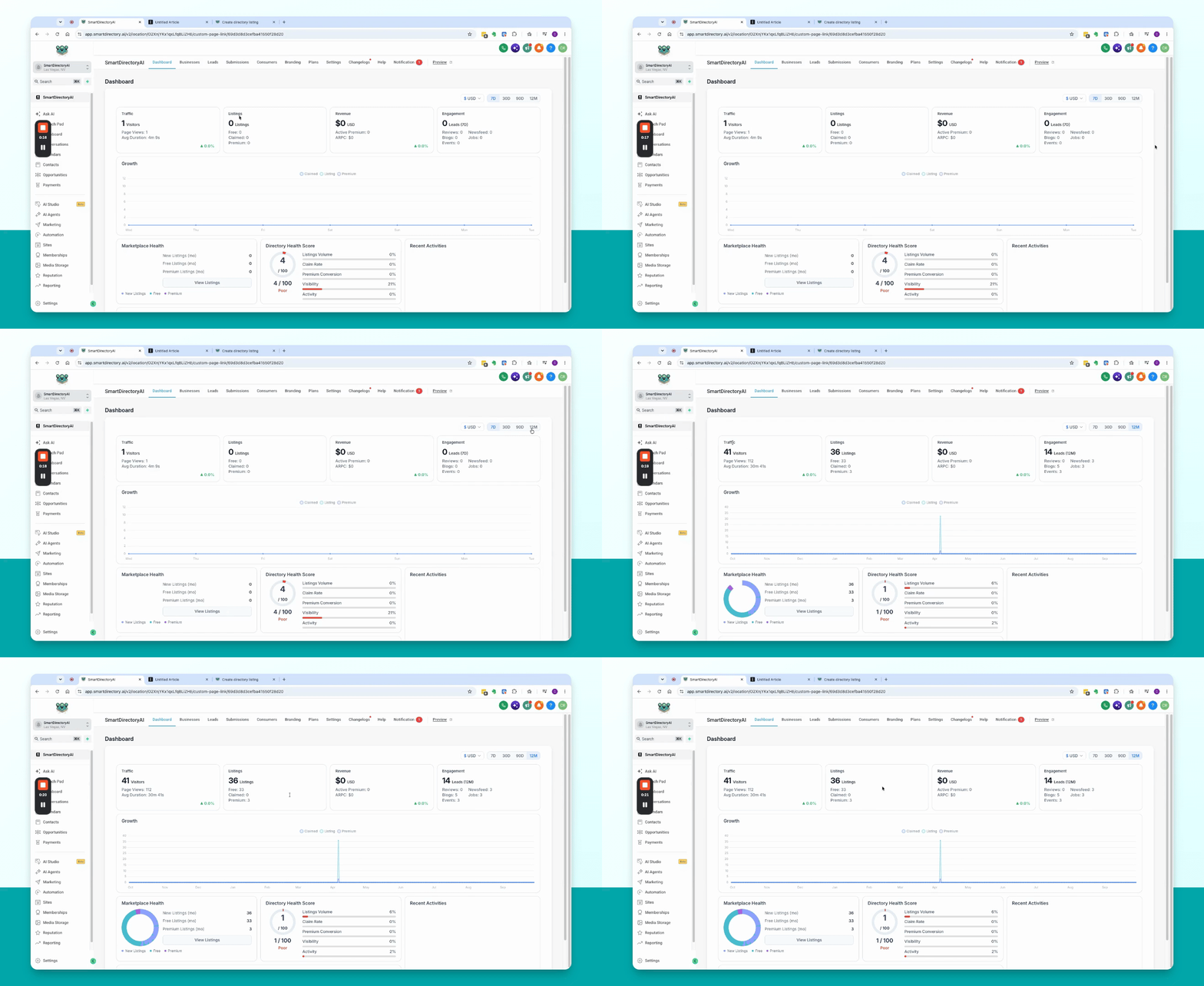
Step 2: Review Key Metrics
Examine the top four boxes for main metrics:
Traffic: Shows number of visitors, page views, and average session duration for the selected date range.
Listings: Displays new listings added during the date range, including breakdowns of free, claimed, and premium listings.
Revenue: Indicates revenue generated from premium listings sold directly through Smart Directory AI during the date range.
Active Premium: Shows the number of active premium sales, total revenue, and average revenue per customer.
Engagement: Tracks leads, new reviews, blogs, events, news feed, and job posts within the date range.
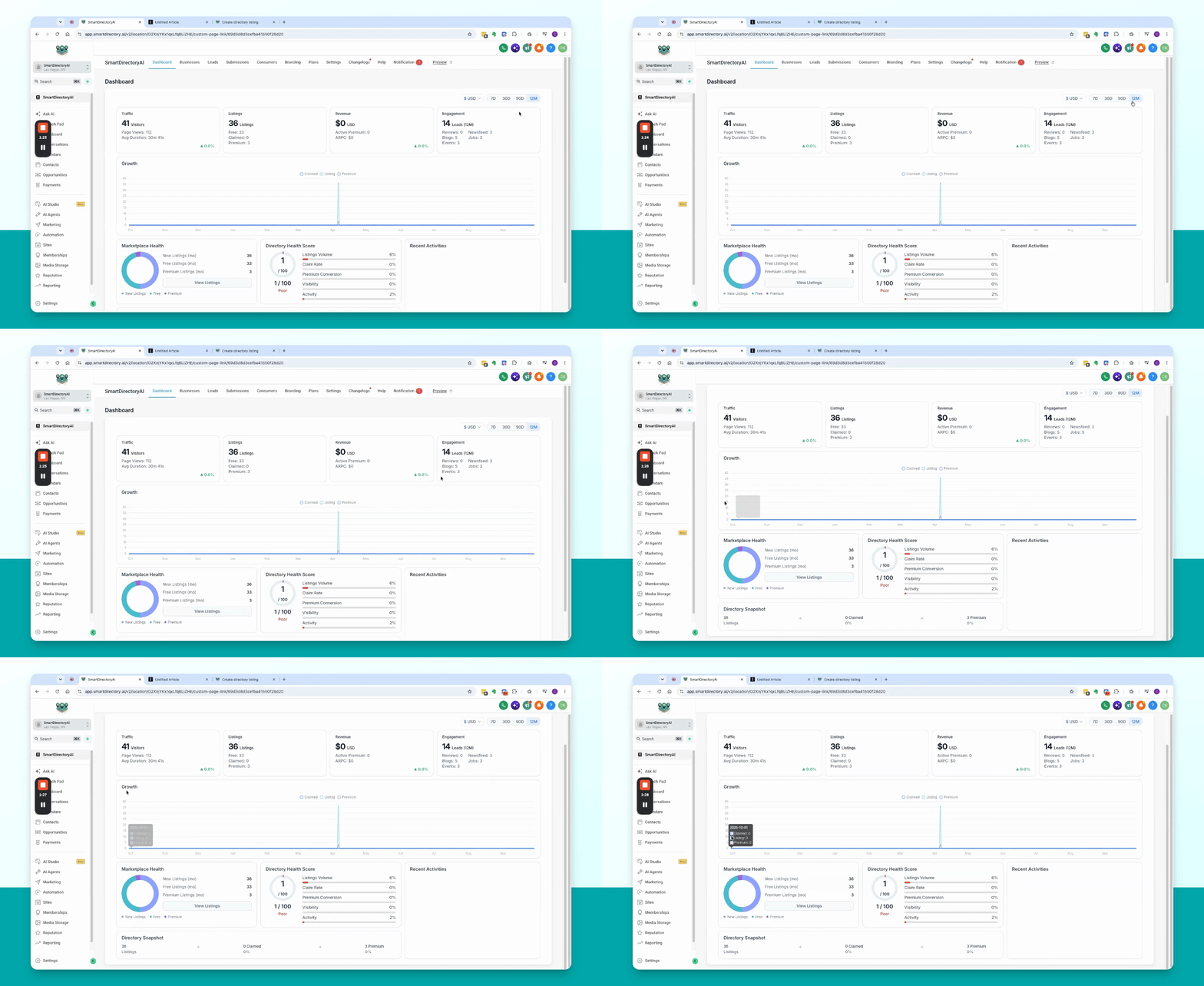
Step 3: Analyze Growth Graph
View the growth graph to see trends in claimed listings, total listings, and premium listings over time. Spikes may indicate periods of increased activity, such as adding new listings or upgrading to premium.
Step 4: Check Marketplace Health
Review the Marketplace Health section for a breakdown of total listings, including counts of free, premium, and new listings during the selected date range. The directory health score provides an overall assessment based on various rating factors, such as the number of listings, percentage claimed, and percentage premium. Visibility and activity scores are influenced by traffic and engagement metrics.
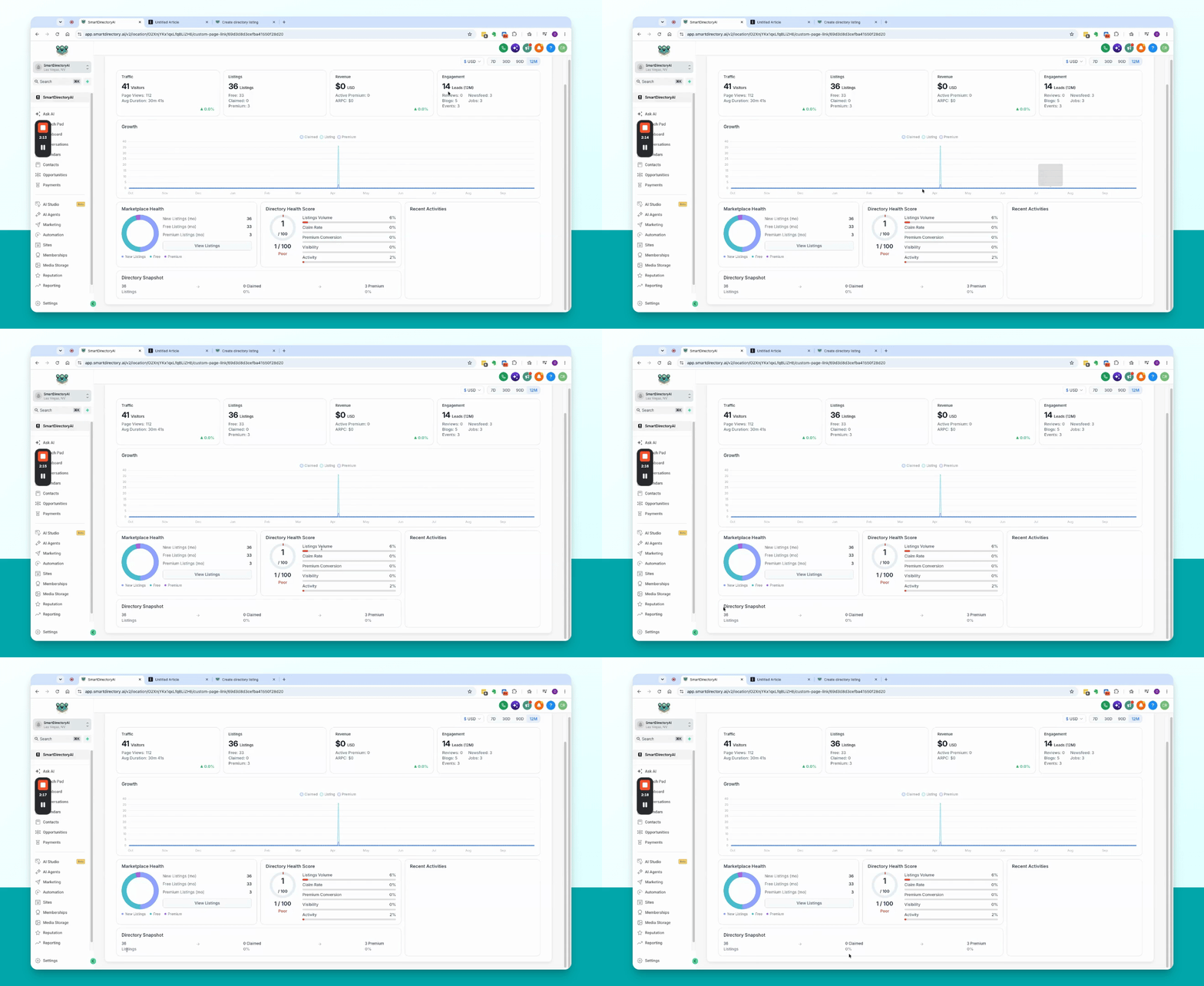
Step 5: View Directory Snapshot
The directory snapshot quickly displays the percentage of listings that are claimed and premium.
Step 6: Monitor Recent Activities
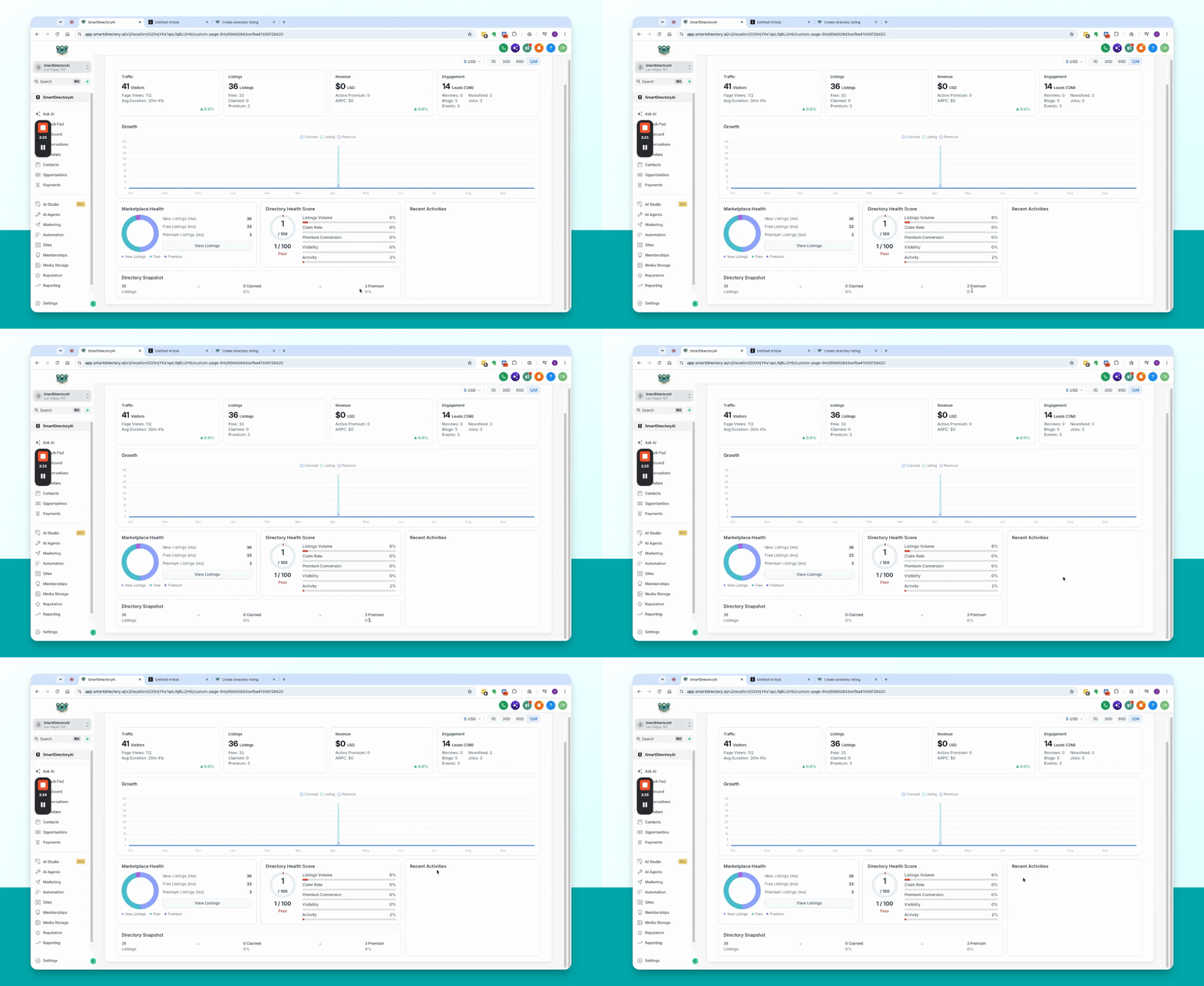
Check the recent activities section for updates such as claim requests and new submissions. This helps you stay informed about ongoing actions on your site.
This concludes the overview of the Smart Directory AI dashboard screen.