This guide explains how to create a coupon for your paid premium upgrade packages in Smart Directory AI. Let's look at the steps:
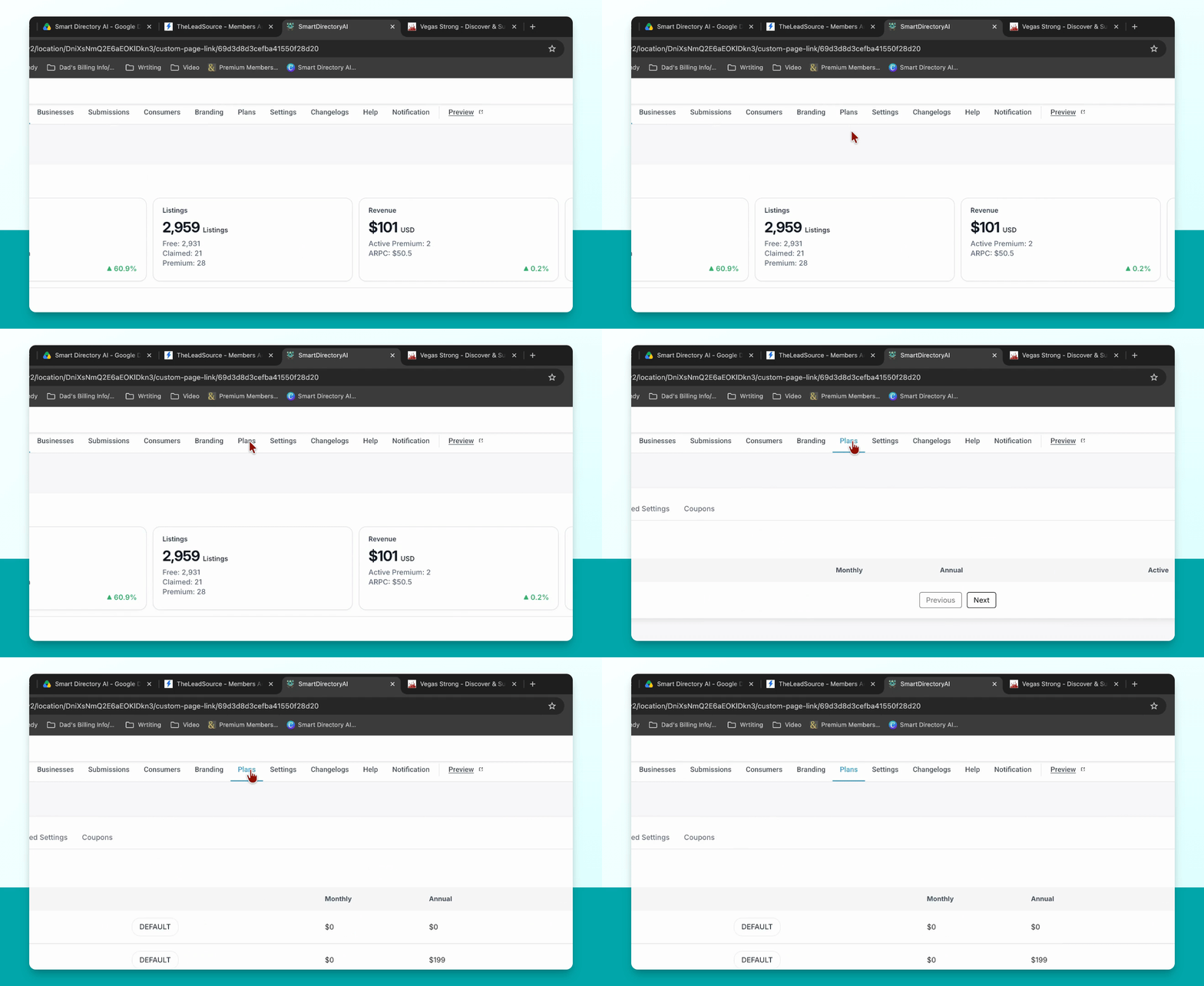
Step 1: Go to Plans Section
In your Smart Directory AI dashboard, navigate to the plans section.
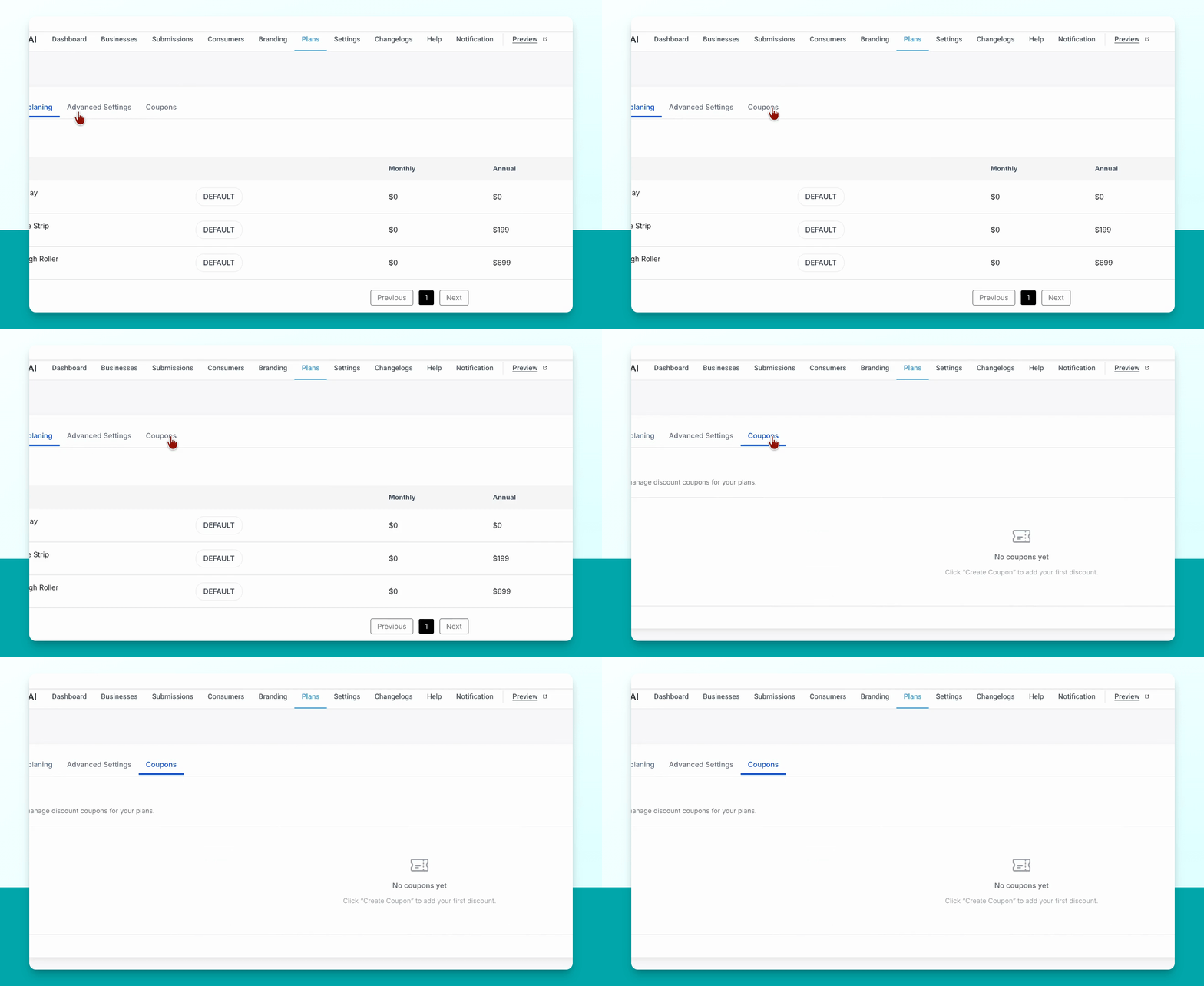
Step 2: Open Coupons Submenu
In the submenu, select coupons.
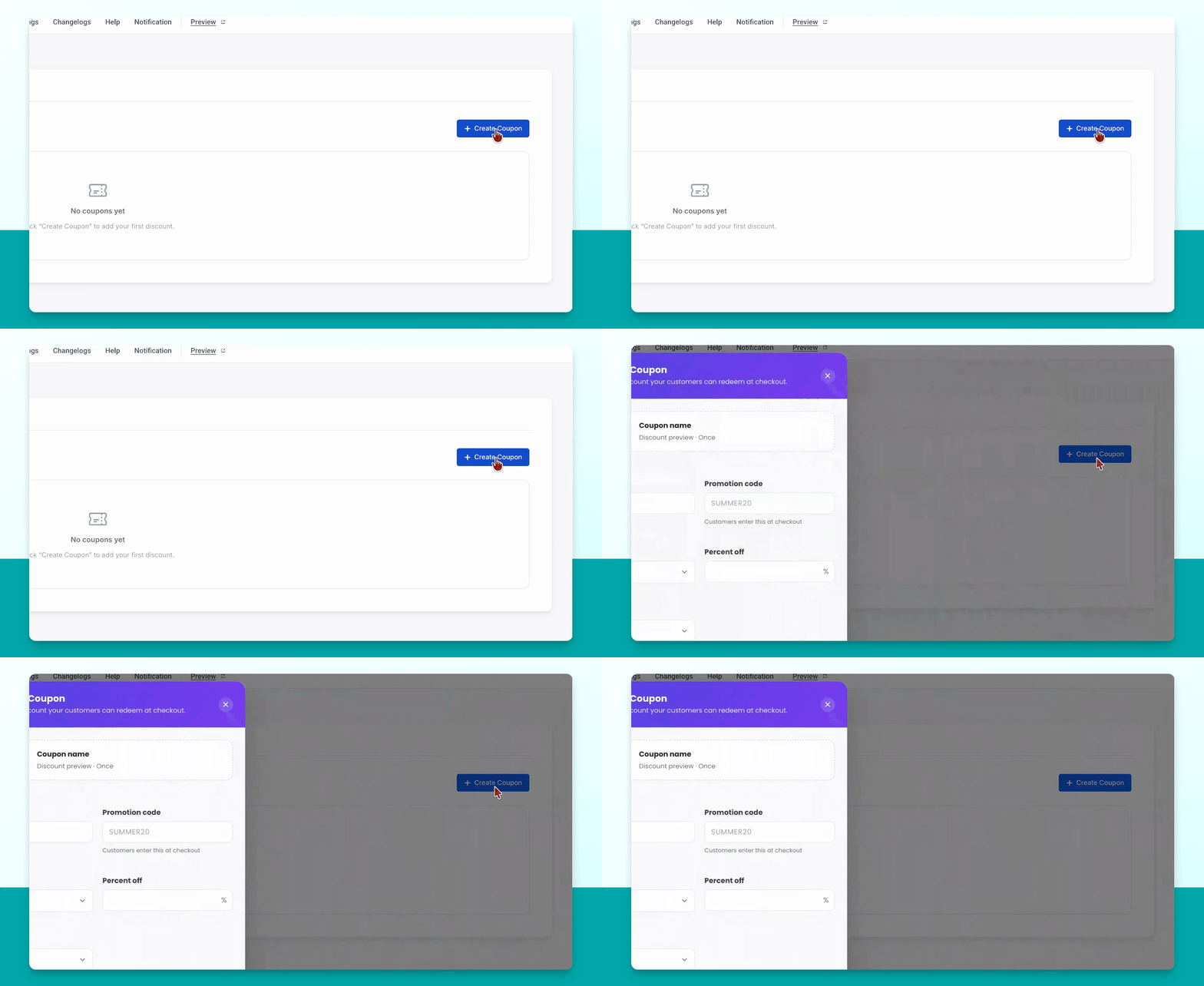
Step 3: Click Create Coupon
Click the blue Create coupon button.
Step 4: Preview Your Coupon
You will see a preview of your coupon at the top of the page.
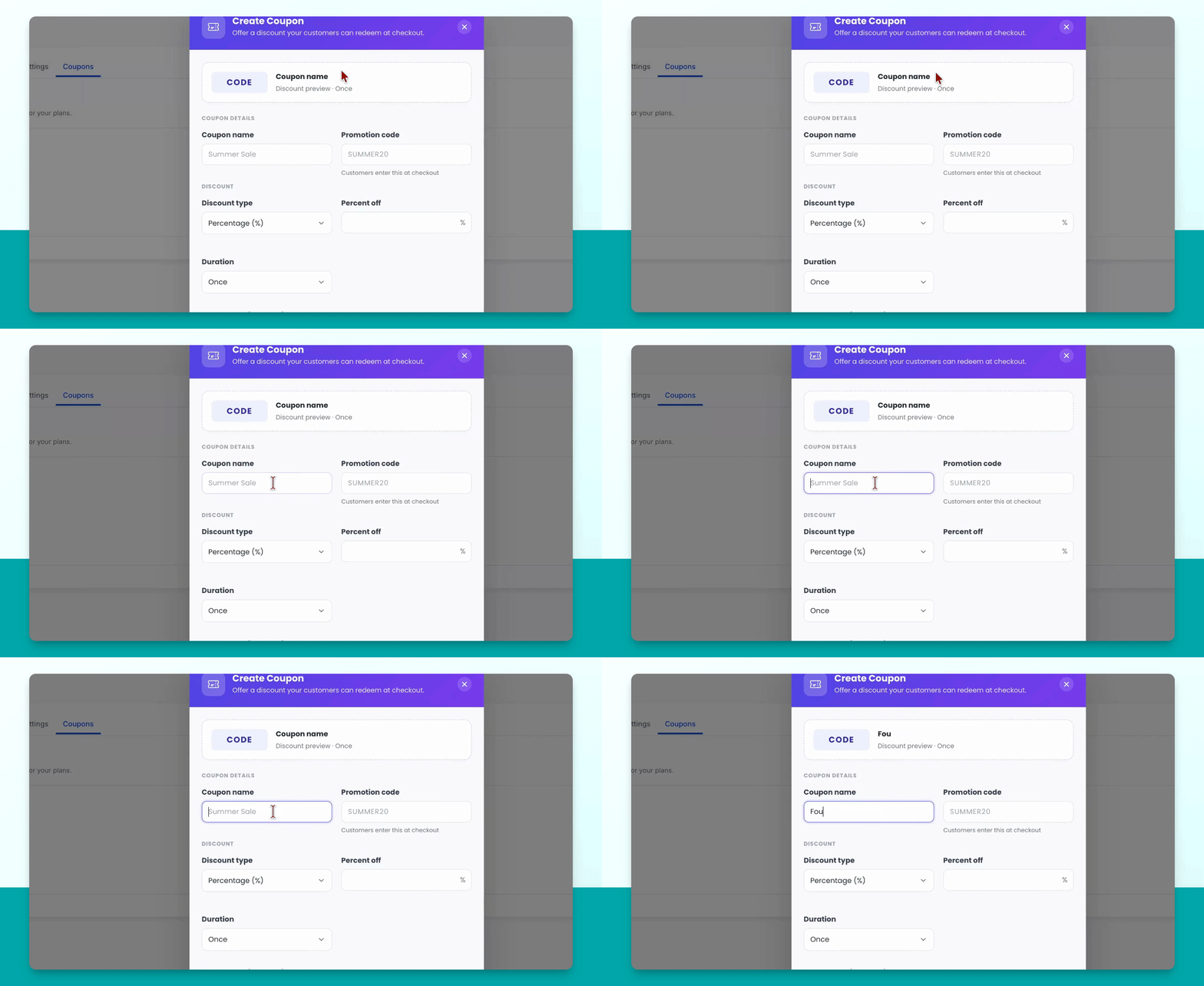
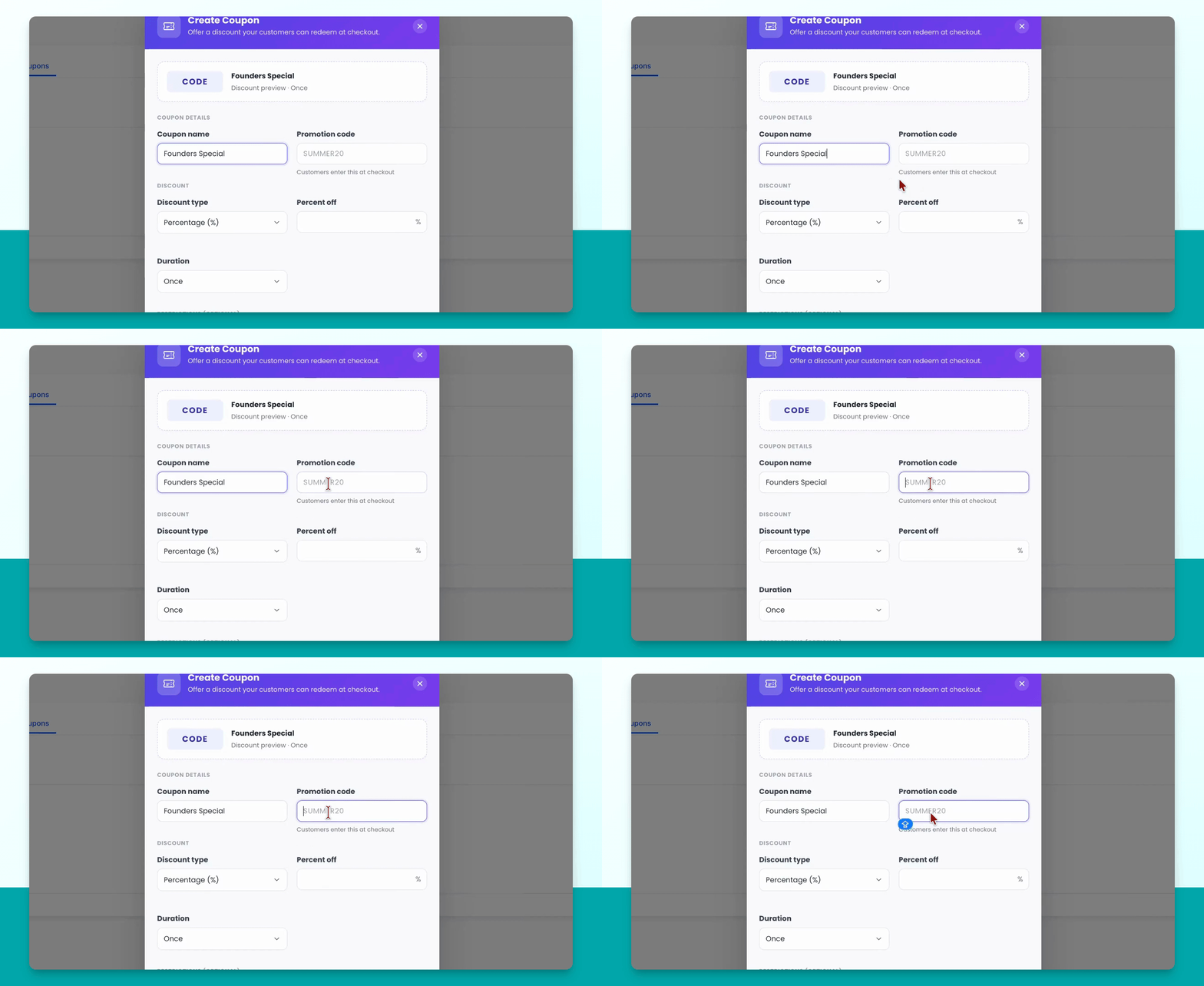
Step 5: Enter Coupon Details
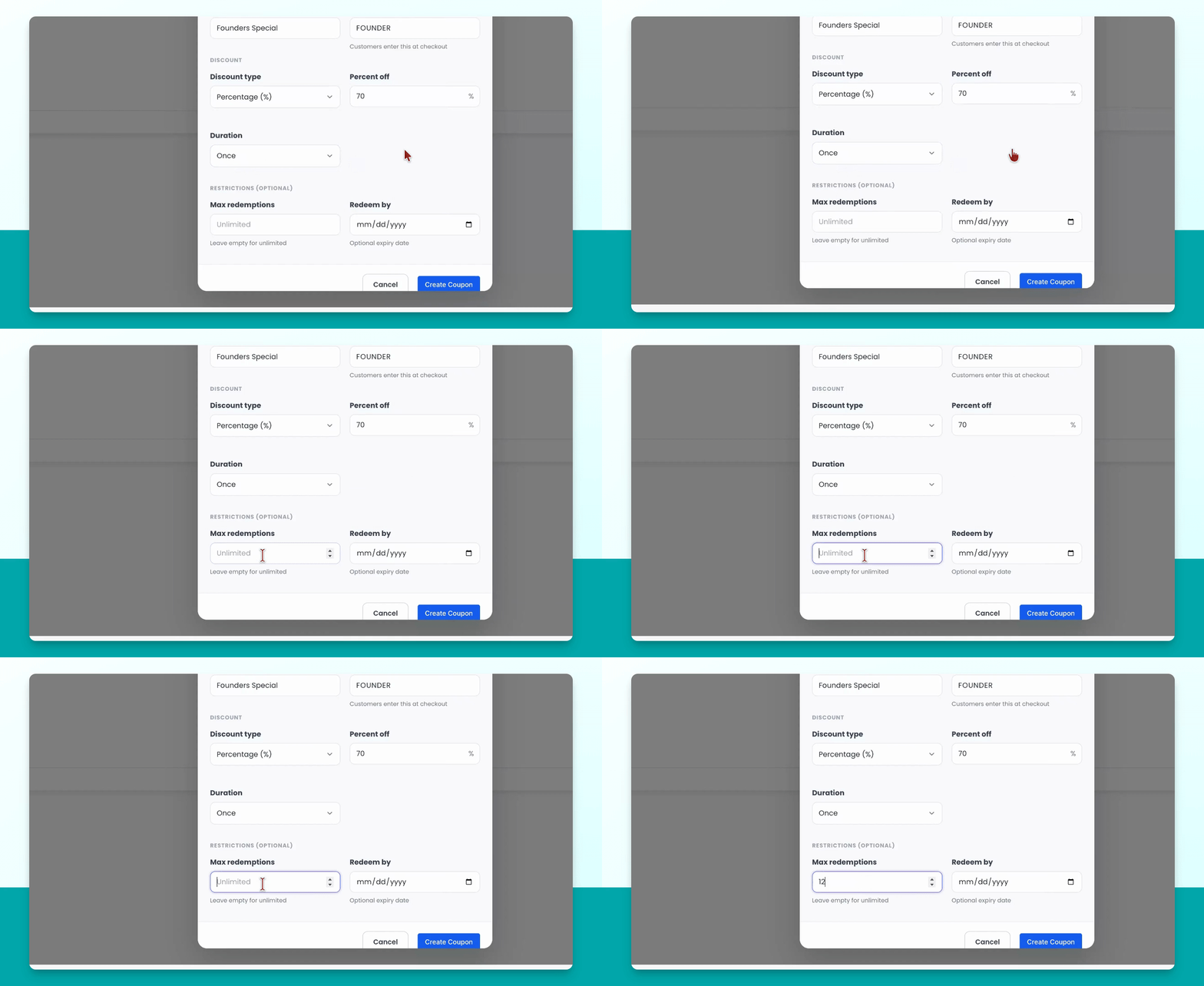
Enter your coupon name and the code users will enter to redeem the coupon.
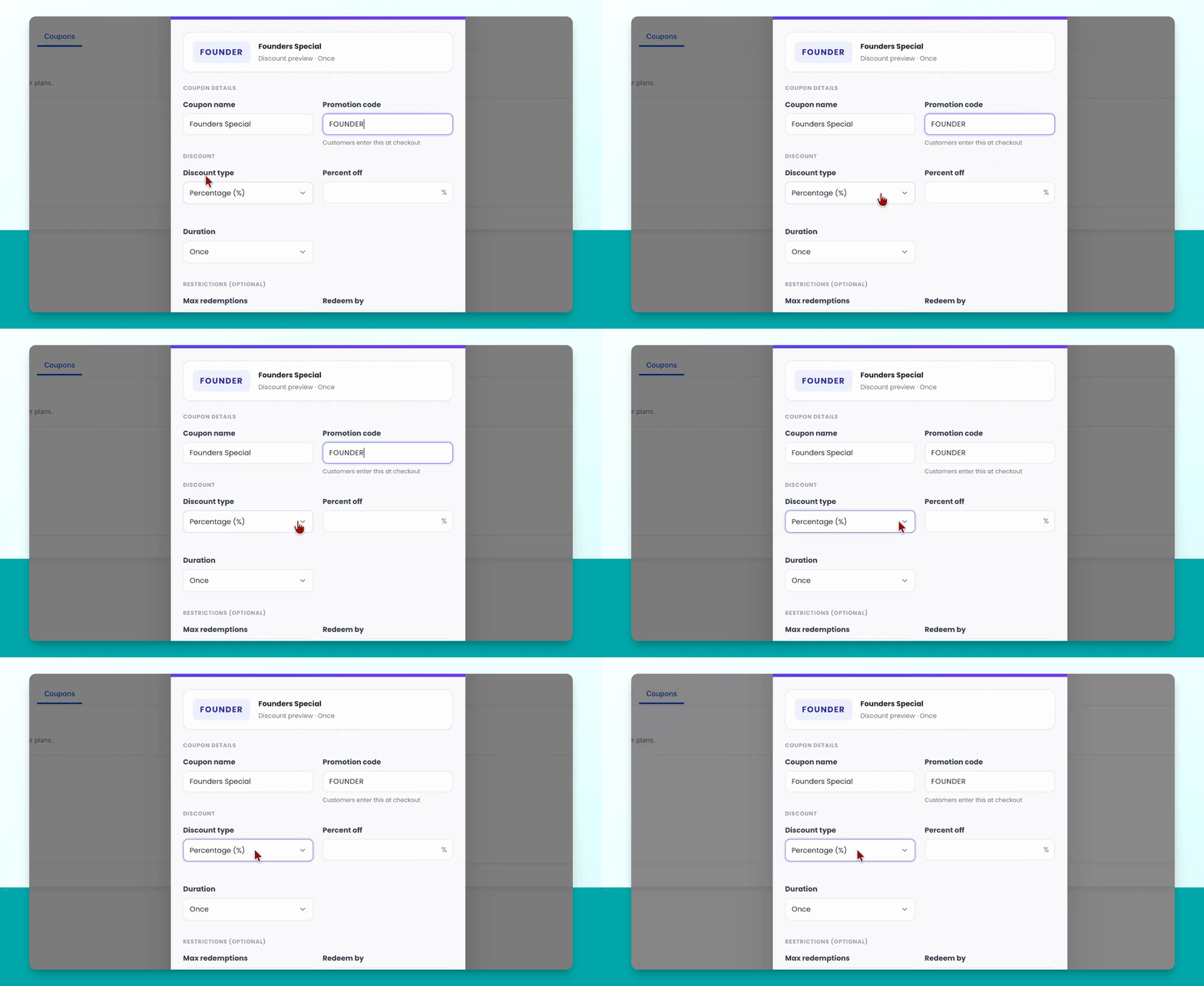
Step 6: Select Discount Type
Choose the discount type: either percentage or fixed amount.
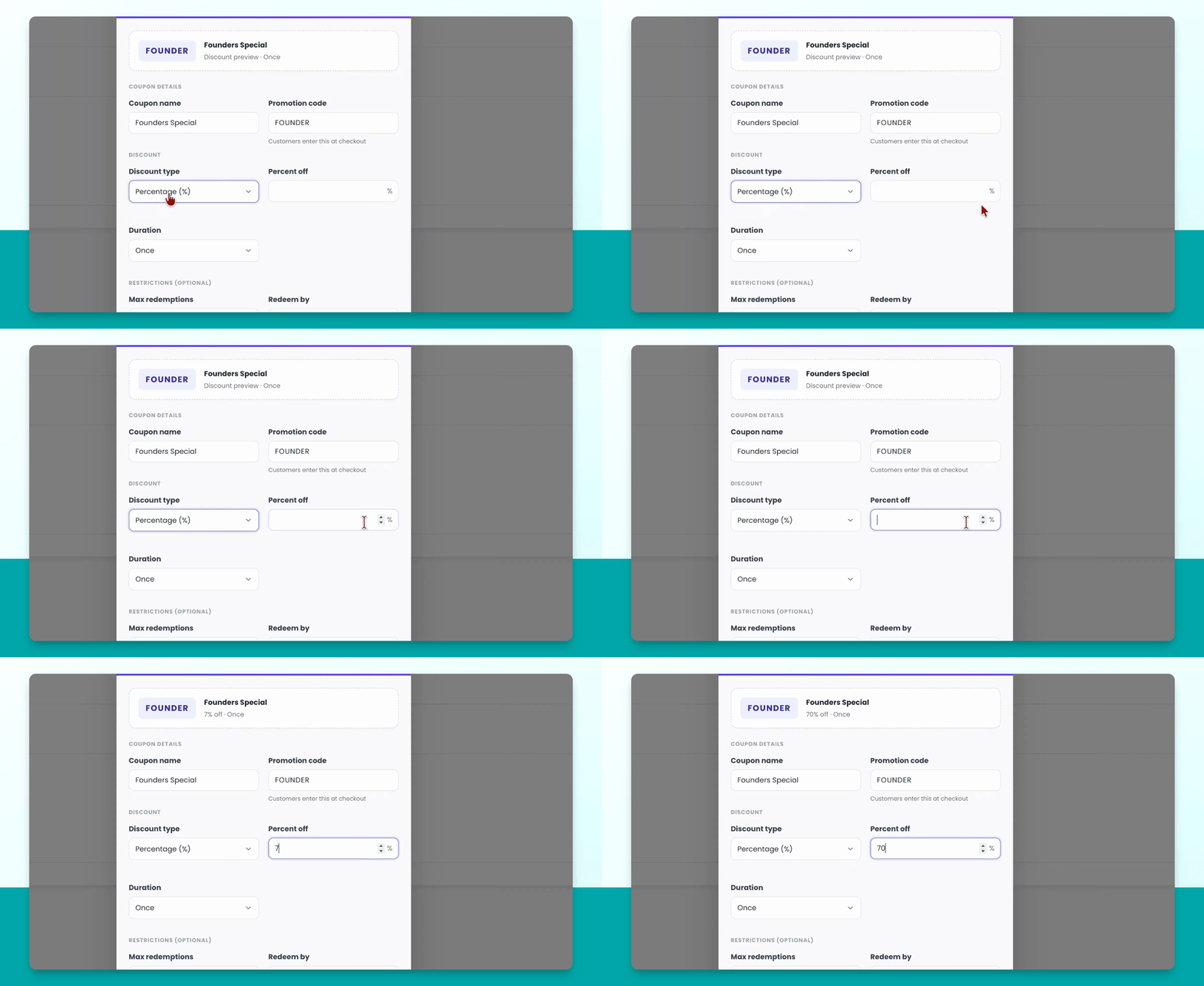
Step 7: Set Discount Value
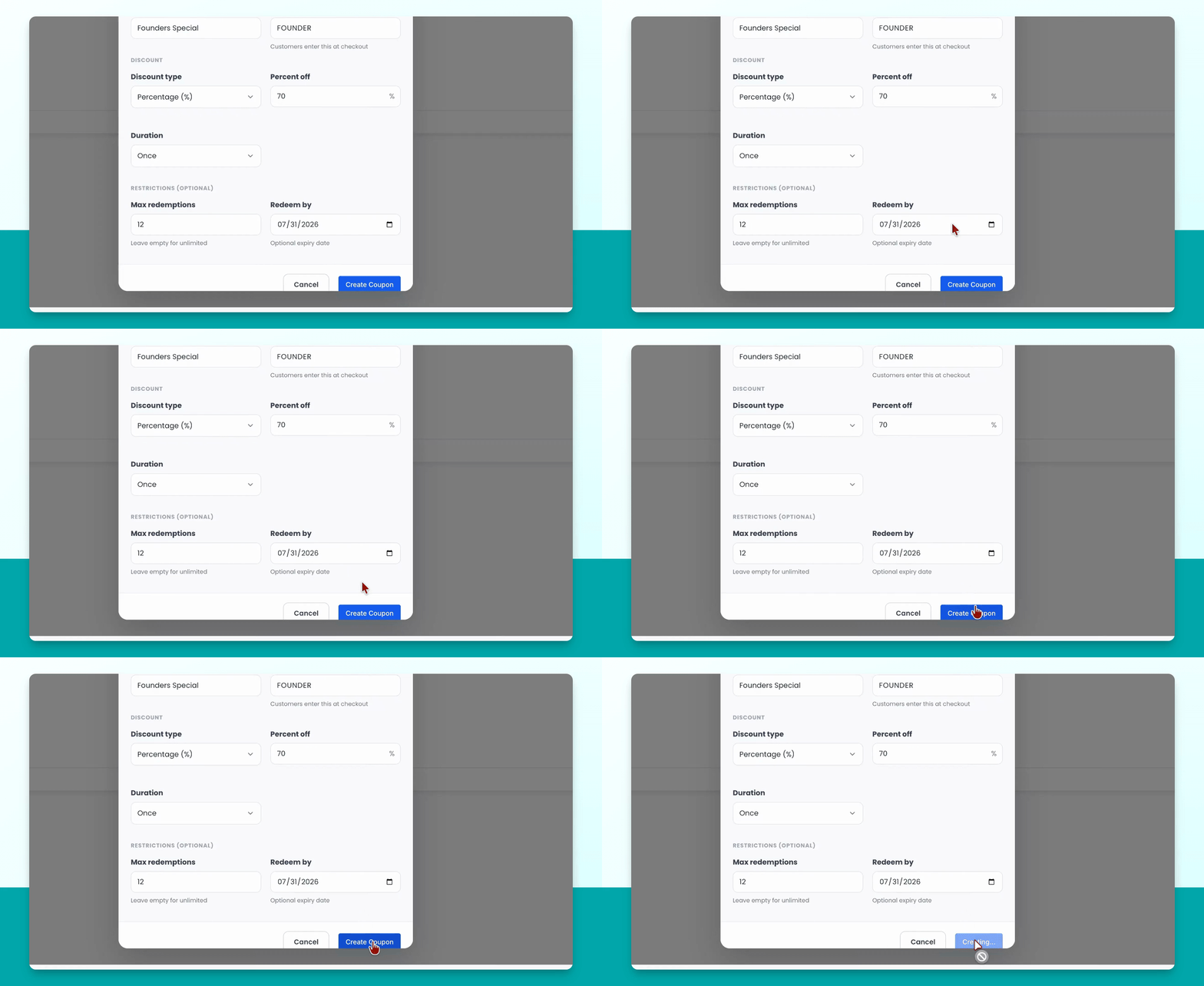
Enter the discount value you want to offer, such as 70%.
Step 8: Configure Usage and Redemption Limits
Set how many times the coupon can be used (e.g., once per user), the total number of redemptions (e.g., 12), and the duration (once, repeating, or forever).
Step 9: Set Redemption and Expiry Options
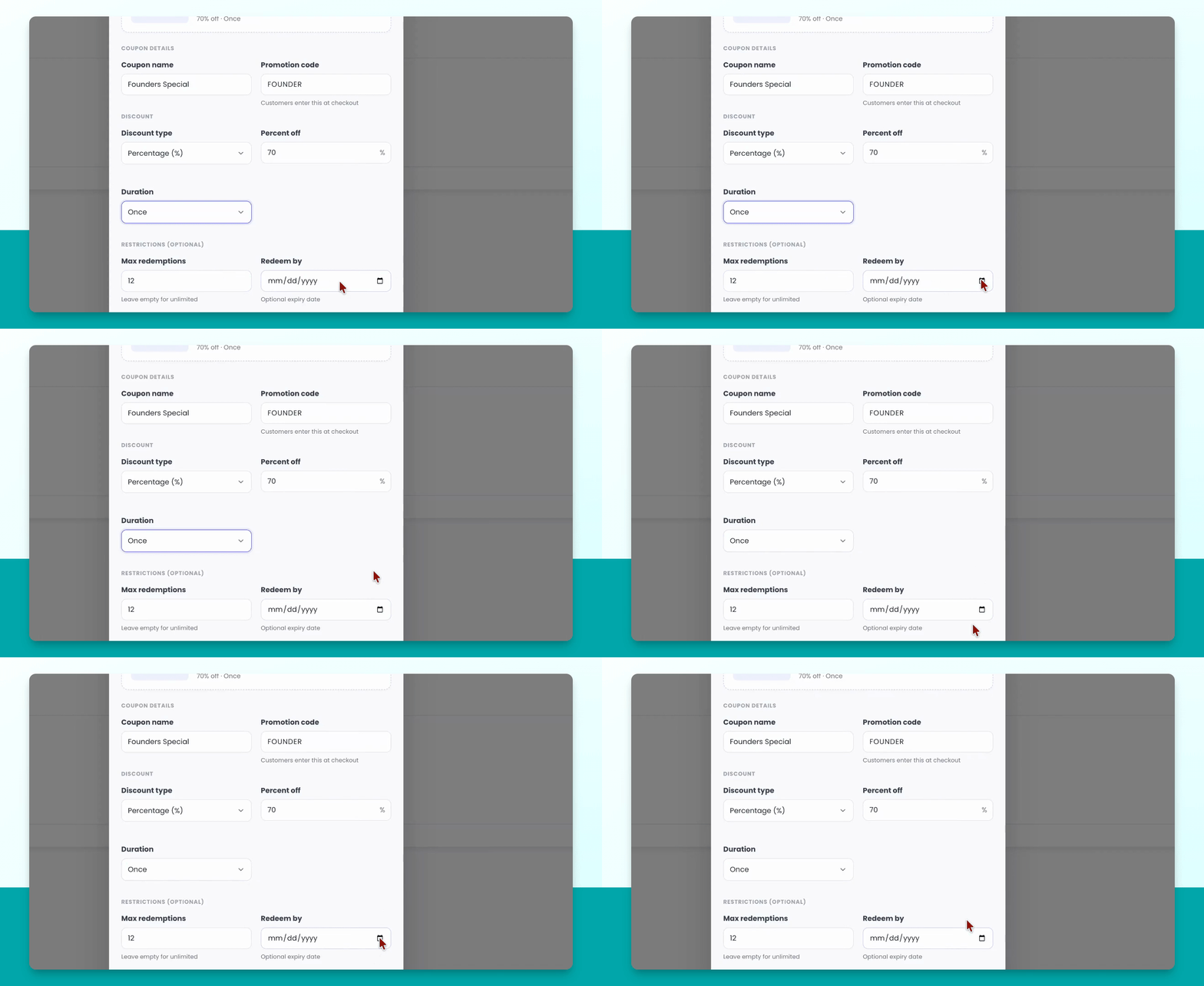
Specify the total number of redemptions allowed and optionally set an end date for the coupon.
Step 10: Finalize and Review Coupon
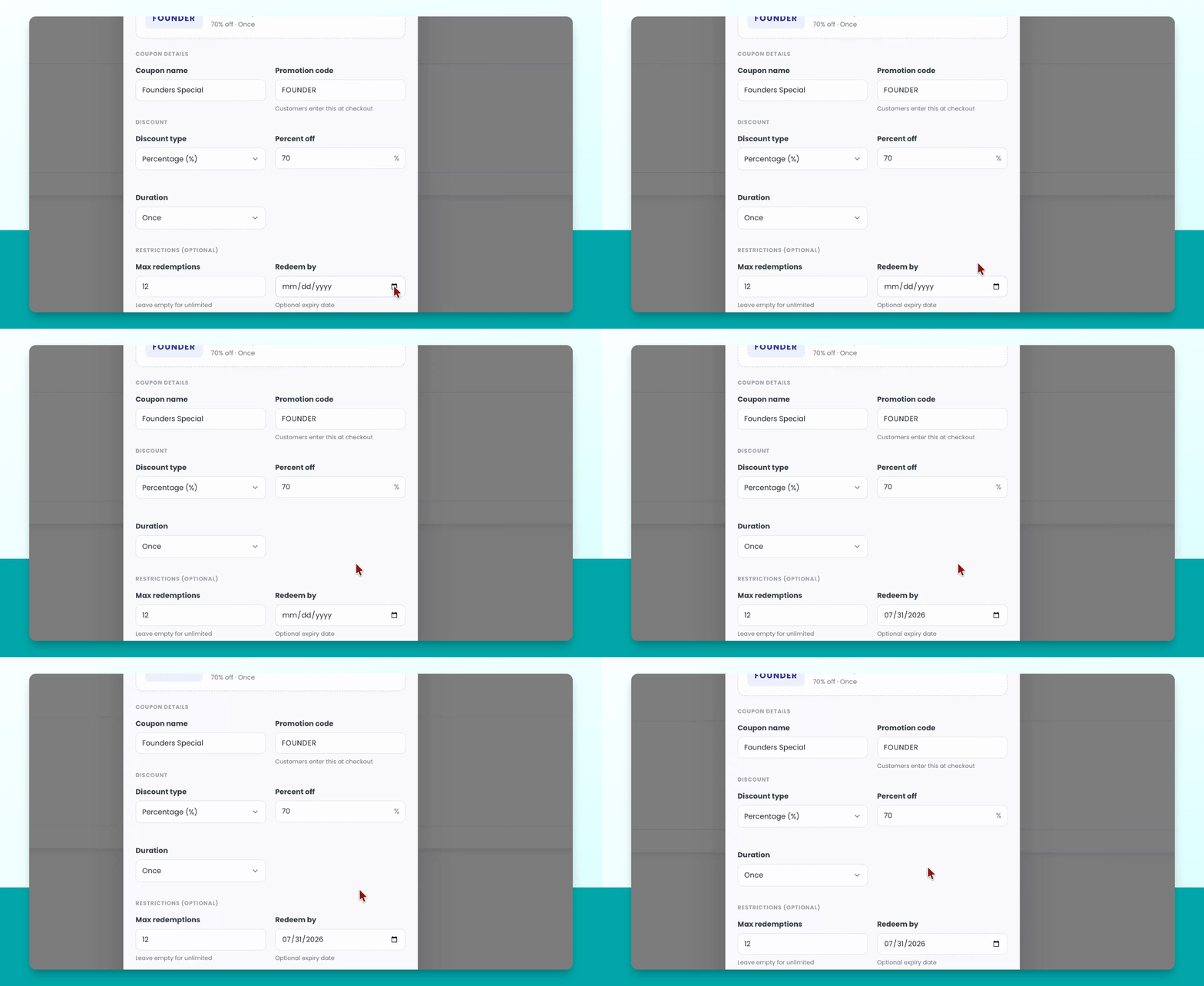
Set the end date (e.g., July 31st). Once finished, you will see your coupon preview at the top.
Step 11: Create the Coupon
Click Create coupon to save and activate your coupon.