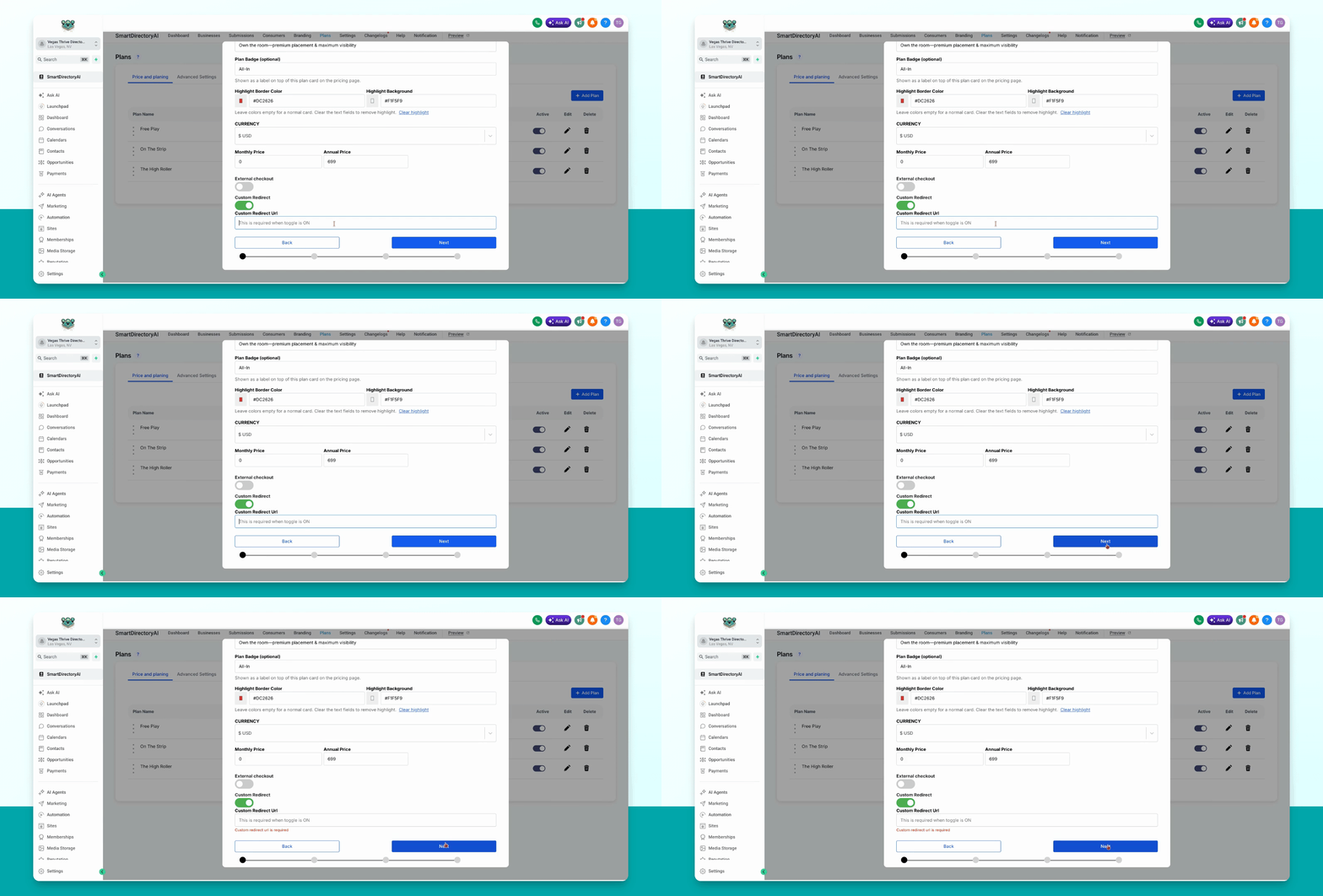
This guide explains how to set up a custom redirect for users who purchase a paid plan in your Smart Directory AI Dashboard. Let's look at the steps:
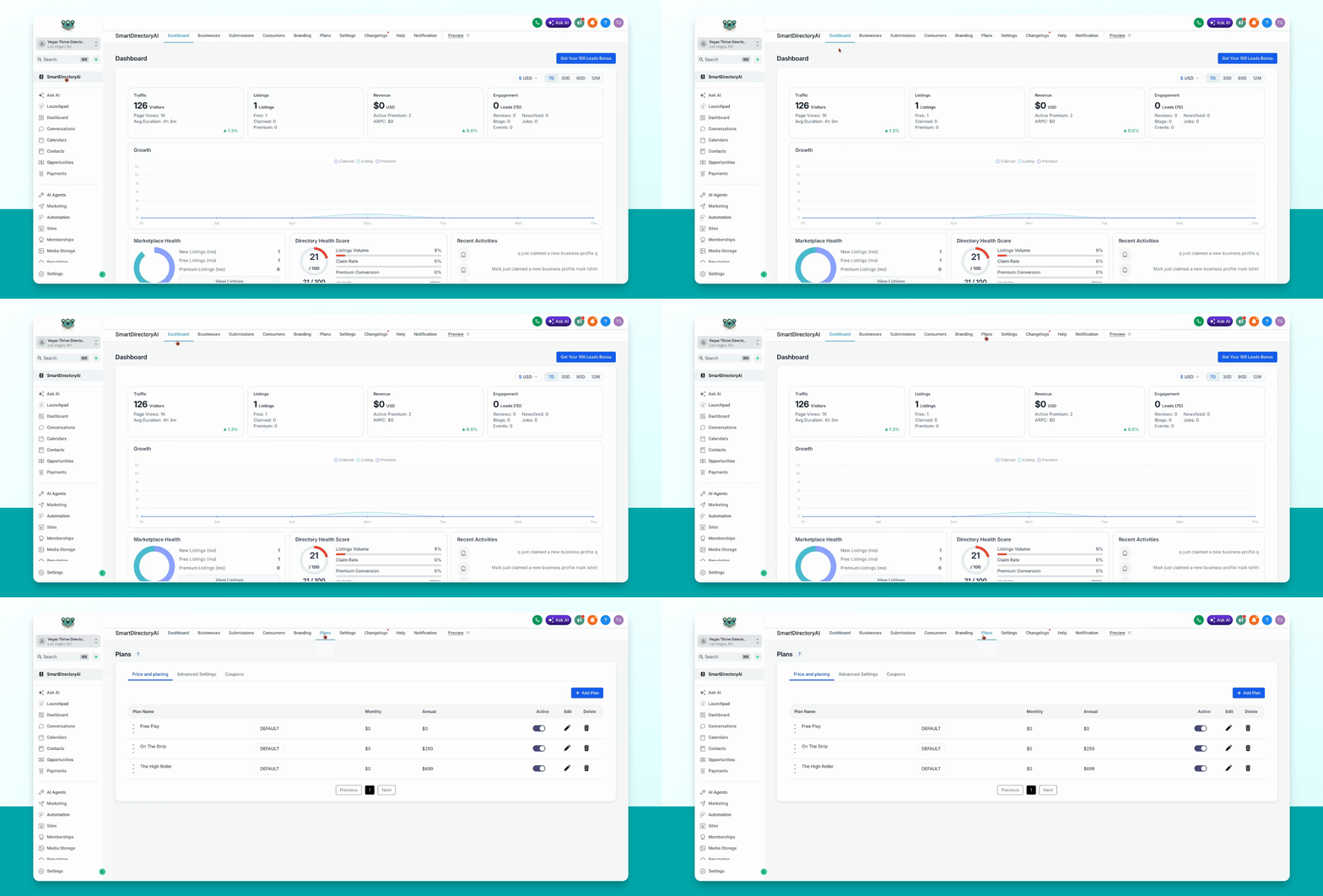
Step 1: Open Plans Section
Click on Plans in your dashboard menu.
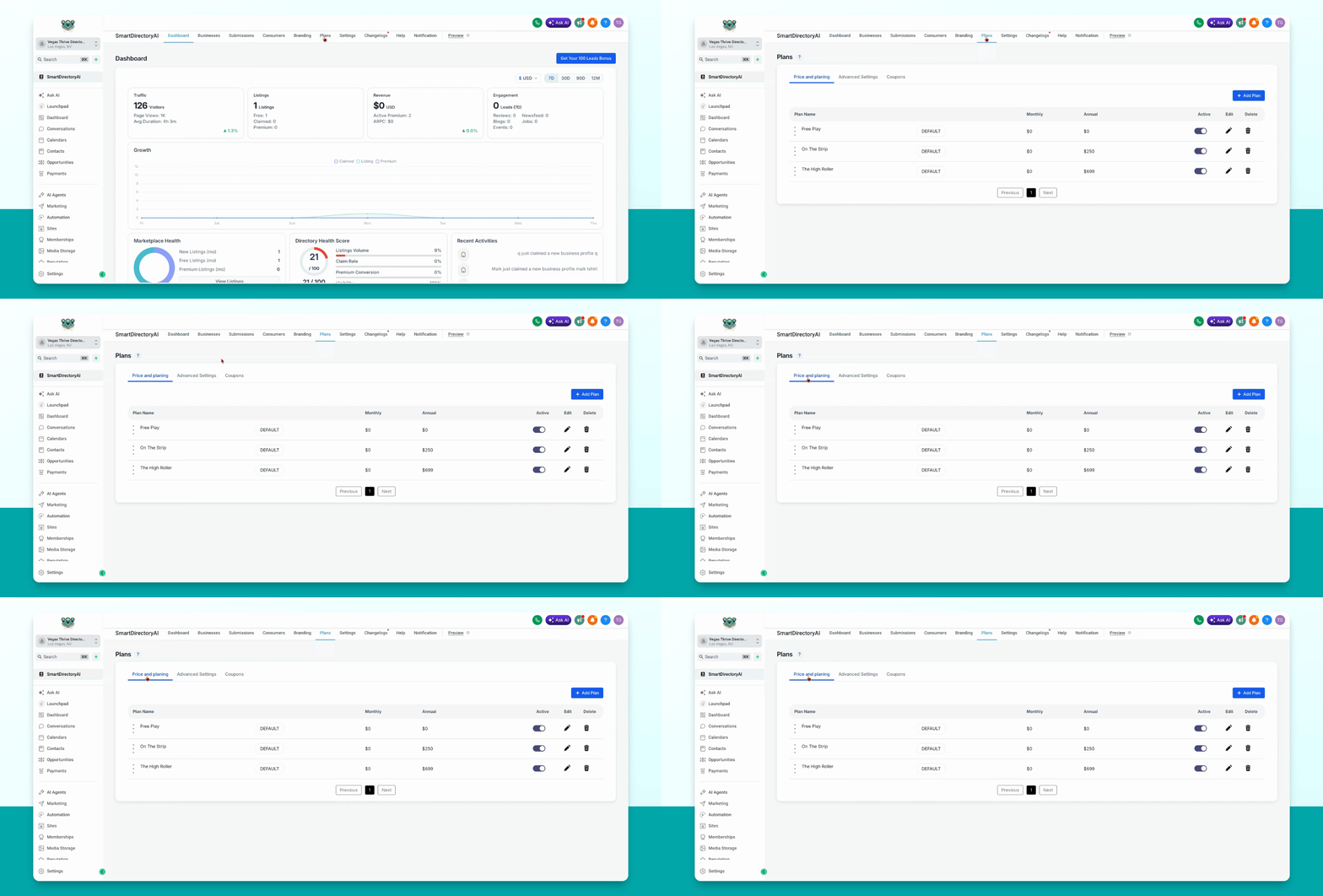
Step 2: Go to Price and Planning
Click on Price and Planning to view your available plans.
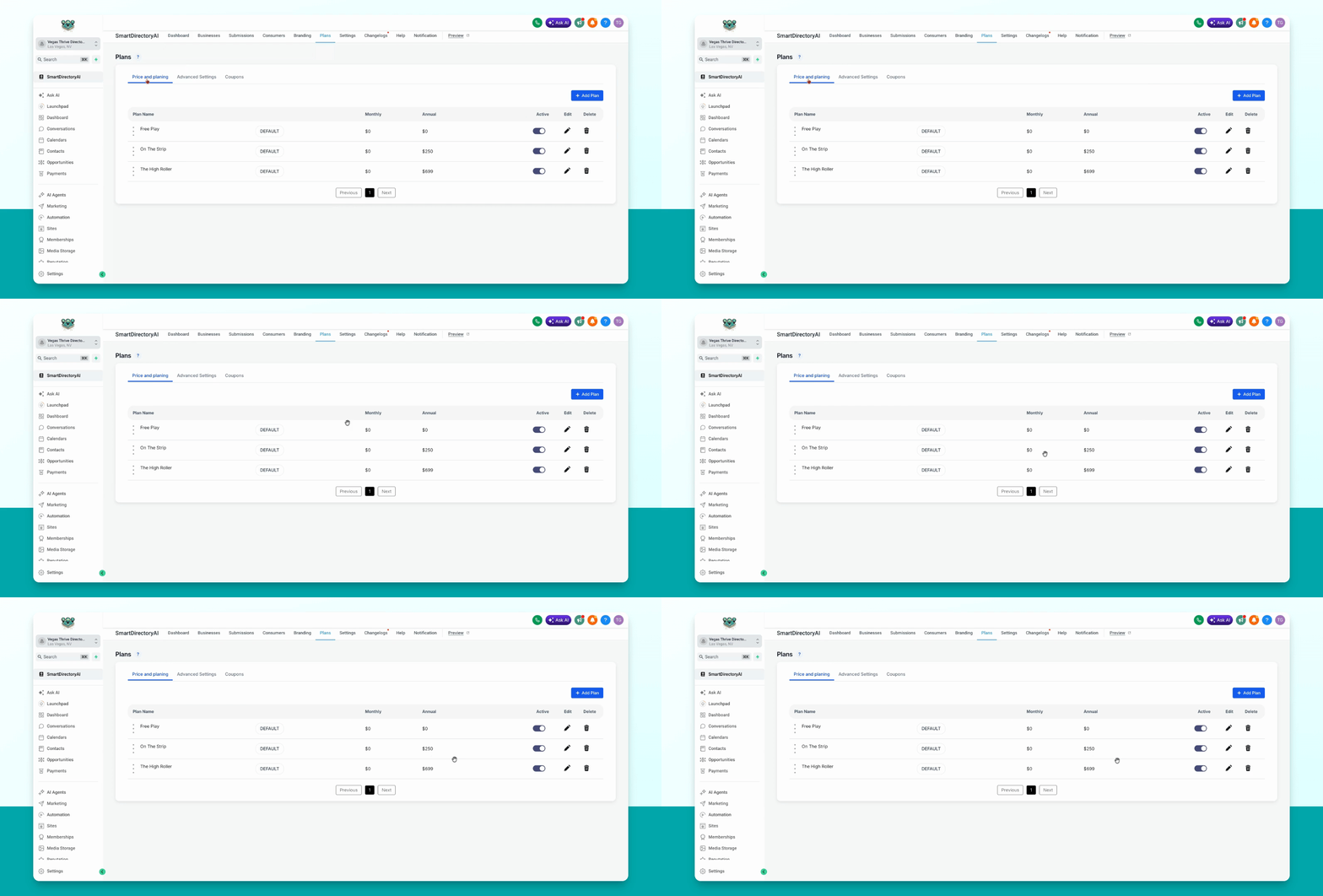
Step 3: Edit the Paid Plan
Select the paid plan you want to set a redirect for by clicking the pencil icon under Edit.
Step 4: Enable Custom Redirect
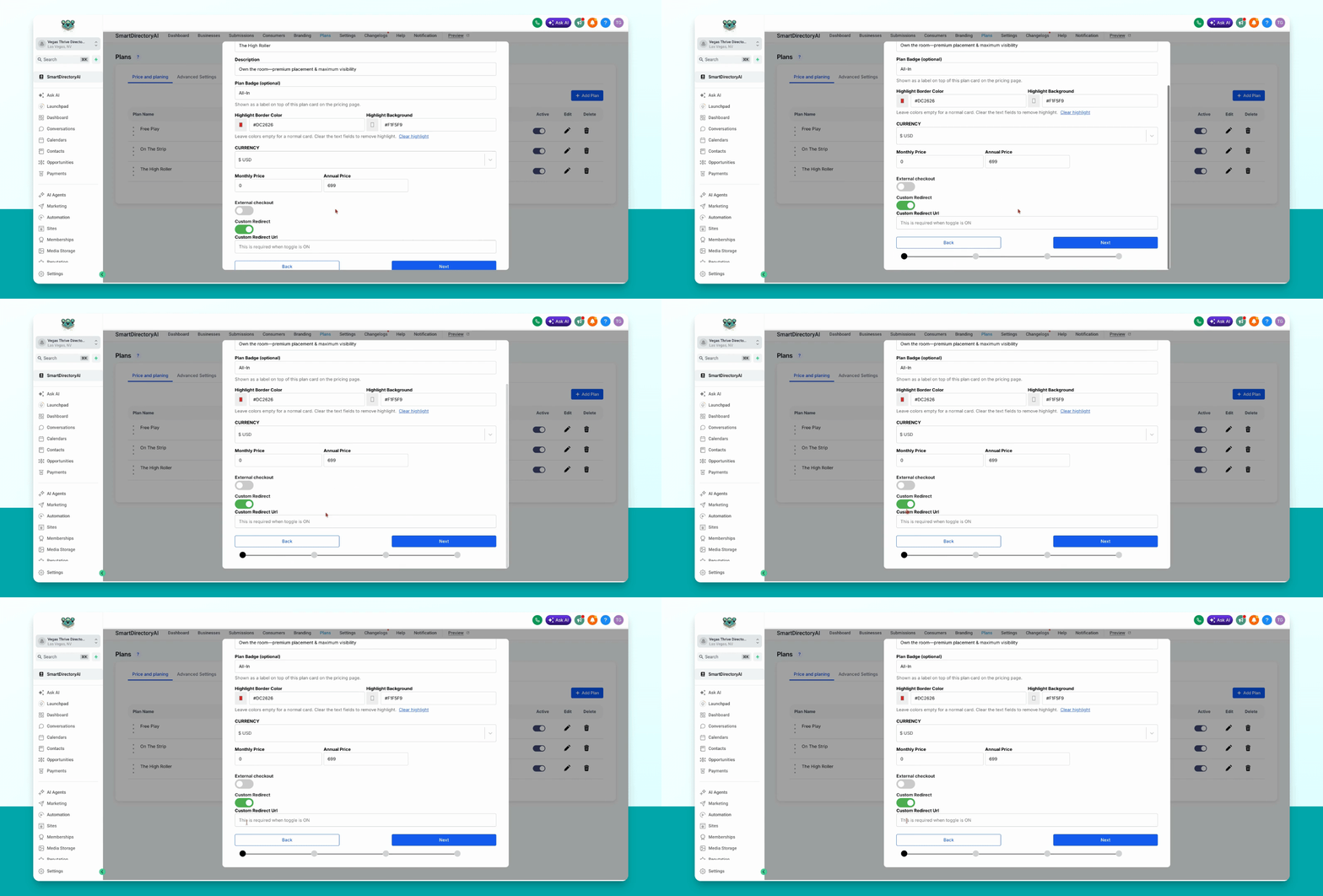
Scroll down and toggle on the custom redirect option.
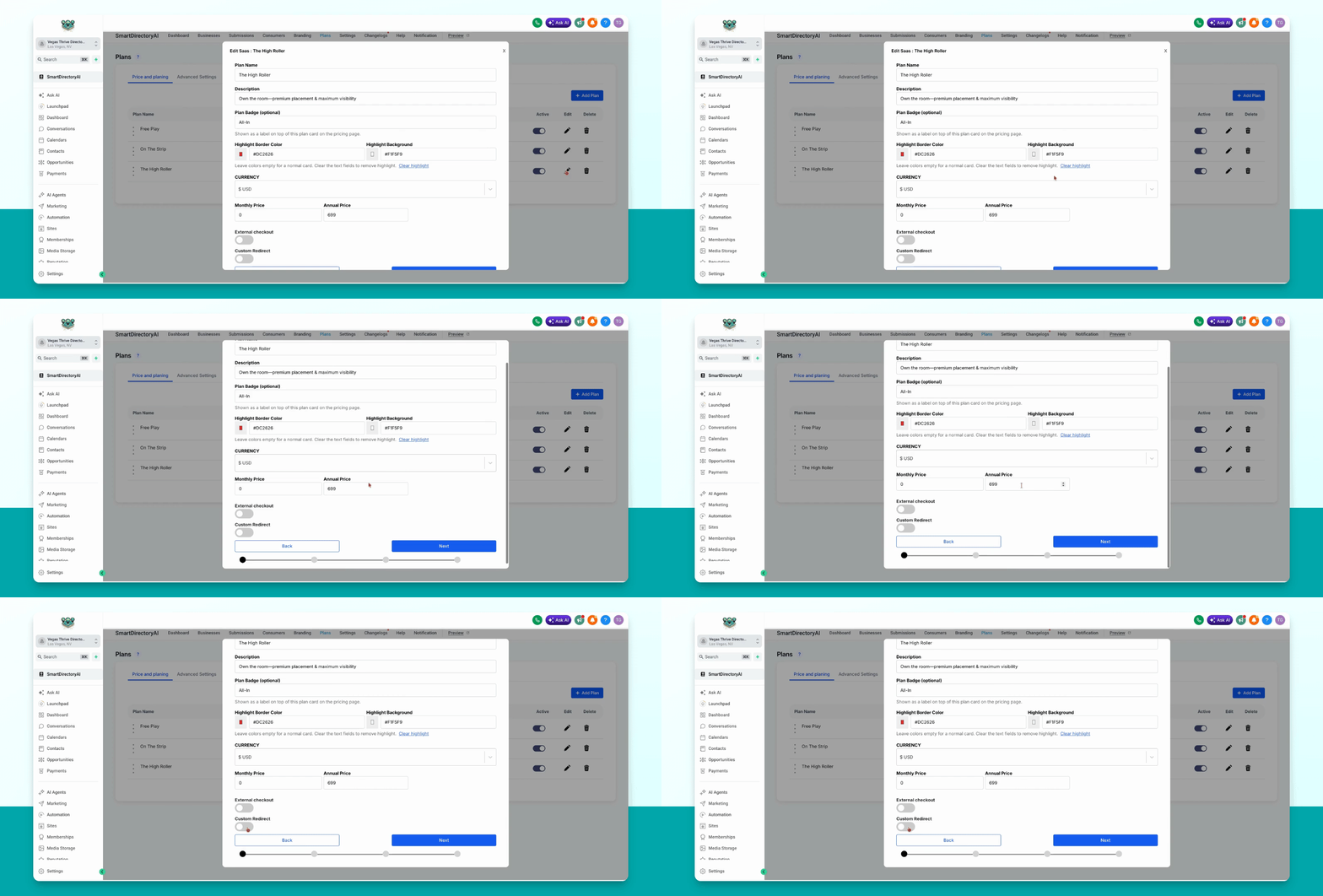
This feature only works if you have Stripe integrated with your Smart Directory AI site.
Custom redirects will not work if you are using a custom external checkout.
Step 5: Enter Redirect URL
After enabling, enter the URL where you want users to be redirected after purchasing this plan.
Step 6: Save and Submit
Click Next, then on the final page, click through and select Submit to save your changes.