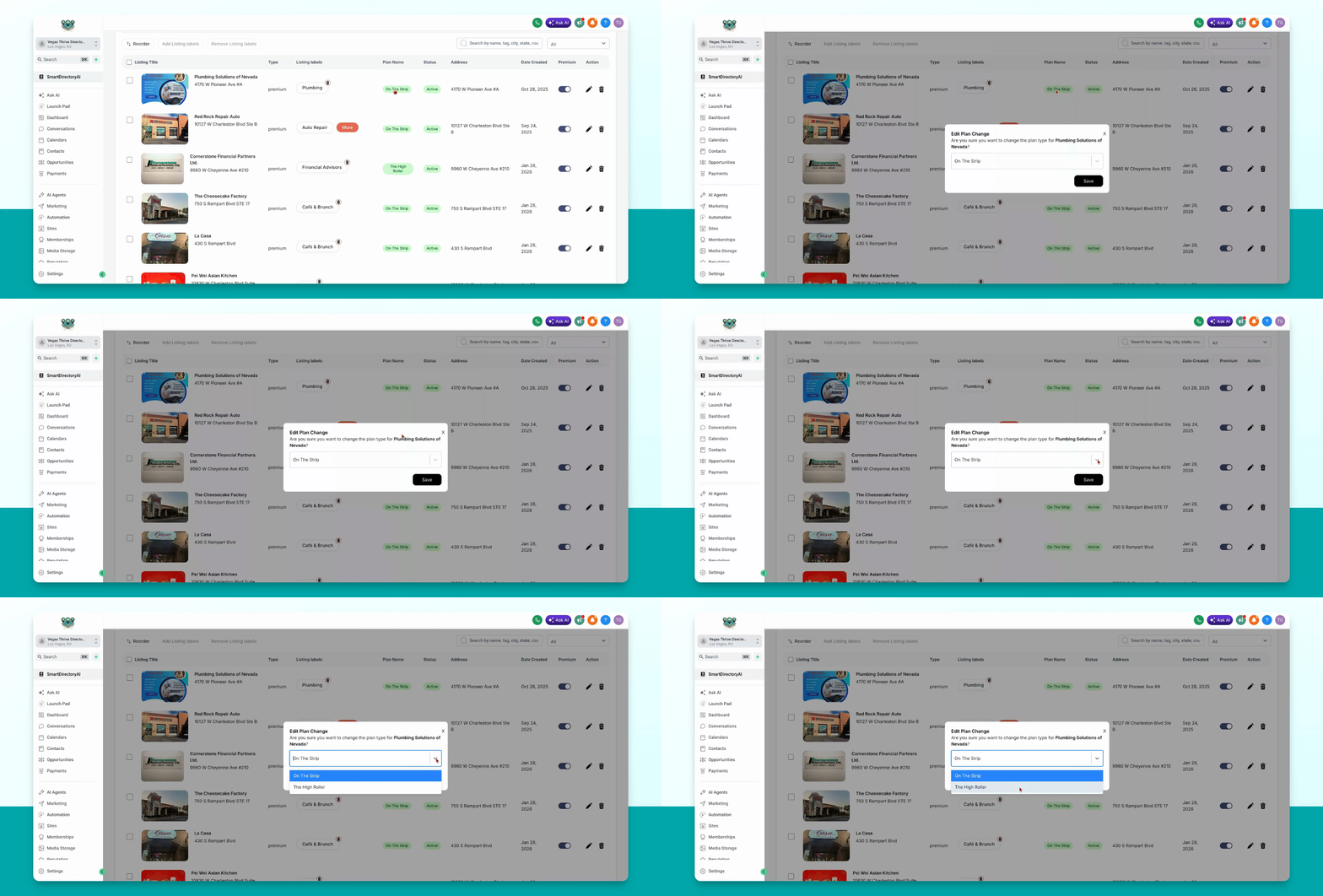
This guide explains how to edit a listing's premium plan and switch it to a different plan in your Smart Directory AI dashboard. Let's look at the steps:
Step 1: Open Premium Accounts
Go to businesses and then select premium accounts from the menu.
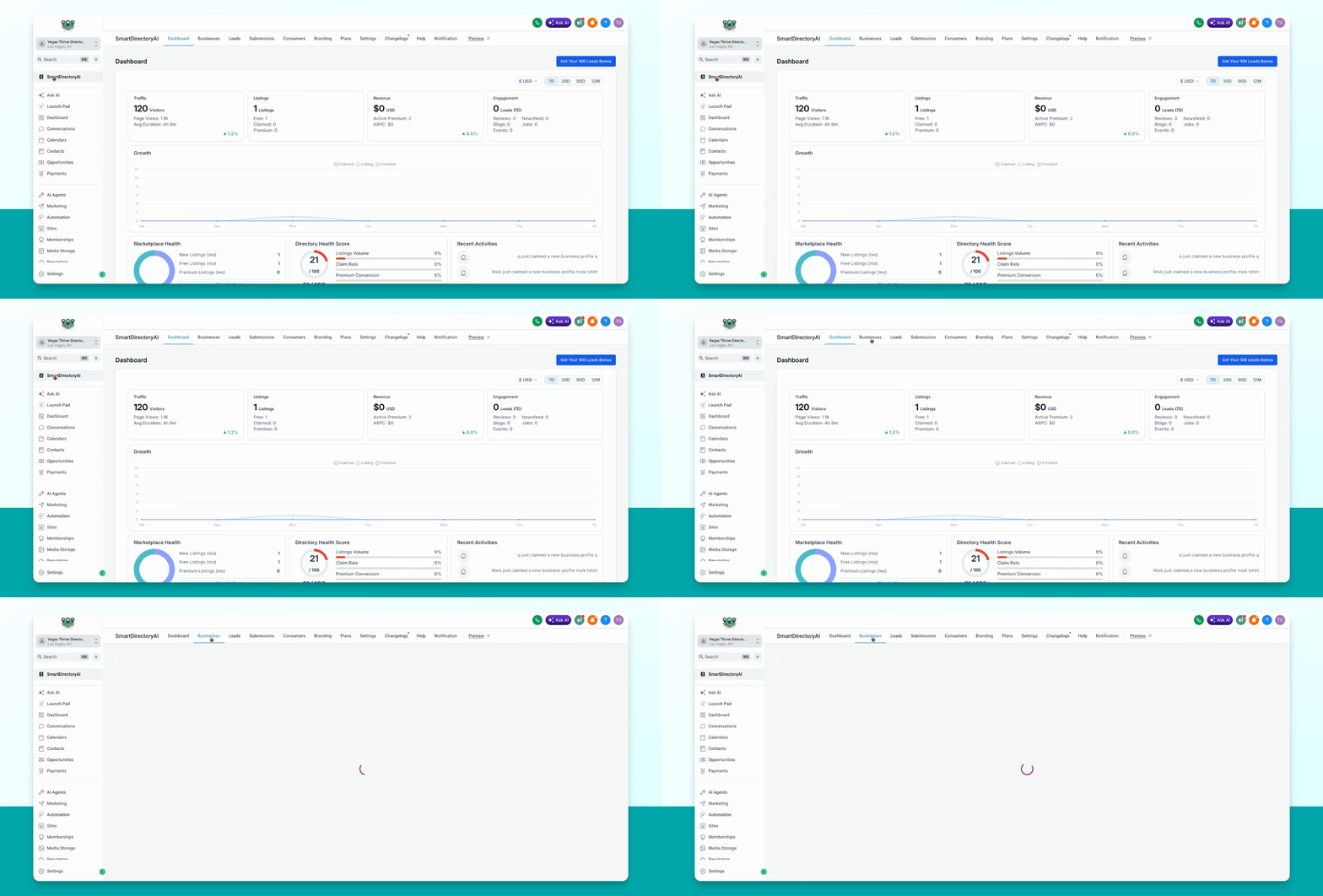
Businesses must already be assigned a paid plan before you can switch their premium plan.
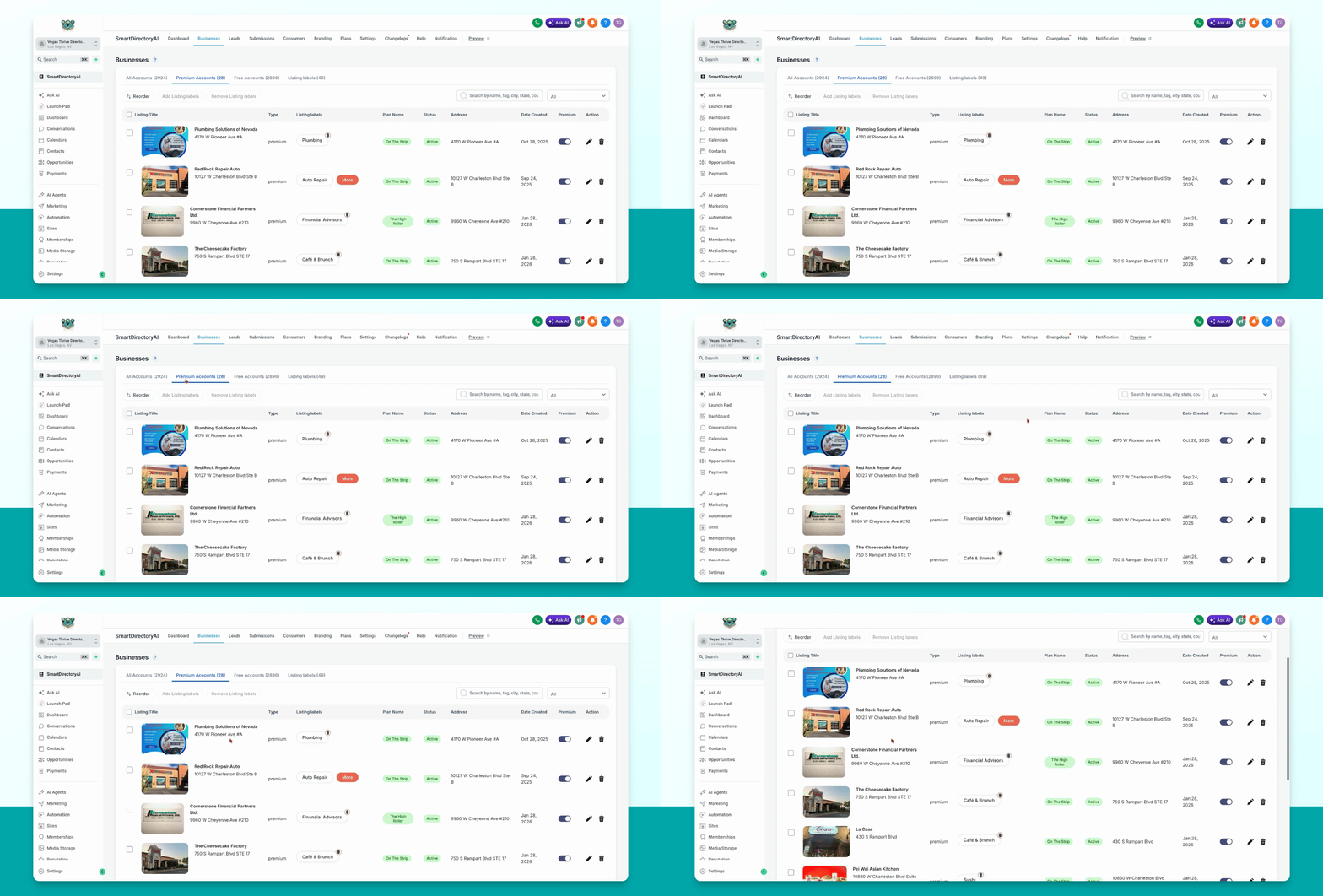
Step 2: Select Business and Edit Plan
Find the business you want to edit and click on the Plan name to begin editing.
Step 3: Choose New Plan and Save
Select the new plan from the options and click Save to apply the changes.