

This guide explains how to change the order of items in a plan using the Smart Directory AI Dashboard. Let's look at the steps:
Step 1: Open Plans Section
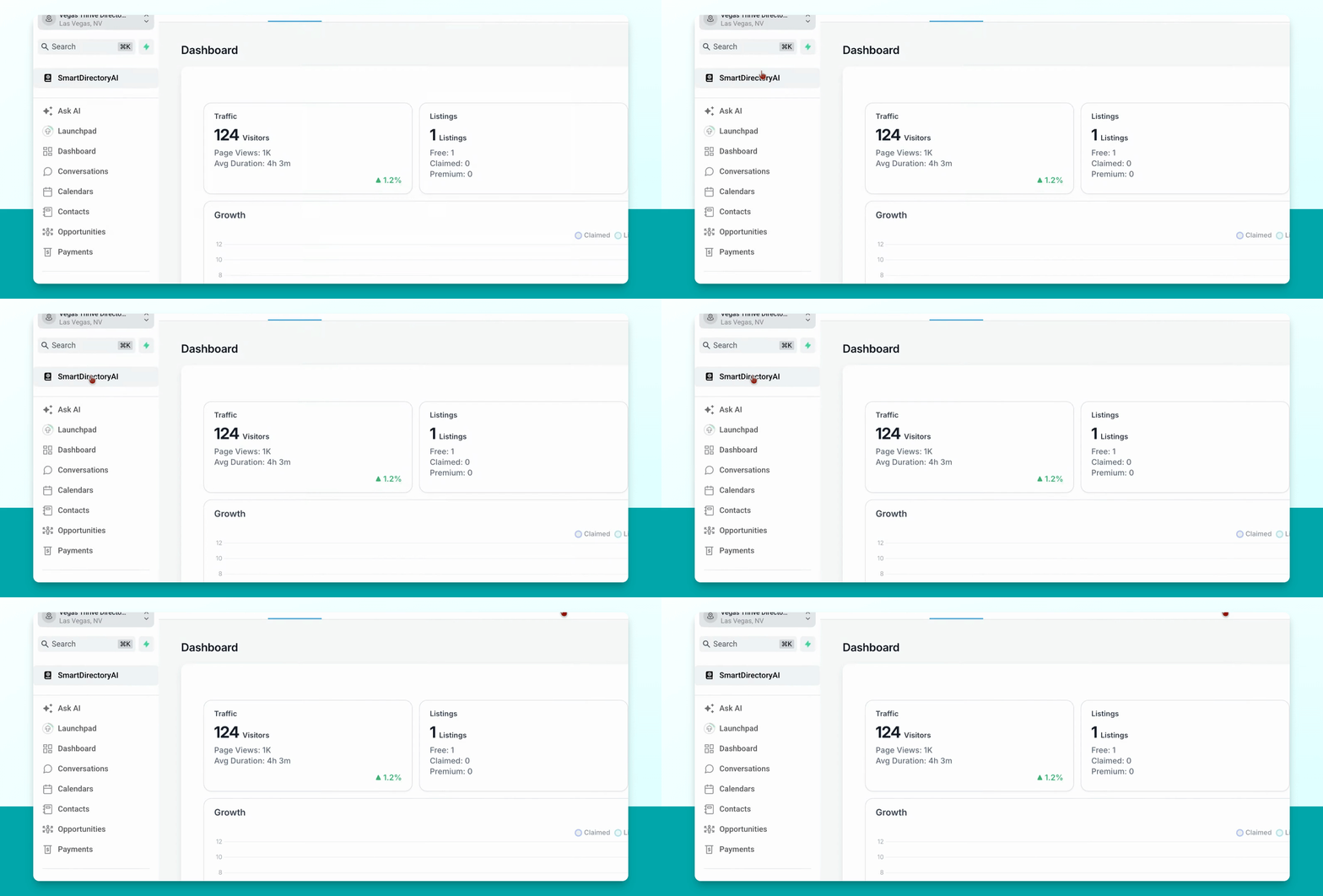
In your Smart Directory AI Dashboard, click on Plans, Price, and Planning.
Step 2: Select Plan to Edit
Click the little pencil under Edit for the plan you want to rearrange.
Step 3: Rearrange Items
Go to the items in your plan. Use the little arrows on the left side to move items up or down as needed.
Step 4: Save Changes
After rearranging, scroll through and click Submit to save your changes.