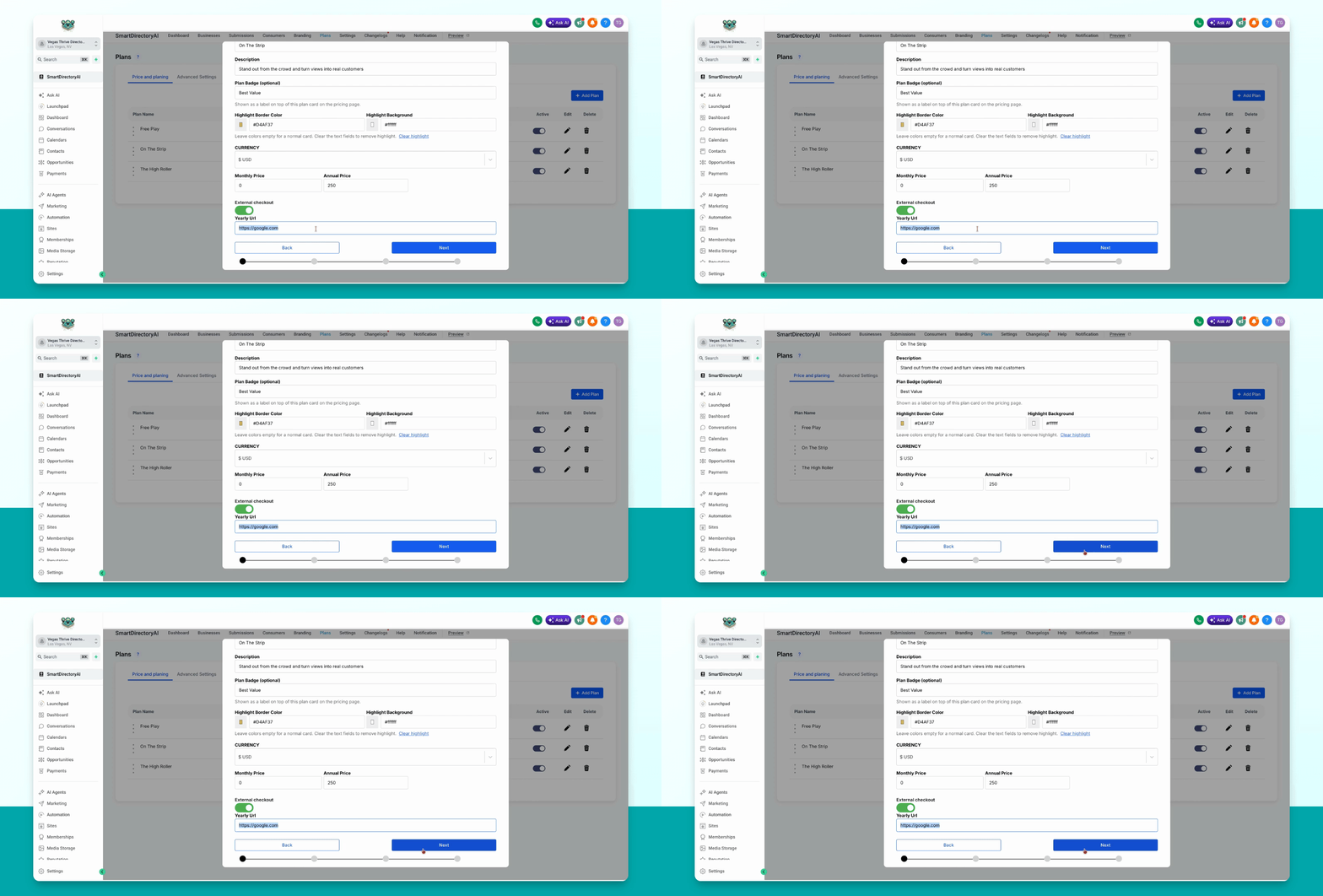
This guide shows how to set a custom payment link for a specific plan in your Smart Directory AI Dashboard. Let's look at the steps:
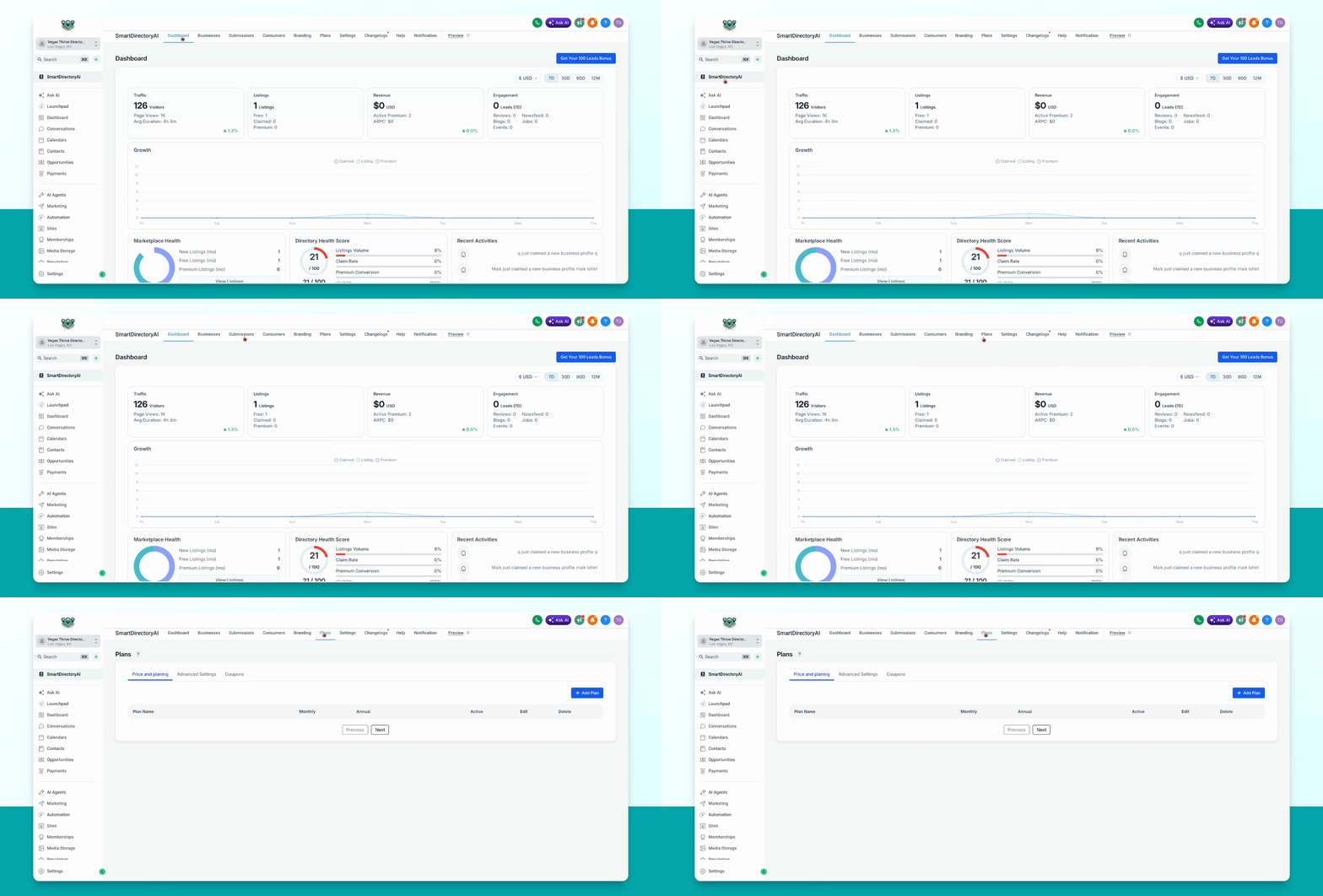
Step 1: Open Plans and Pricing
Go to Plans, Price, and Planning in your dashboard.
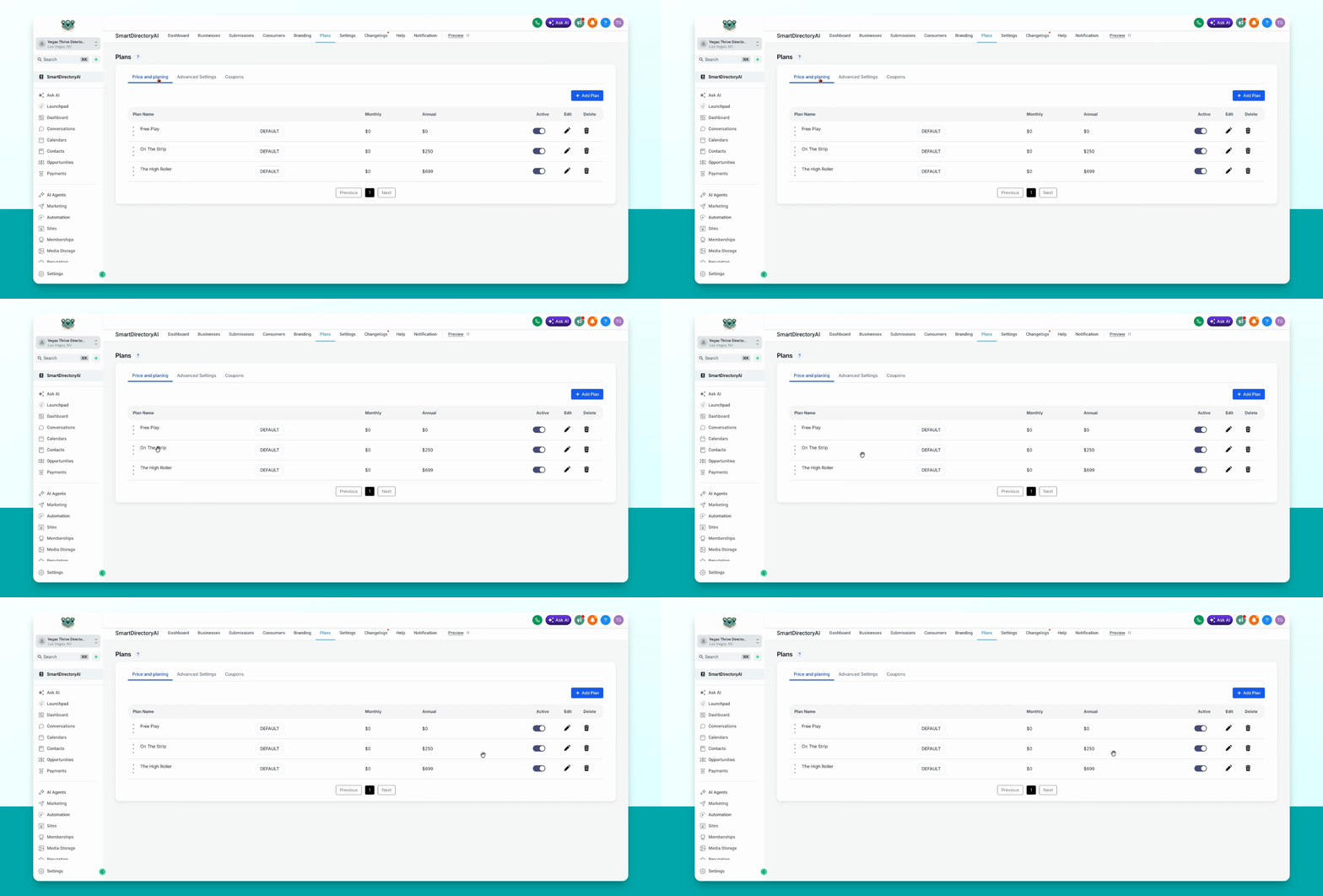
Step 2: Edit the Desired Plan
Select the plan you want to update and click the pencil icon under Edit.
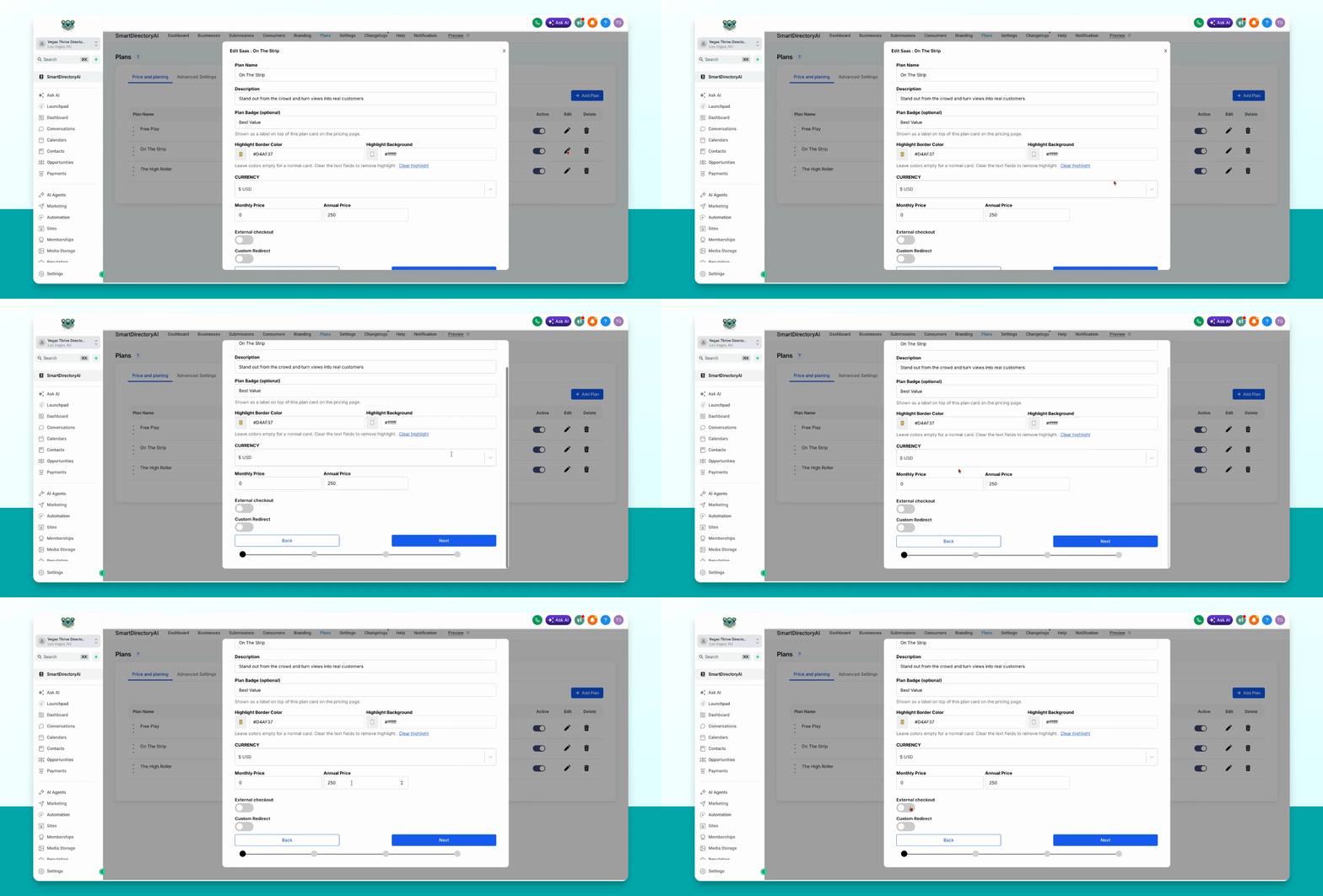
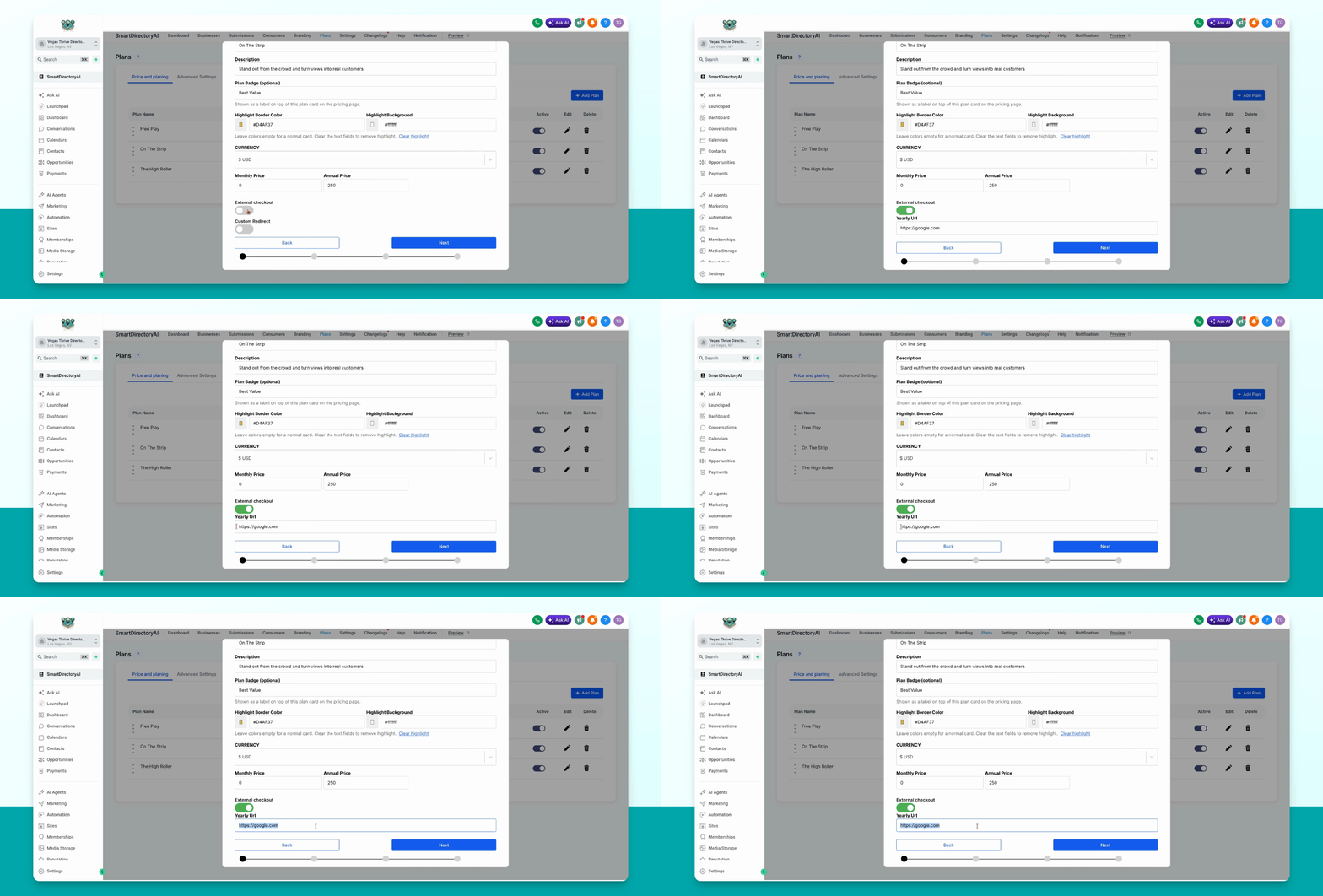
Step 3: Enable External Checkout
On the first screen, toggle on the external checkout option.
Step 4: Enter Your Custom Payment Link
Paste your custom payment link into the provided field.
Step 5: Continue and Submit
Click Next. Review and select the items for your plan, ensure everything is correct, then click Submit to save your changes.