This guide shows how to create a highlight and standout effect for your Premium plans in the Smart Directory AI dashboard. Let's look at the steps:
Step 1: Go to Plans Section
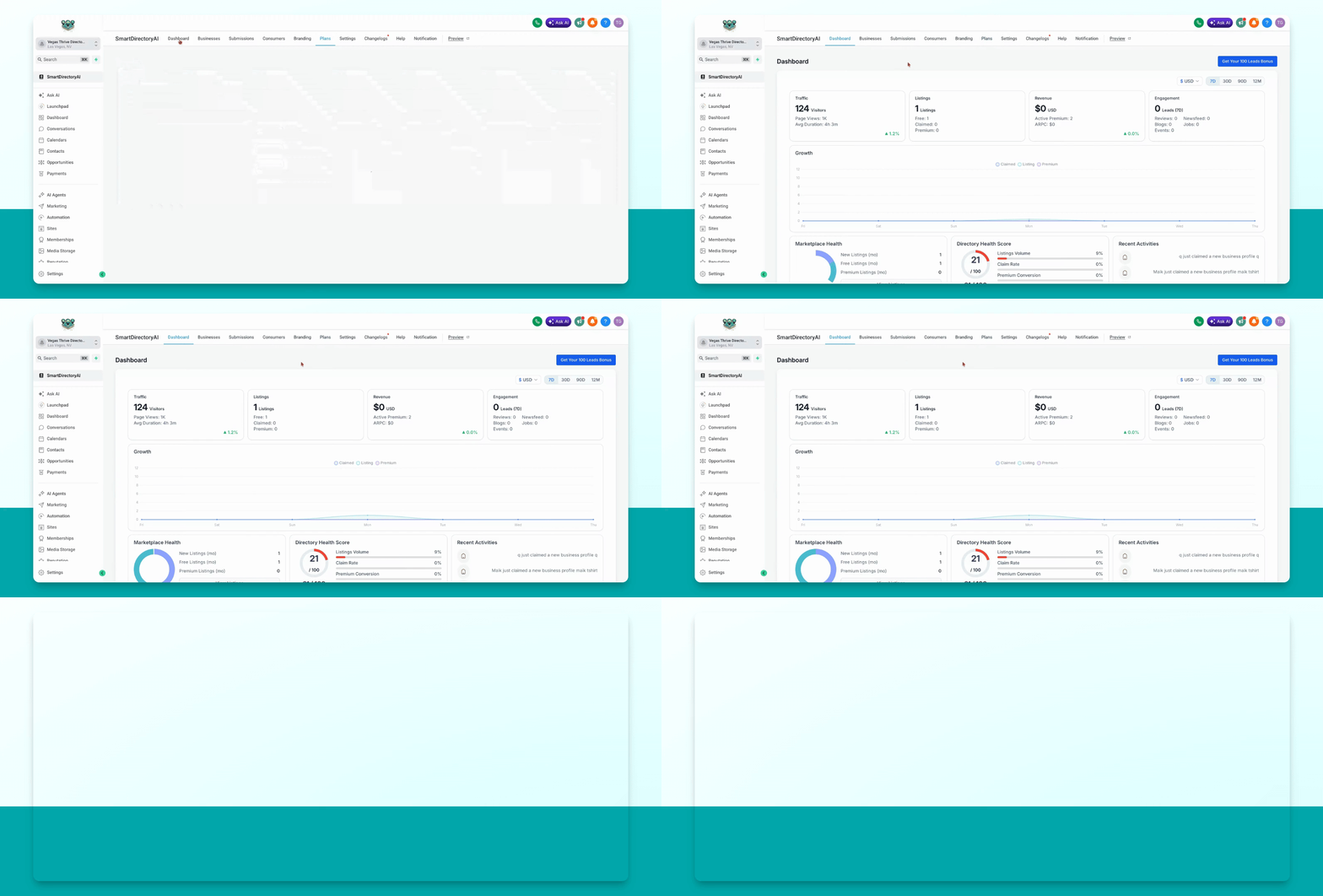
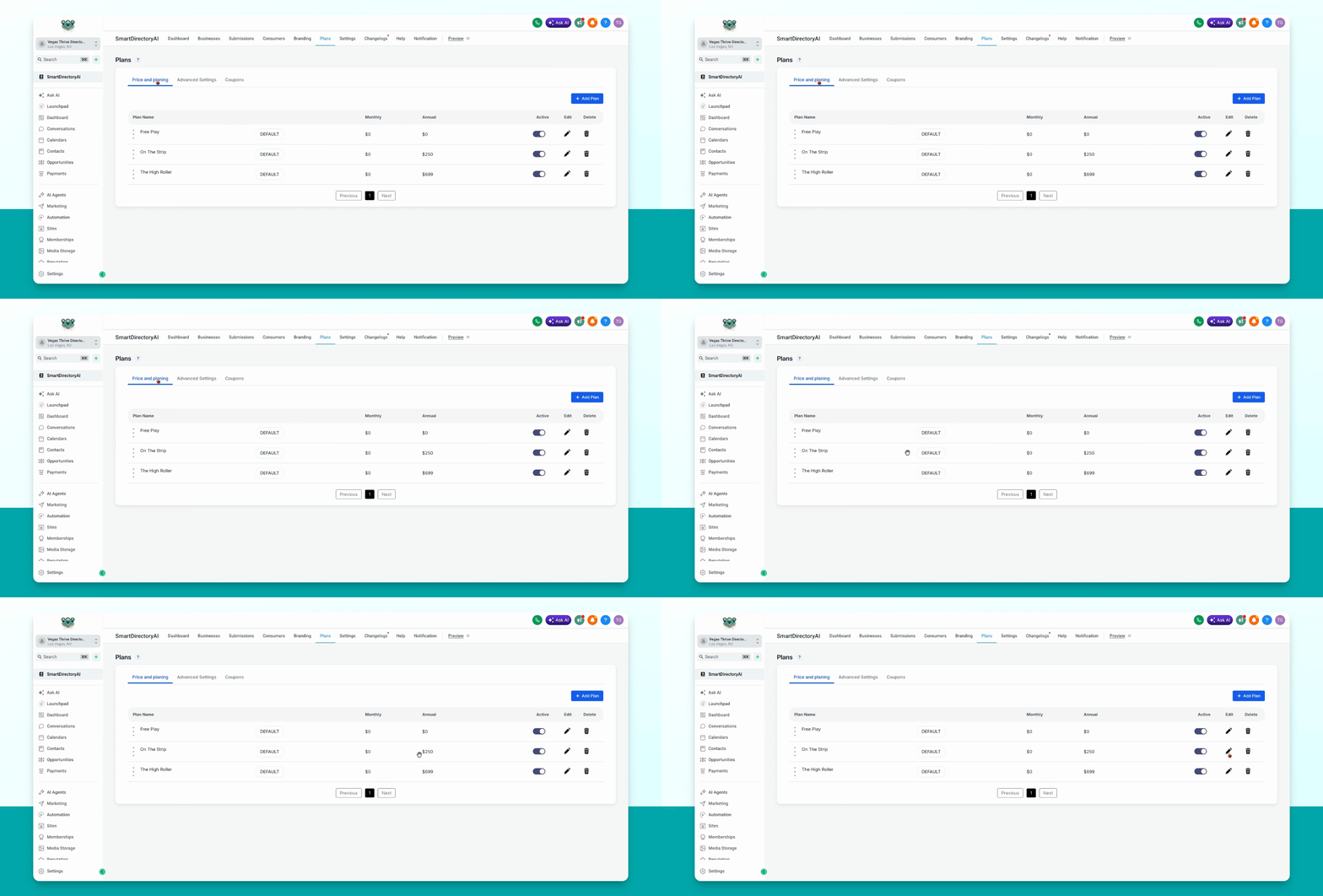
In your Smart Directory AI dashboard, navigate to Plans, Price and Planning.
Step 2: Edit Plan Highlight
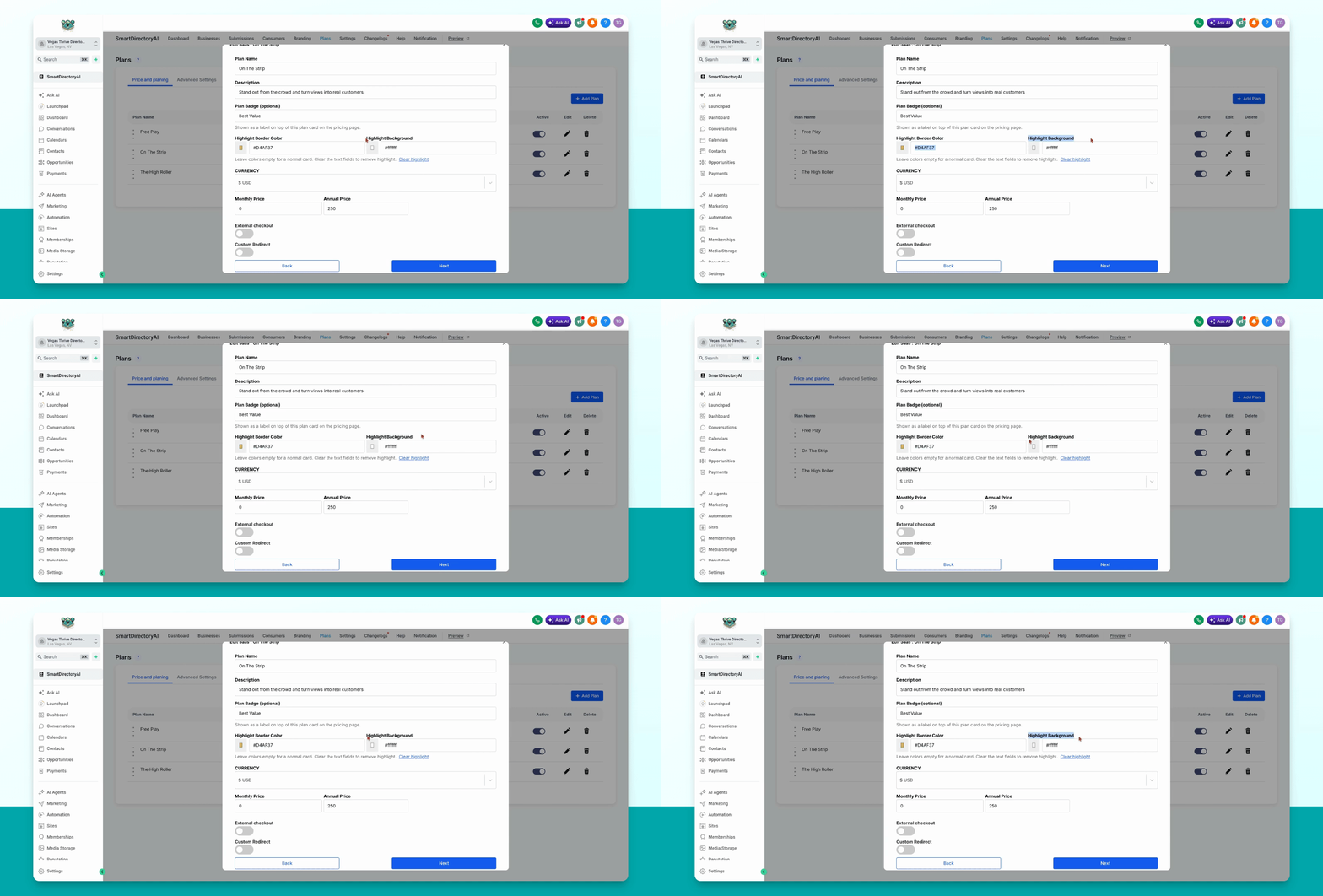
Select the plan you want to highlight. Click the pencil icon under Edit, then adjust the highlight border, color, and highlight background as desired.
This will apply a unique background and highlight border to the selected plan only, making it stand out as a card.