This guide explains how to edit the text that appears under your Plan options in the Smart Directory AI Dashboard. Let's look at the steps:
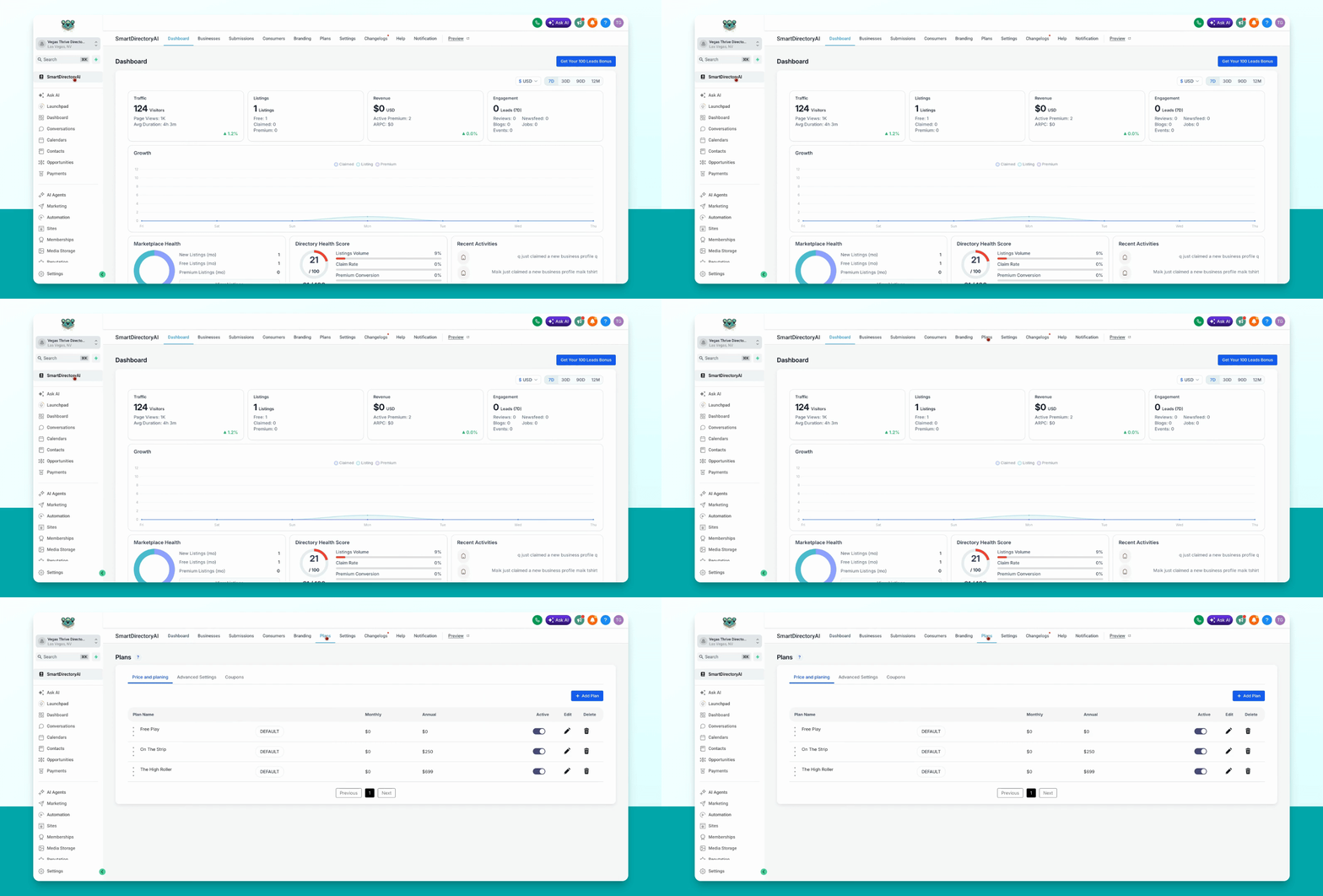
Step 1: Open Plans Page Settings
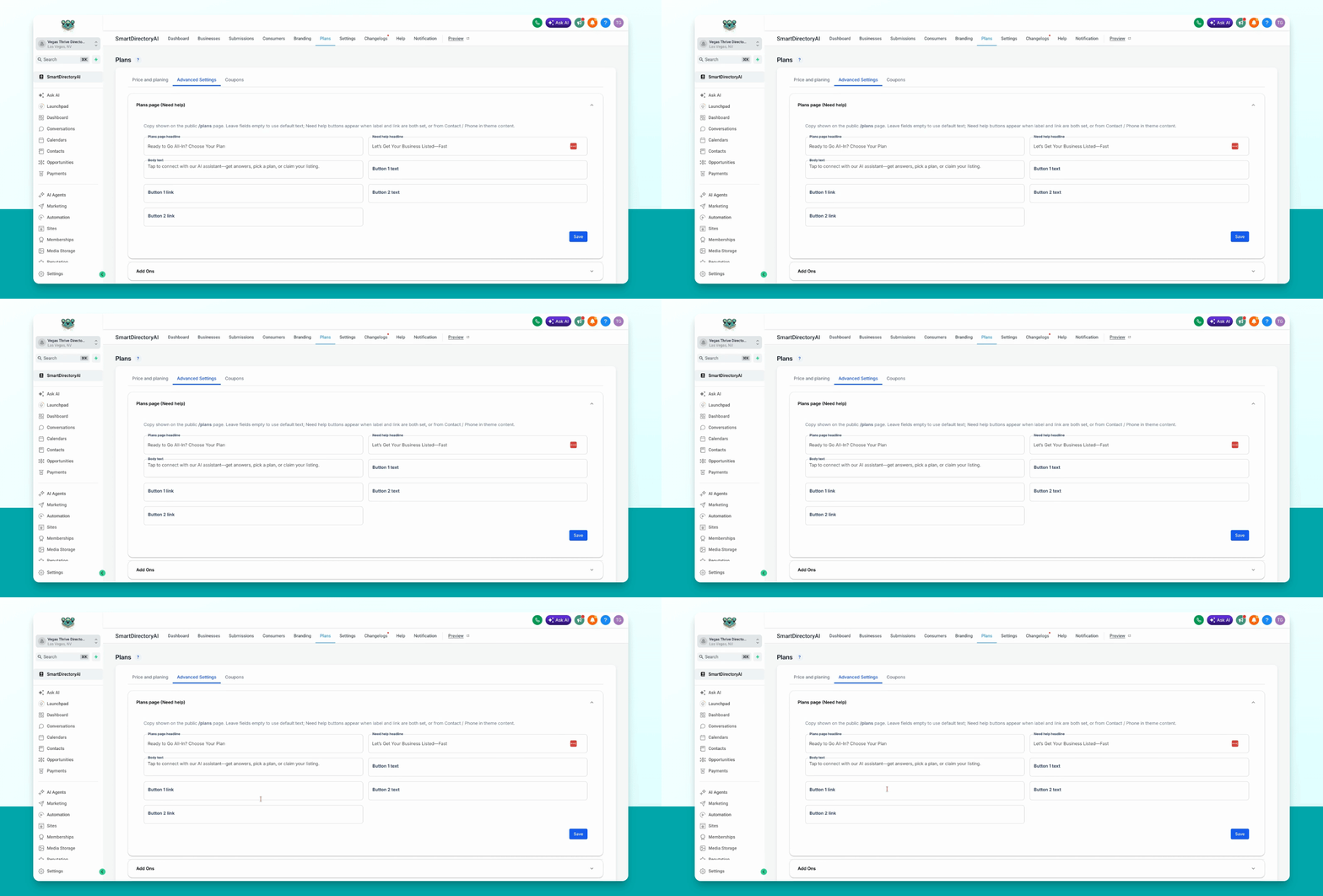
Go to Plans and then navigate to Advanced Settings > Plans page.
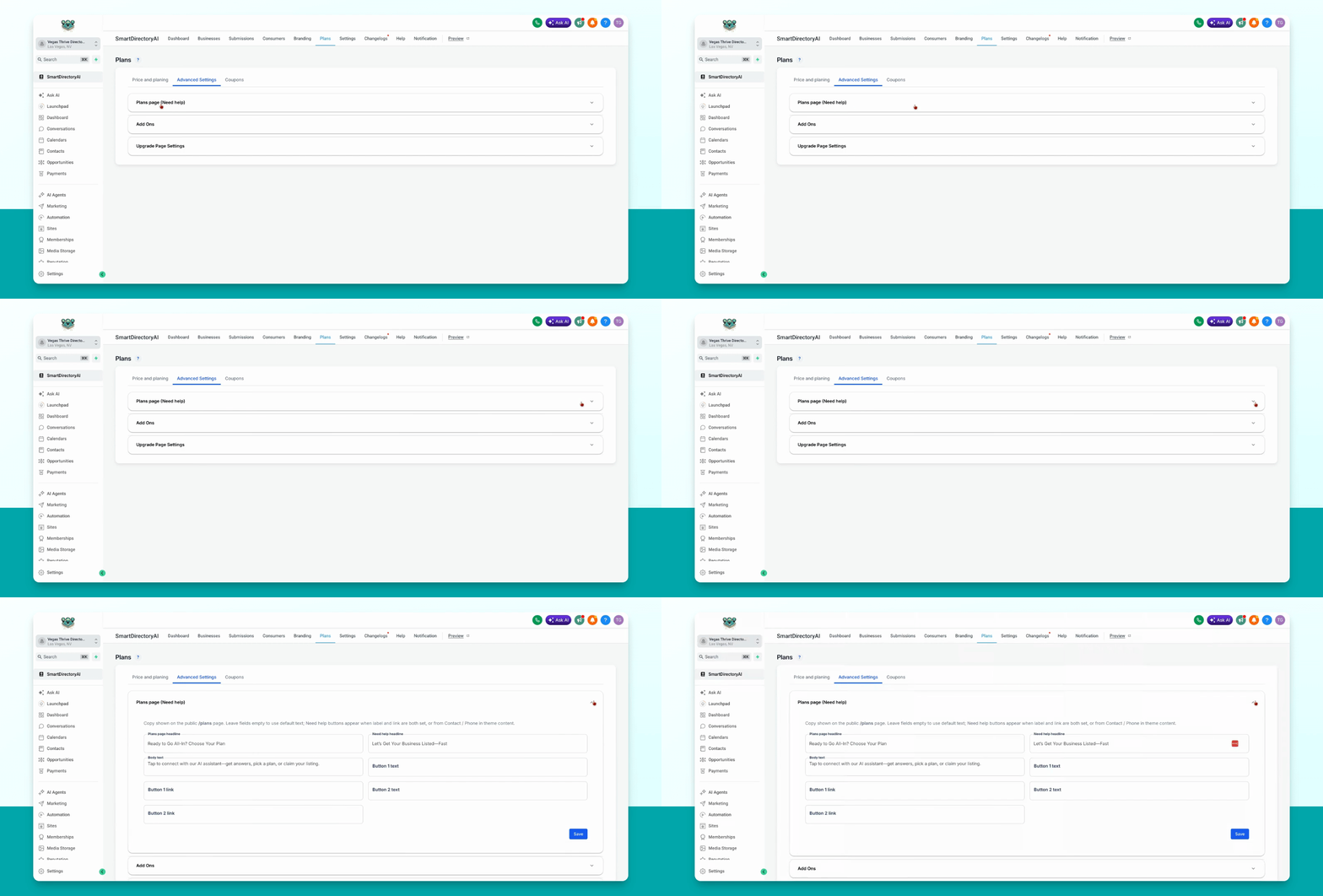
Step 2: Expand Editing Options
Toggle the section open to access the editable fields.
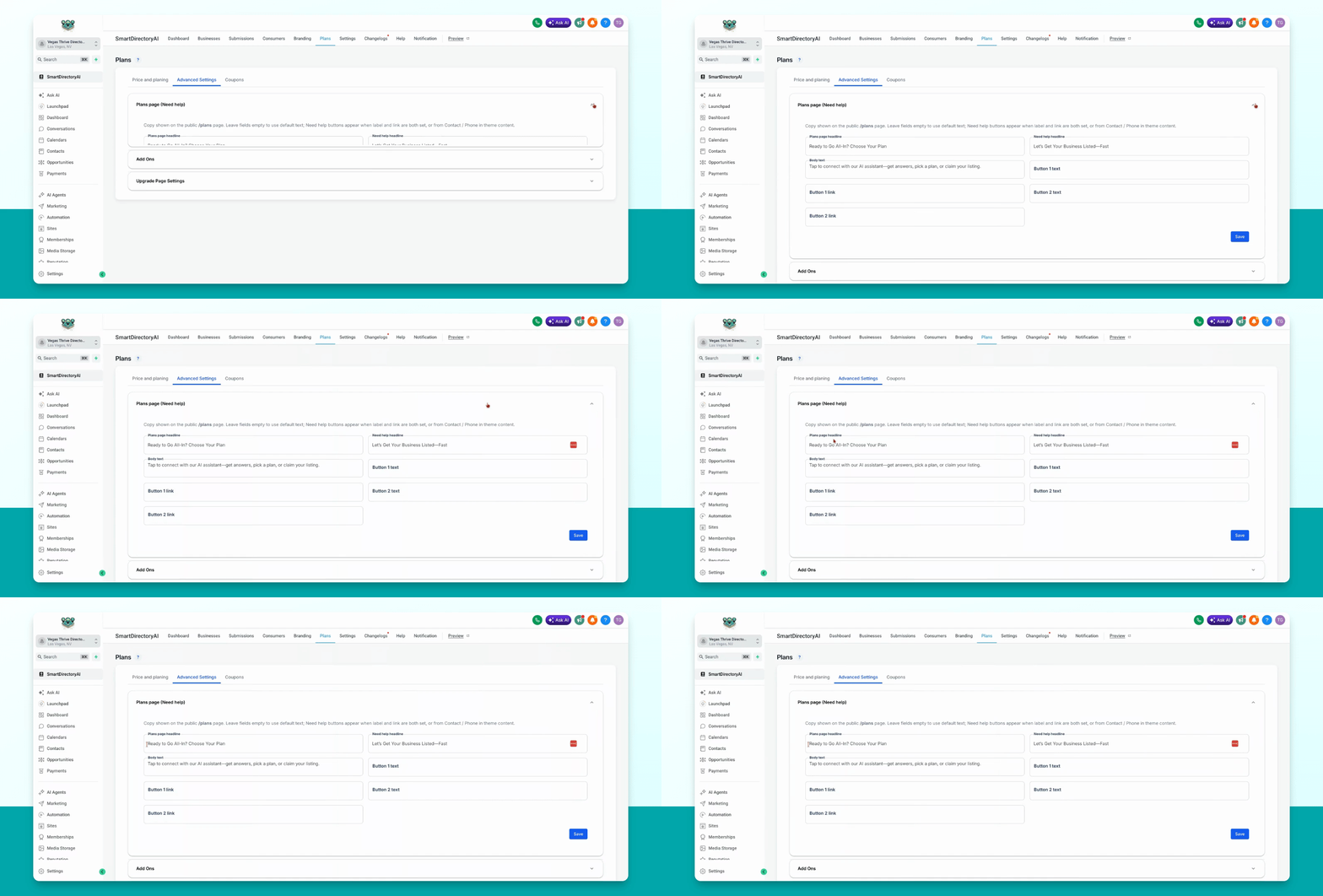
Step 3: Edit Page Content
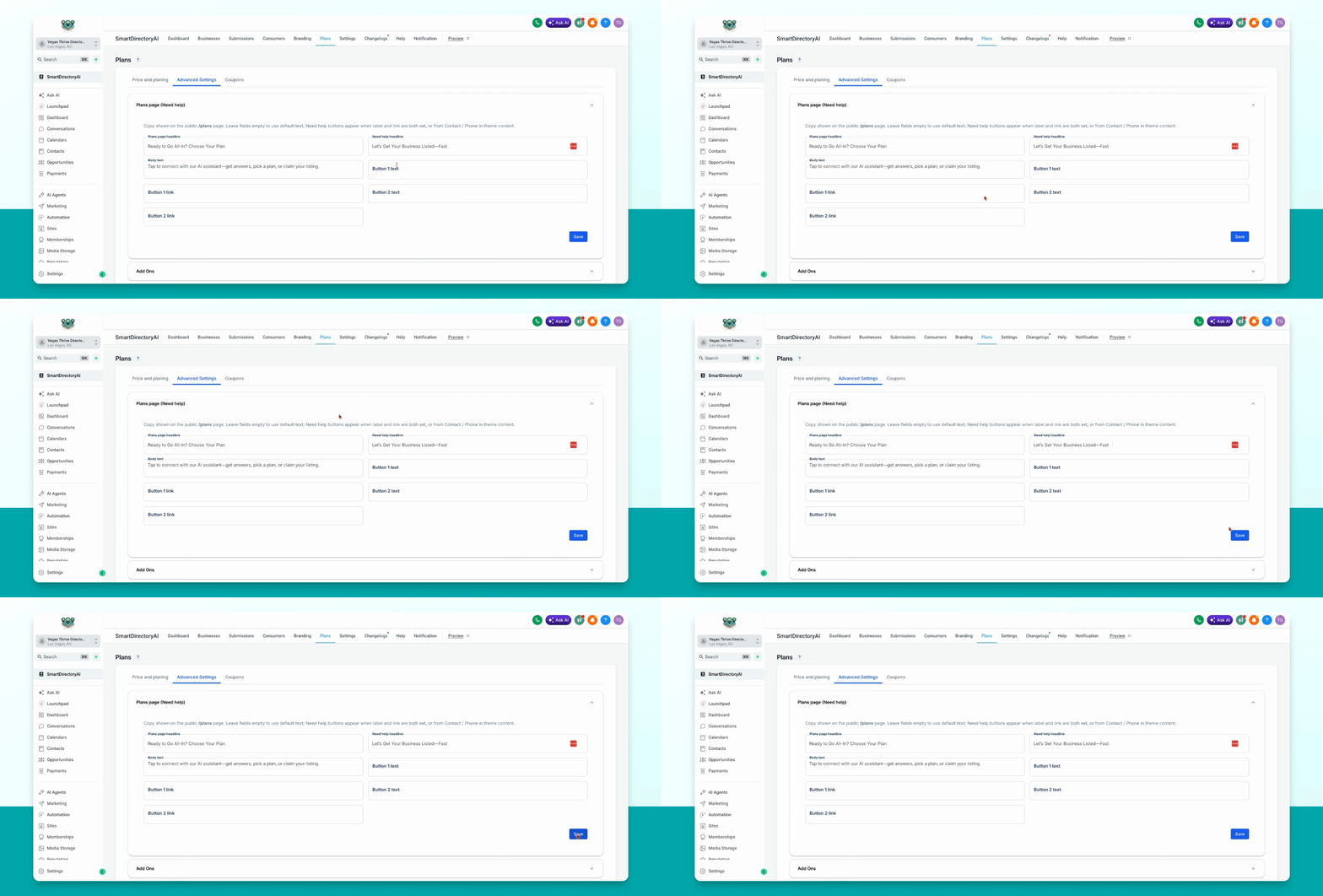
Edit the headline, body text, and the Need Help? headline as needed.
Leaving button and link fields blank will display the default button and text.
If a phone number is set in your theme content, a button with your site's phone number will appear automatically.
Step 4: Add Custom Buttons or Links
To create custom buttons and links, fill in the relevant fields.
Step 5: Save Your Changes
When you are finished editing, click Save to apply your changes.