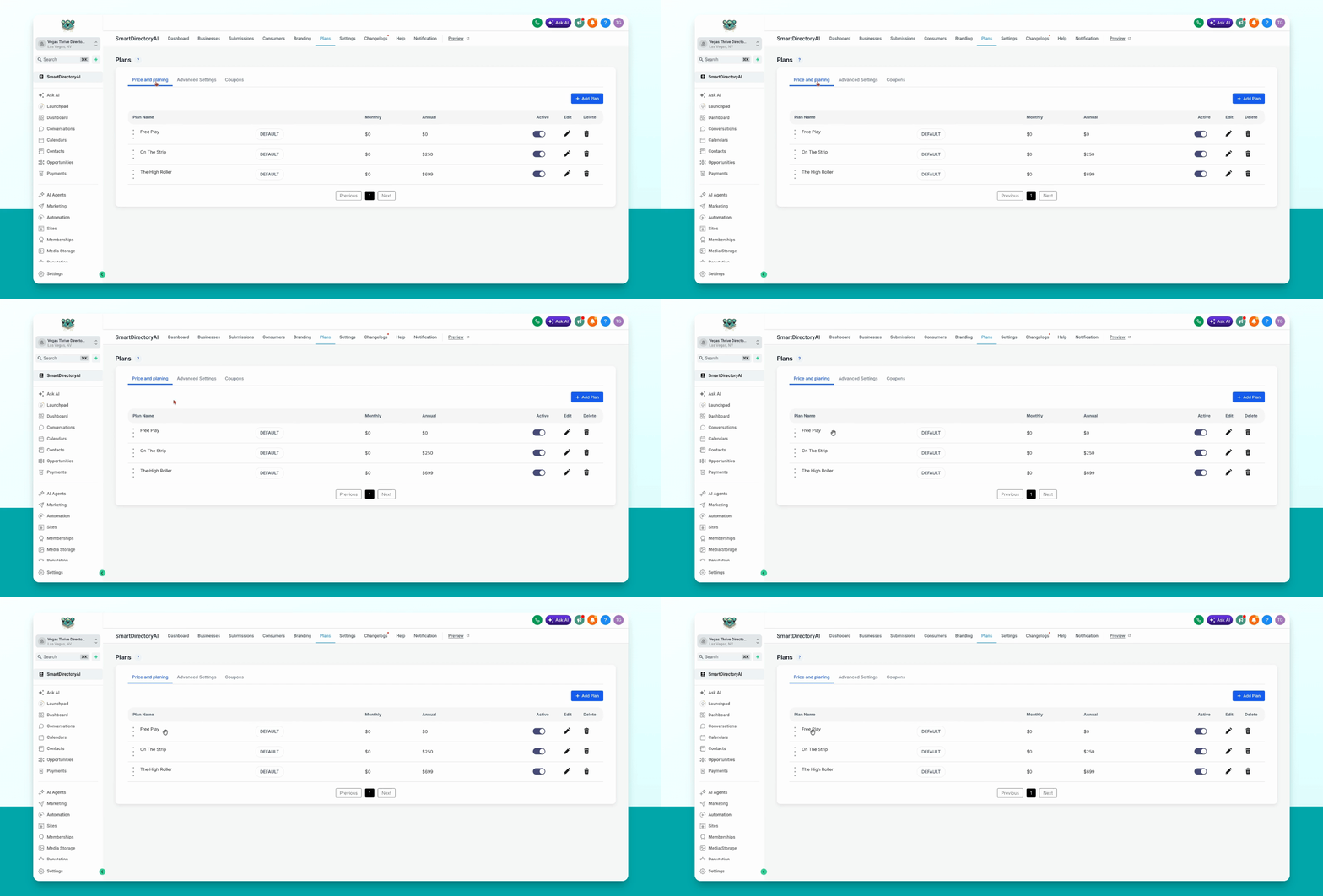
This guide explains how to change the order of your plans in the Smart Directory AI dashboard. Let's look at the steps:
Step 1: Open Plans Section
Go to Plans, Price and Planning in your dashboard.
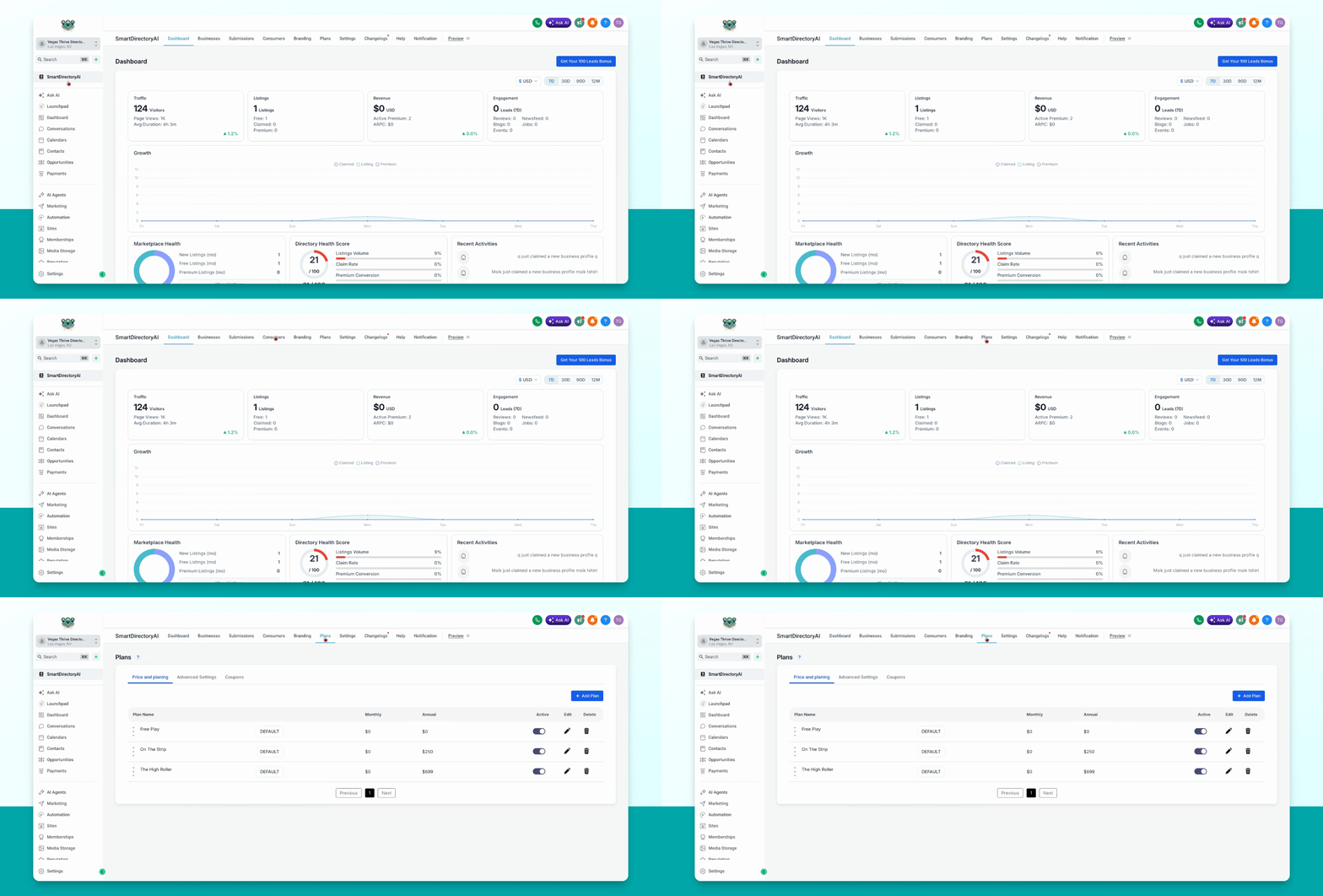
Step 2: Reorder Plans
Hover over the plan you want to move, click and hold your mouse, then drag and drop the plan into your desired order.