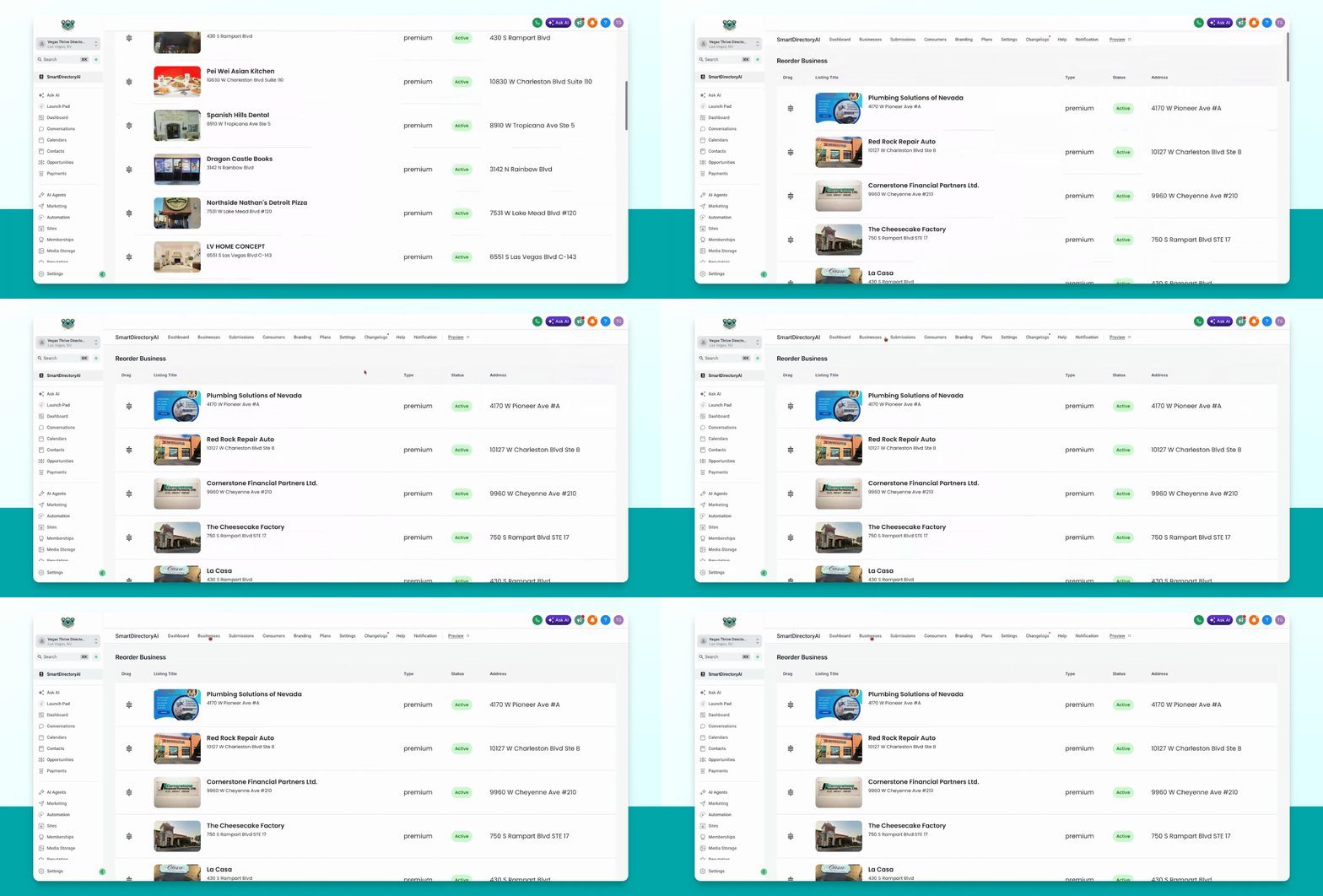
This guide will show you how to reorder your listings so they display in your preferred order on the Smart directory AI dashboard. Let's look at the steps:
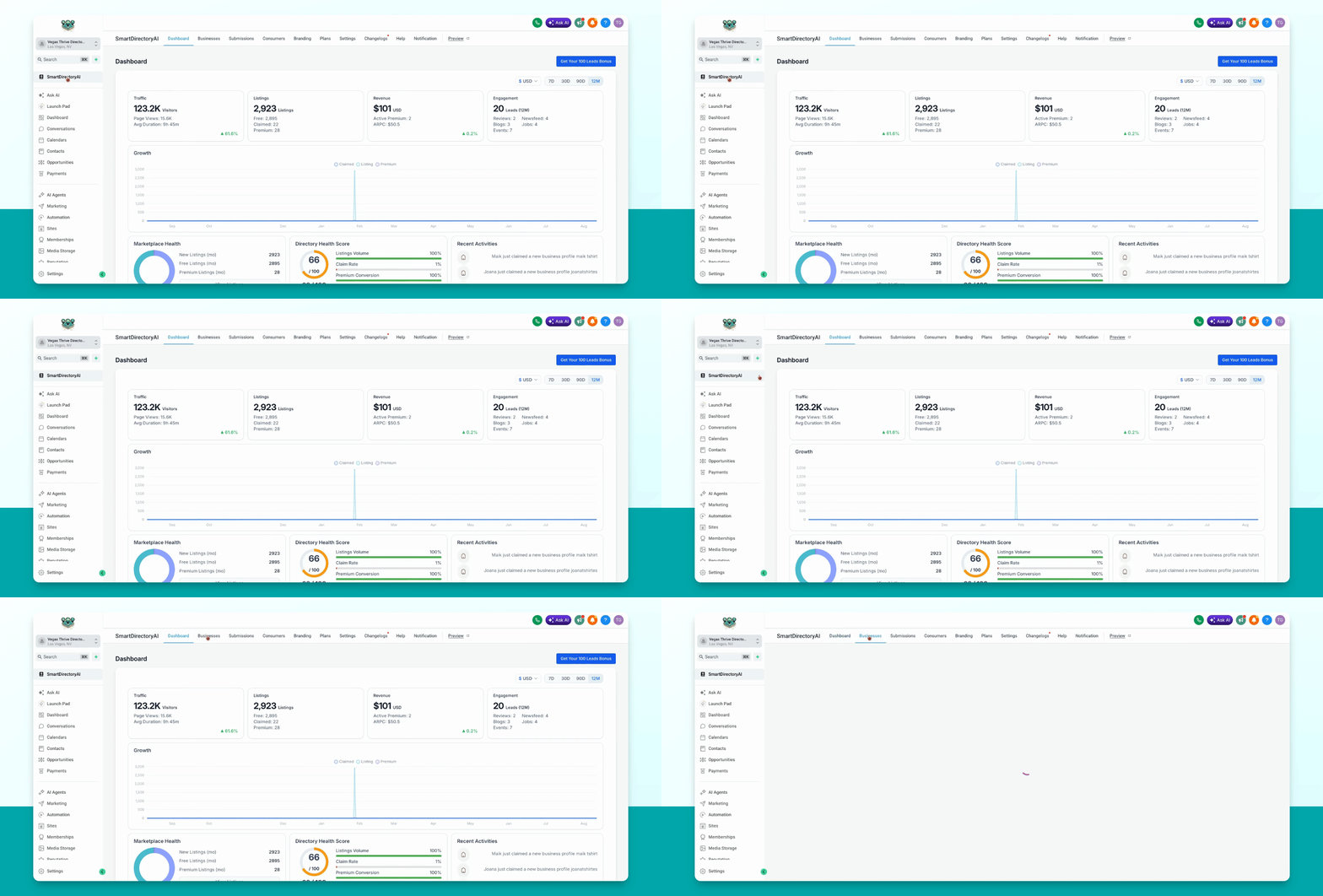
Step 1: Go to Businesses
Navigate to the Businesses section in your dashboard.
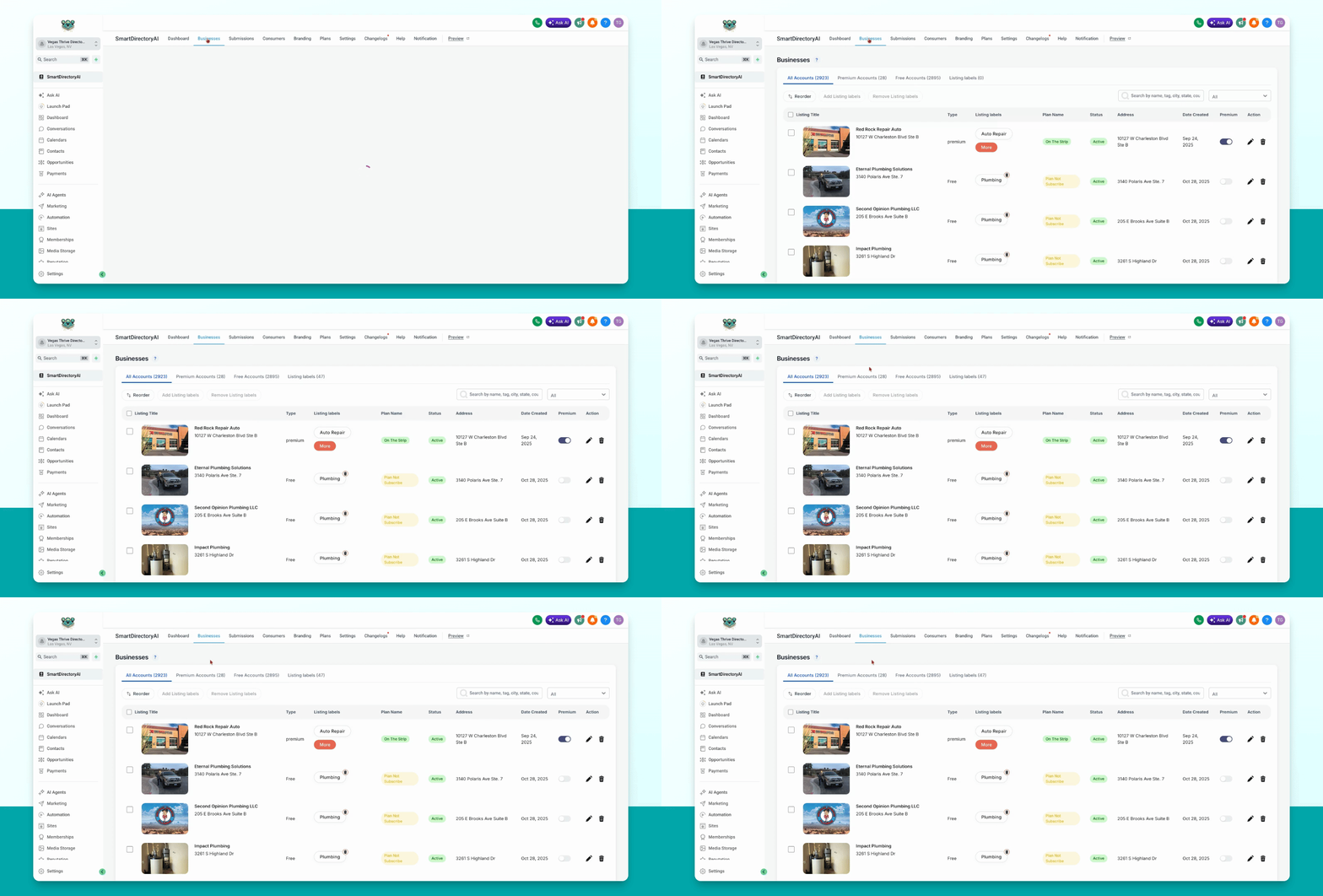
Step 2: Select Businesses to Reorder
Select the businesses you want to reorder. You can choose either your Premium accounts or Free accounts.
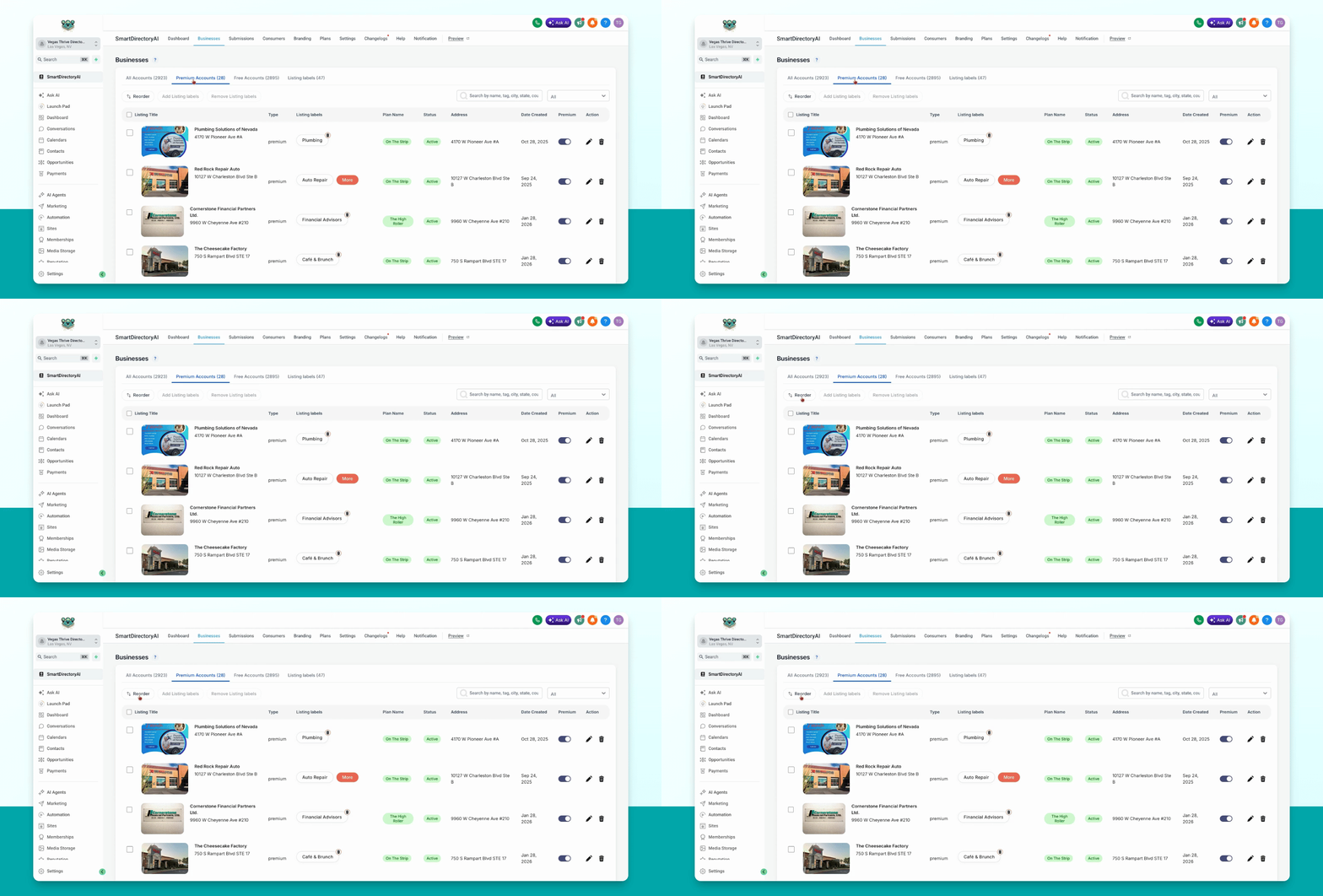
Step 3: Click Reorder and Drag Listings
Click the Reorder button at the top left. Then, drag and drop the businesses into your desired order.
Step 4: Save Your Changes
When finished, click Businesses again to save and view your listings in the new order.