This guide explains how to approve or reject claim listings as an admin in Smart Directory AI. Let's look at the steps:
Step 1: Log In to Dashboard
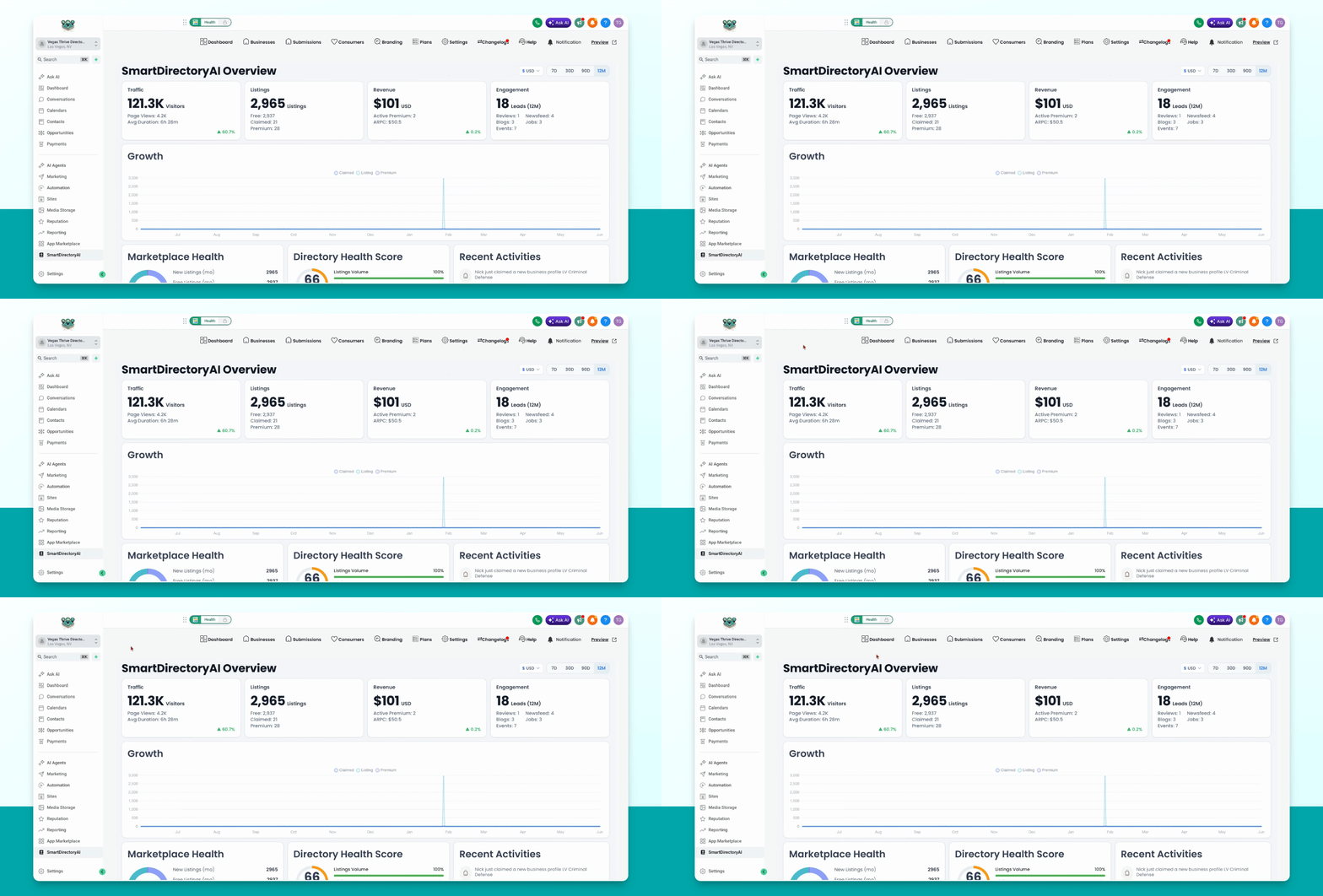
Log into your Smart Directory AI software on your dashboard.
Step 2: Access Claim Requests
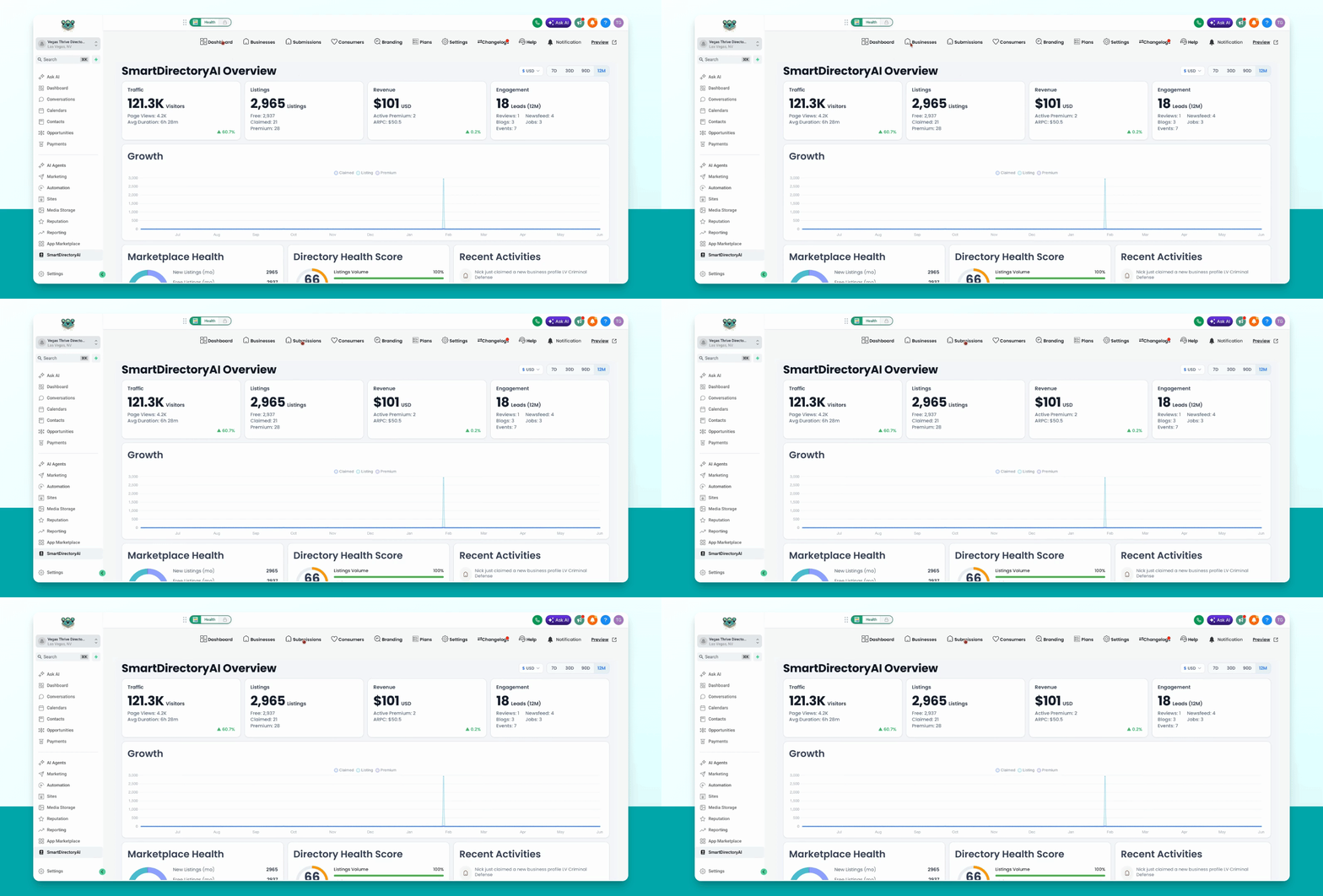
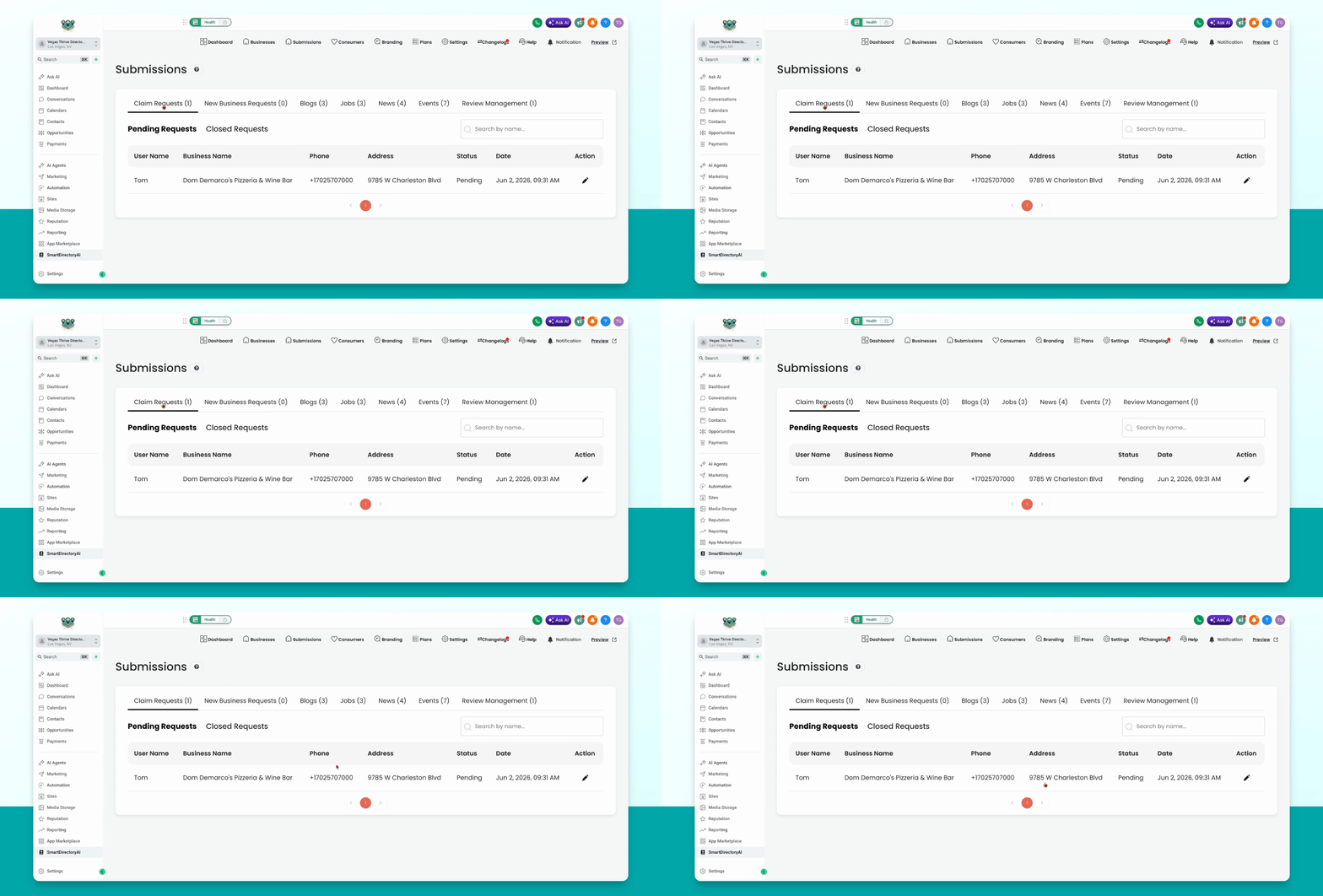
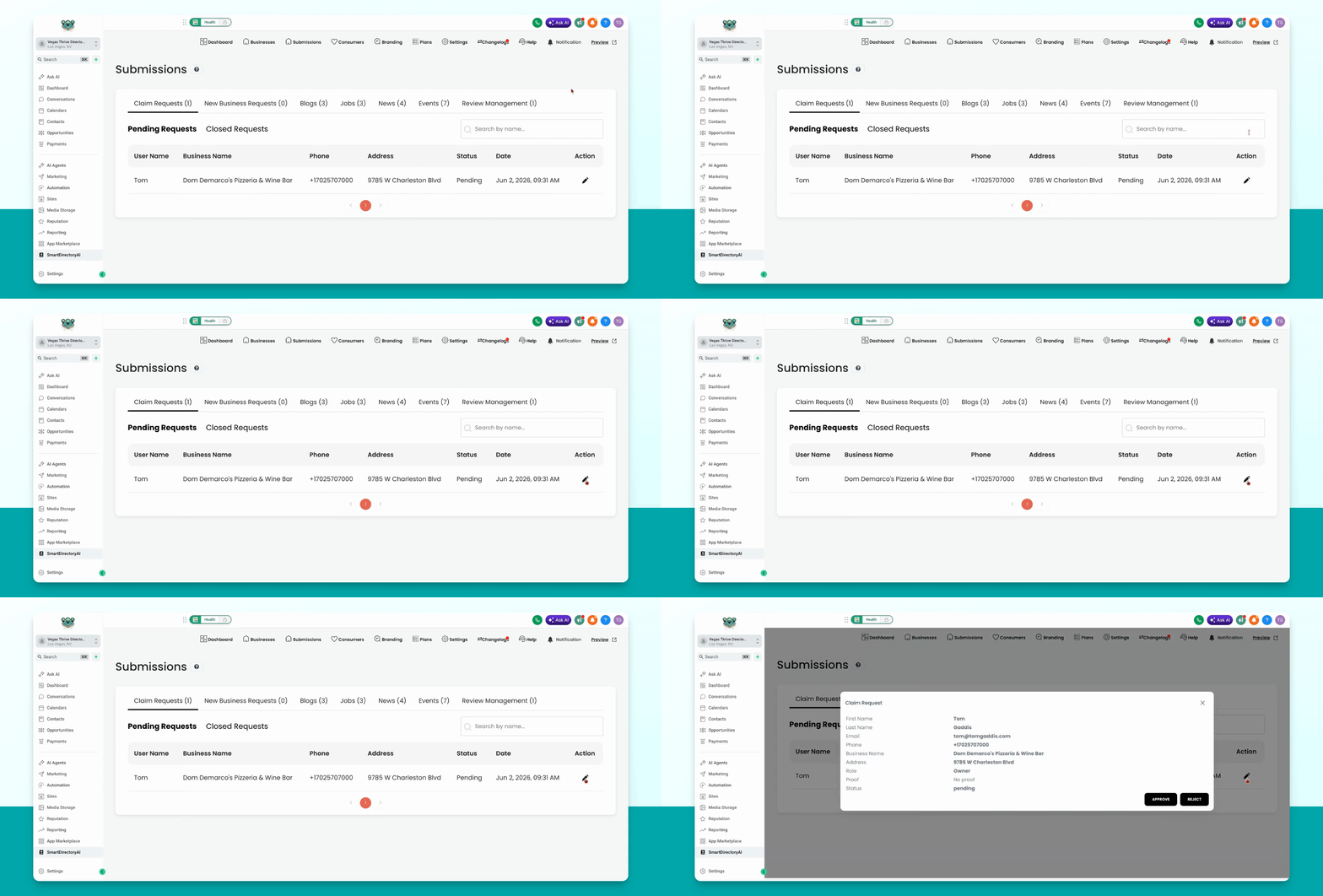
Go to Submissions. You will see Claim Requests listed there.
This section displays all claim requests submitted by users. You can choose to approve or deny each request.
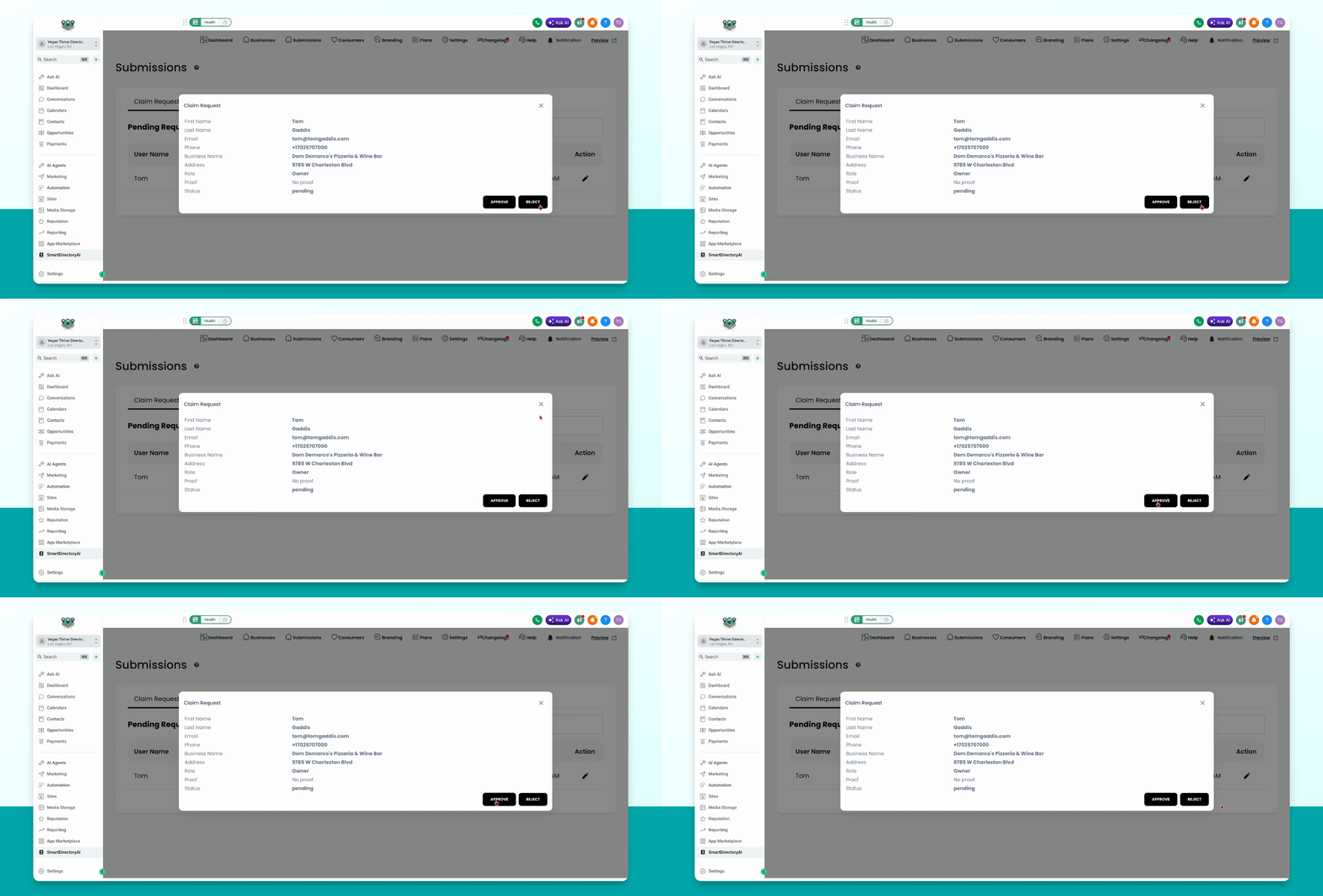
Step 3: Approve or Reject Requests
Click the pencil icon next to a claim request and select either Approve or Reject.
After you approve or reject a claim request, the person who submitted it will be notified of your decision.