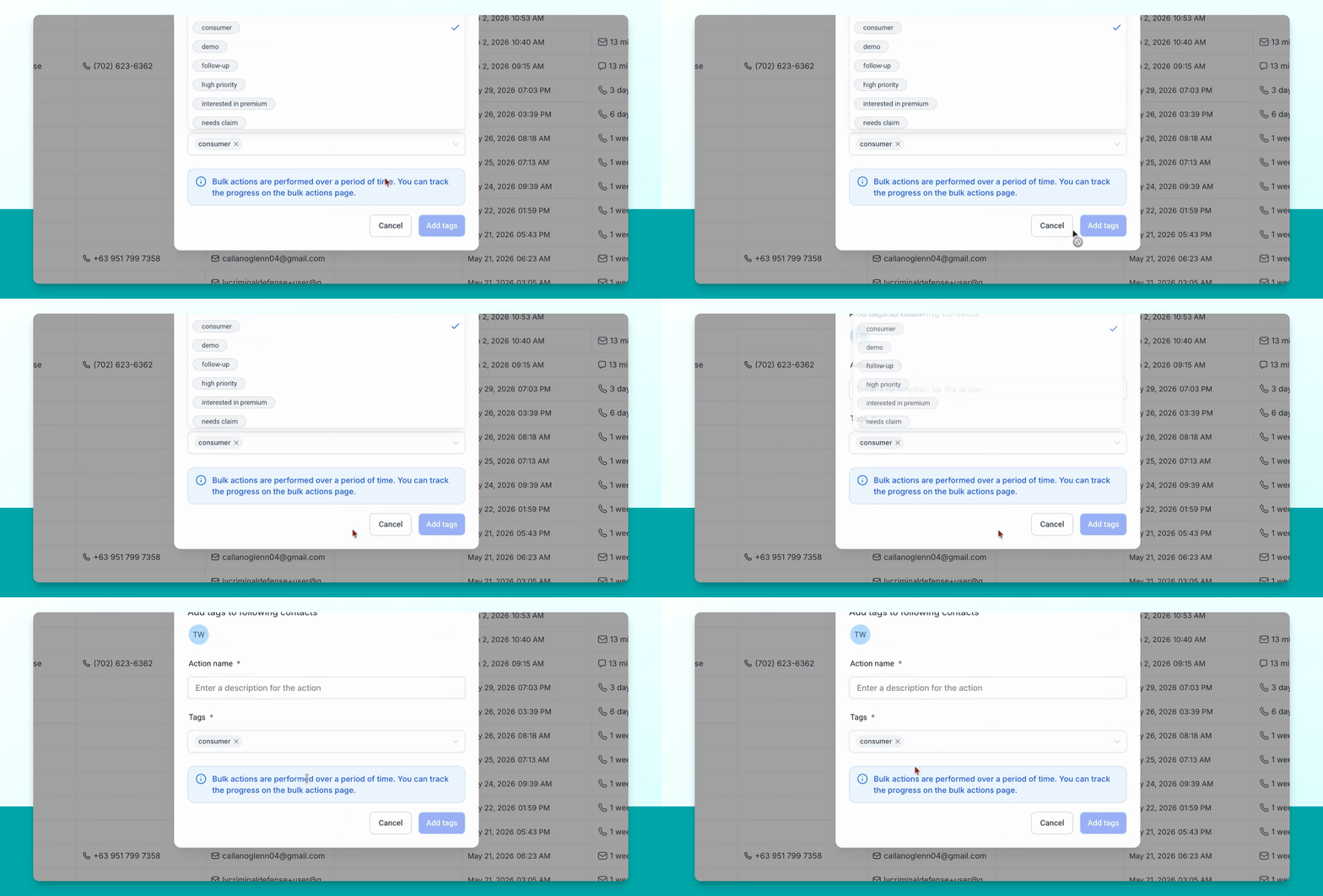
To create a consumer contact, start by logging into your Smart Directory AI Dashboard. Let's look at the steps:
Step 1: Open Contacts Menu
In the left-hand menu, go to Contacts.
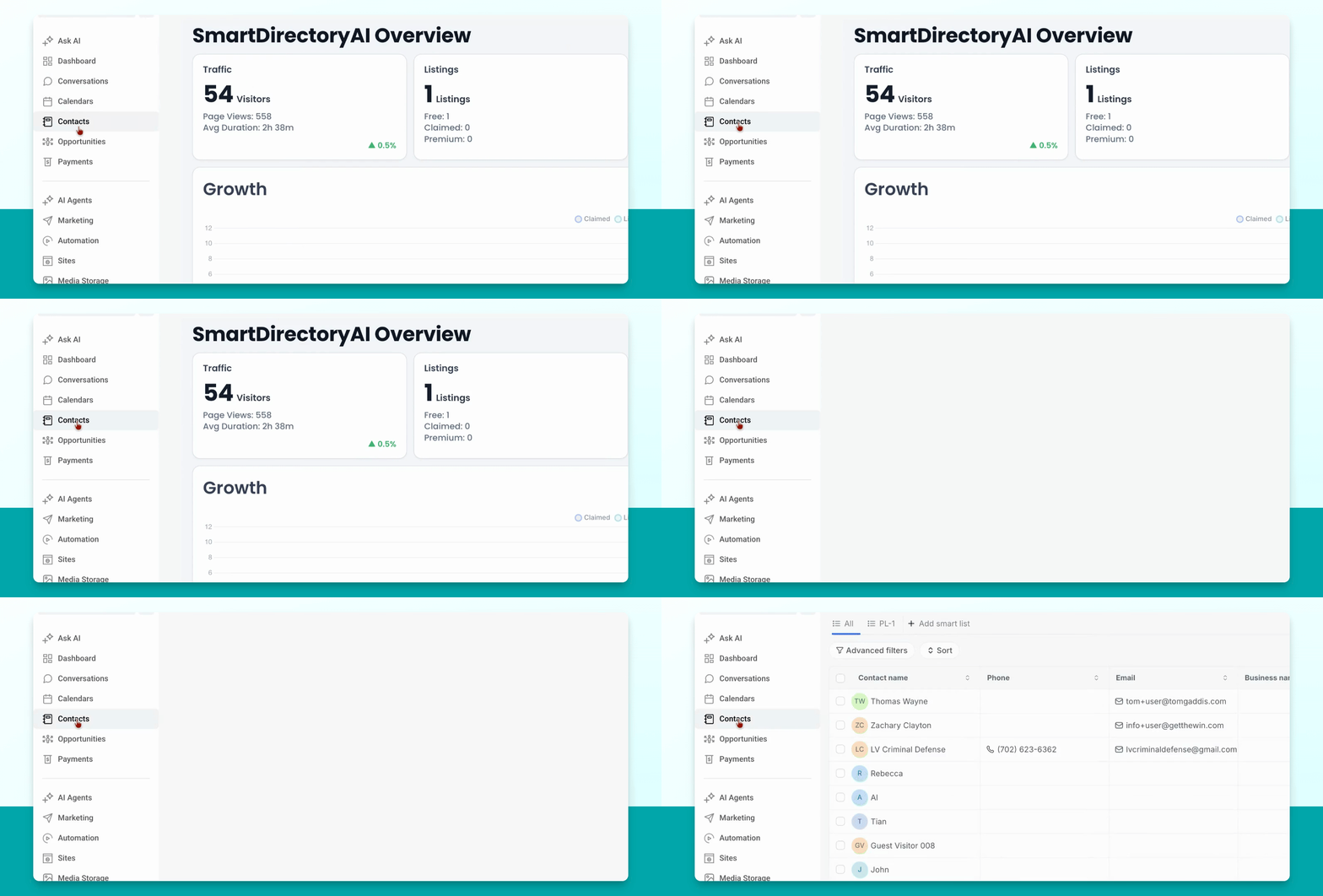
Step 2: Add a New Contact
Click the Add Contact button in the upper right to create a new contact. You can also select an existing contact if needed.
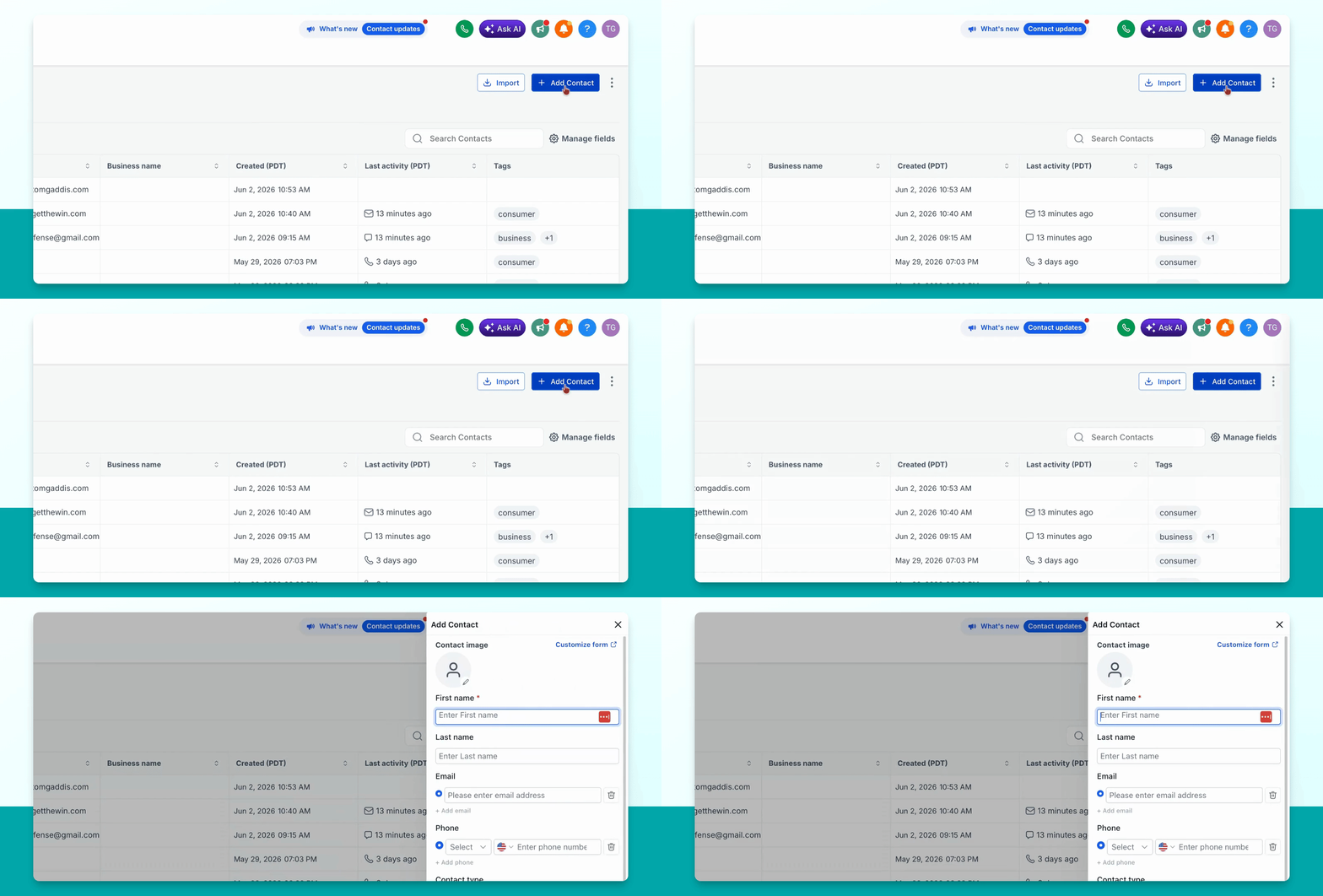
Step 3: Enter Contact Information
Fill in the contact's details, such as First Name, Last Name, Email, or any other available information.
Step 4: Save the Contact
When finished, click Save to create the contact.
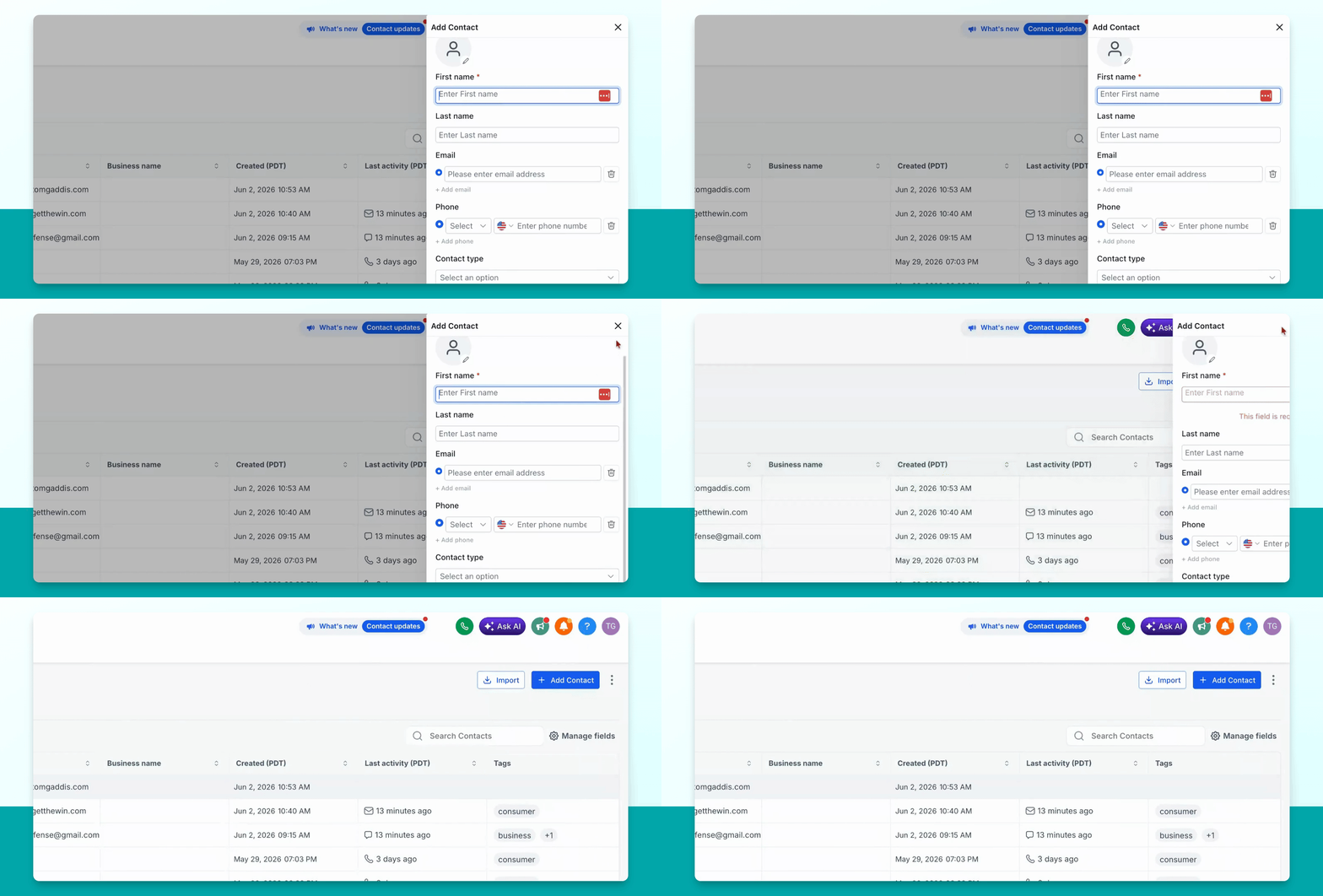
Step 5: Select the New Contact
Go to the newly created contact and select it from your contact list.
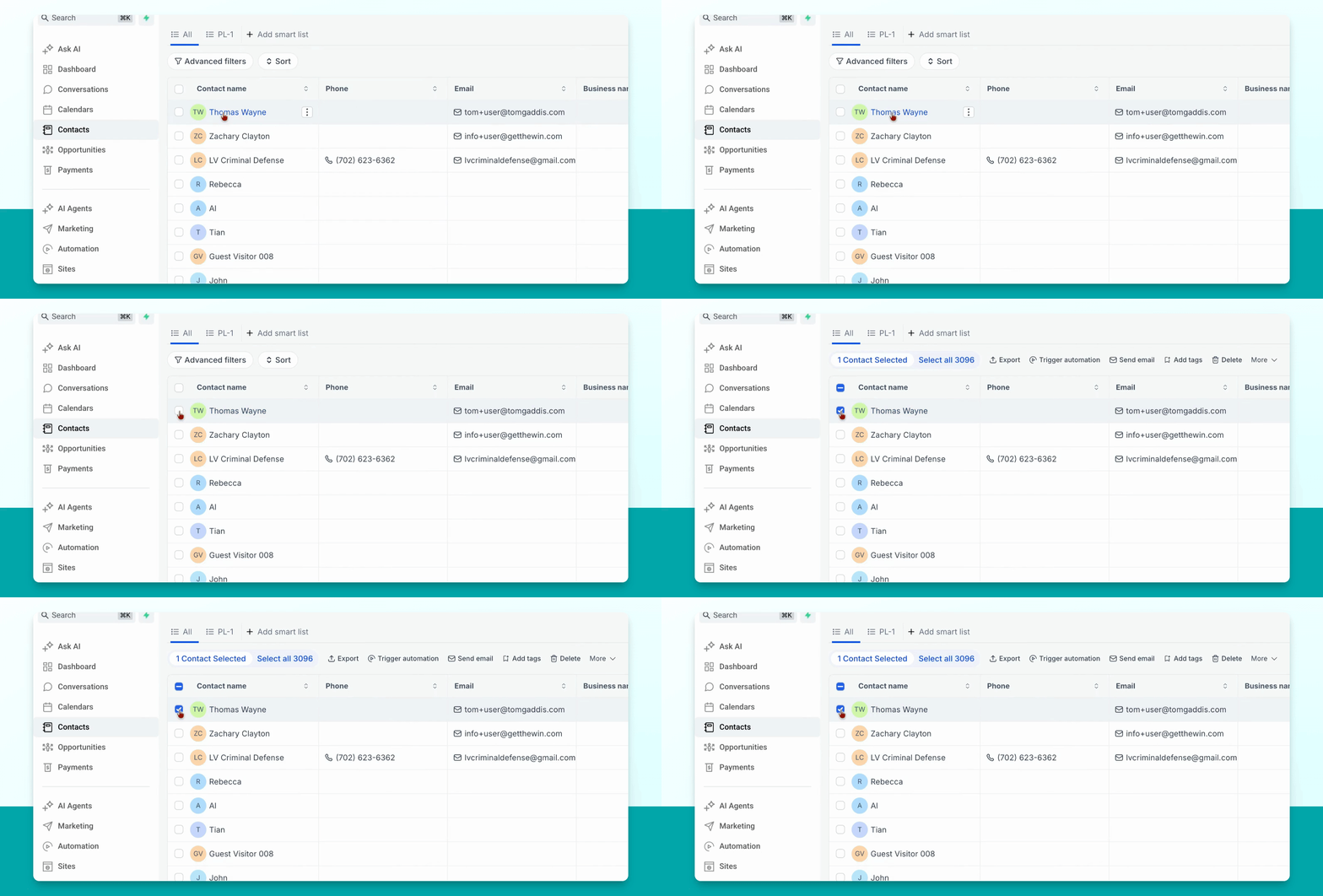
Step 6: Add Consumer Tag
Go to Add tags and add the consumer tag to this contact.
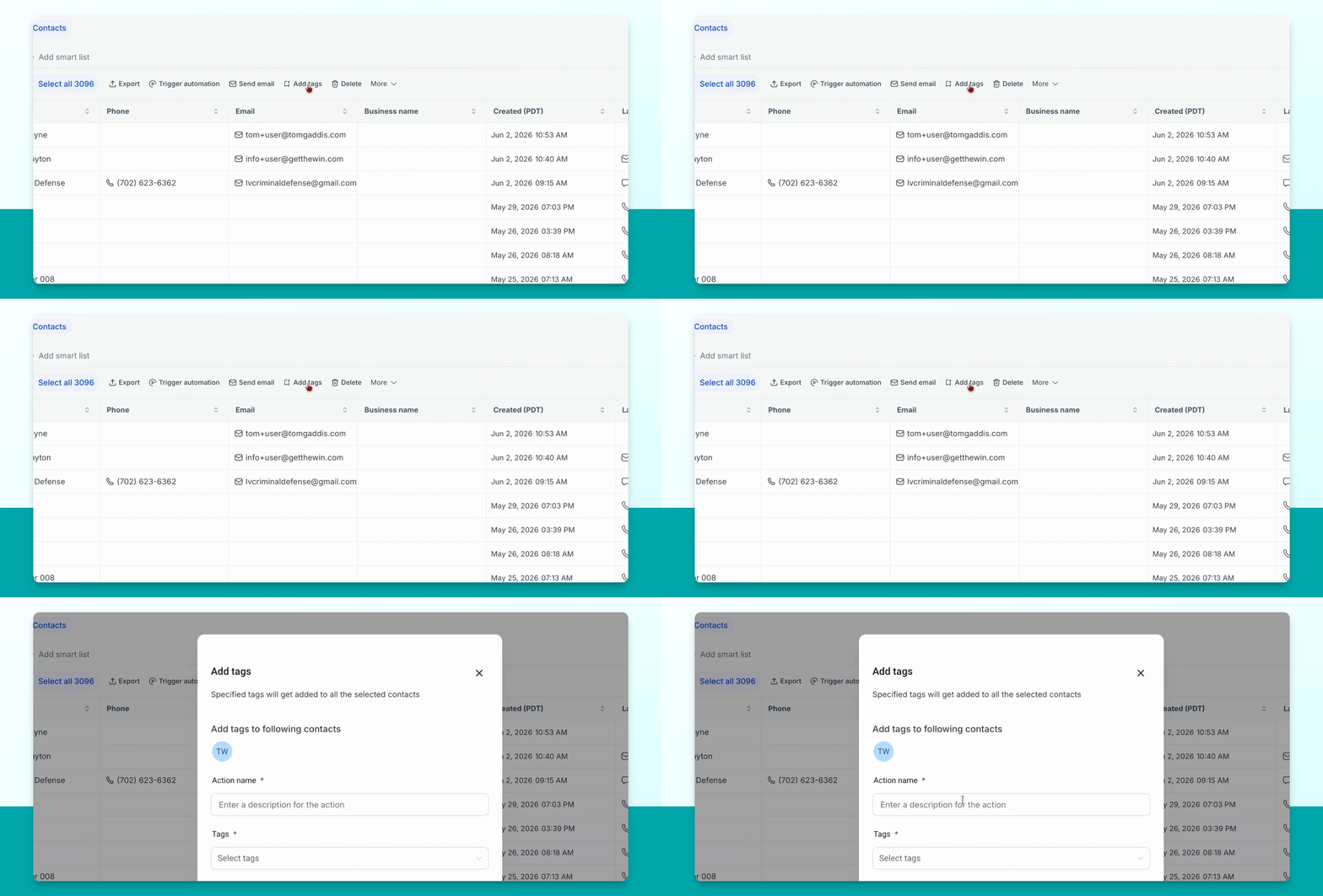
Adding the consumer tag creates a consumer account for the contact. This issues them a login and password, allowing you to assign the consumer to a listing and claim it on their behalf.