

After claiming a business, consumers can update their business information through their account. Let's look at the steps:
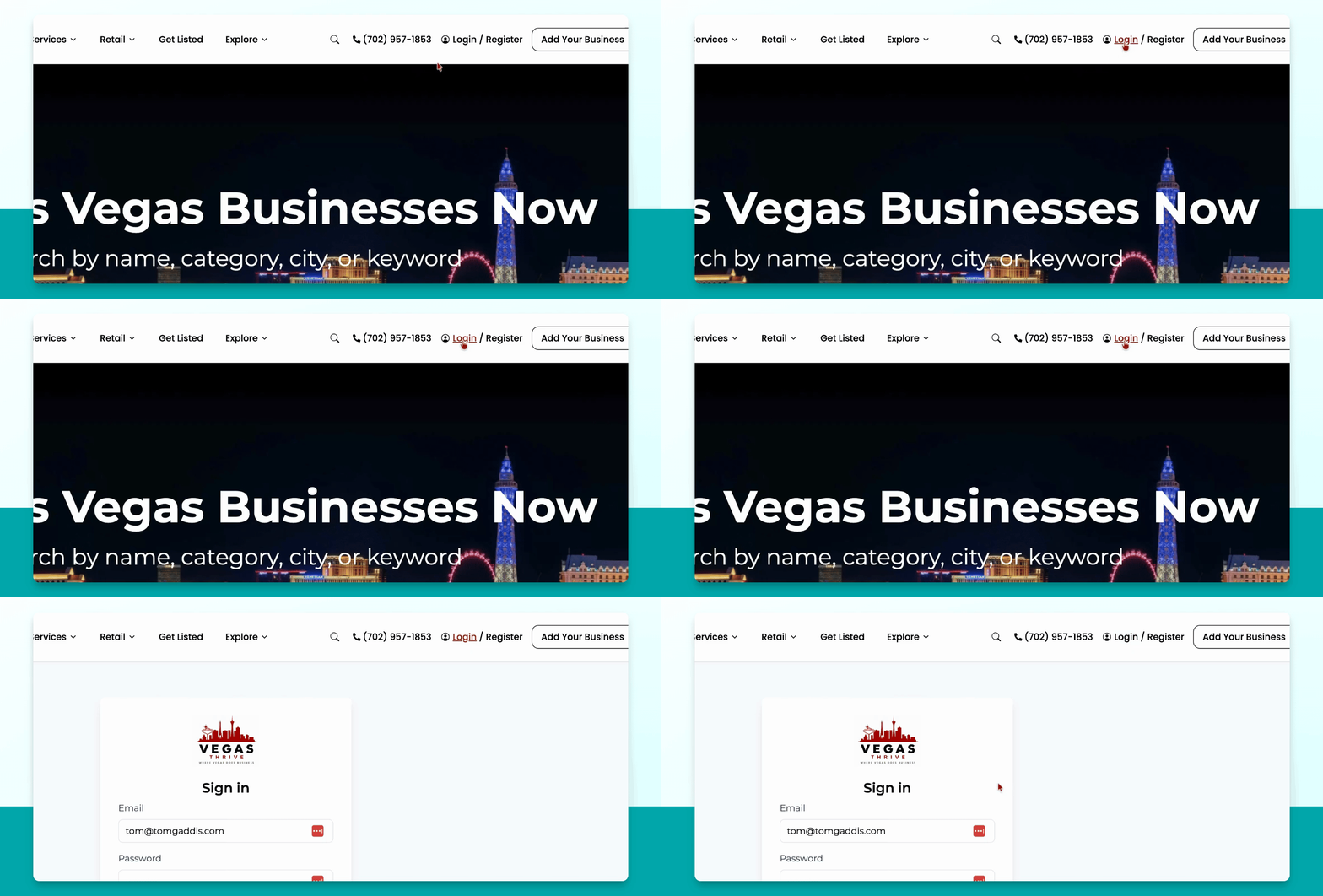
Step 1: Sign In to Your Account
Go to the login page, enter your consumer email and password, and click Sign in.
Step 2: Access Owned Businesses
Once logged in, navigate to the Owned Business tab to find businesses you have claimed.
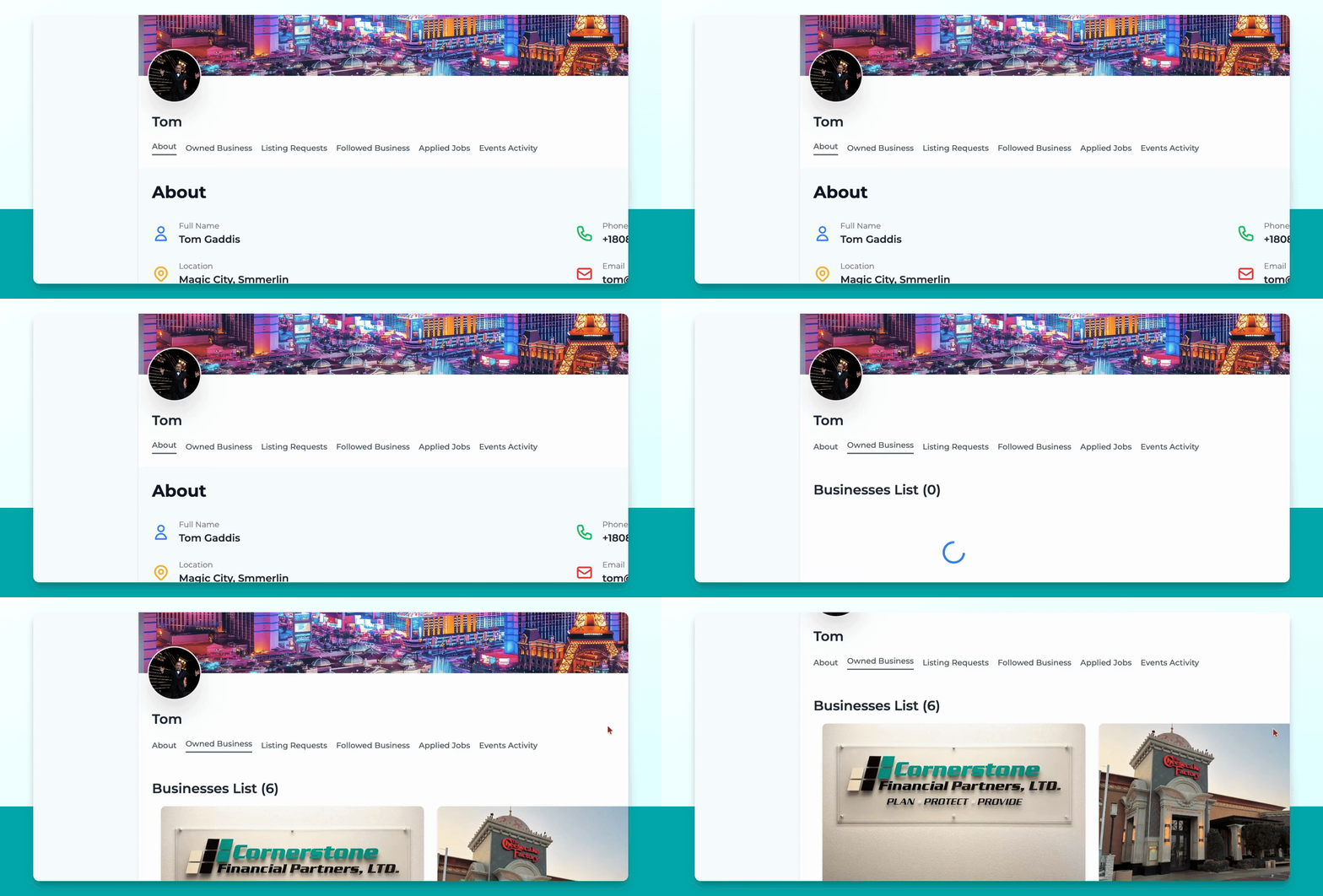
Step 3: Select a Business
Click on the business you want to edit from the list.
Step 4: Manage the Business
Click Manage next to the business you wish to update.
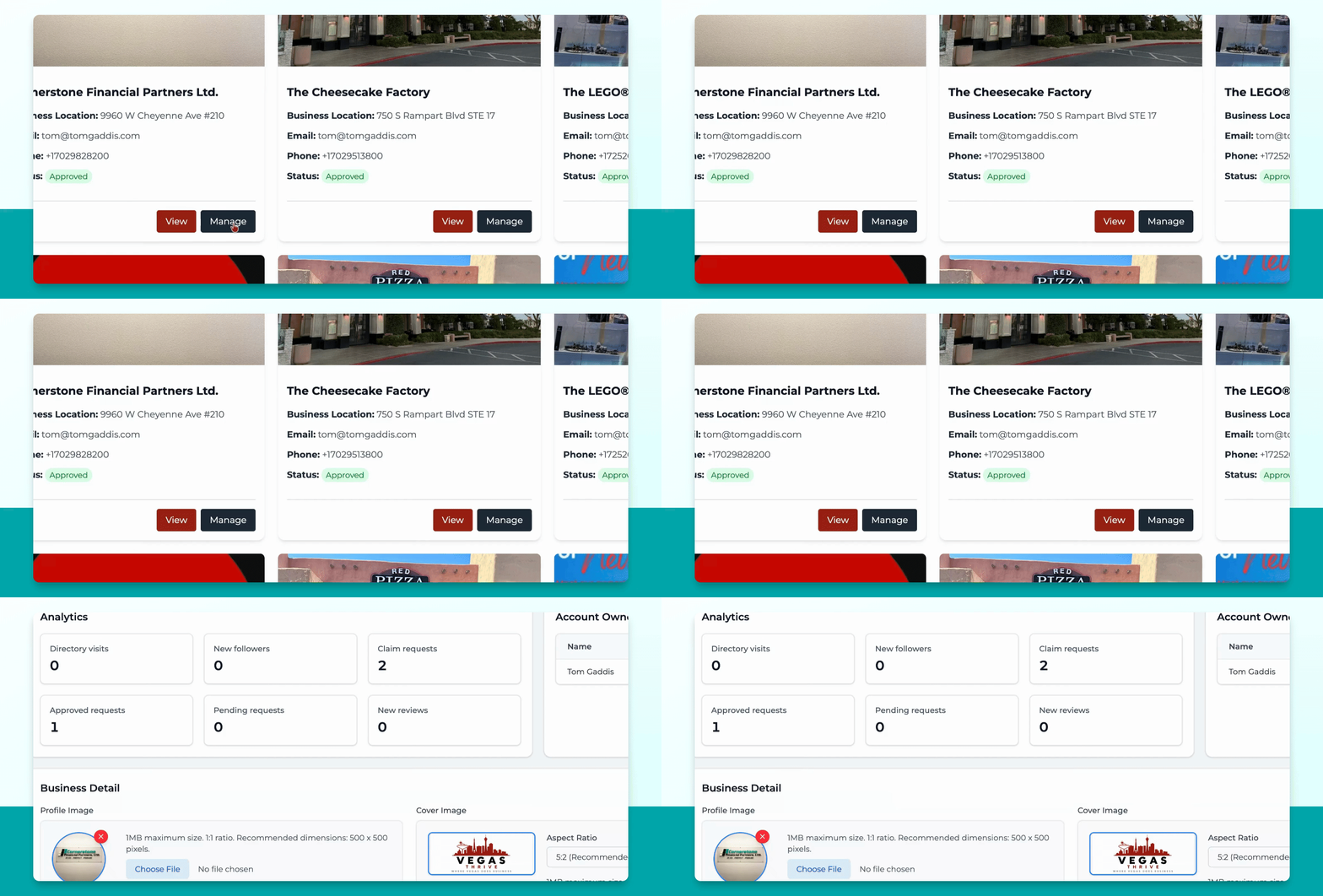
Step 5: Edit Business Information
On the overview page, you can view analytics and account owner info. You may update your profile image, cover image, business name, address, and description. Depending on your plan, additional options like business hours, reviews, deals, events, jobs, blogs, and news may be available in the top menu.
This is how consumers can edit their own business information after claiming a listing.