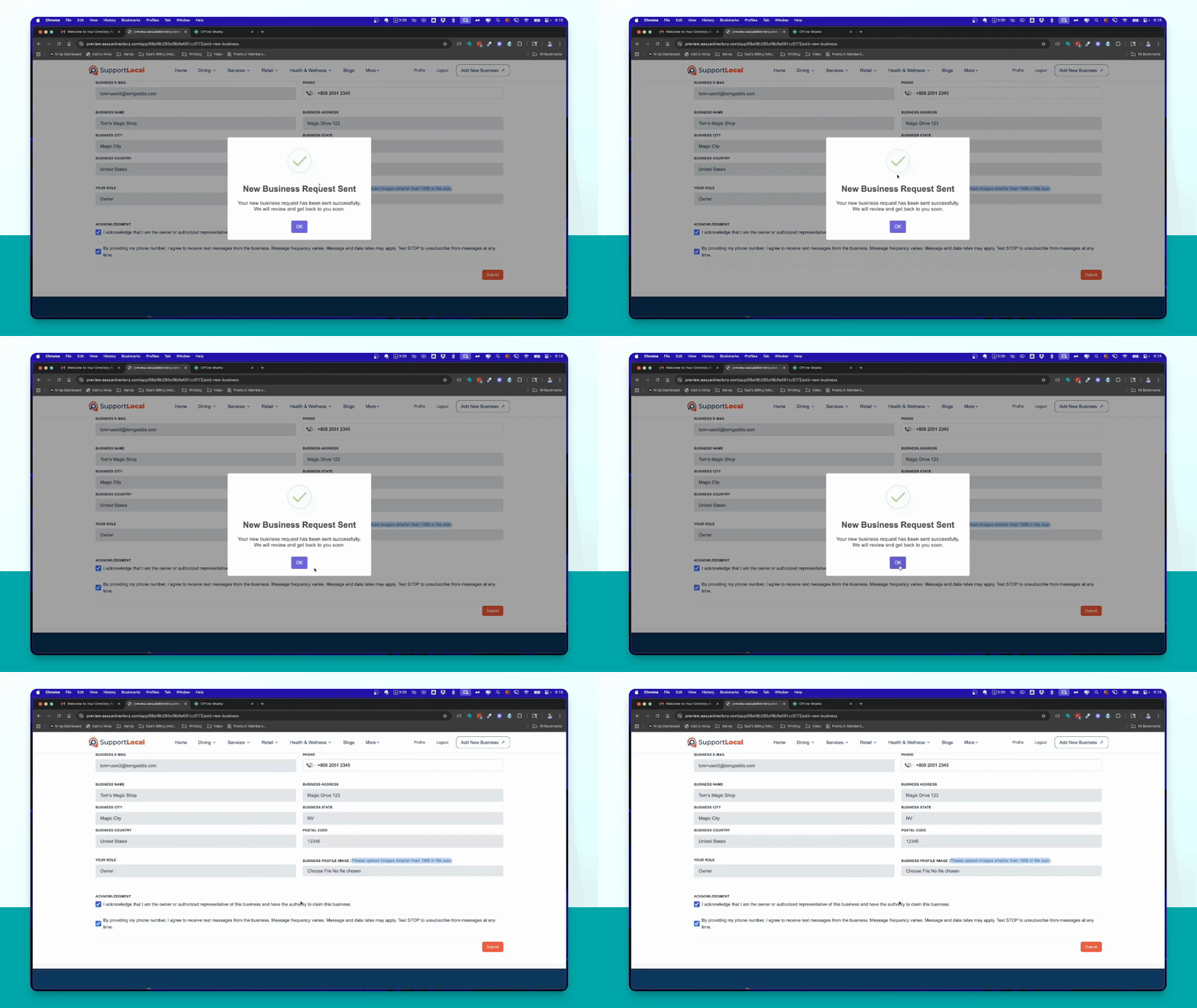
To add a new business, use the Add new business button located in the upper right. Let's look at the steps:
Step 1: Open the Add Business Form
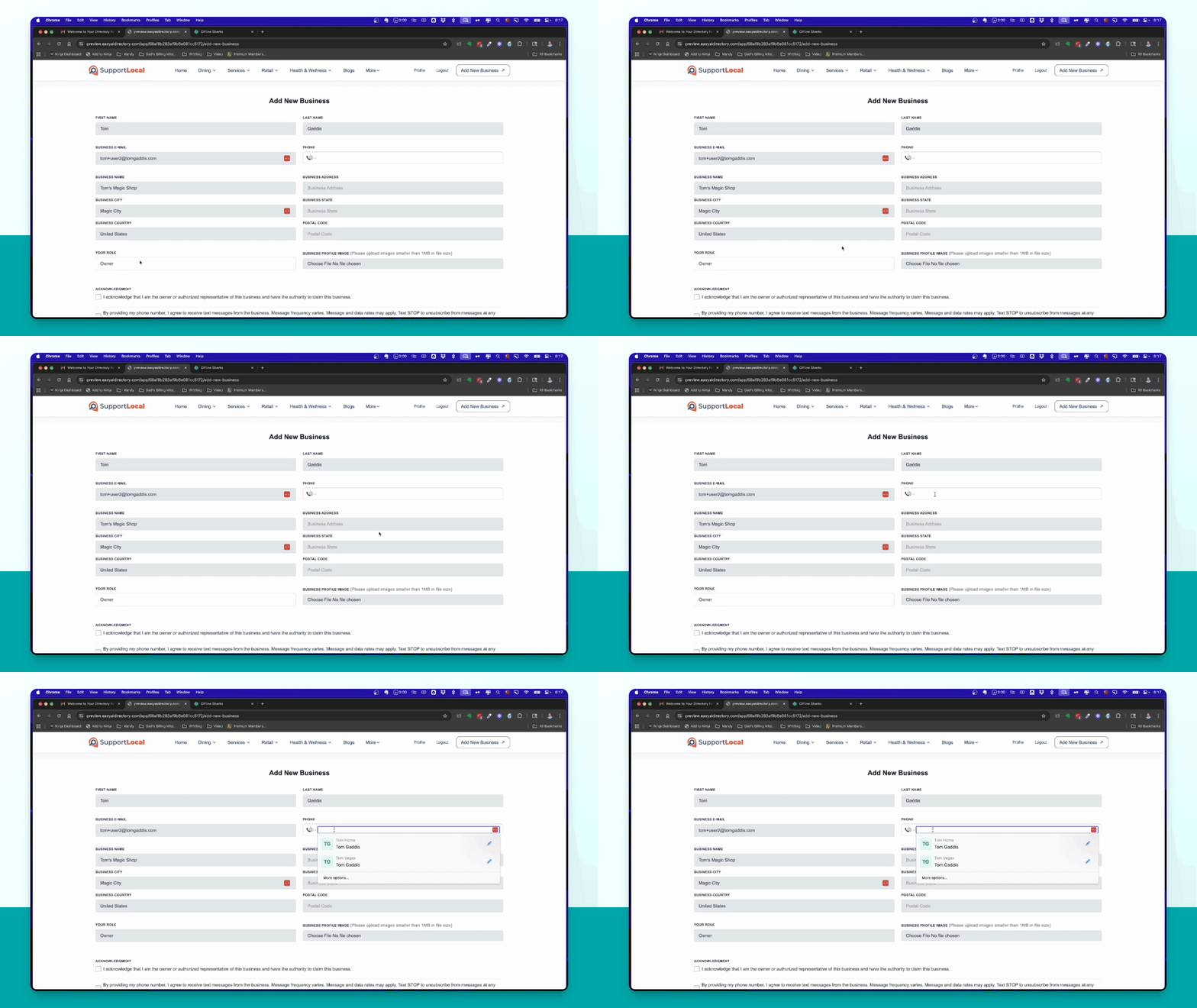
Click the Add new business button in the upper right to open the form.

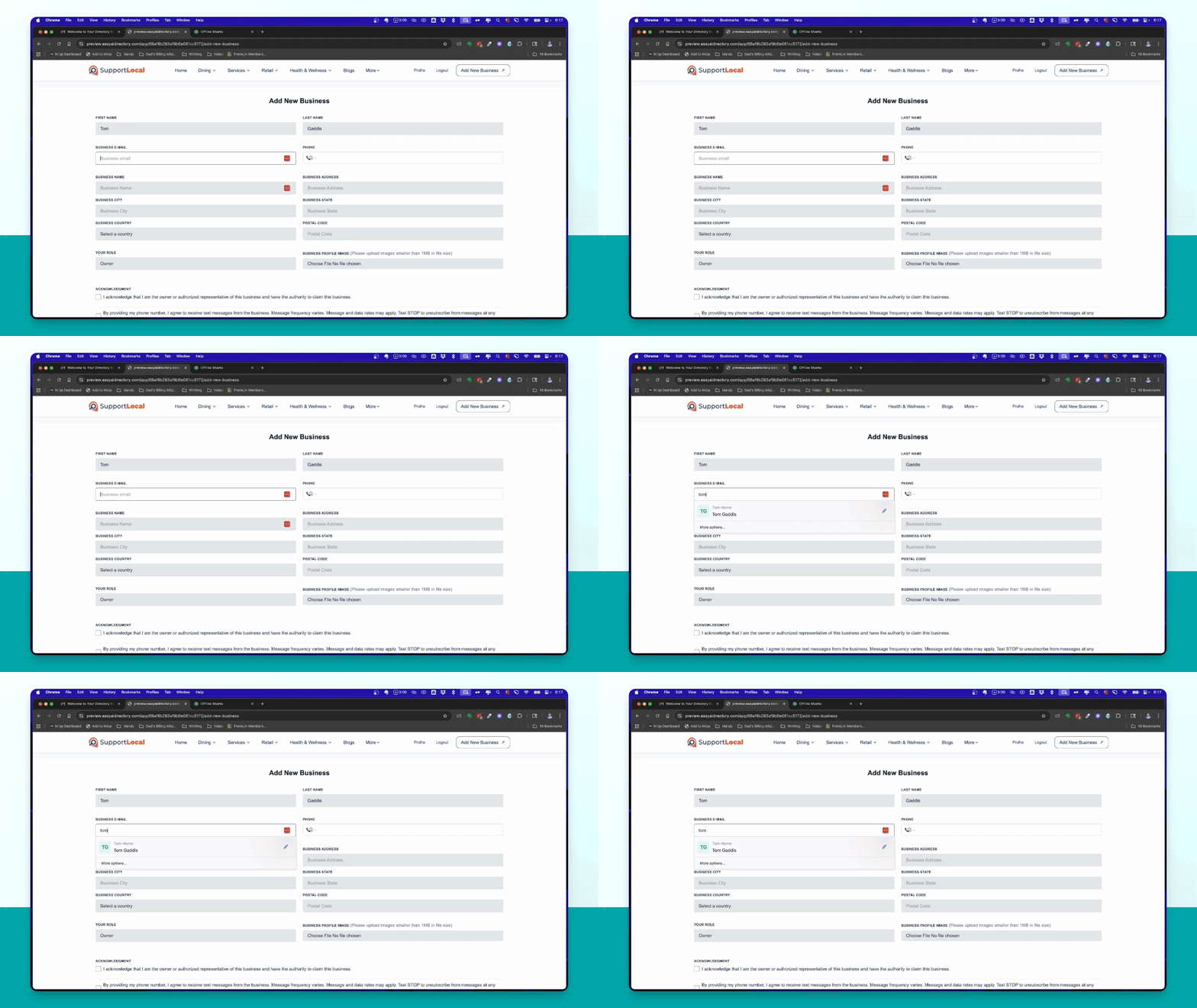
Step 2: Enter User Information
Fill out your user information, including a unique email address.
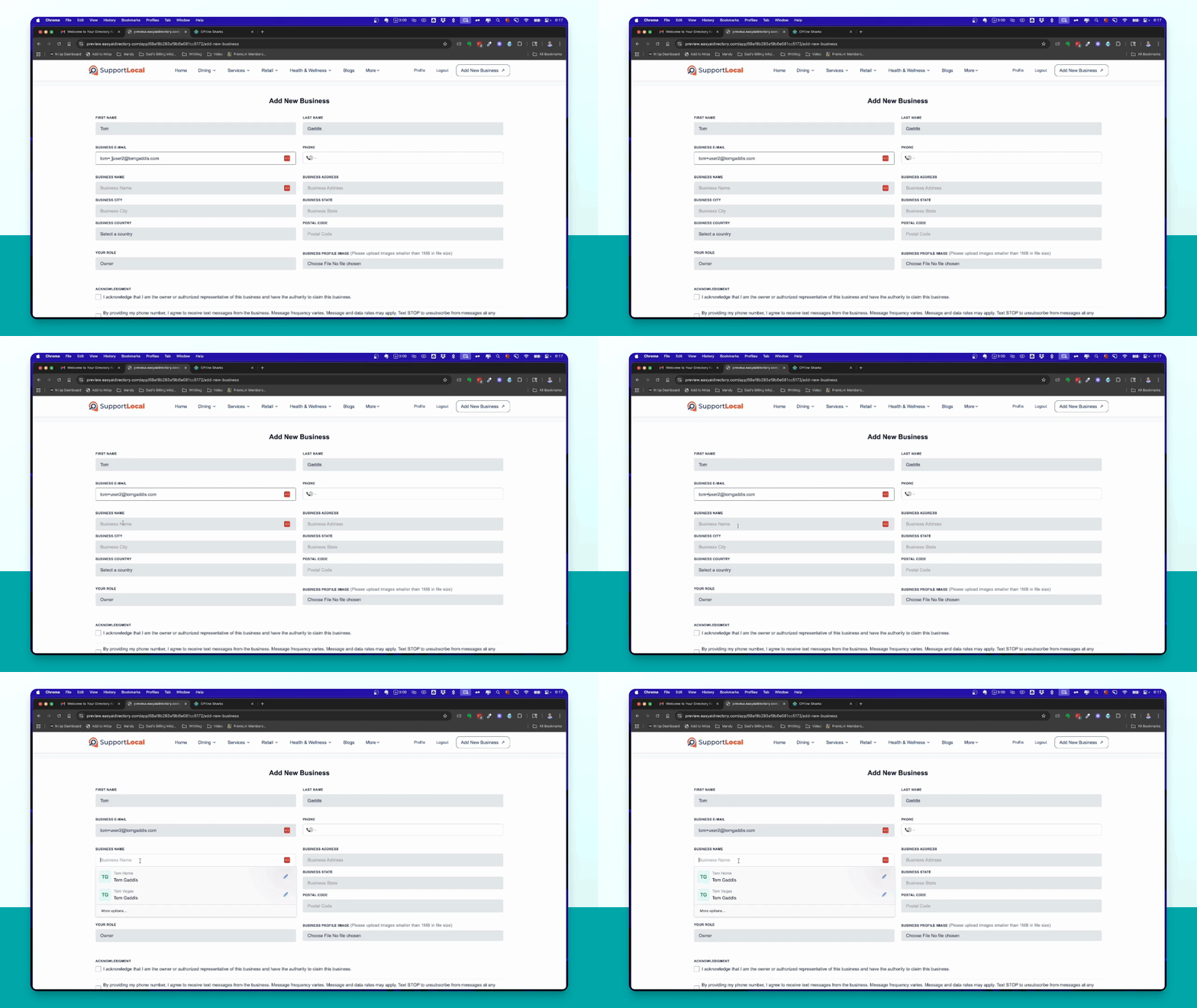
Step 3: Fill in Business Details
Enter your business name, such as Tom's Magic Shop, and location details like city and country. For example, select Magic City and choose United States from the list.
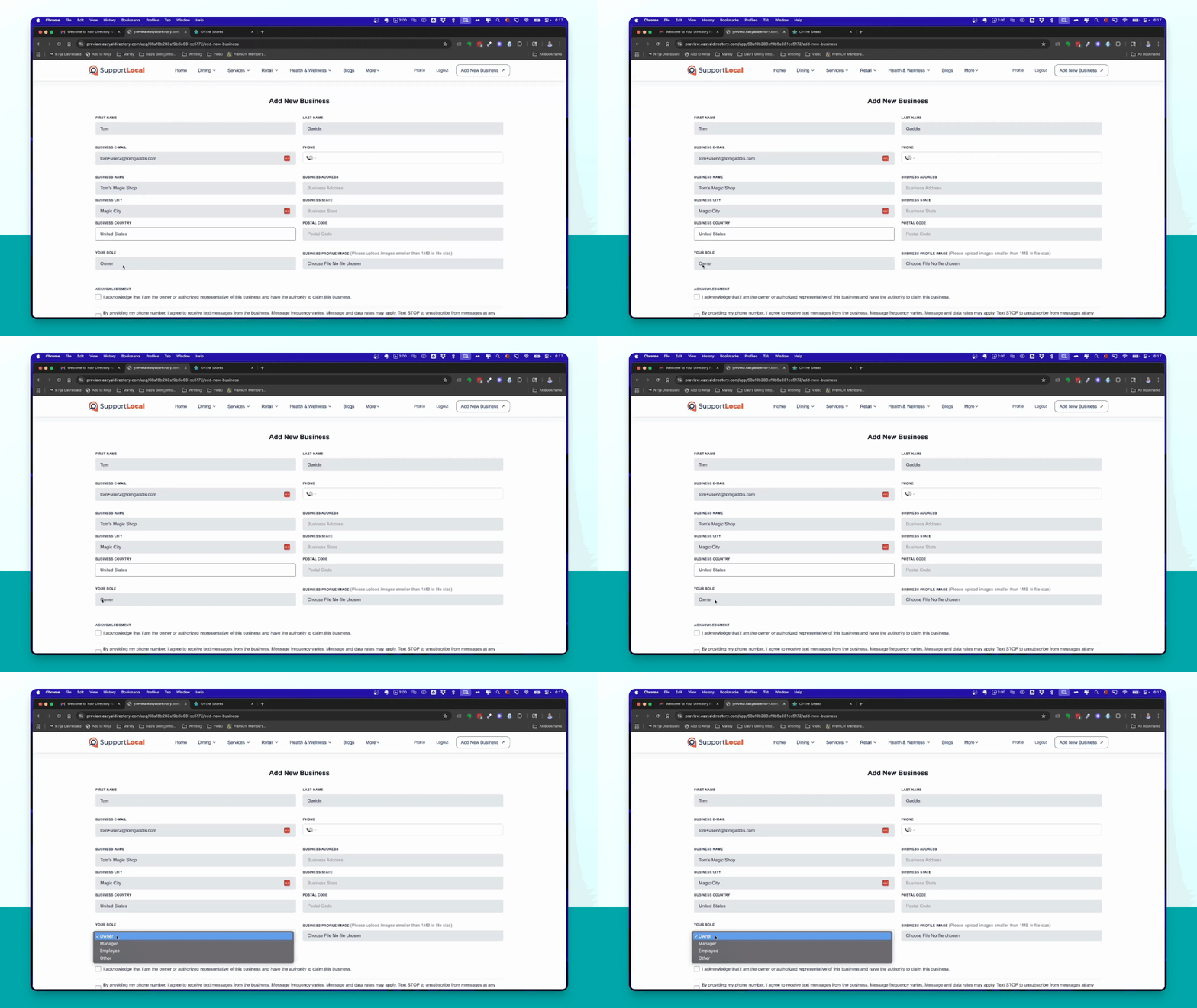
Step 4: Specify Your Role
Select your profile as owner to indicate you own the business.
Step 5: Enter Contact Information
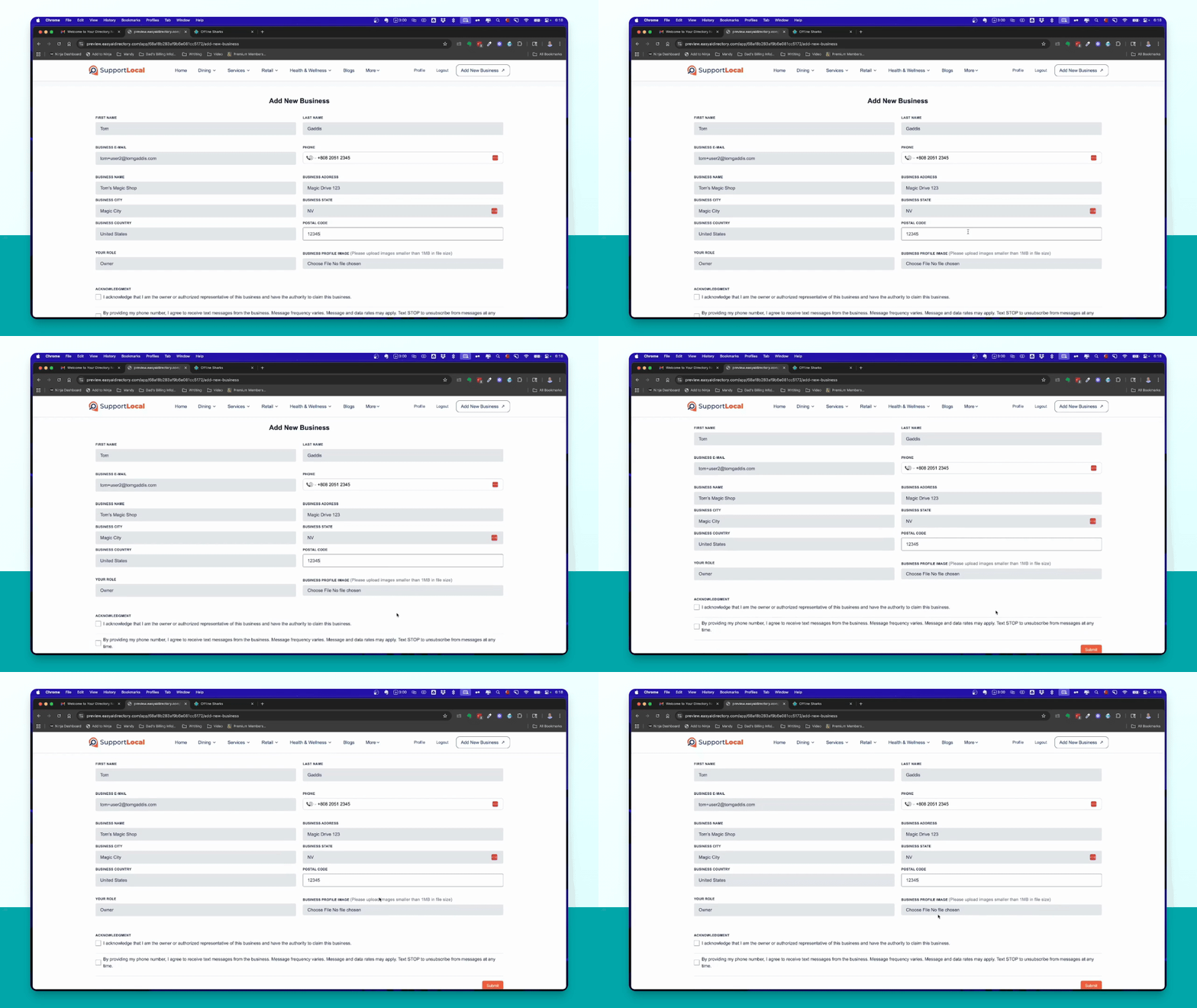
Provide a phone number and business address, including street, state, and postal code. For example, use Magic Drive, Nevada, and postal code 12345.
Step 6: (Optional) Upload Profile Image
If desired, upload a profile image for your business.
Step 7: Acknowledge and Submit
Click the acknowledgments checkbox, then click Submit to send your new business request.
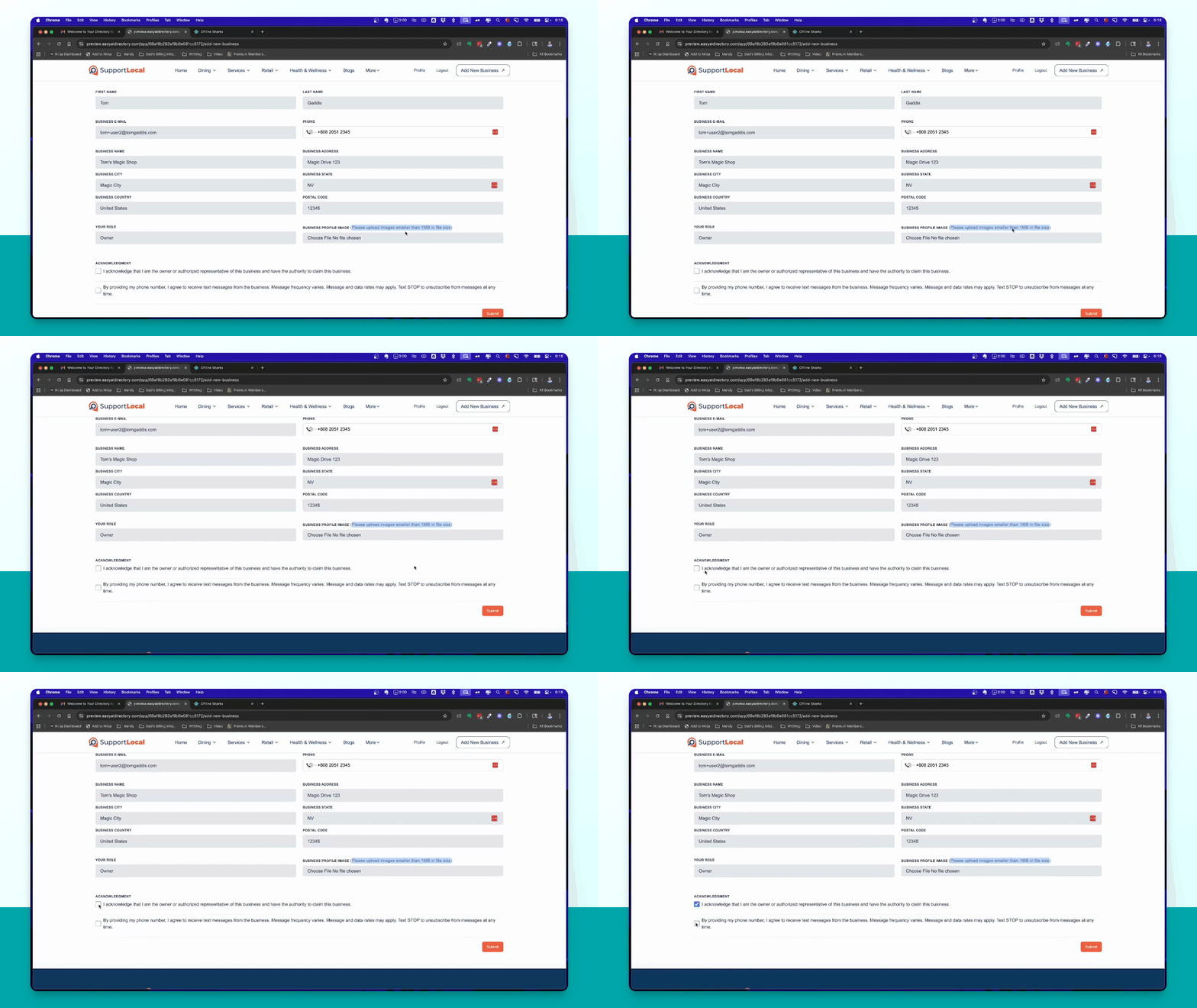
After submitting, click OK on the confirmation dialog. You will be redirected to the pricing page to view premium upgrade options.