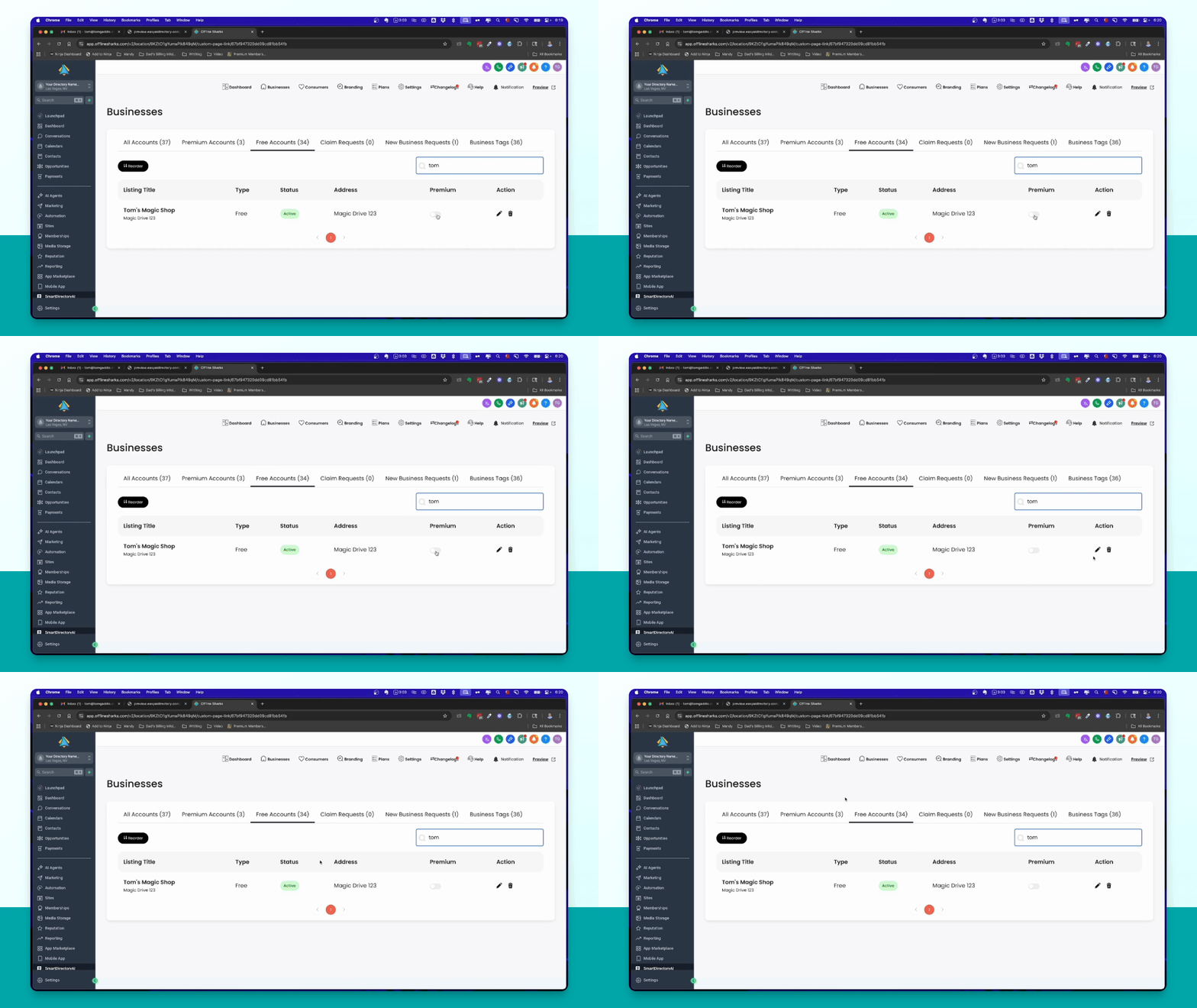
When a business requests to be added toSmartDirectoryAI, you can manage these requests from the admin panel. Let's look at the steps:
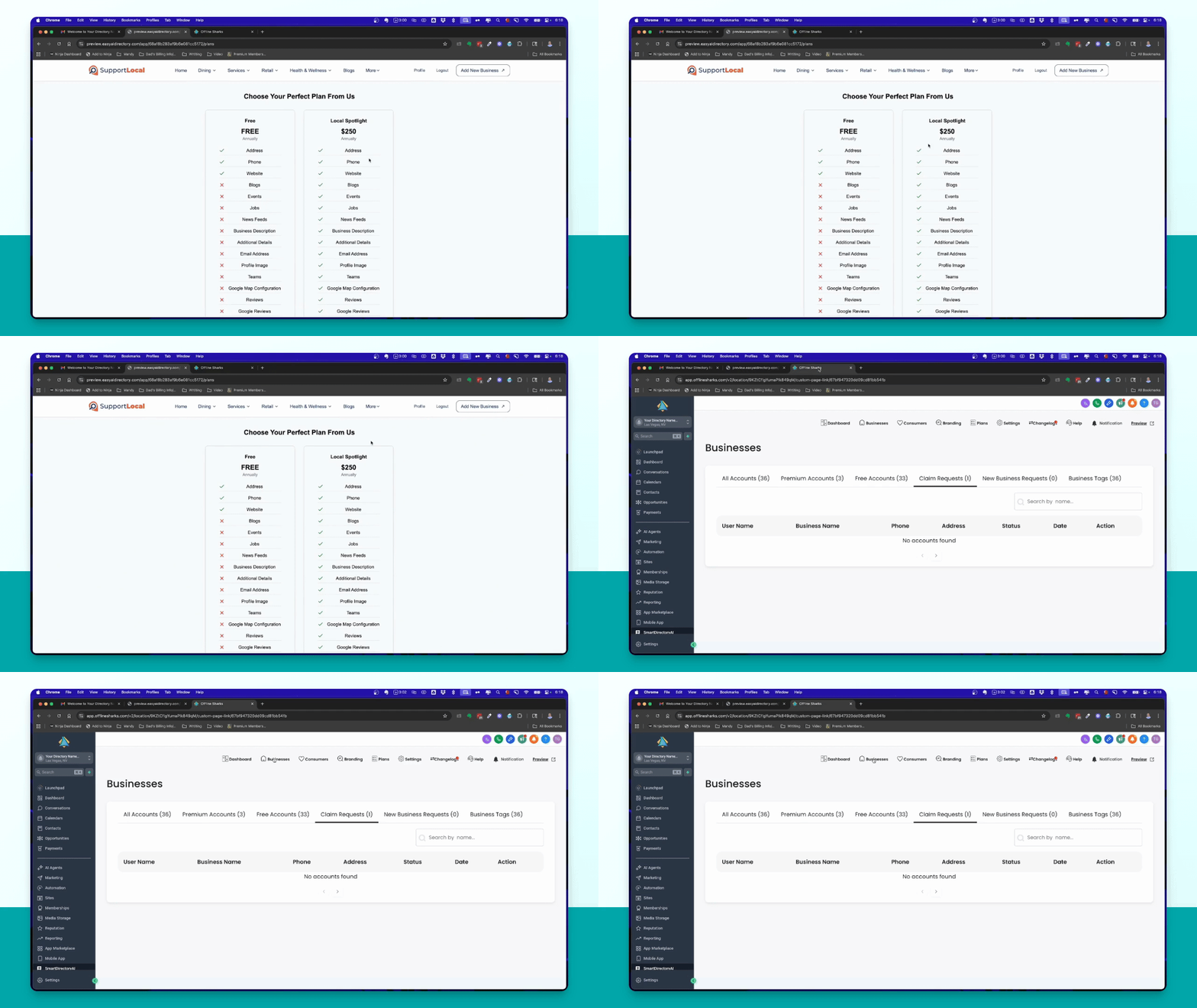
Step 1: Open Business Requests
Go to your business section. You will see a number indicating new business requests.
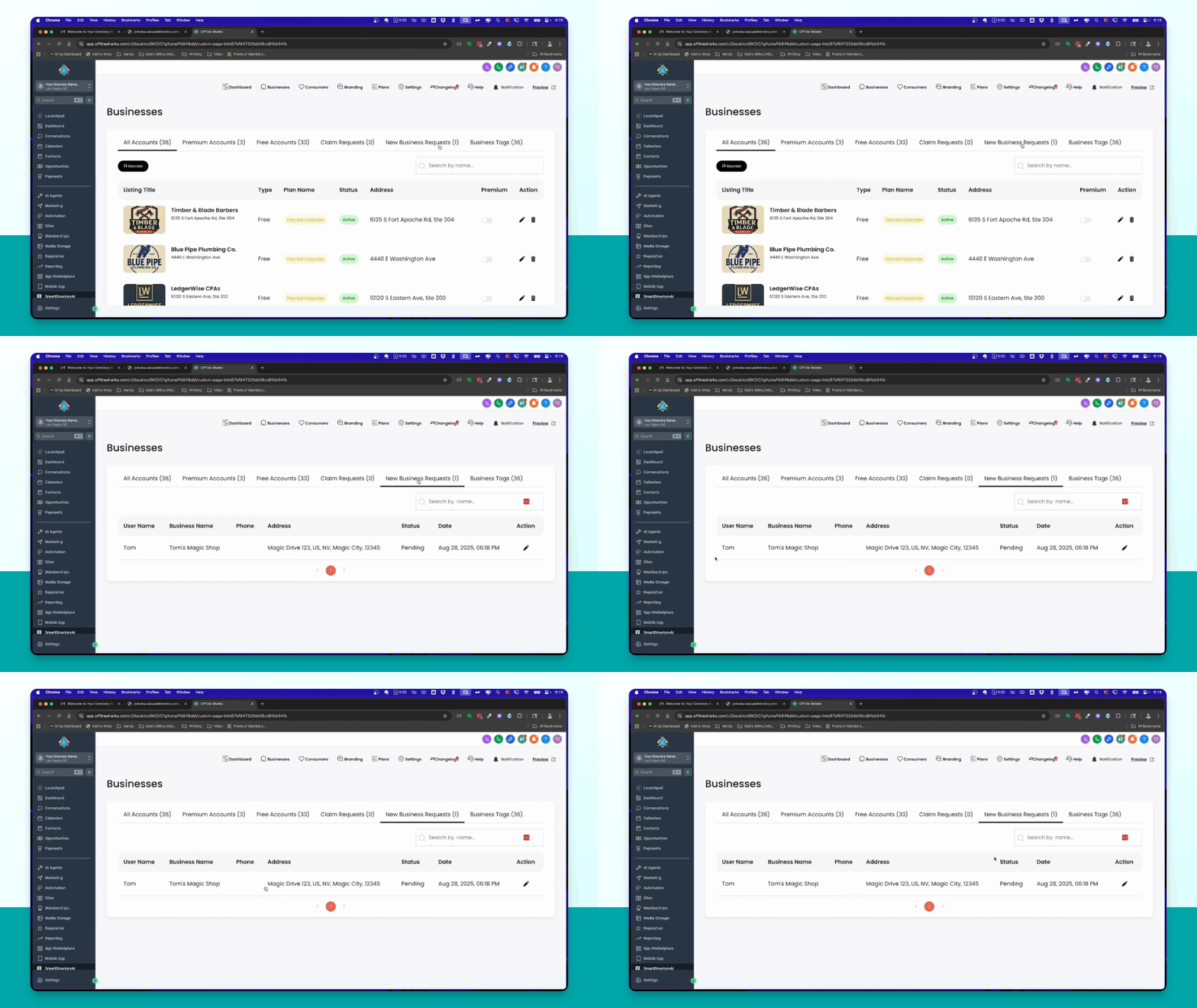
Step 2: Review the Request
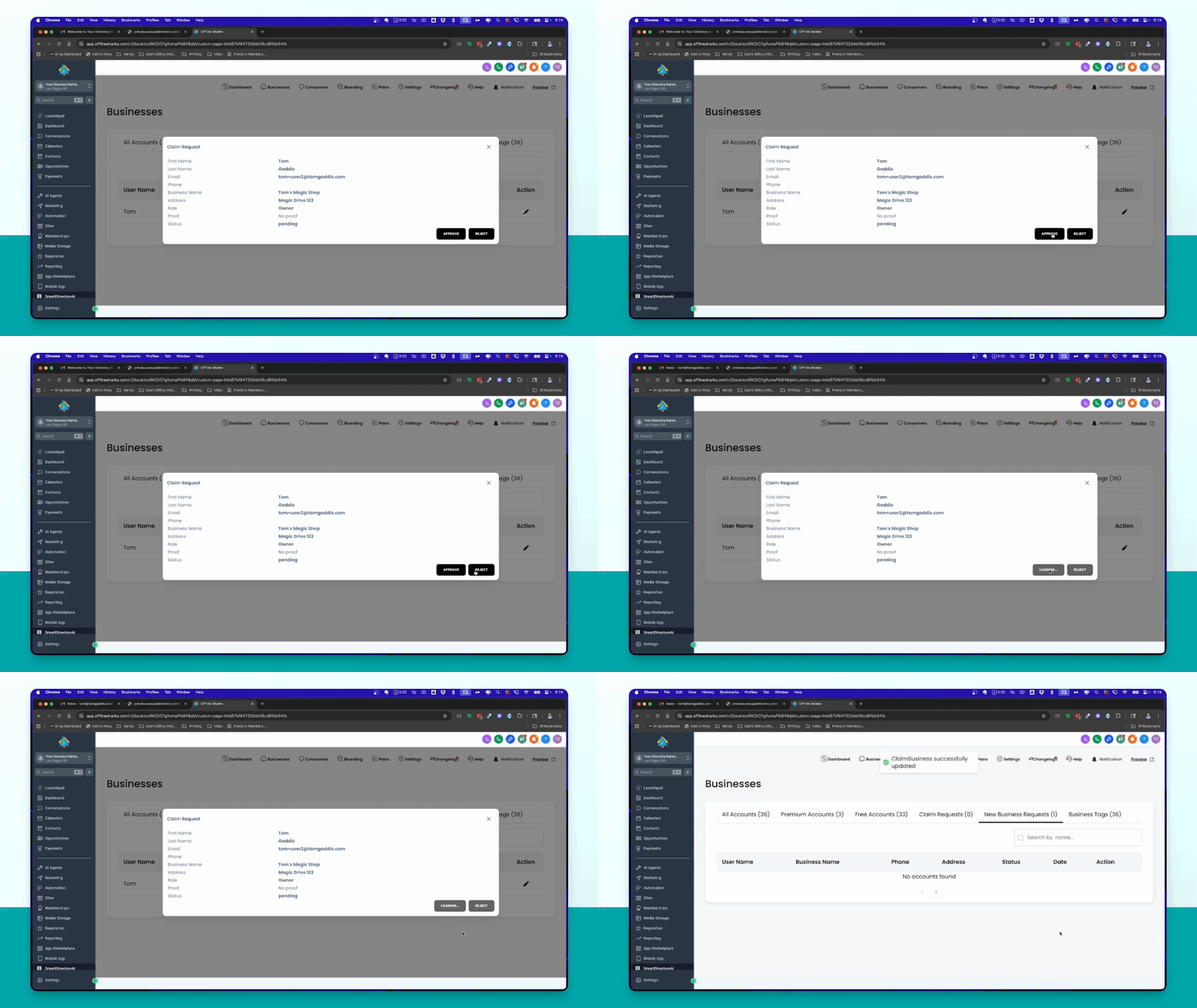
Locate the new request, such as Tom's Magic Shop, which is requesting to be added to the site.
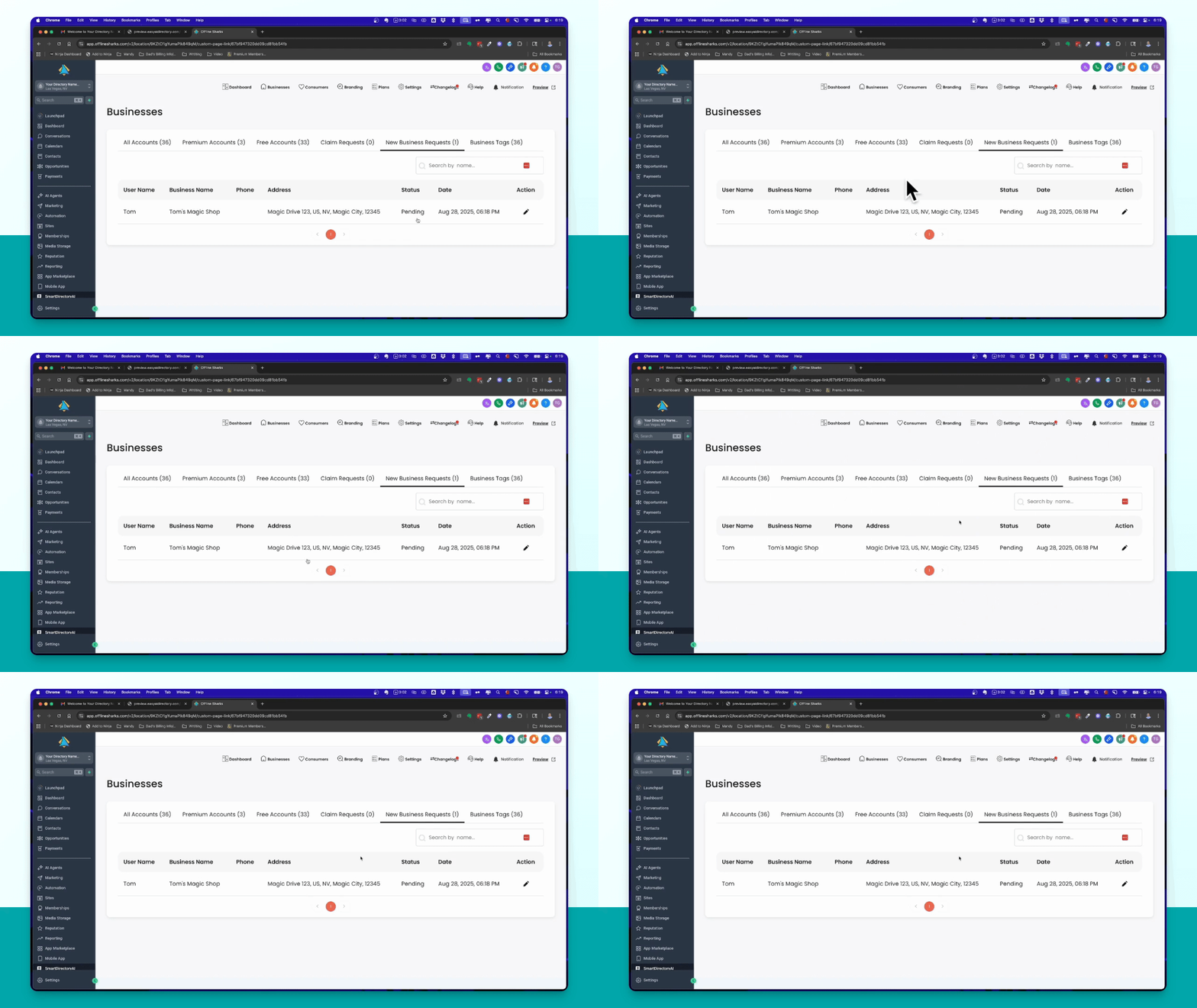
Step 3: Approve or Deny the Request
As the admin, click the pencil icon next to the request. You can then choose to approve or reject the business.
Step 4: Confirm Approval
After approving, you will see a confirmation message: Claim business successfully added.
Step 5: Verify the Business Listing
You will notice the total account count increases. Search for the business, such as Tom's Magic Shop, to confirm it is now listed.
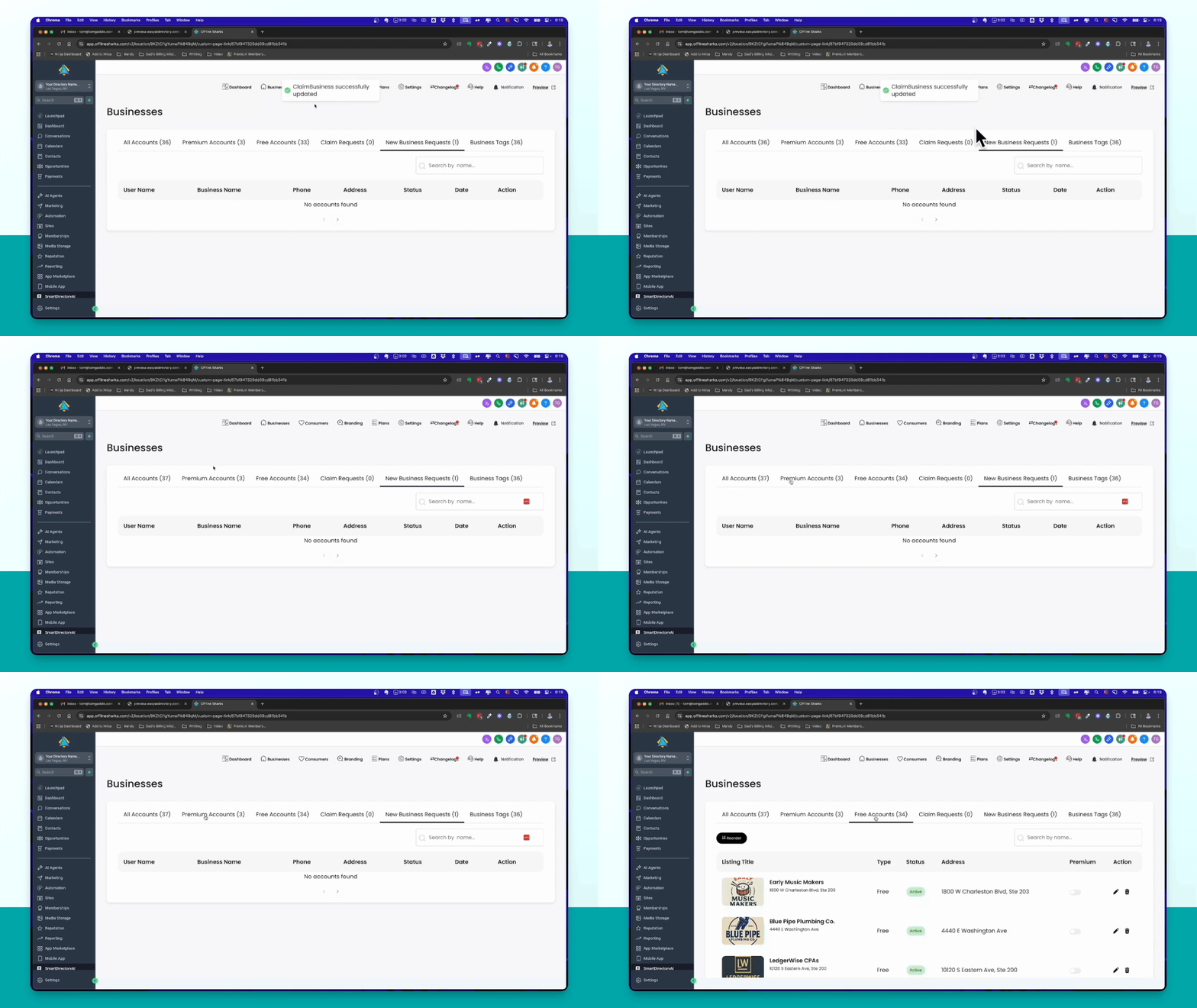
You can make a business premium by clicking the corresponding option, but this will be covered in another video.
This is how the add business process works in Smart Directory.