

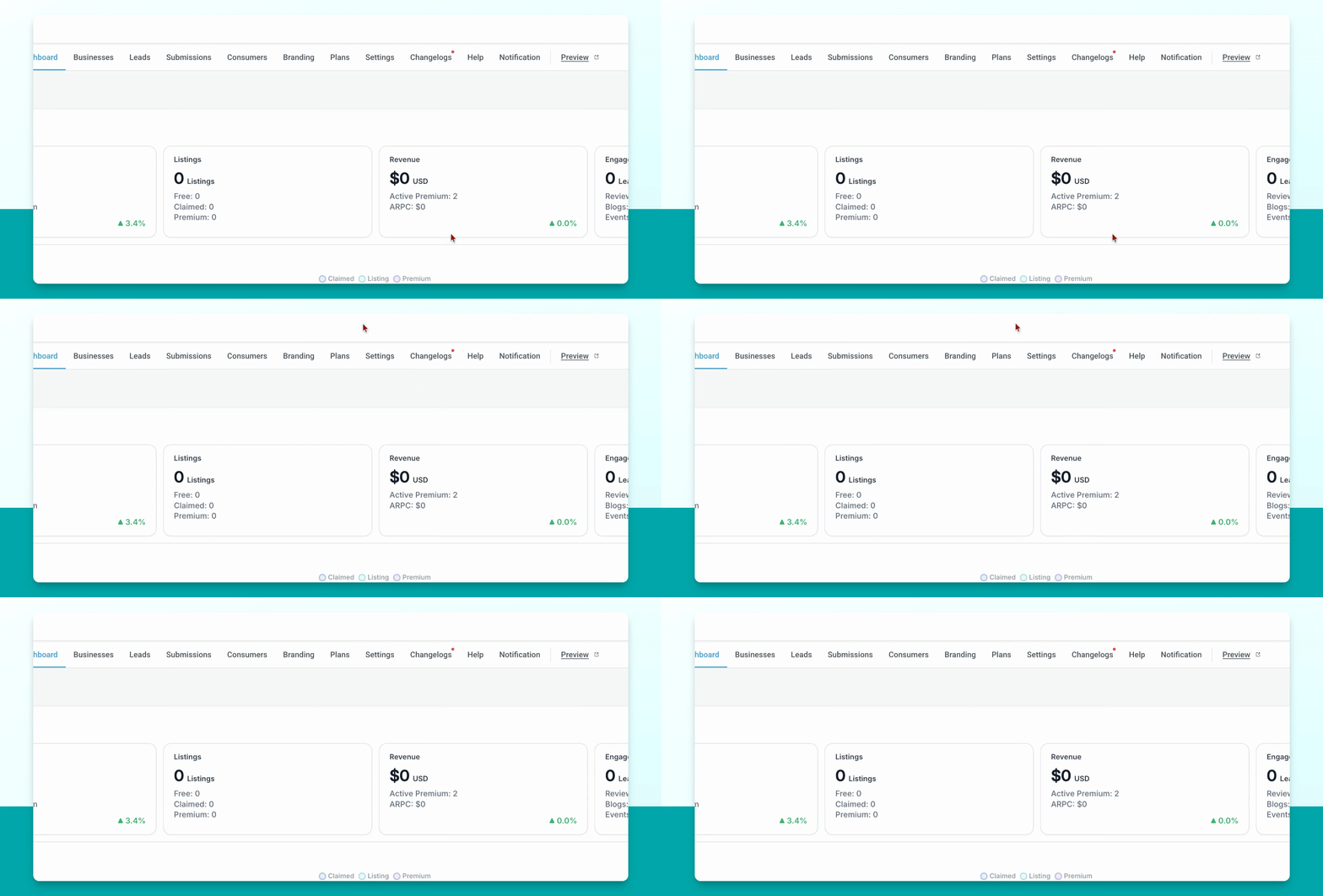
Step 1: Open Contacts
Go to Contacts to begin the deletion process.
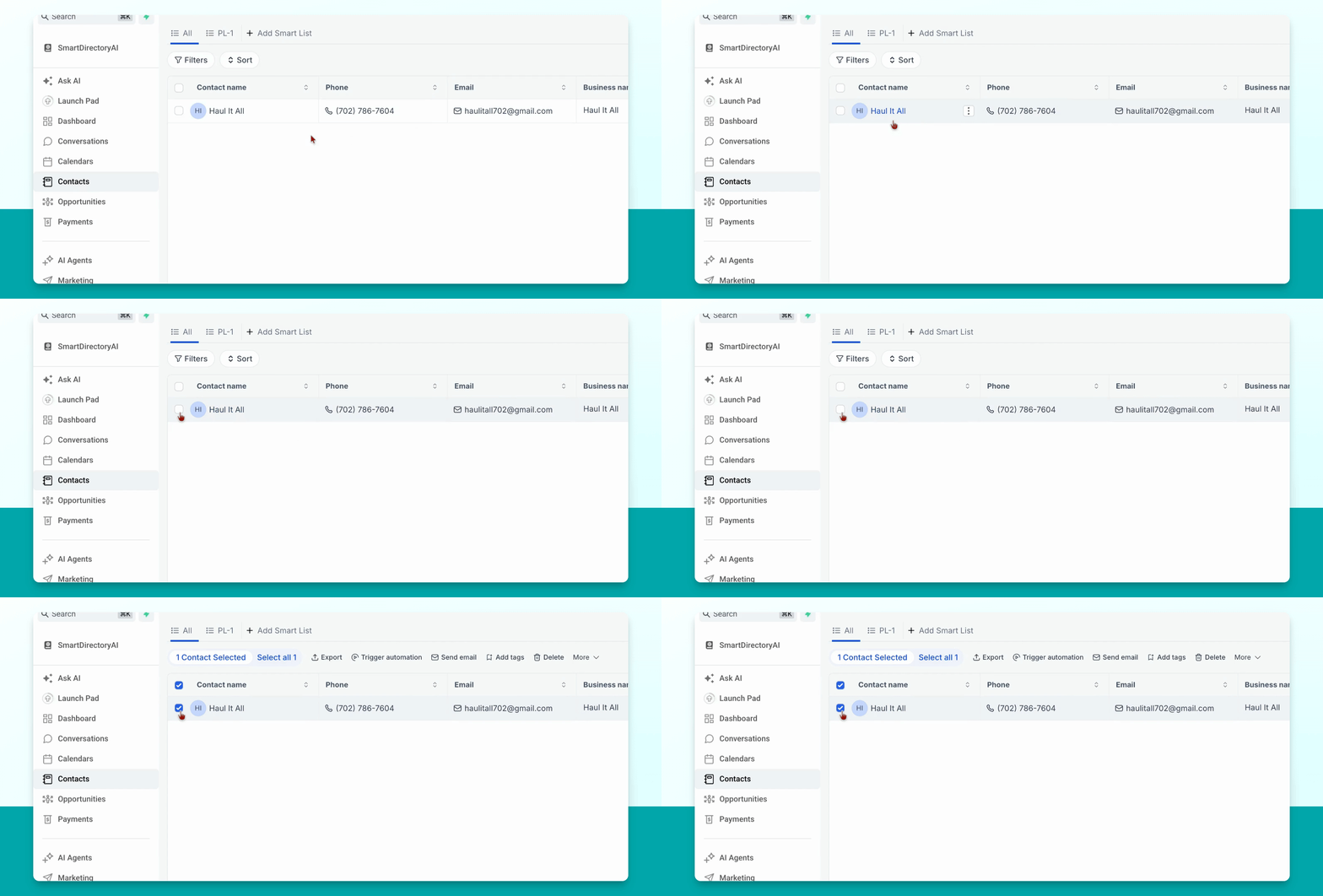
Step 2: Select and Delete Contact
Find the contact you want to delete, select it, and click Delete from the menu at the top.
Step 3: Confirm Deletion
You will be prompted to verify the deletion. Type delete and click Delete to permanently remove the contact.
You cannot recover contacts once they've been deleted. Make sure you want to delete them before proceeding.