This guide explains how to convert your existing contacts into listings using the Smart Directory AI Dashboard. Let's look at the steps:
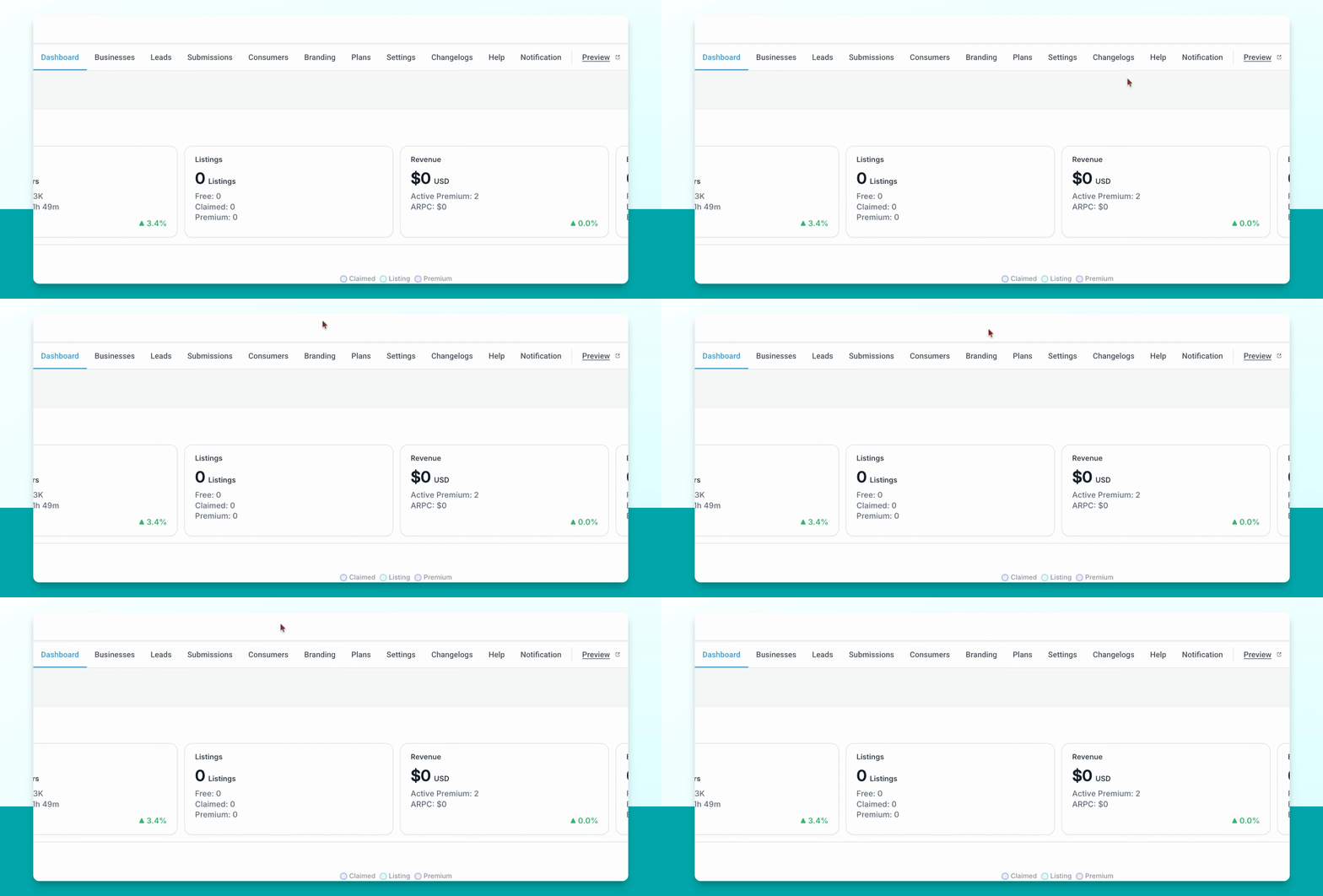
Step 1: Go to Contacts
In your Smart Directory AI Dashboard, navigate to the Contacts section.
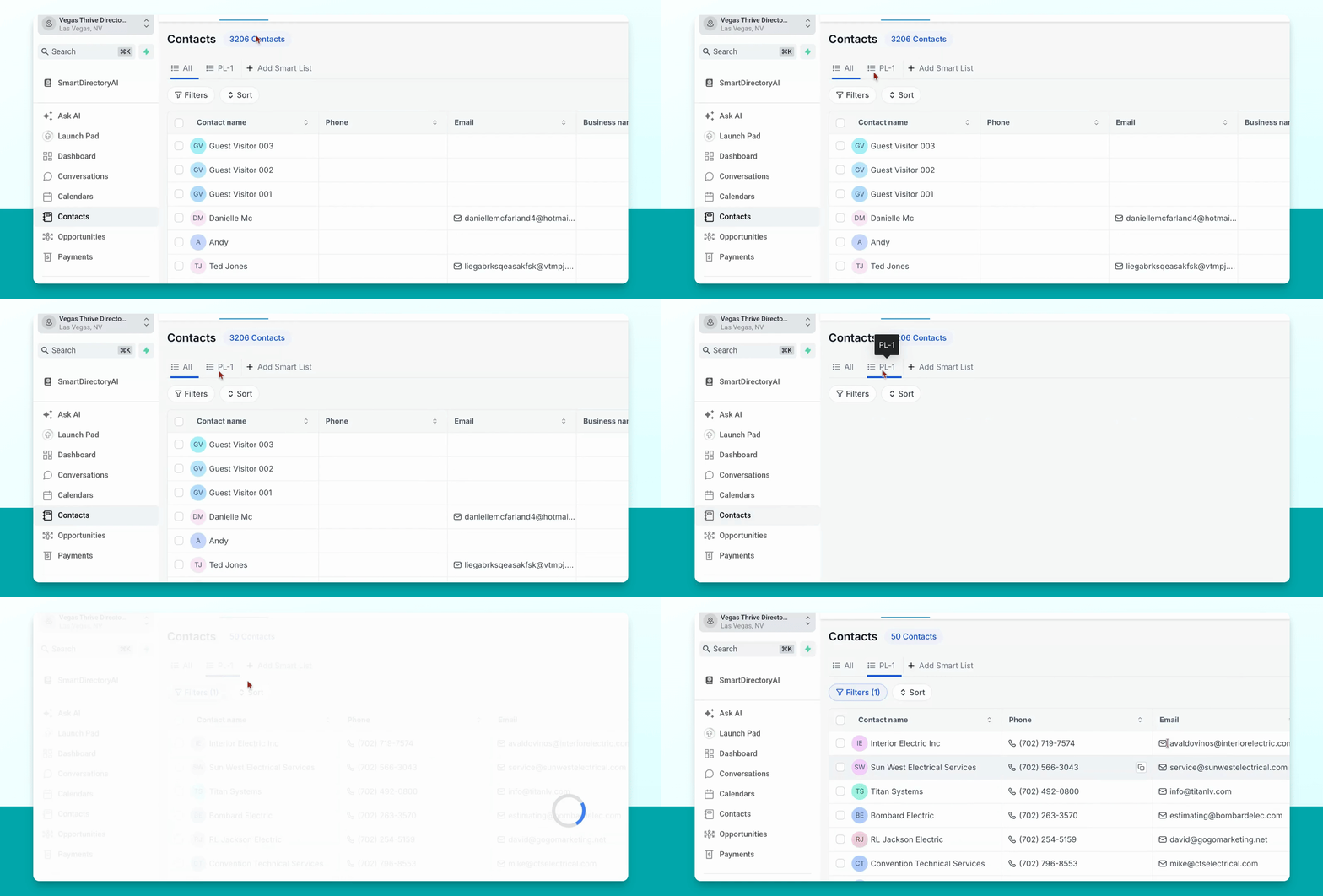
Step 2: Find Desired Contacts
Locate the contacts you want to turn into listings.
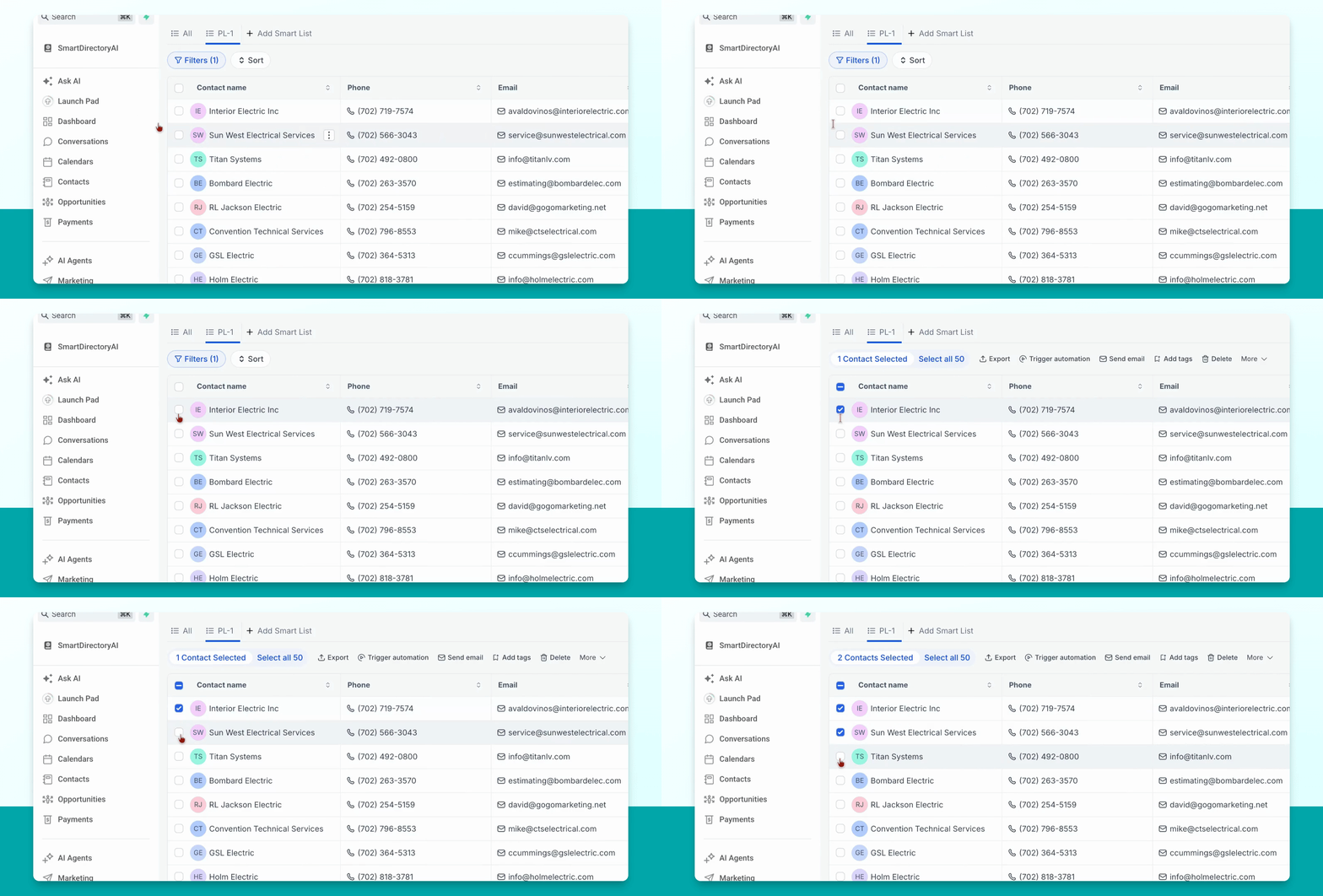
Step 3: Select Contacts
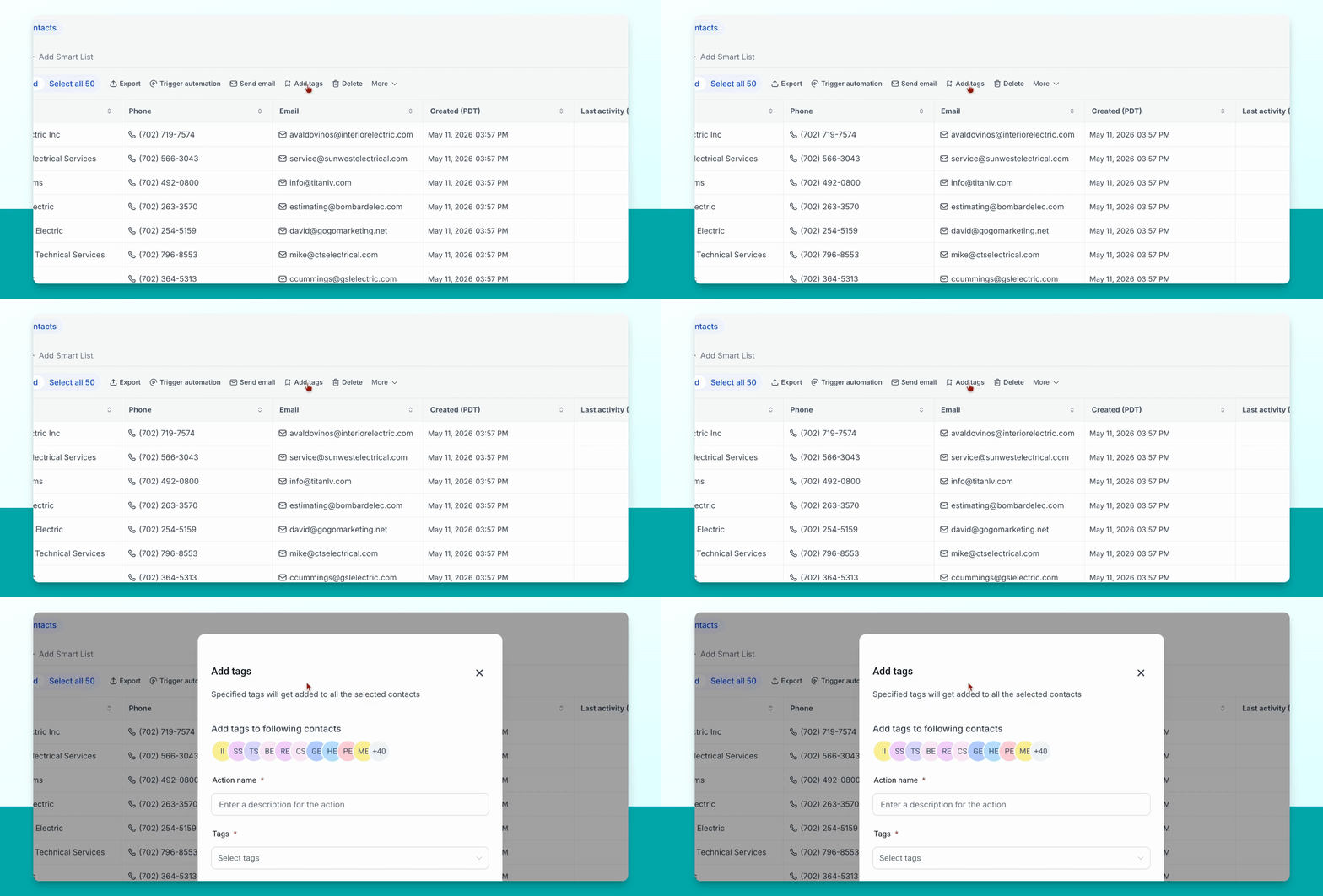
Select the contacts individually or use the option to select all at once.
Step 4: Add Business Tag
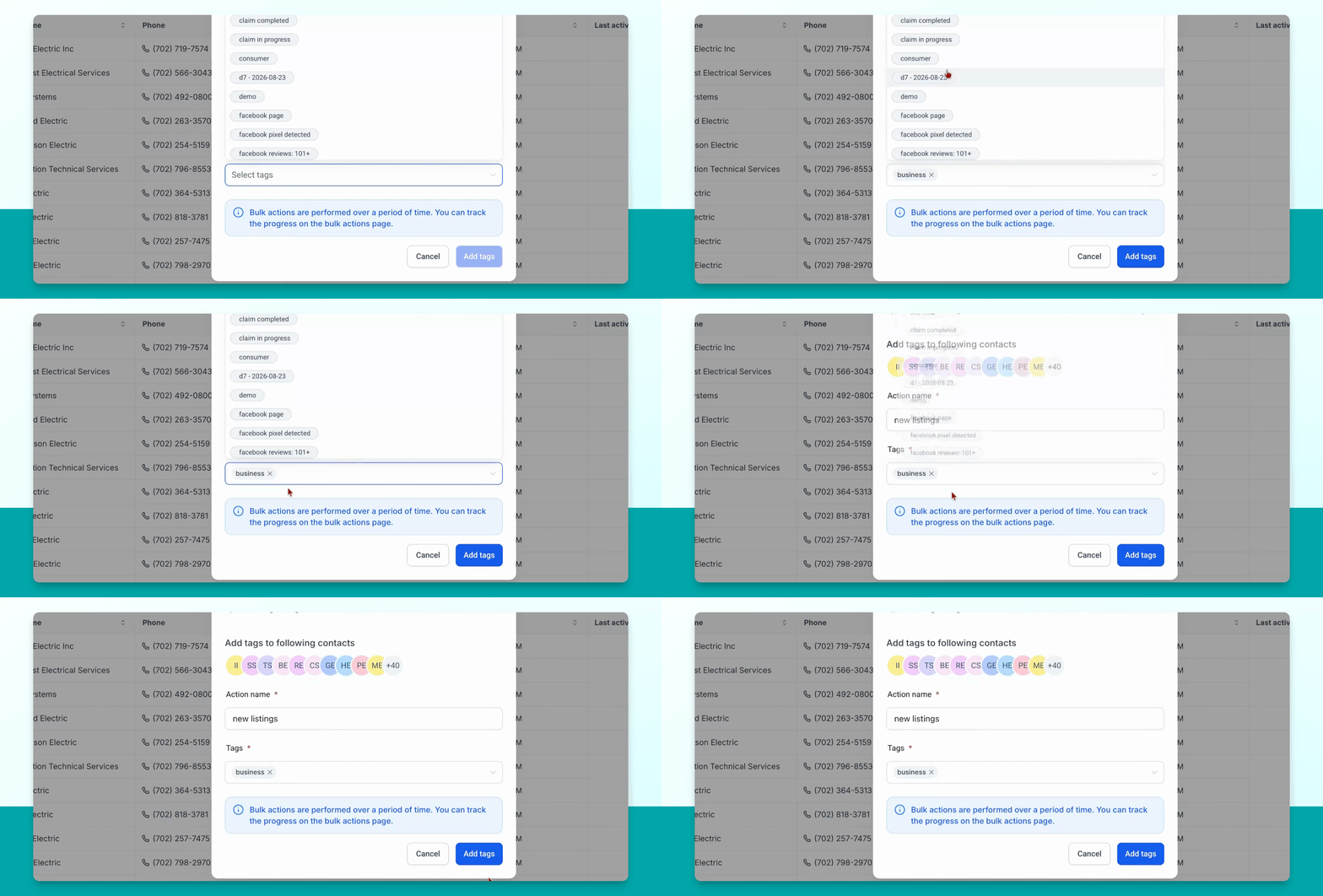
In the new menu that appears, click the Add Tags button. Give the action a name, then go to Tags and select the Business tag.
Step 5: Apply Tag to Create Listings
After clicking Add Tags, the Business tag will be added to the selected contacts, which creates listings on your directory site.