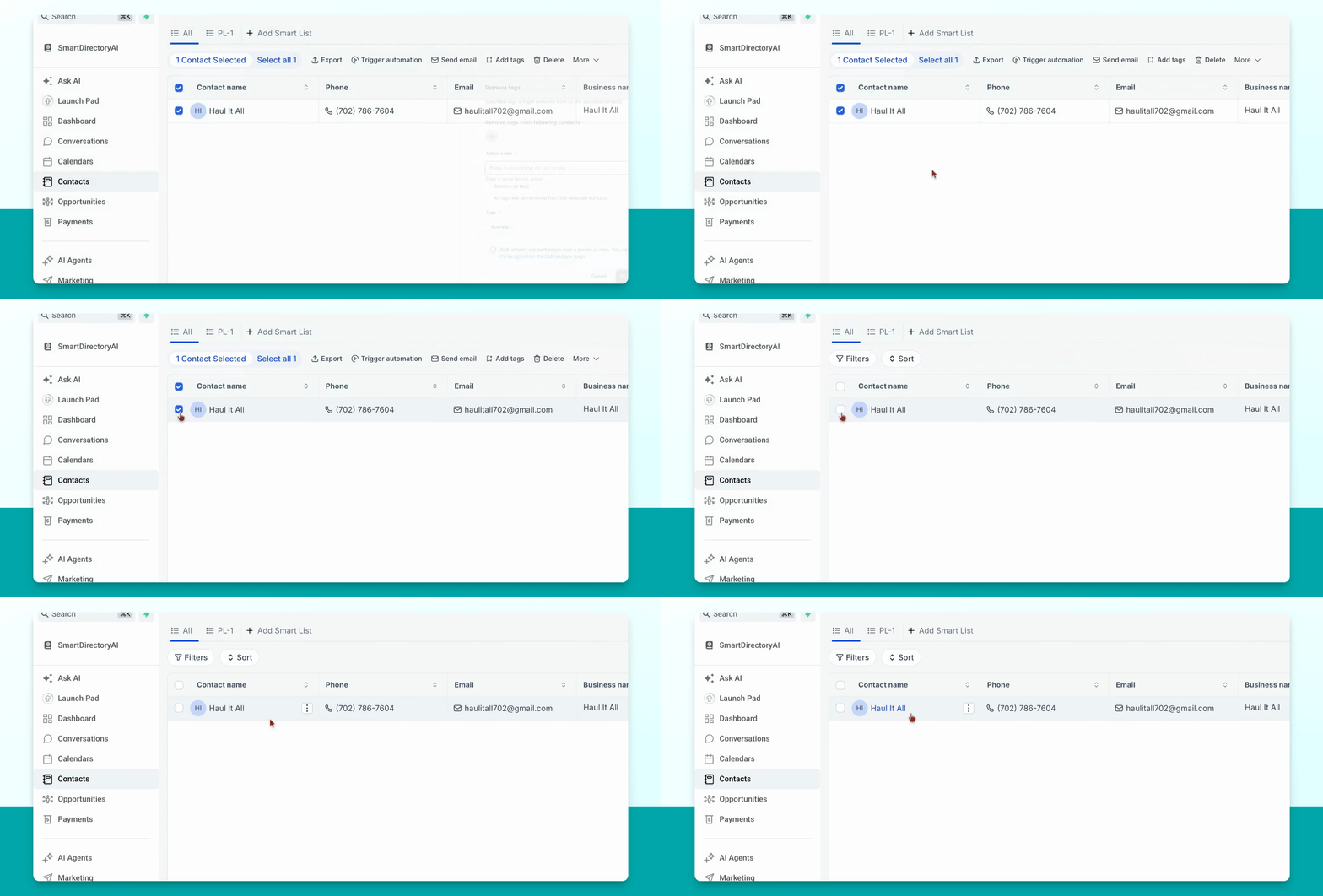
There are several ways to remove a business listing from your directory. Let's look at the steps:
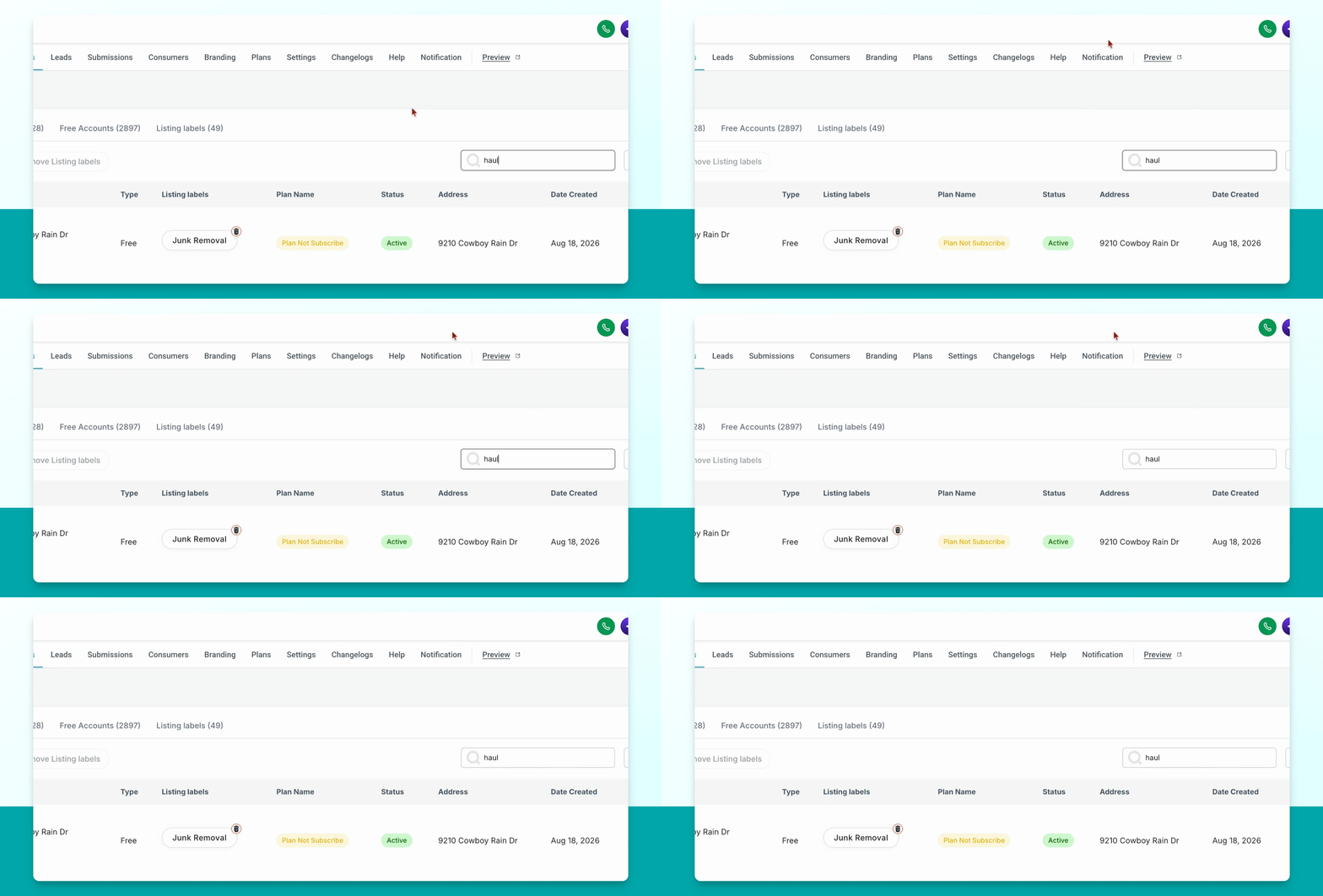
Step 1: Remove via Businesses Section
Go to the businesses section, search for the business you want to remove, and click the trash can icon on the far right. This will remove the business tag, and the business will no longer have a listing in your directory.
The business will still have a contact card in your database, but it will not have a live listing.
Step 2: Remove via Contacts Menu
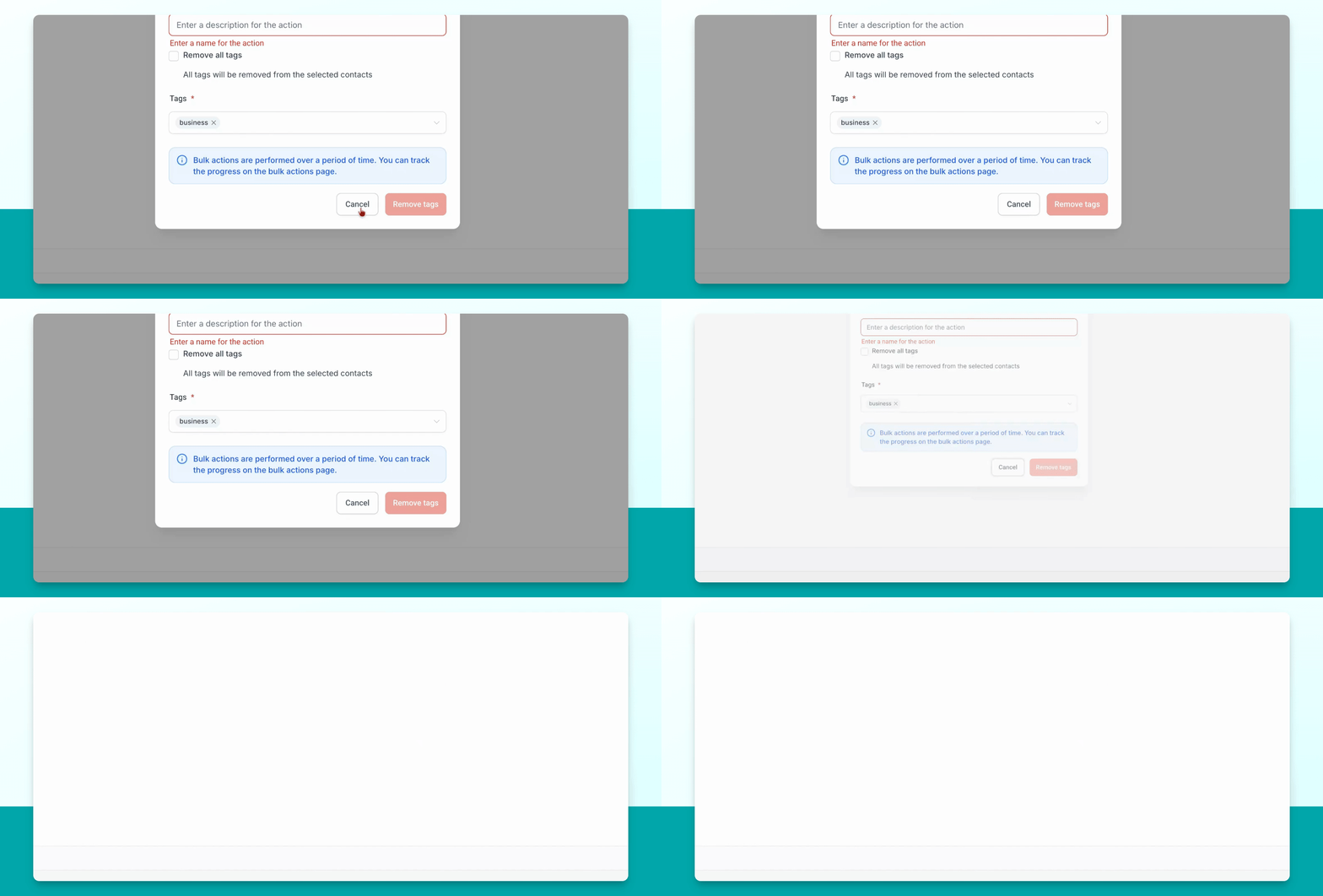
Go to contacts, search for the business, select them in the new menu, go to More, and click on Remove tags. Give this action a name and select the business tag for removal. Once you confirm, the business tag will be removed and the listing will no longer appear in your directory site.
The contact card will remain in your database, but the business will not have a listing.
Step 3: Remove Tag from Contact Card
Search for the business, open their contact card, and at the top, find the tags section. Click the X next to the business tag to remove it. This will remove their listing from your directory site but keep their contact card in your database.