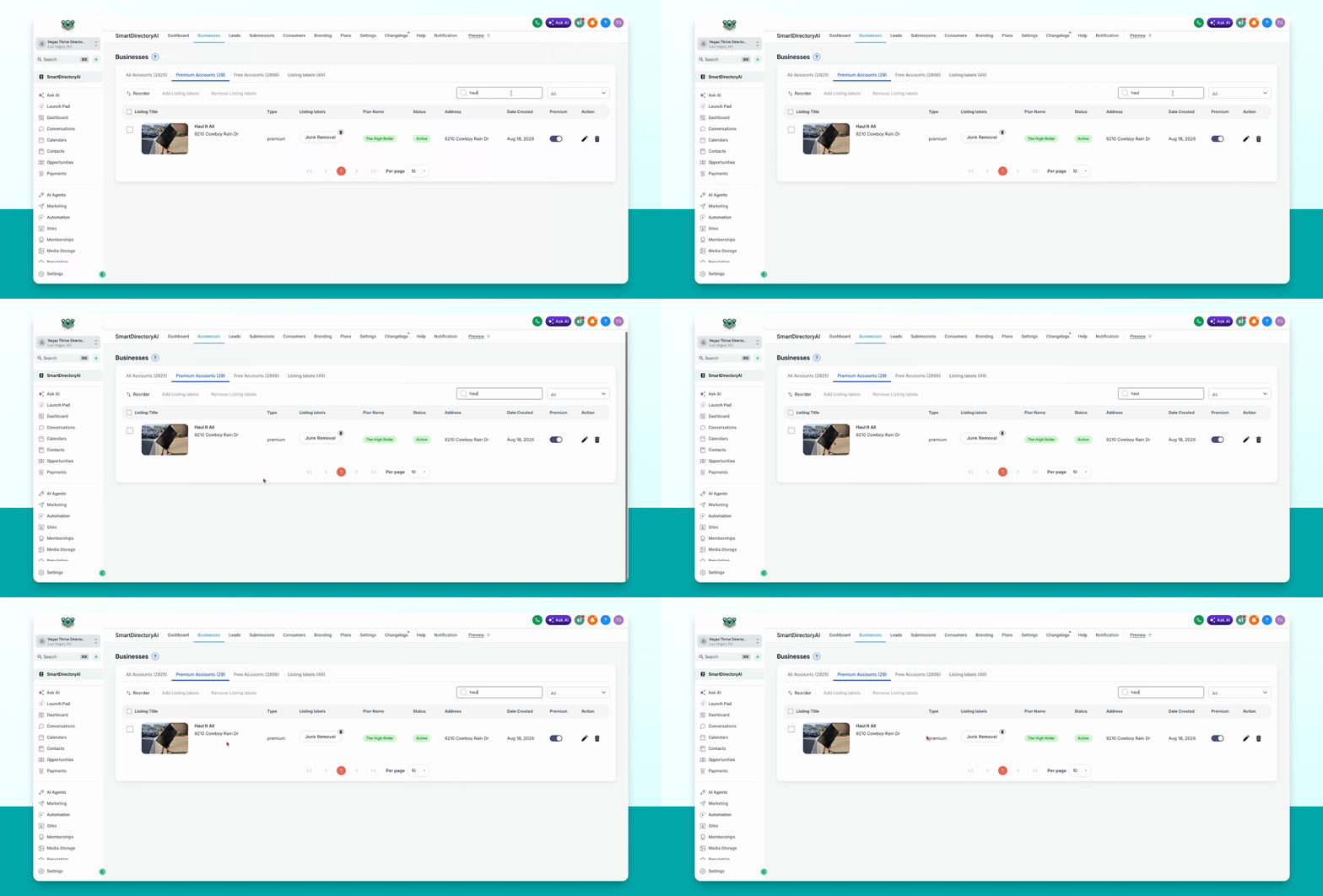
This guide explains how to disable premium listing features for a business in your smart directory AI Dashboard. Let's look at the steps:
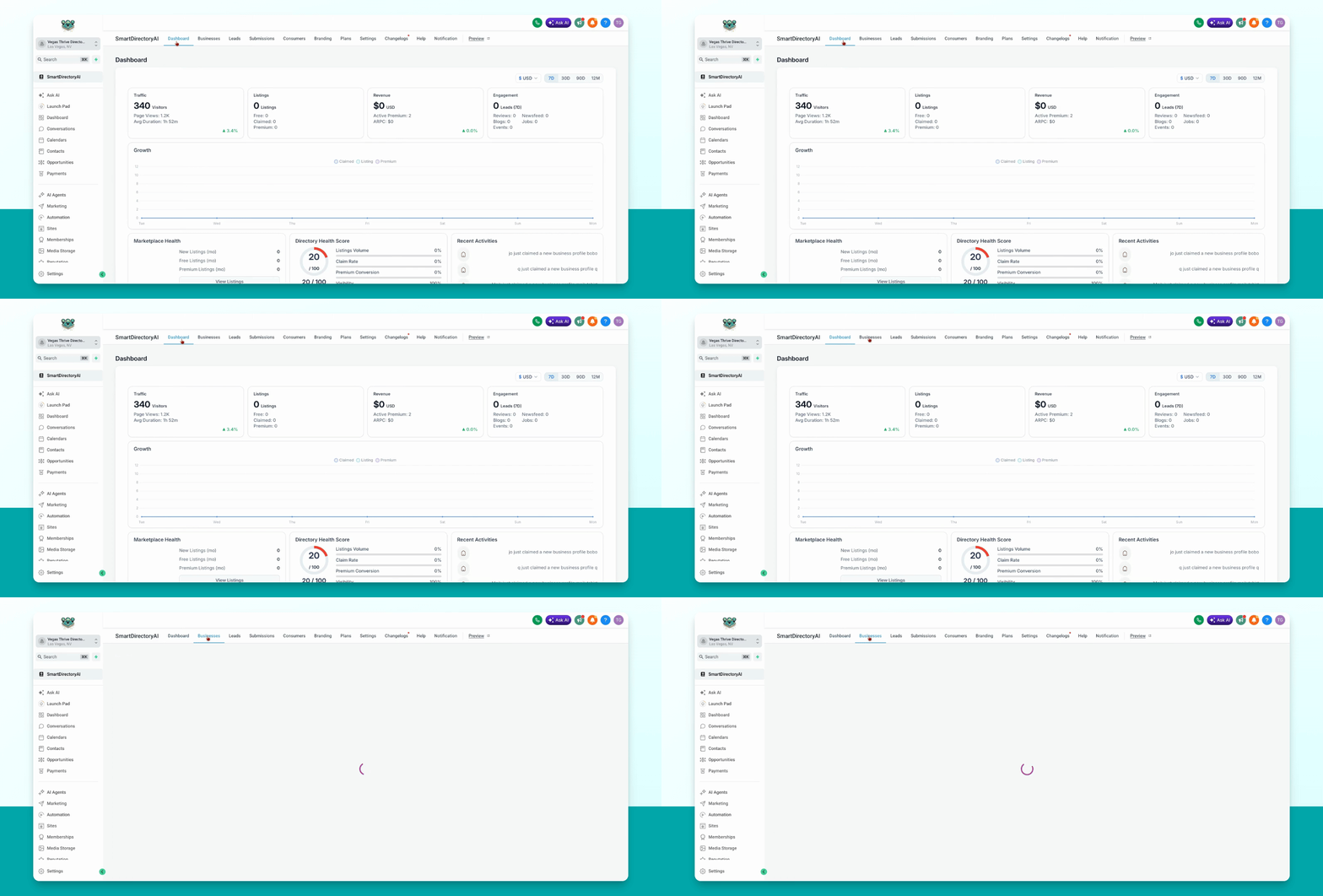
Step 1: Open Premium Accounts
Go to businesses, then select premium accounts in your dashboard.
Step 2: Find the Target Account
Locate the account you want to downgrade from premium to free. You can use the search function if needed.
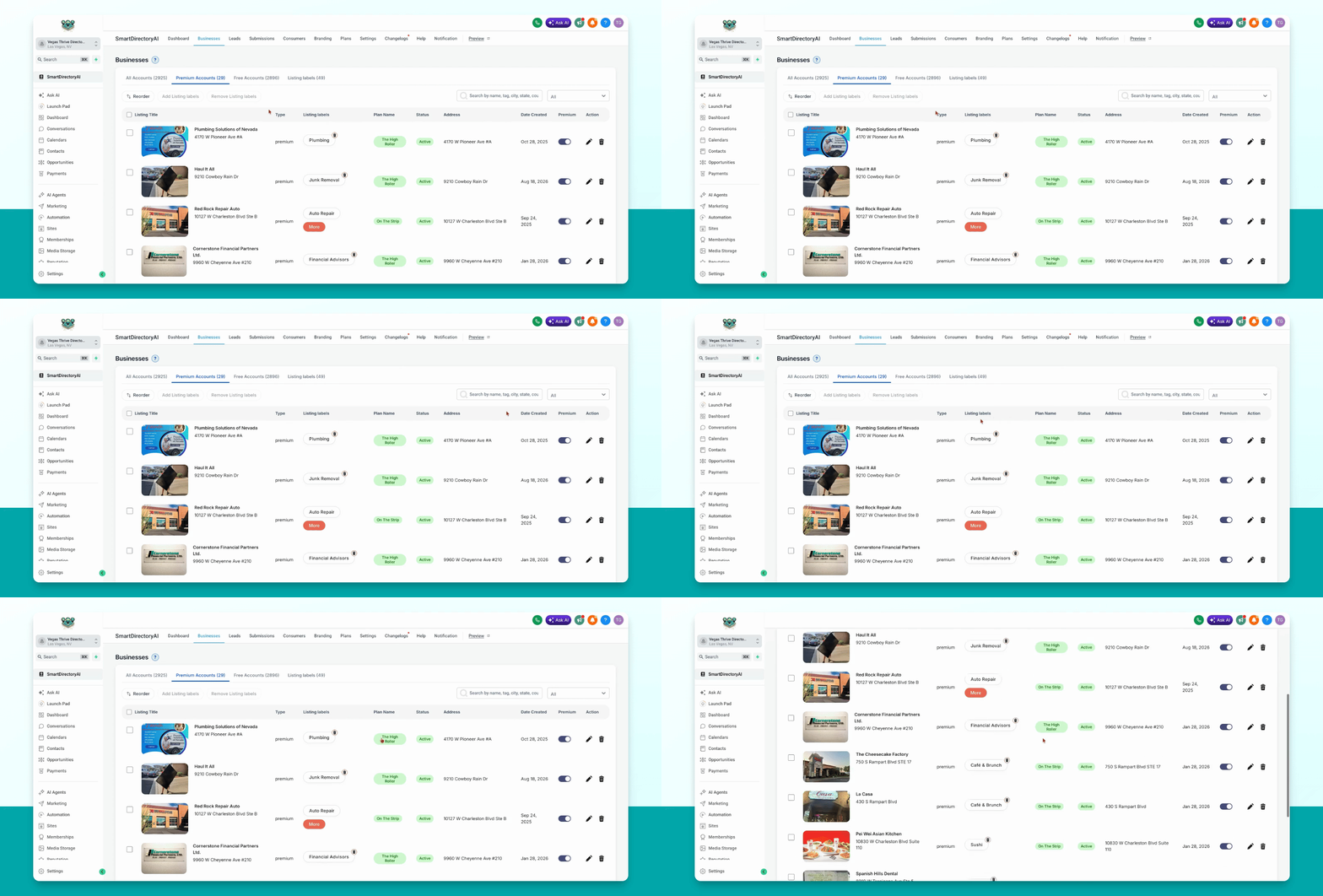
Step 3: Toggle Off Premium
Once you find the business, toggle off the premium button. This action will downgrade the account from premium to free.