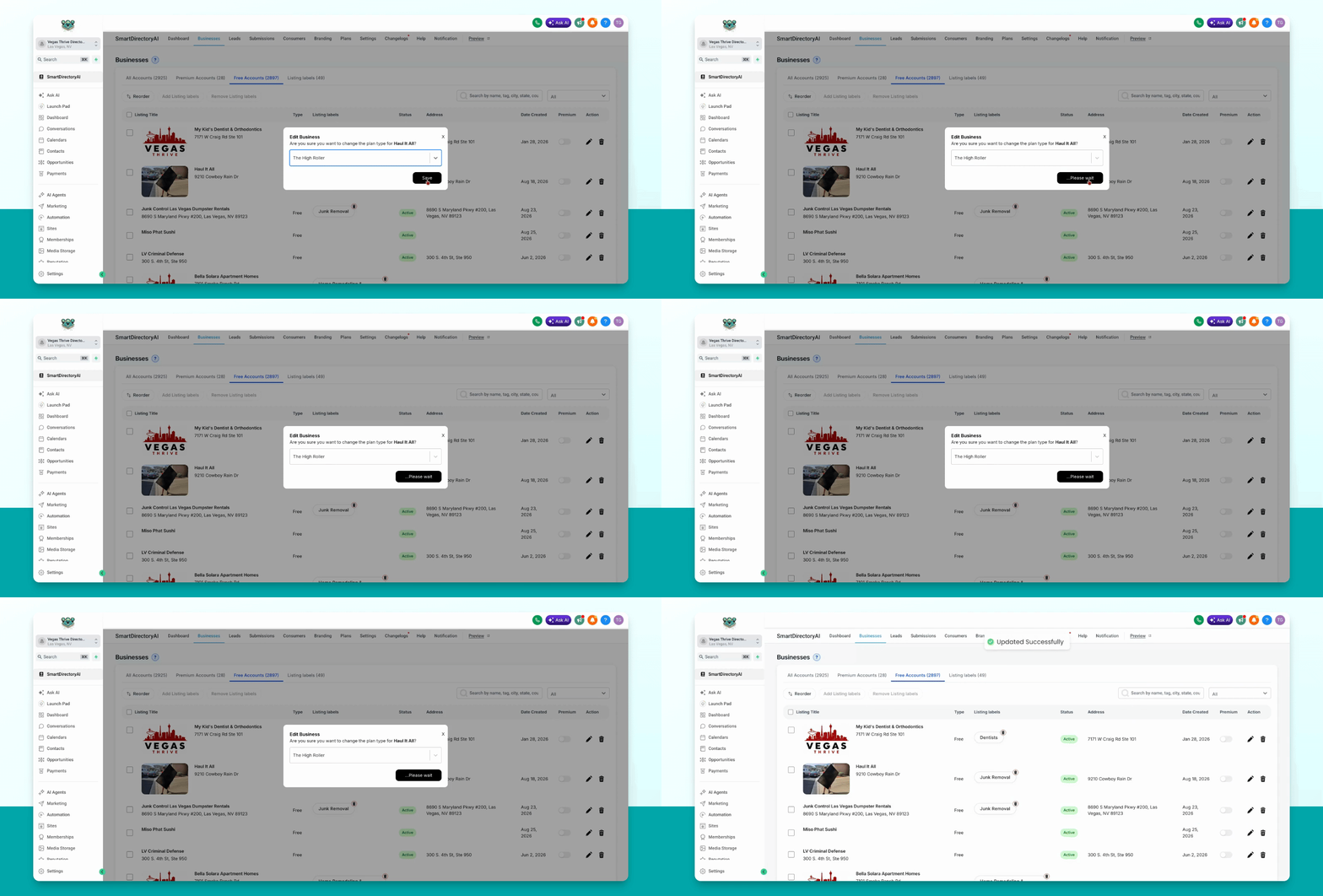
You can grant Premium Listing features to a business in your Smart Directory AI Dashboard without charging the business owner. Let's look at the steps:
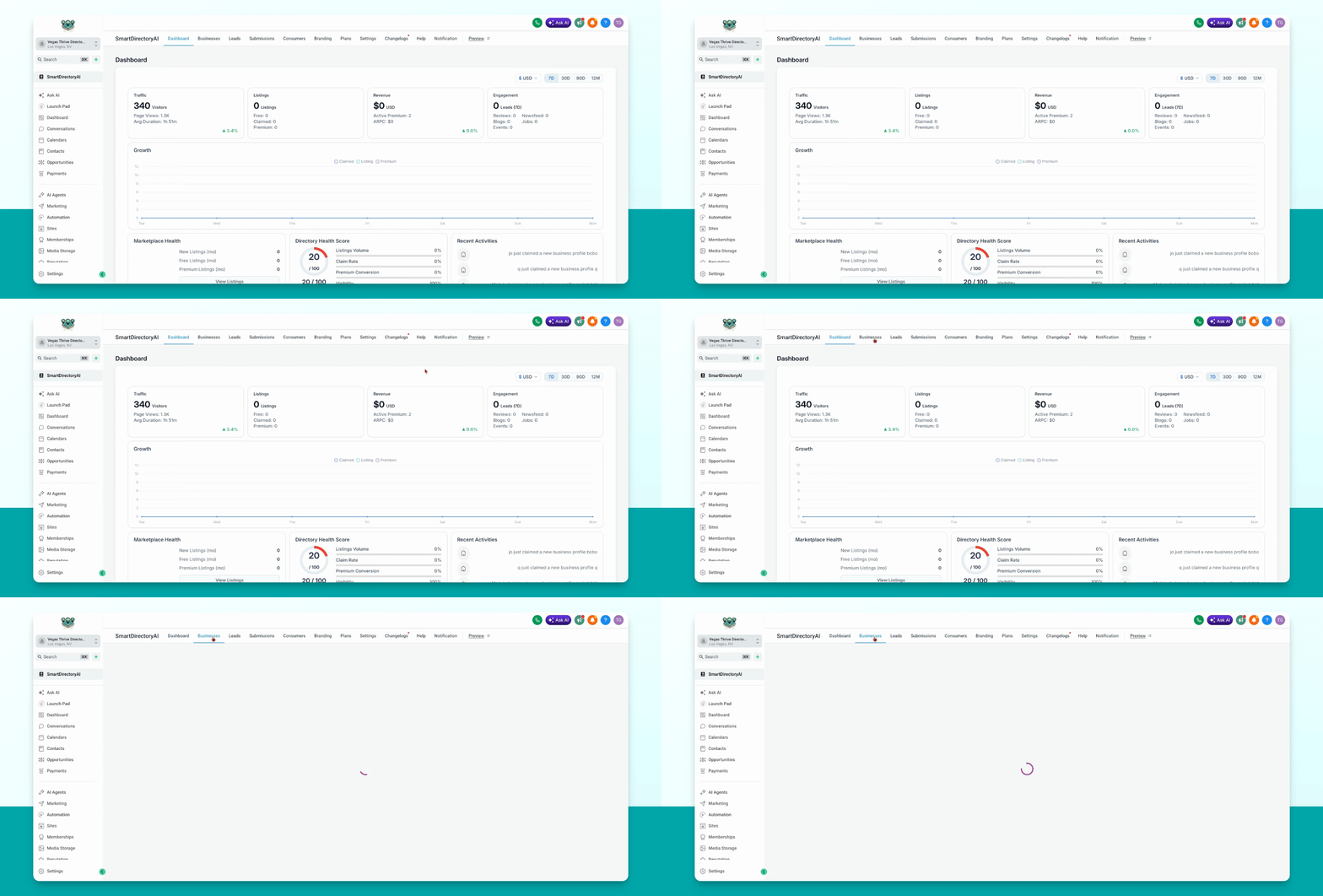
Step 1: Navigate to Free Accounts
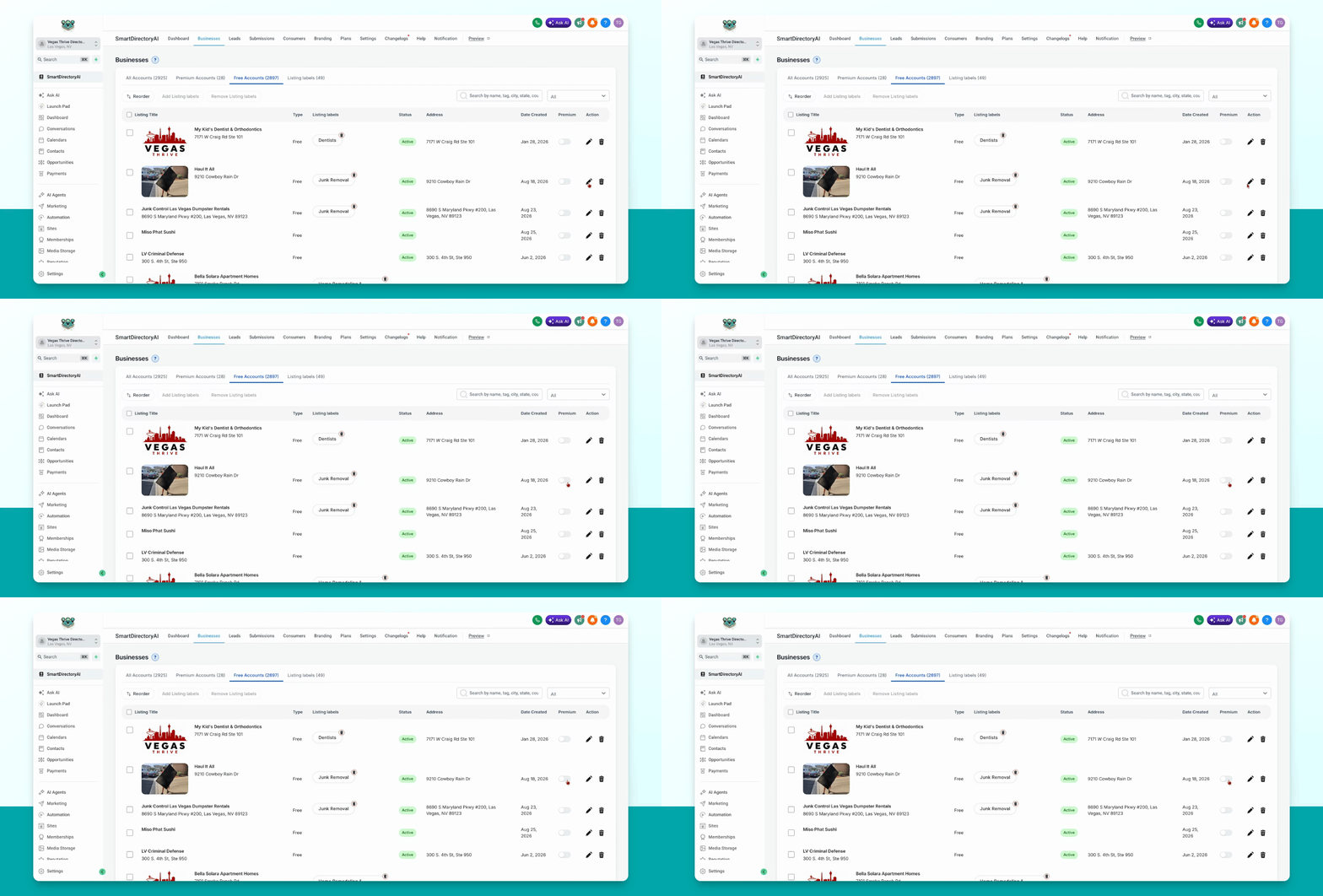
Go to businesses and select free accounts in your dashboard.
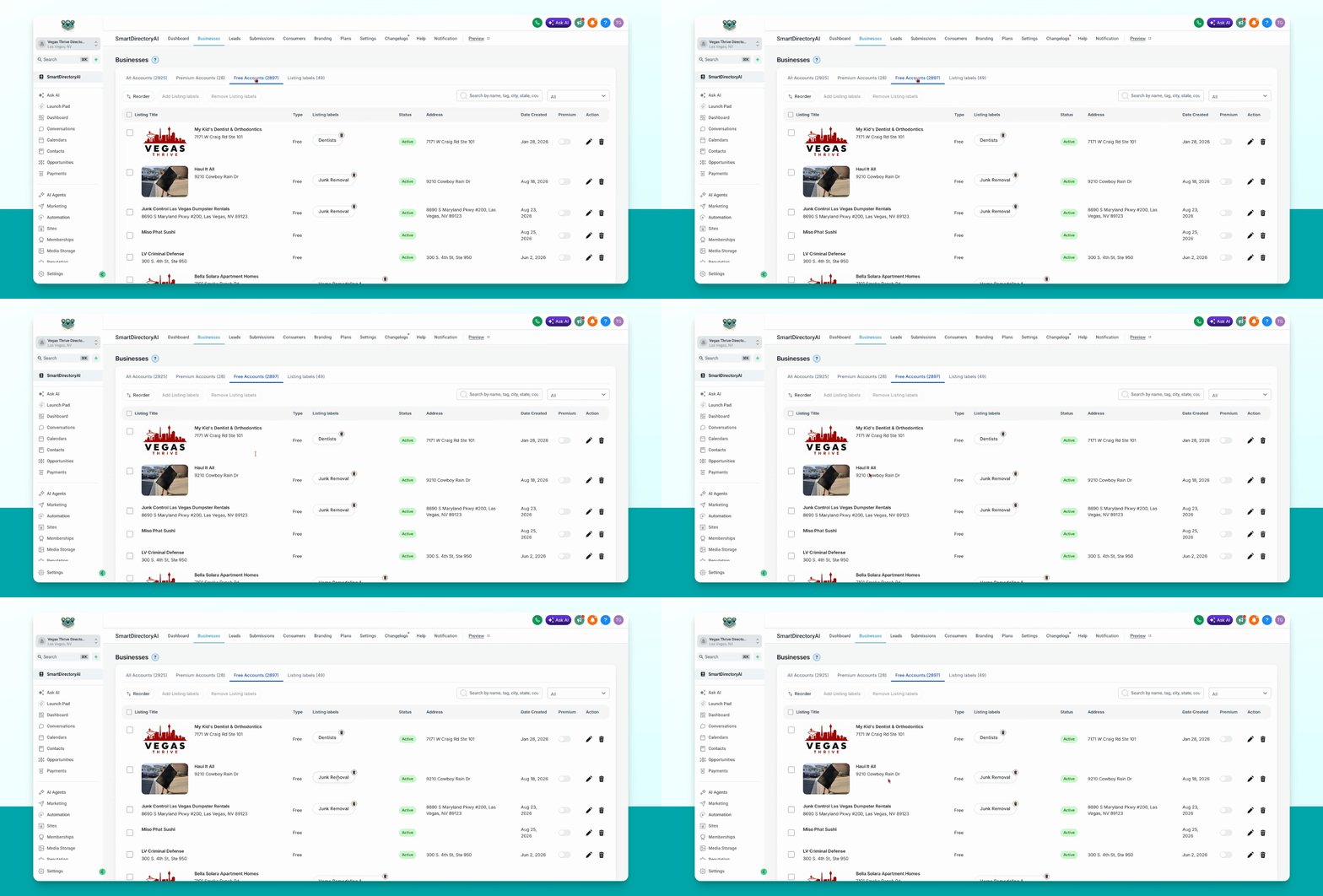
Step 2: Locate the Business
Find the business you want to upgrade to a premium listing.
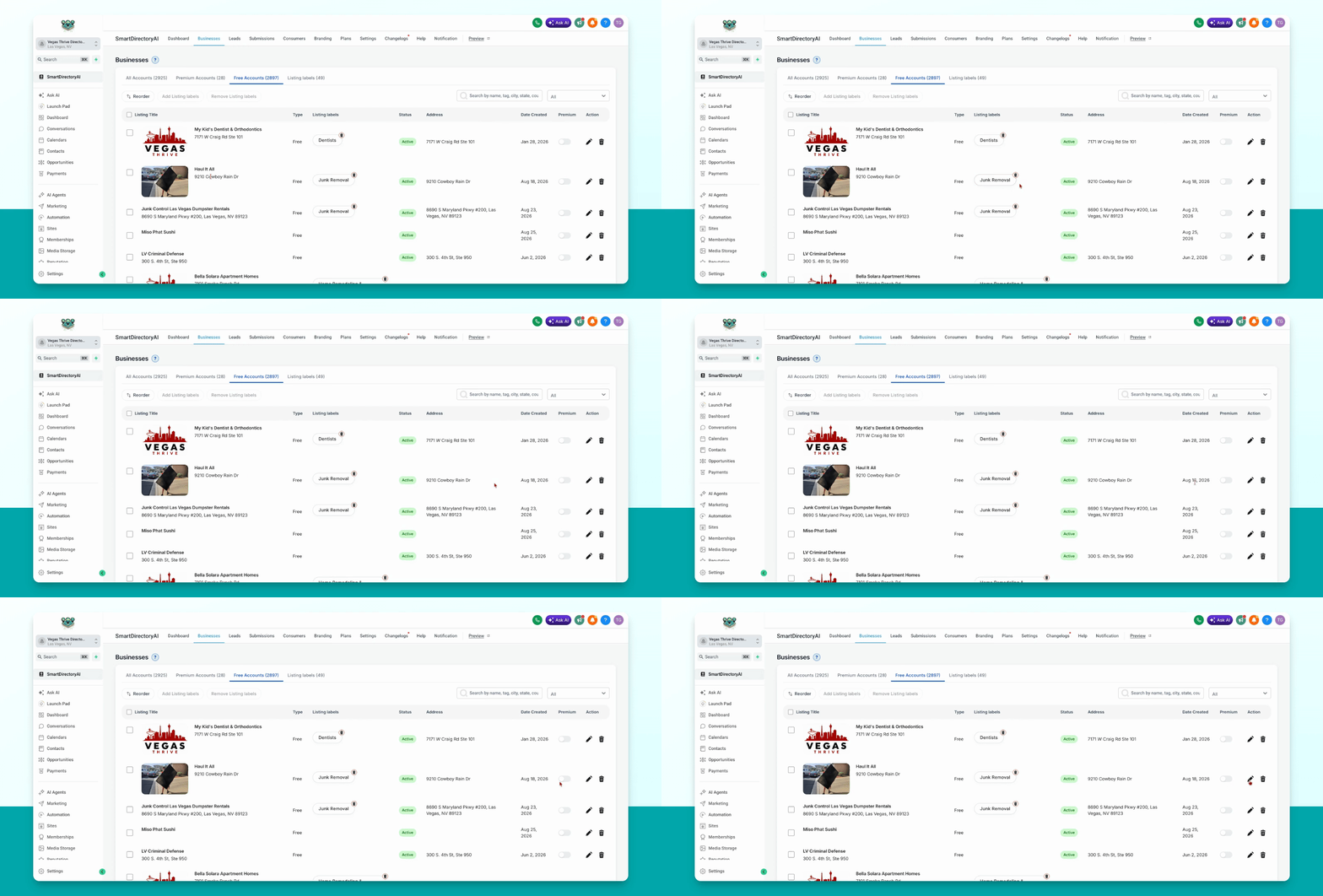
Step 3: Access the Premium Toggle
Move your cursor to the right, next to the pencil icon, and locate the premium toggle button.
Step 4: Enable Premium and Select Plan
Toggle the premium button on. When prompted, select the plan with the features you want to assign, then click save.
This action does not charge the business owner. It simply grants premium features for free.
Step 5: Confirm Upgrade
The business is now upgraded to a premium listing.