Let's do it together!
Step 1: Access Demo Site
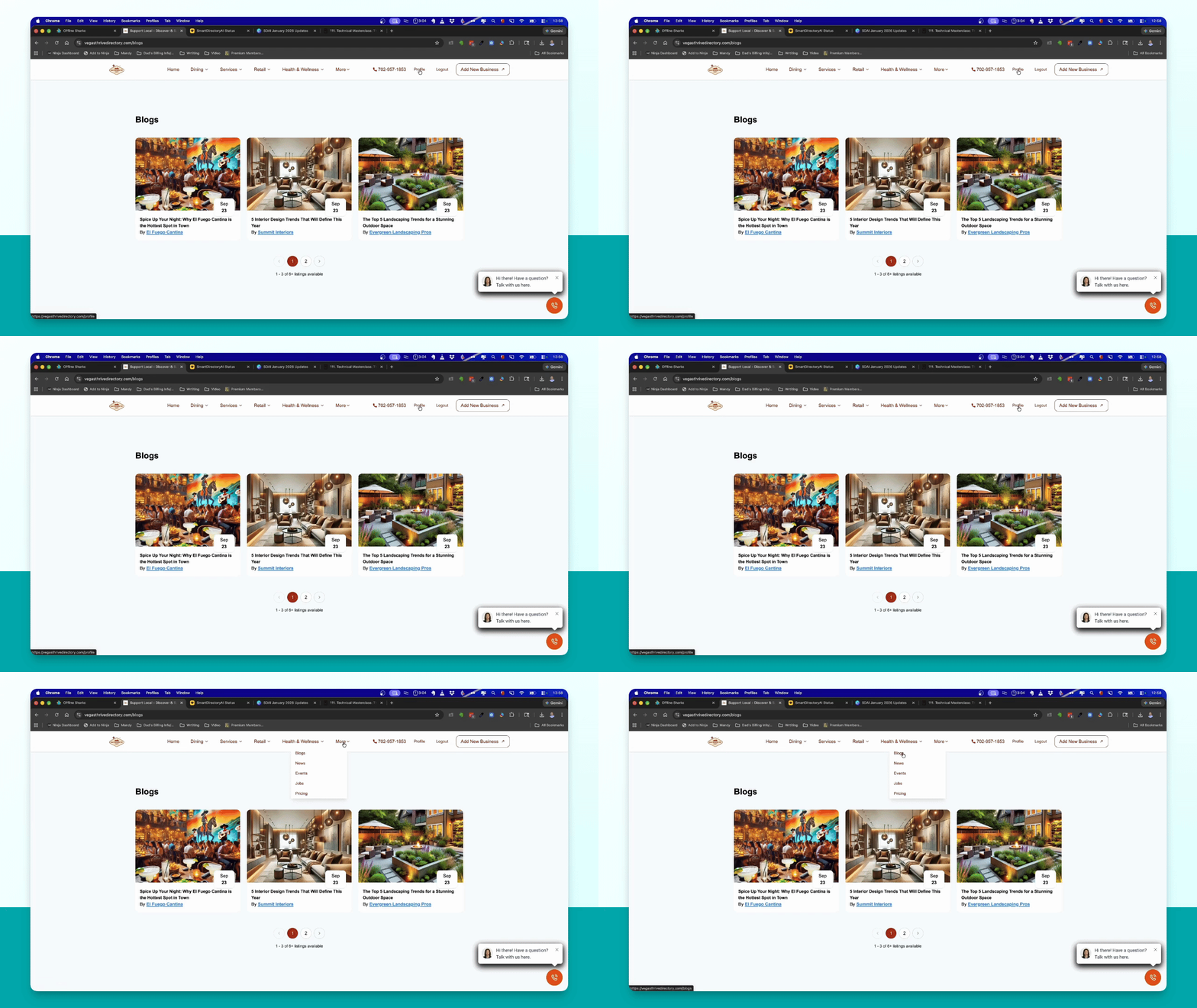
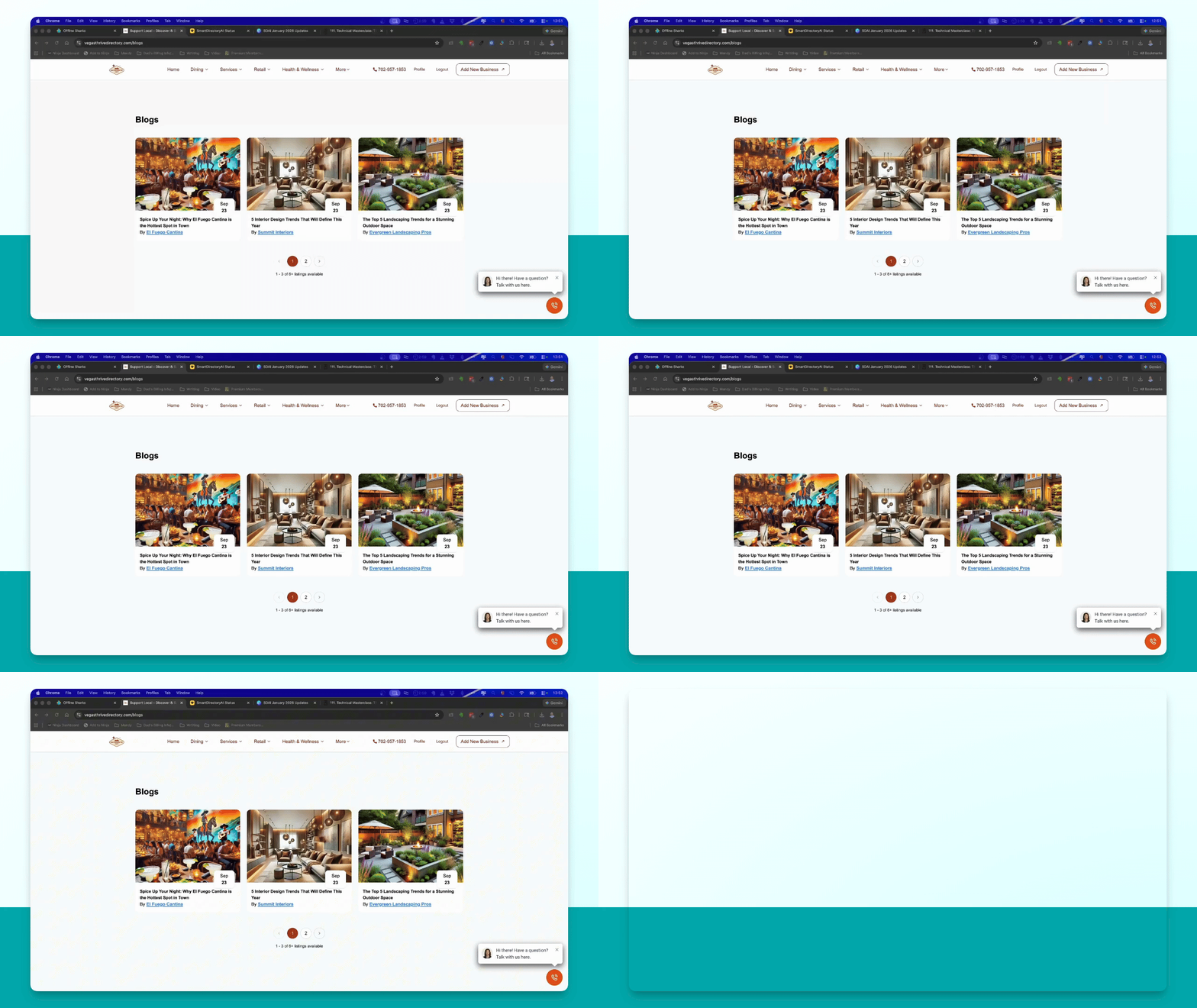
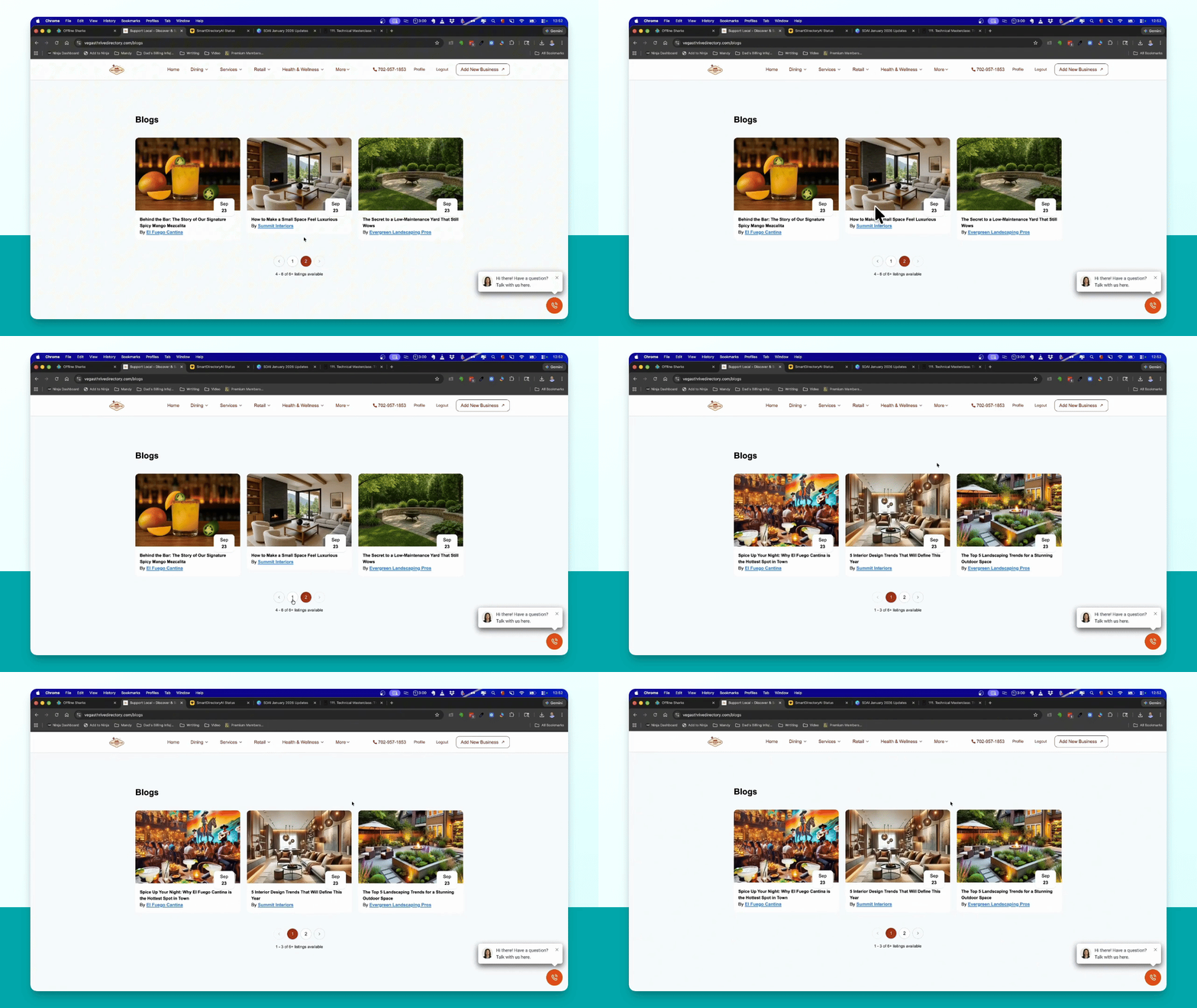
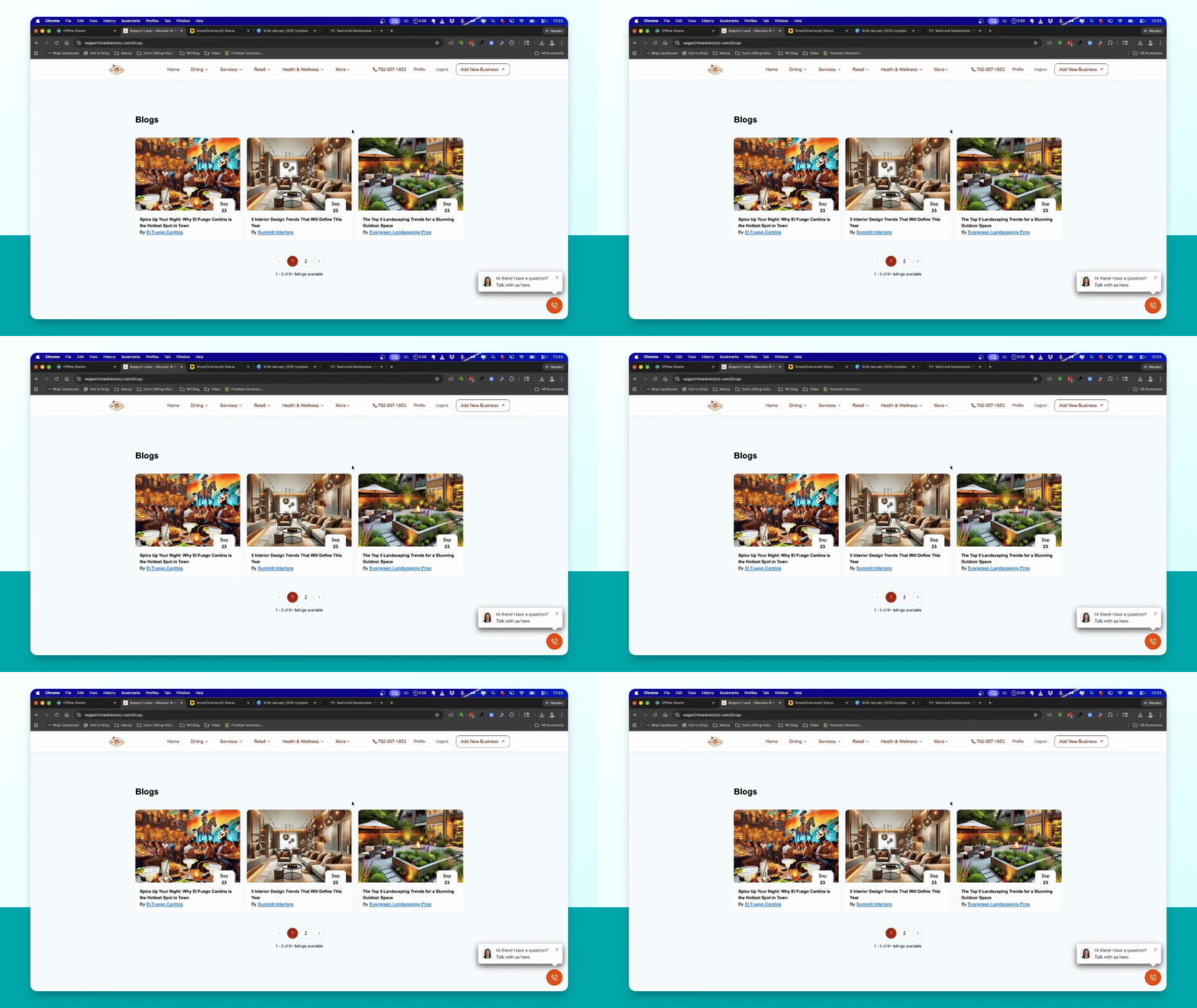
Open your demo directory site to explore the extra functions like blogs, events, jobs, and news.
Step 2: Understand Permissions
Recognize that only premium listings can create blogs, events, and jobs. Free listings have no access.
Step 3: Log in as Business
Log in to a claimed business profile to manage blogs, events, and jobs.
Step 4: Create a Blog
Navigate to 'Owned Businesses', select a business, and click 'Manage' to add a blog.
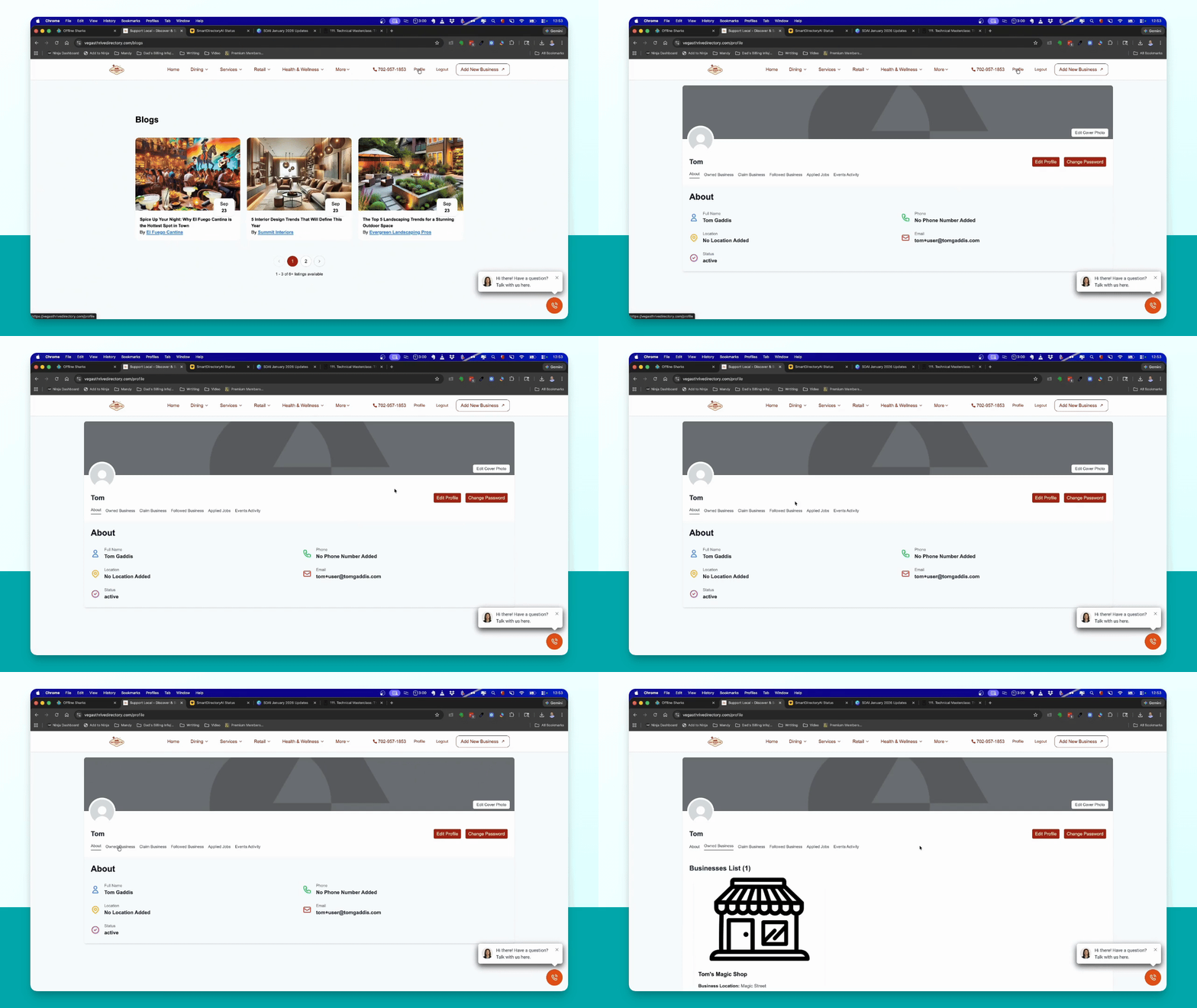
Step 5: Manage Existing Blogs
View and manage any existing blogs from the same section where you create new ones.
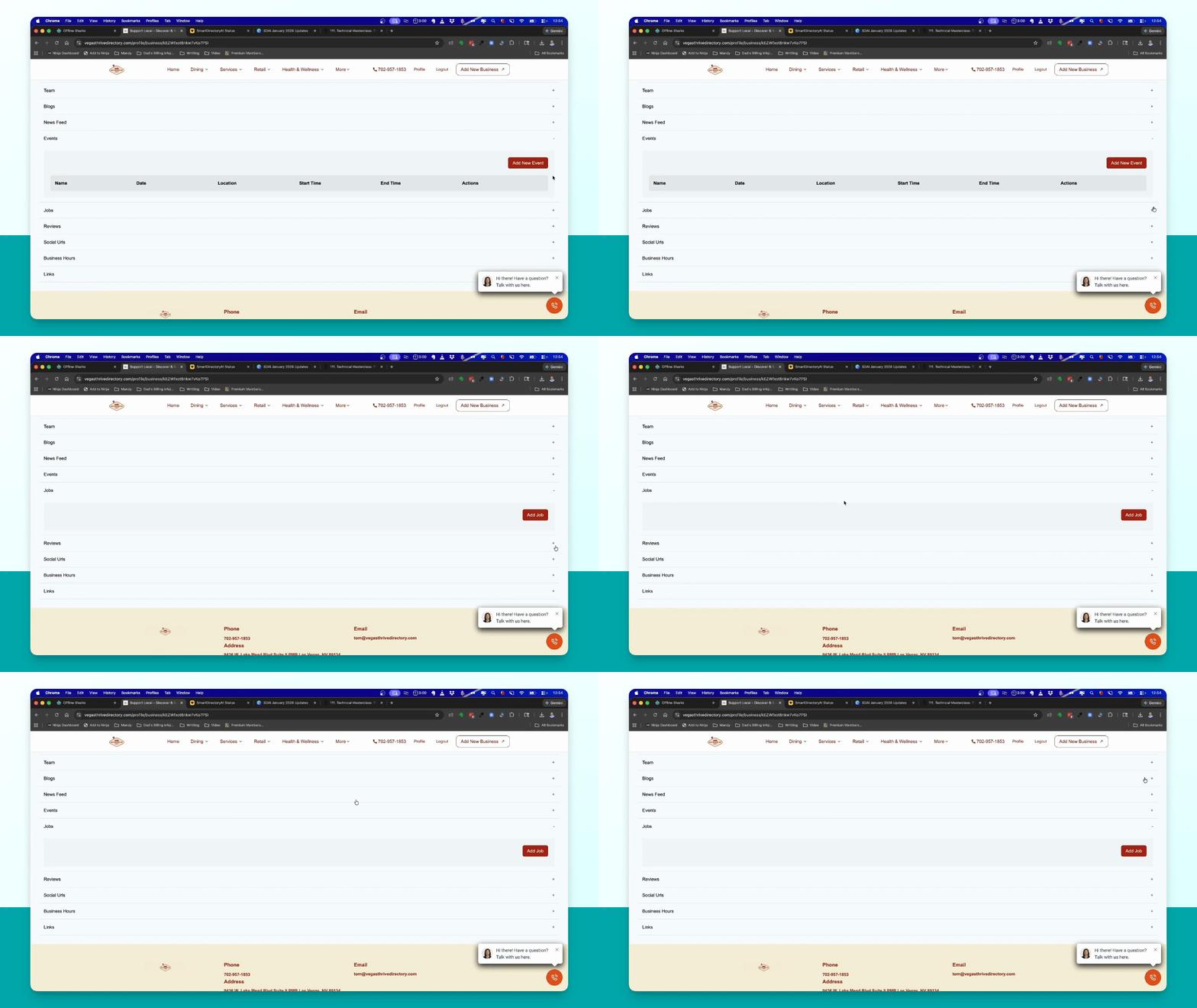
Step 6: Consumer Management
Consumers can manage their claimed businesses from their account, depending on given permissions.
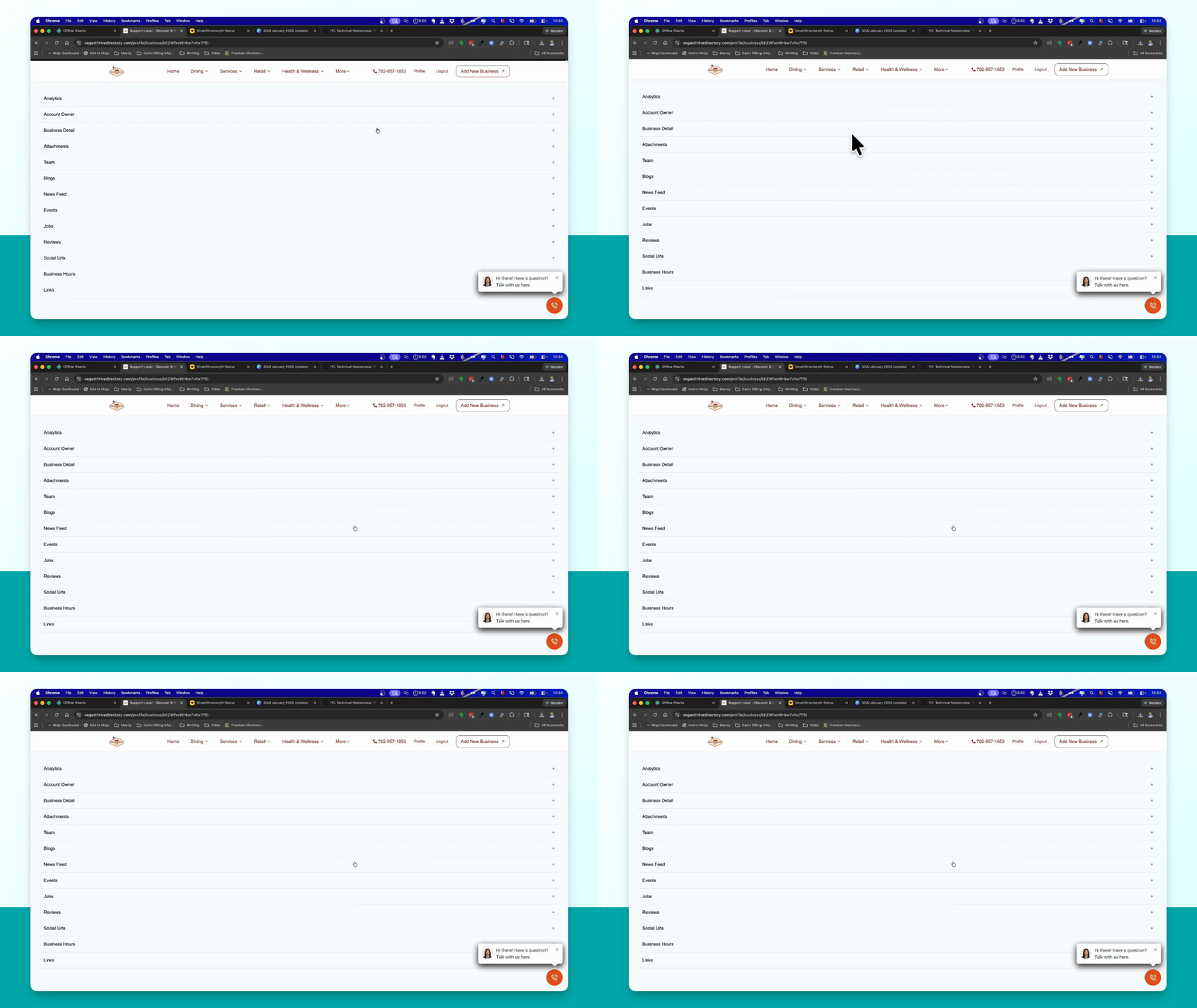
Step 7: Admin Blog Addition
As an admin, locate the business and use the 'Manage' option to add blogs or events directly.
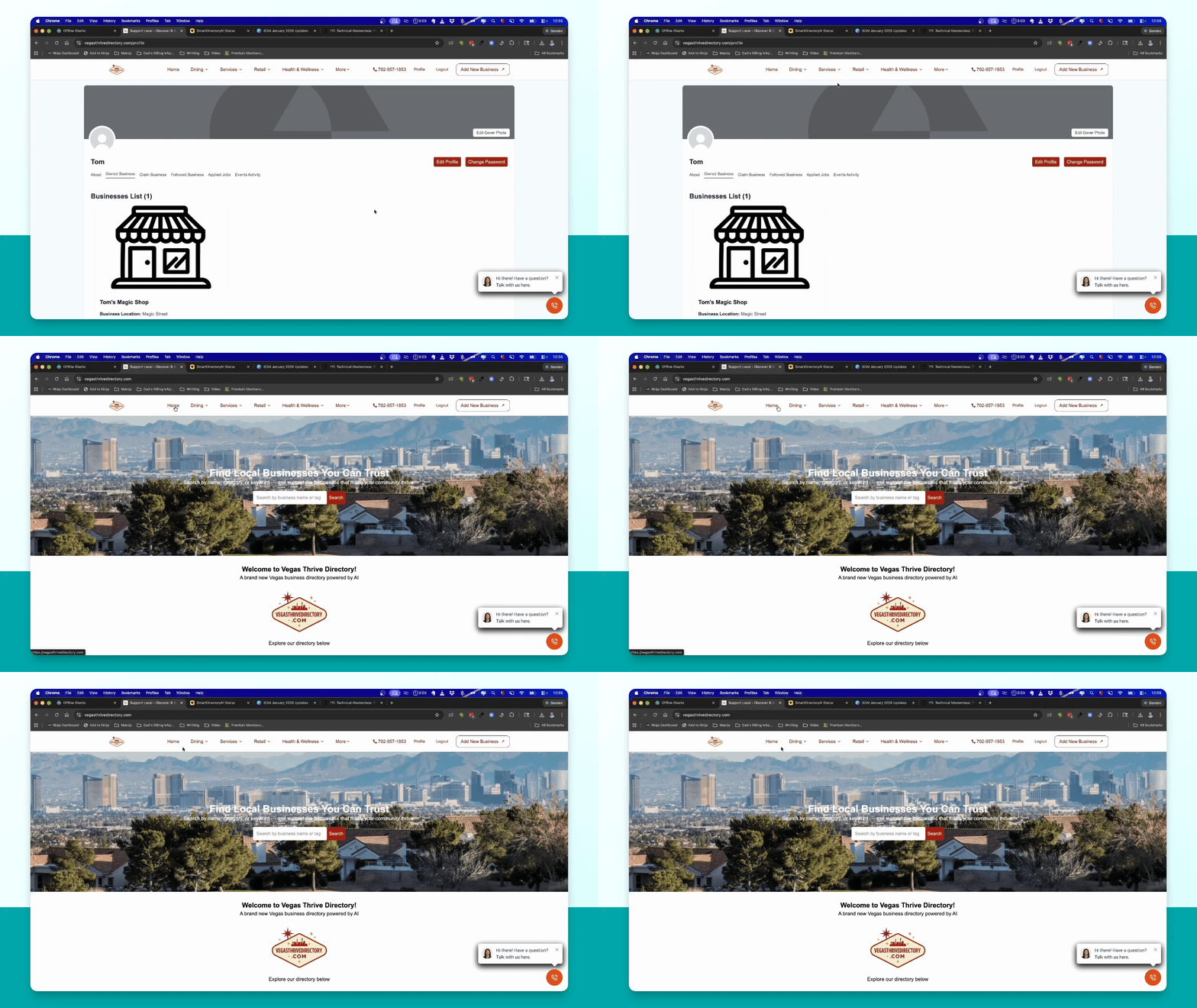
Step 8: View Submissions
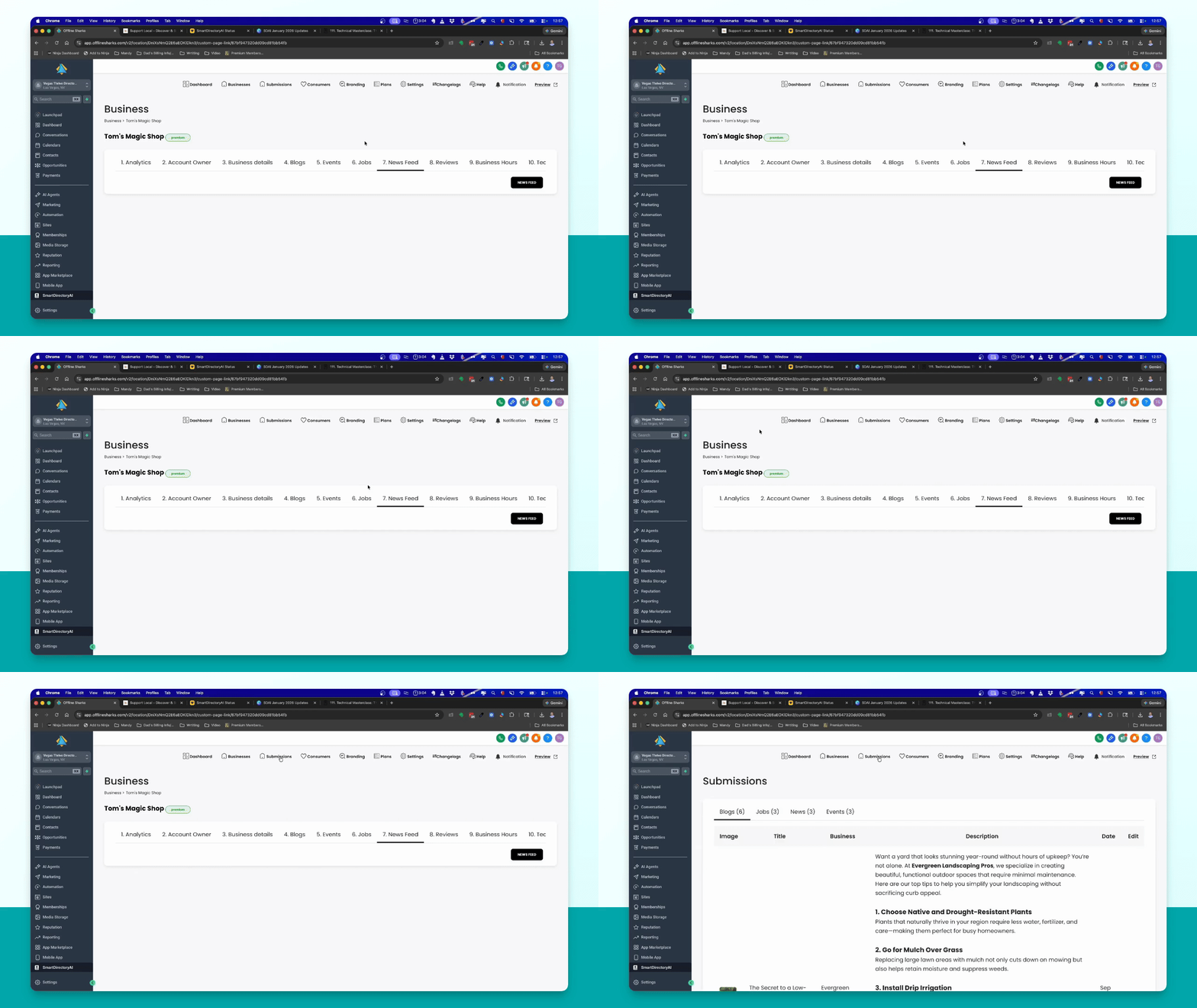
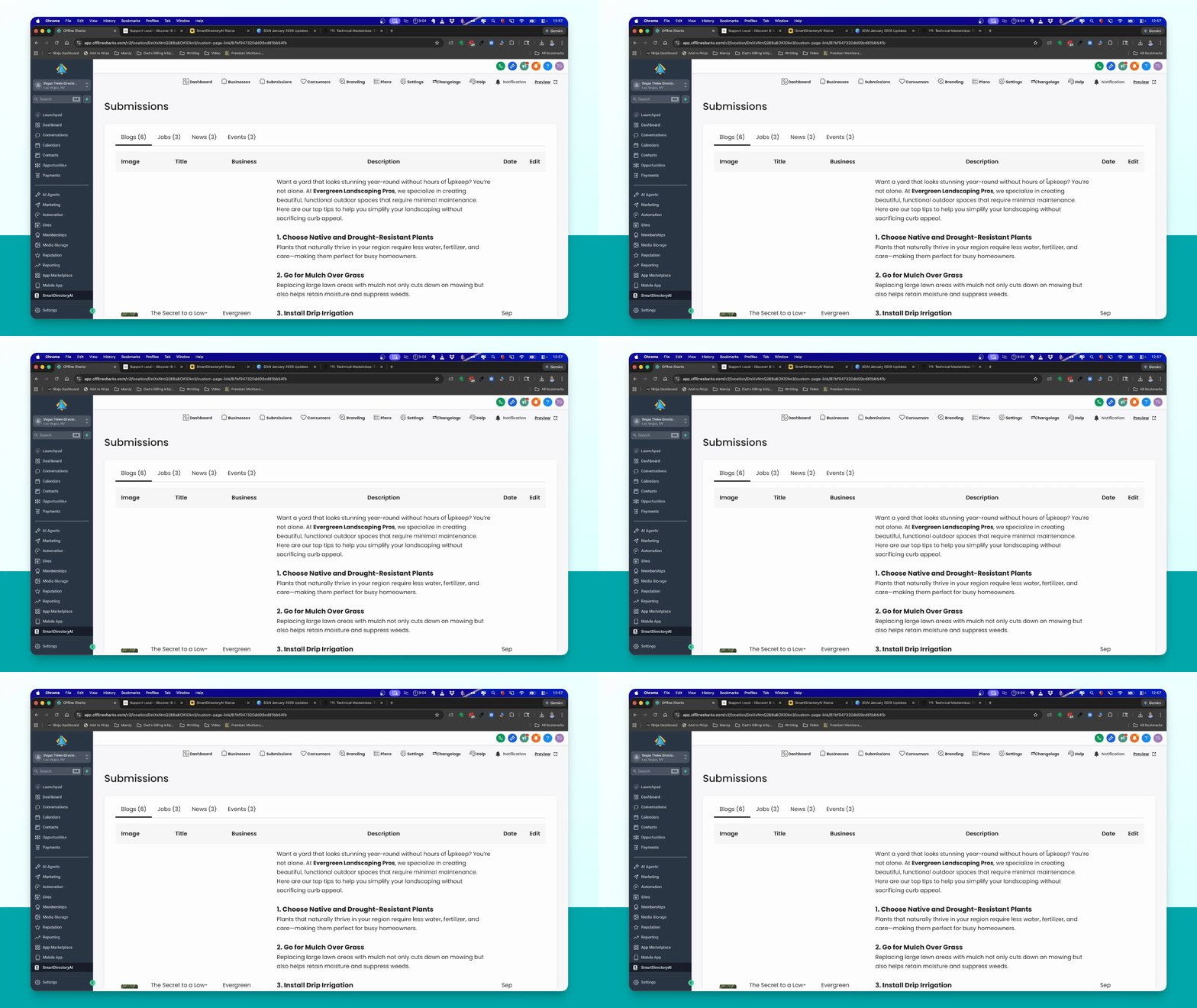
Check the submissions under the main menu to see all blogs, jobs, and events created by businesses.
Step 9: Future Approval Feature
Note that upcoming updates will allow admins to approve or reject submissions from businesses.
Step 10: Customize Menu
Watch the video on how to customize your menu to show or hide blogs, events, and jobs on your directory.