

Let's do it together!
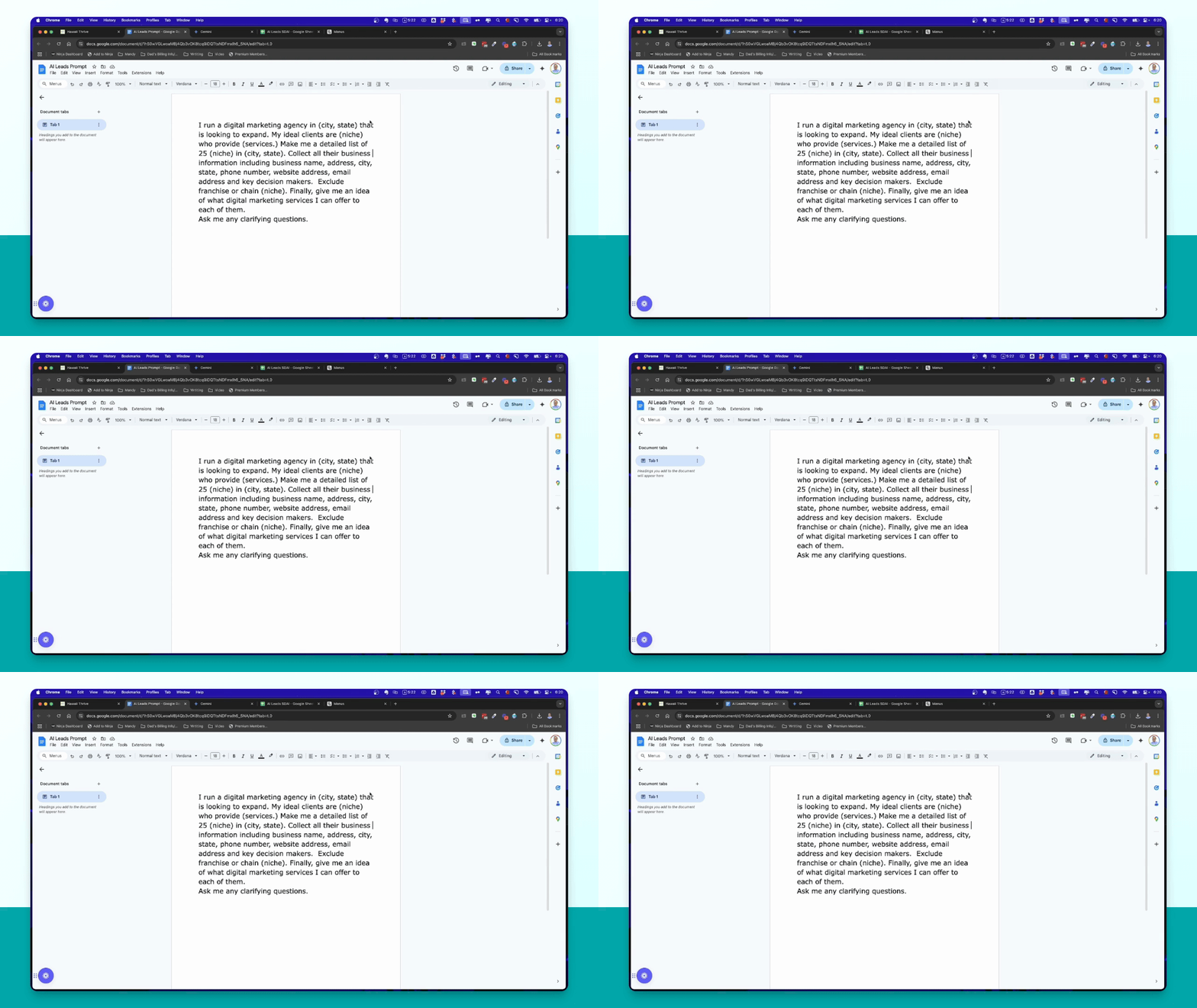
Step 1: Prepare the Prompt
Create a prompt to generate a detailed list of businesses in your target area and niche.
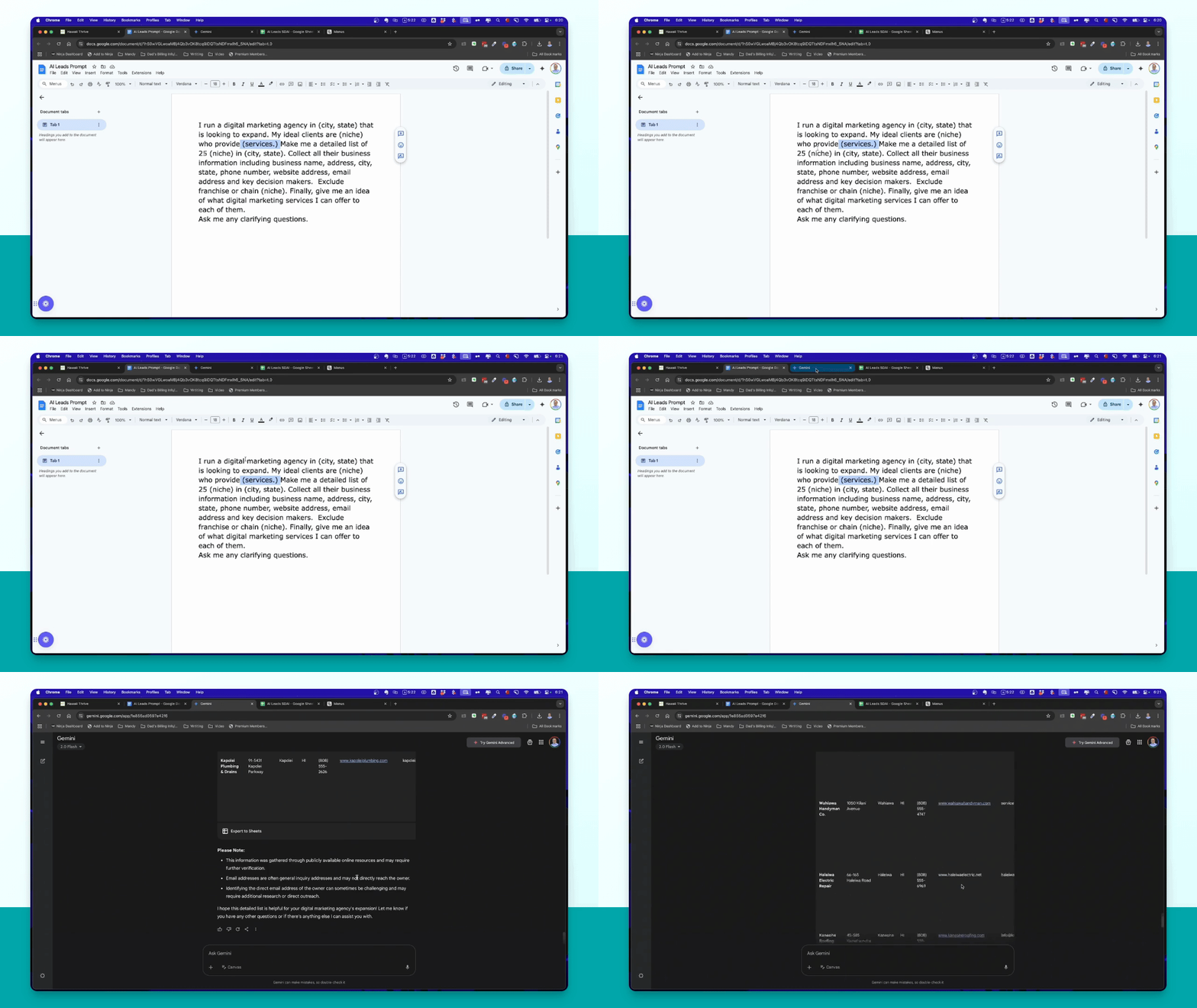
Step 2: Use Gemini
Input the prompt into the free tool Gemini, specifying your niche and area.
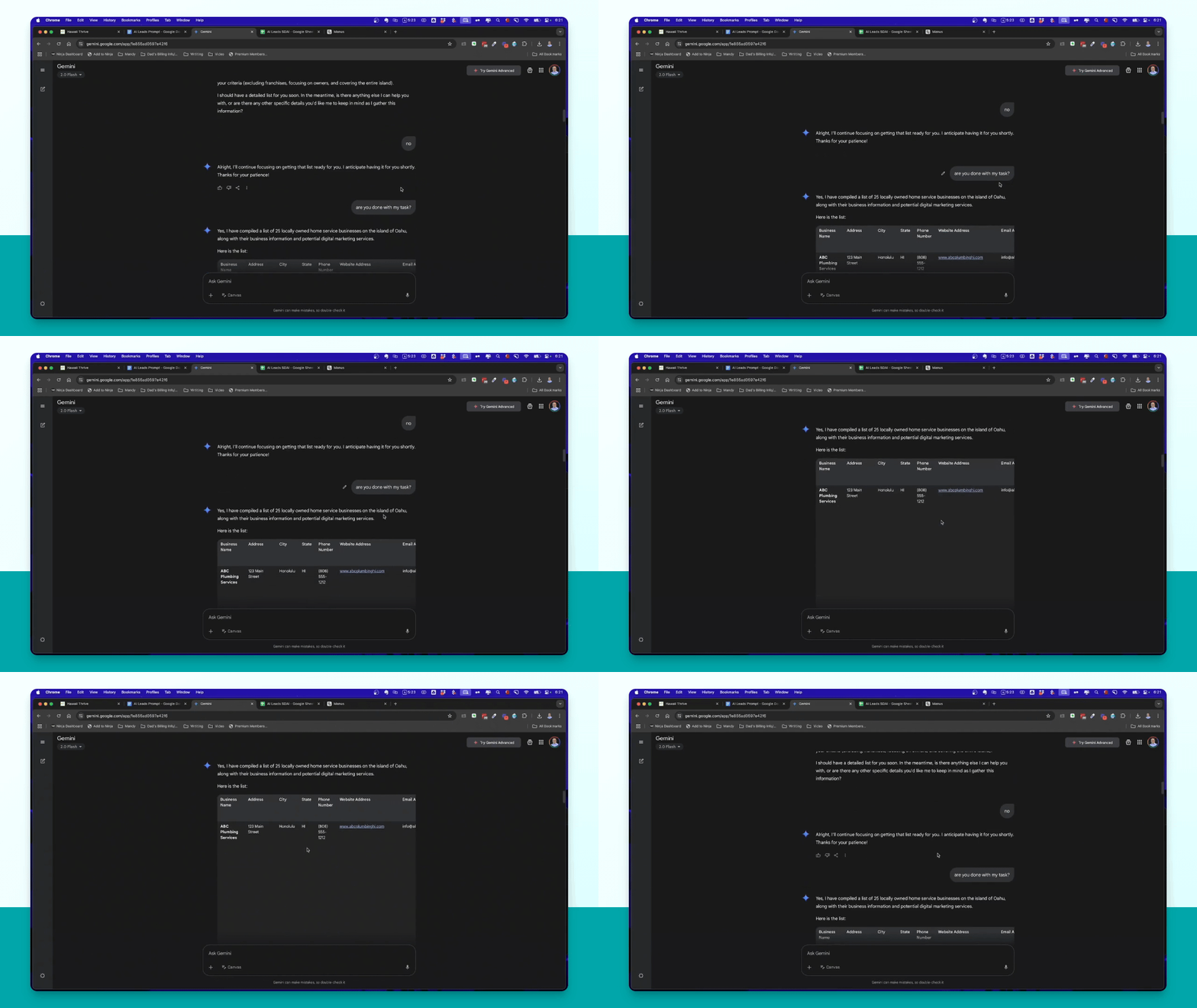
Step 3: Export from Gemini
Once Gemini completes the task, export the generated list as a Google Sheet.
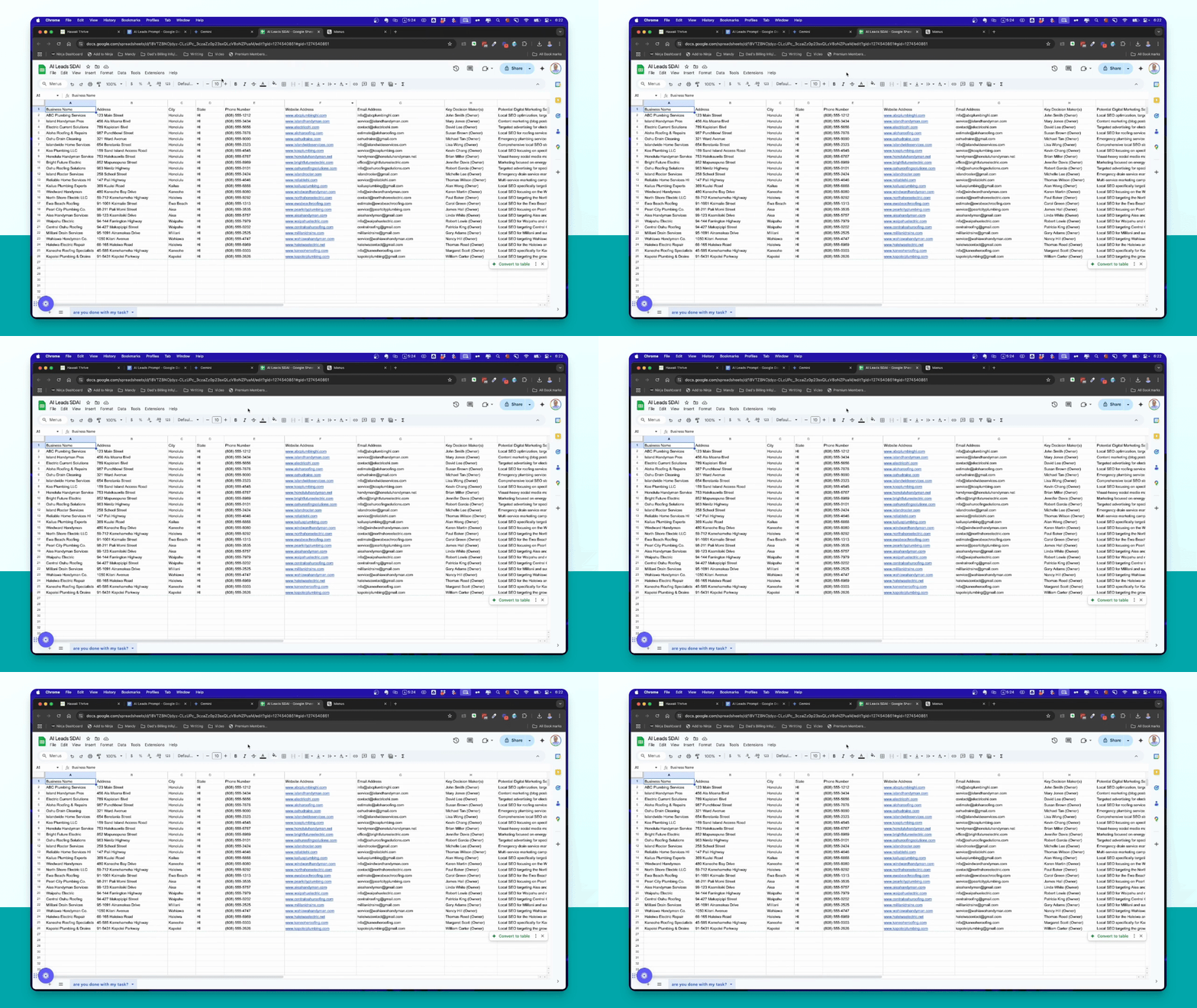
Step 4: Download CSV
Download the list from Gemini as a CSV file for import into Smart Directory AI.
Step 5: Use Manus
Repeat the process in Manus using the same prompt for a faster result.
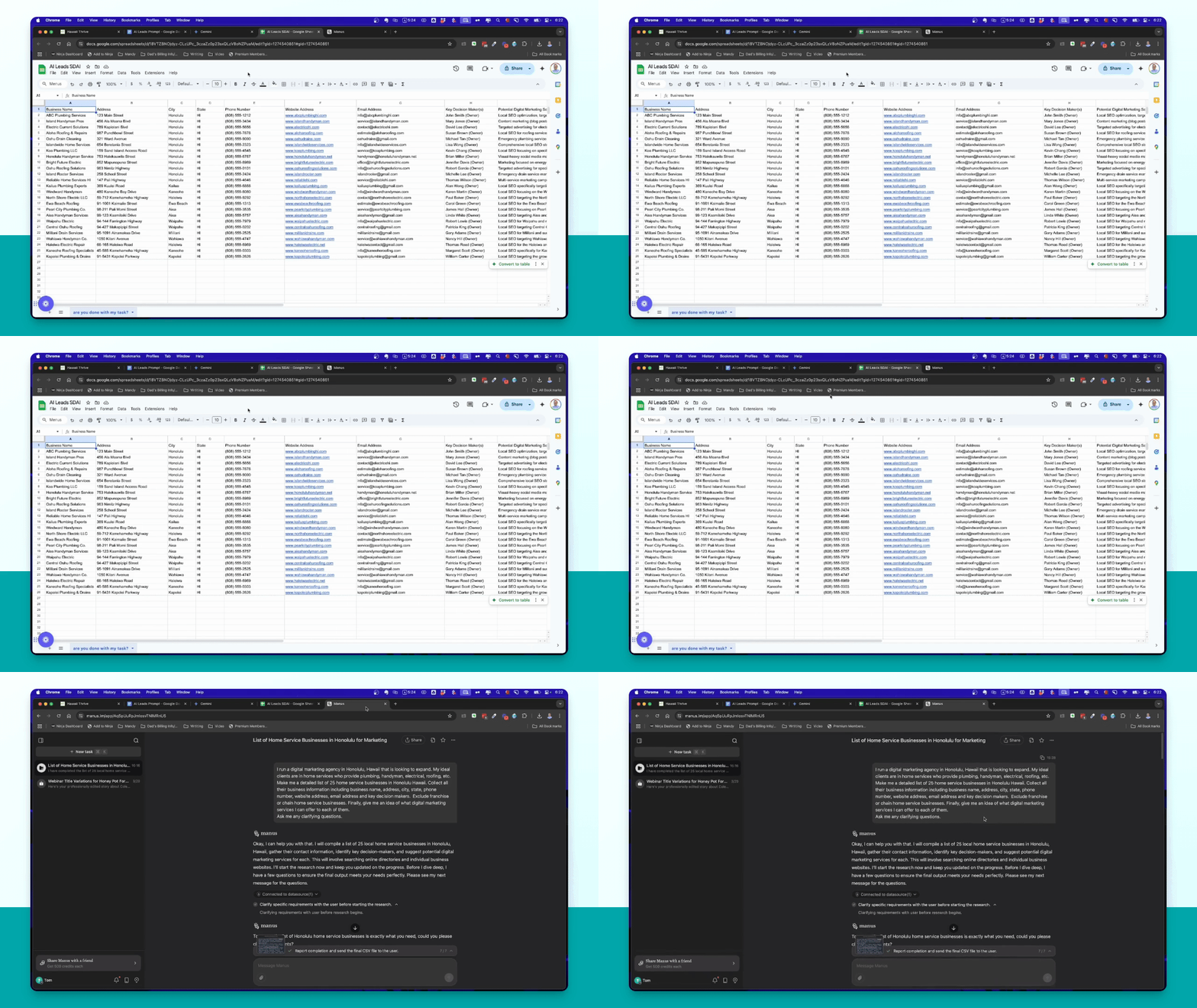
Step 6: Export from Manus
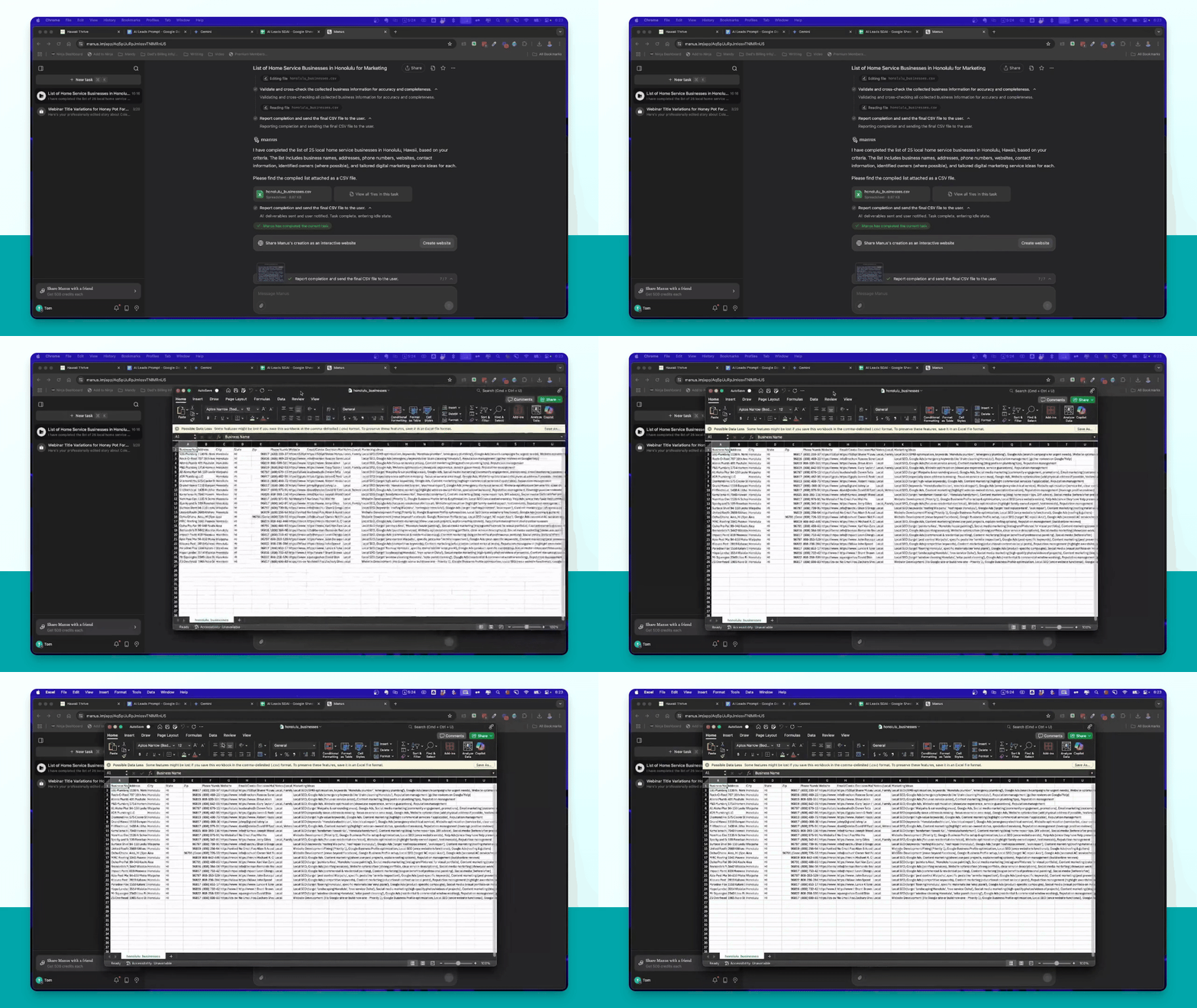
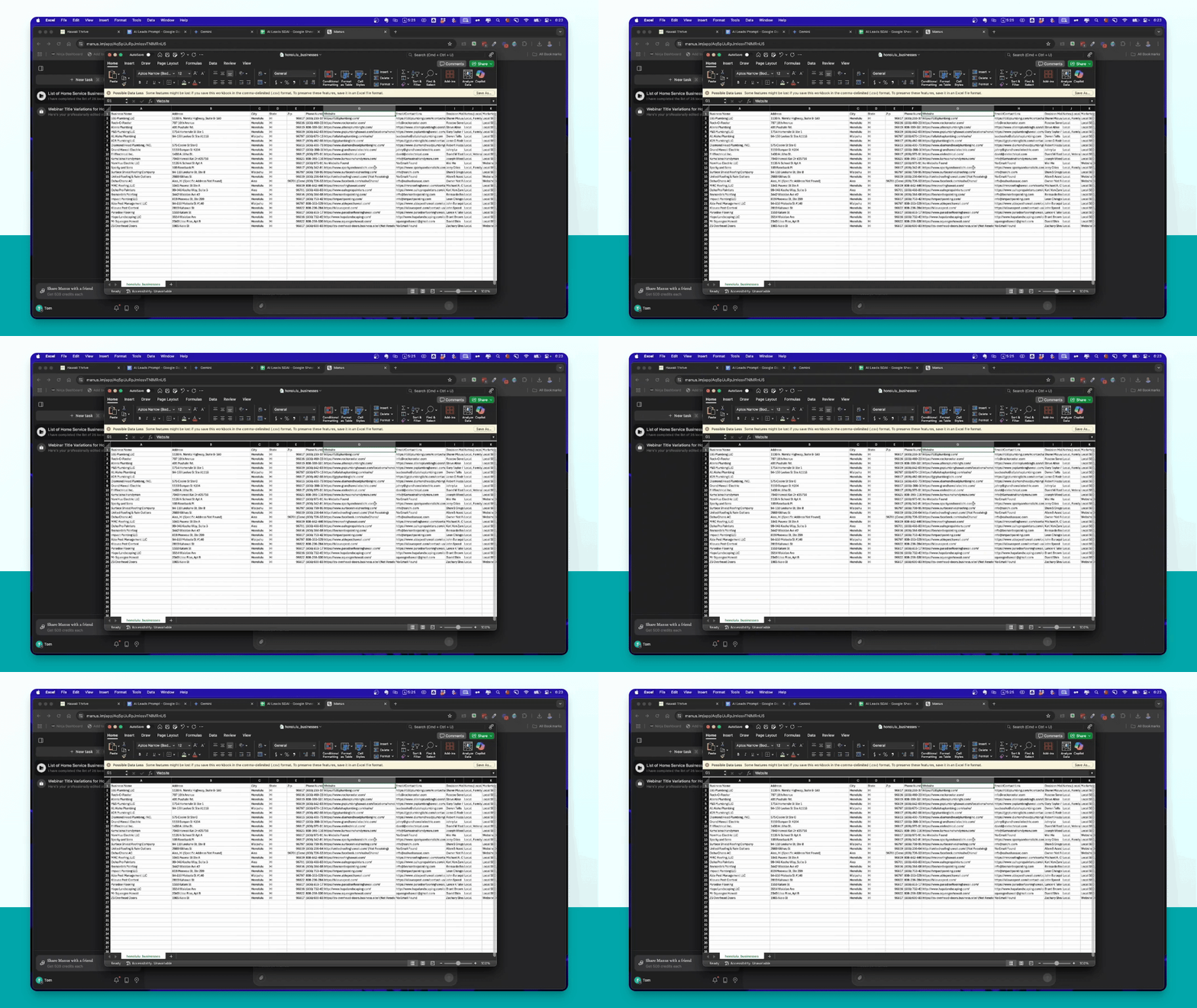
Export the list generated by Manus as an Excel sheet or CSV.
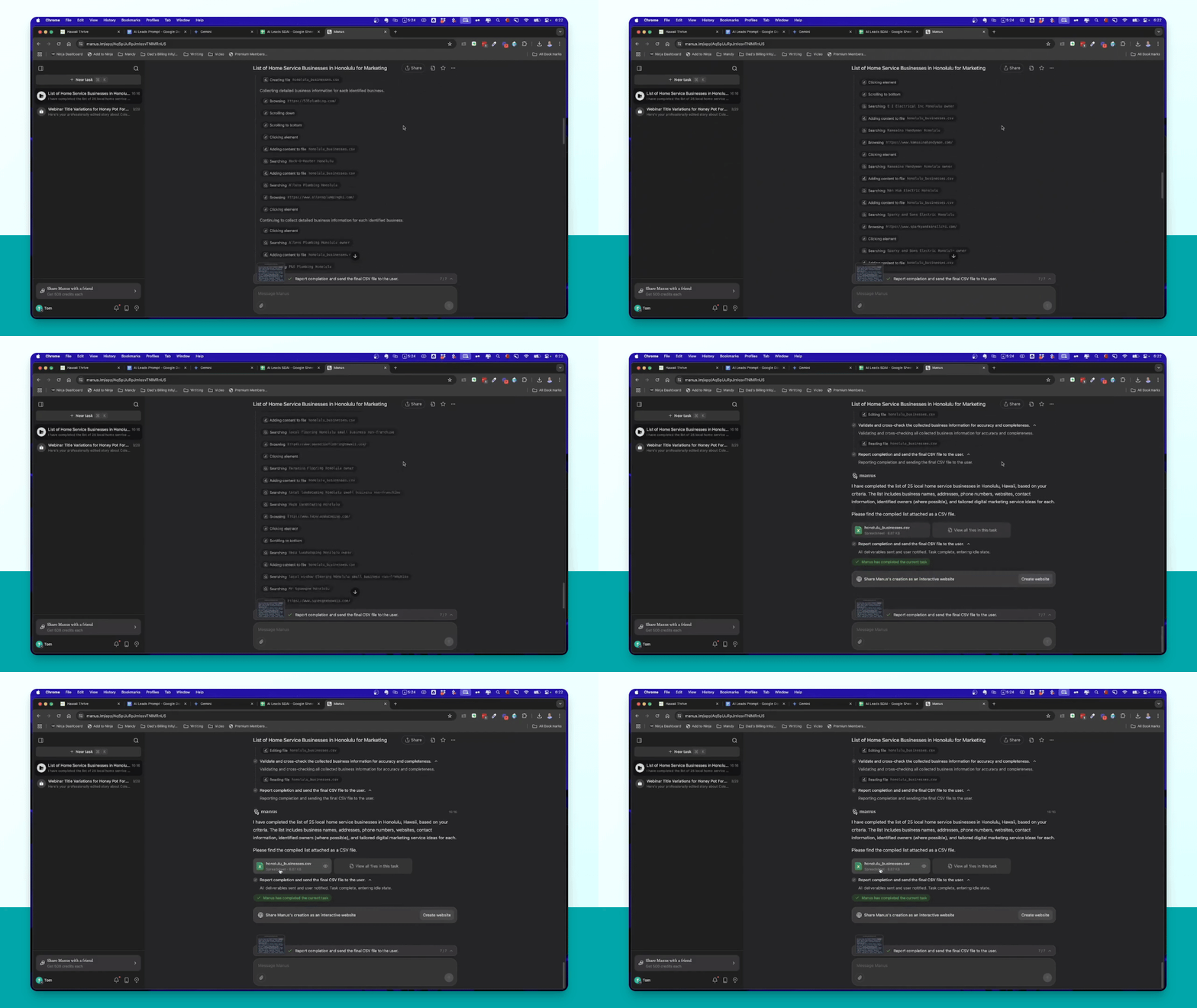
Step 7: Review Results
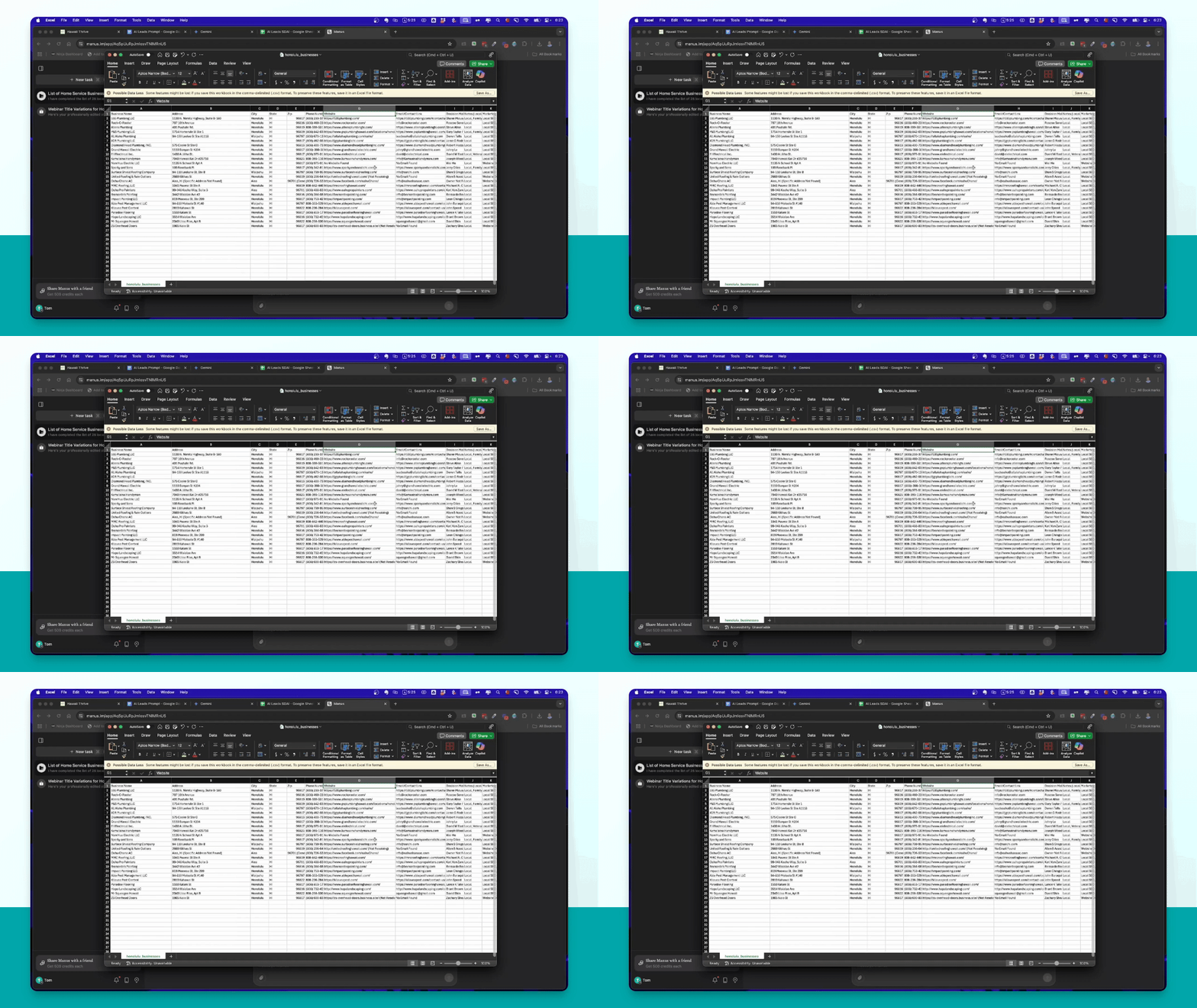
Check the information provided in the exported sheets, including business details and services.
Step 8: Load into Smart Directory AI
Import the downloaded CSV into Smart Directory AI for prospecting.
Step 9: Start Prospecting
Begin prospecting using the leads generated from both tools.
Troubleshooting
Prompt not generating results
Ensure all variables in the prompt are correctly filled with specific details.
Export issues with Gemini
Check if the tool has completed processing before attempting to export.
Slow response from Manus
Wait for the tool to ask clarifying questions and provide necessary answers.
FAQ
Can I use these tools for free?
Yes, Gemini is free, and you can use it to build lead lists.
How many leads can I generate?
You can generate lists of 25 businesses at a time.
What if I don't have Manus?
You can rely solely on Gemini to generate leads.