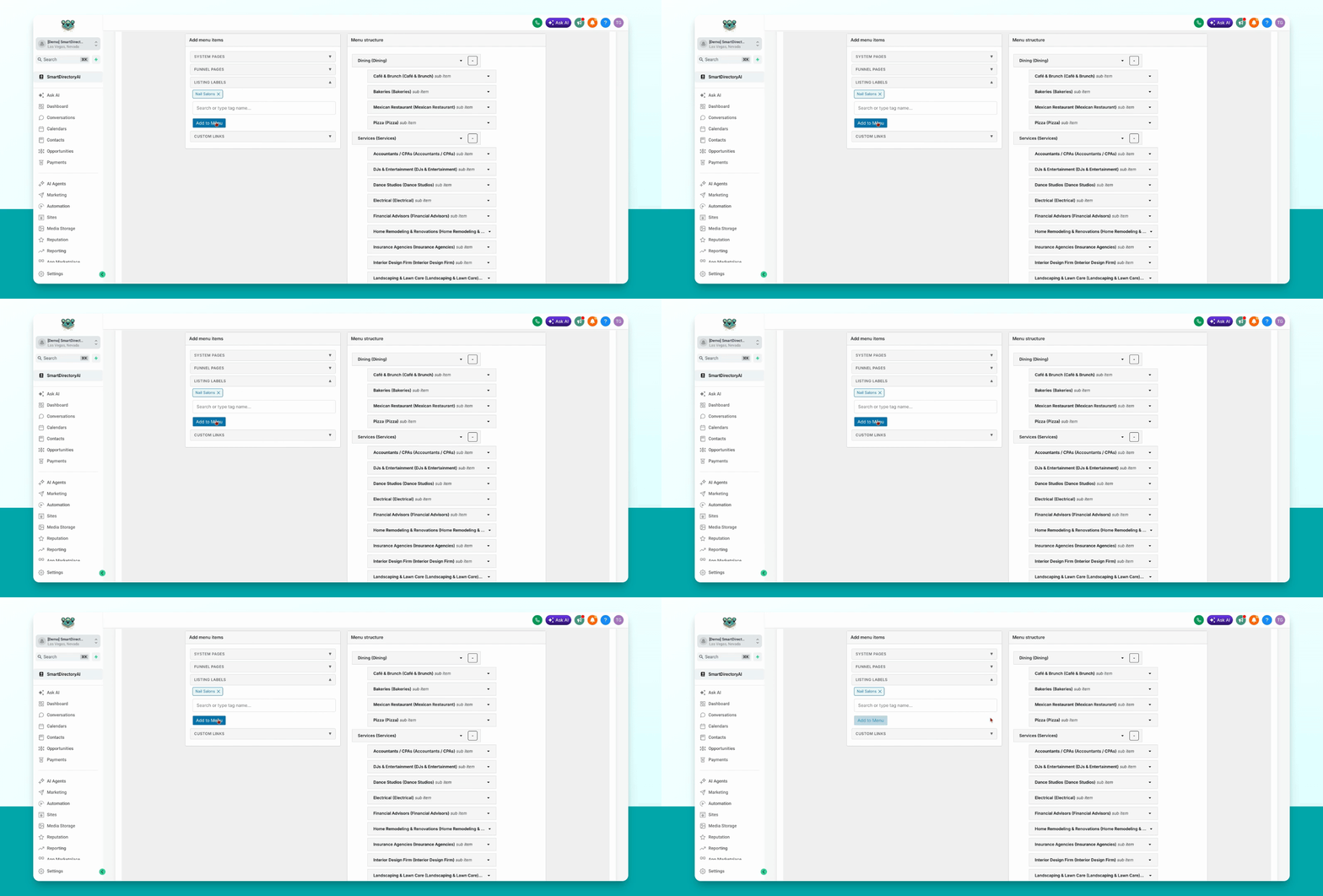
This guide explains how to add listing labels to your menu using the Smart Directory AI Dashboard. Let's look at the steps:
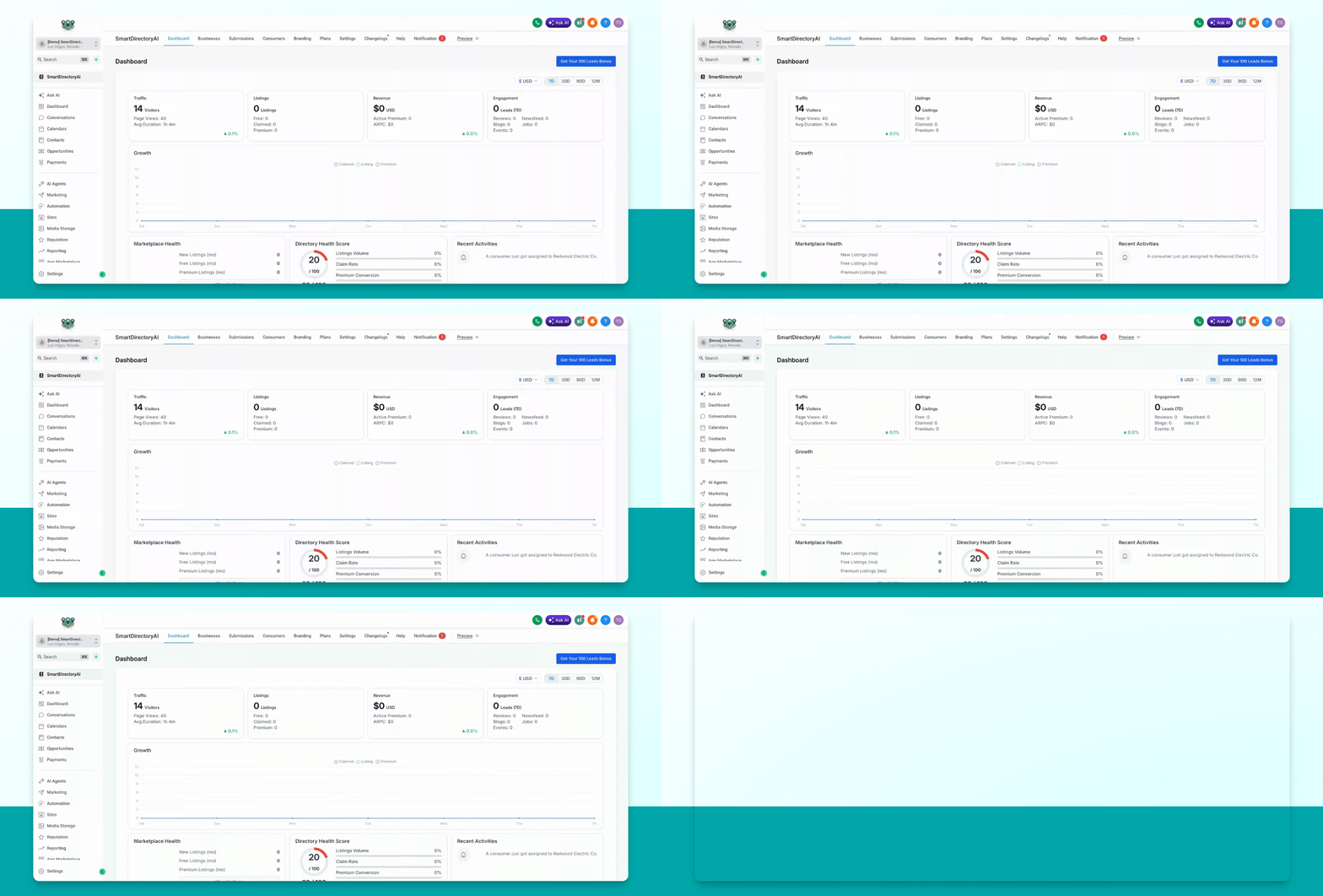
Step 1: Open Menu Builder
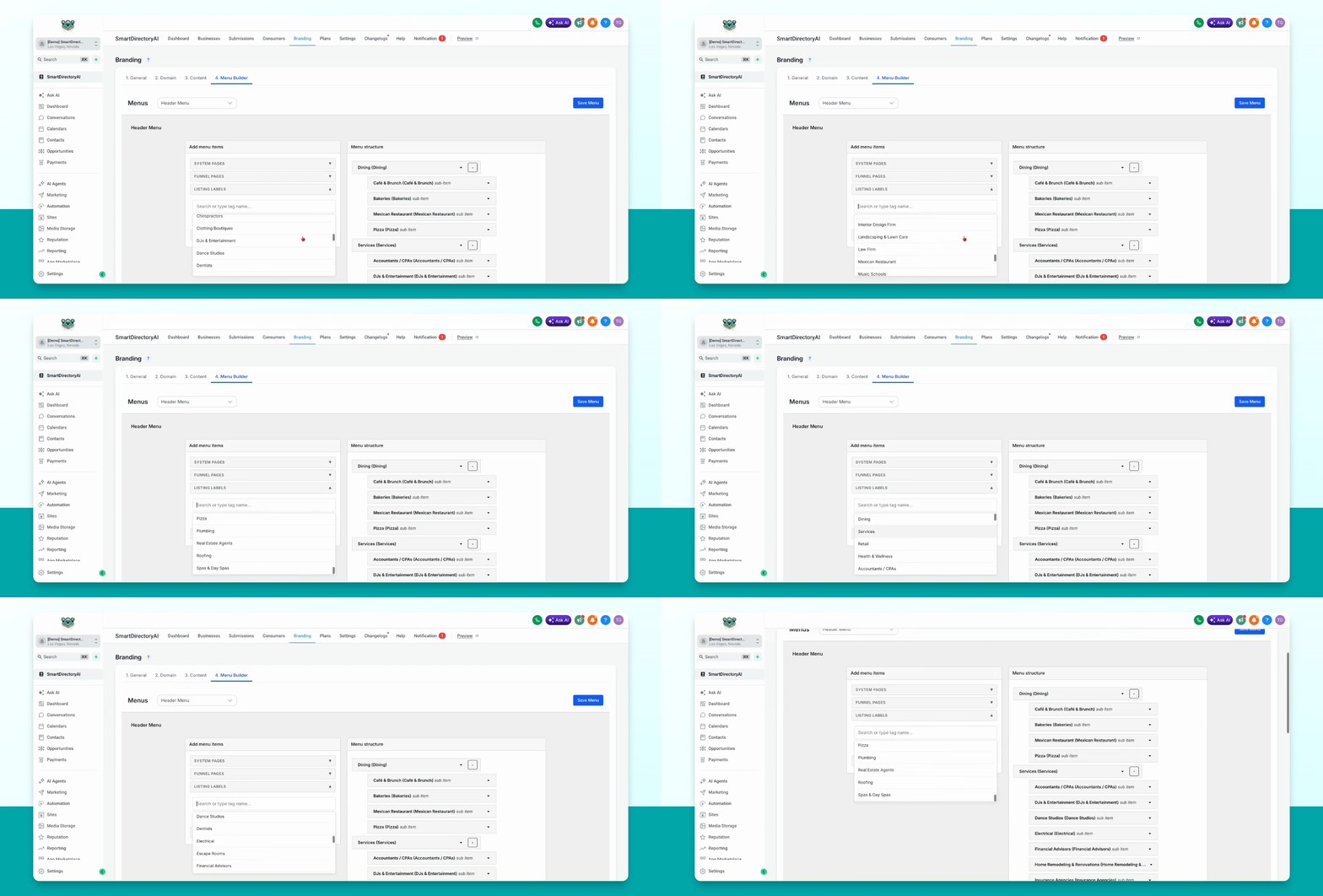
In your Smart Directory AI Dashboard, go to Branding and then select Menu Builder.
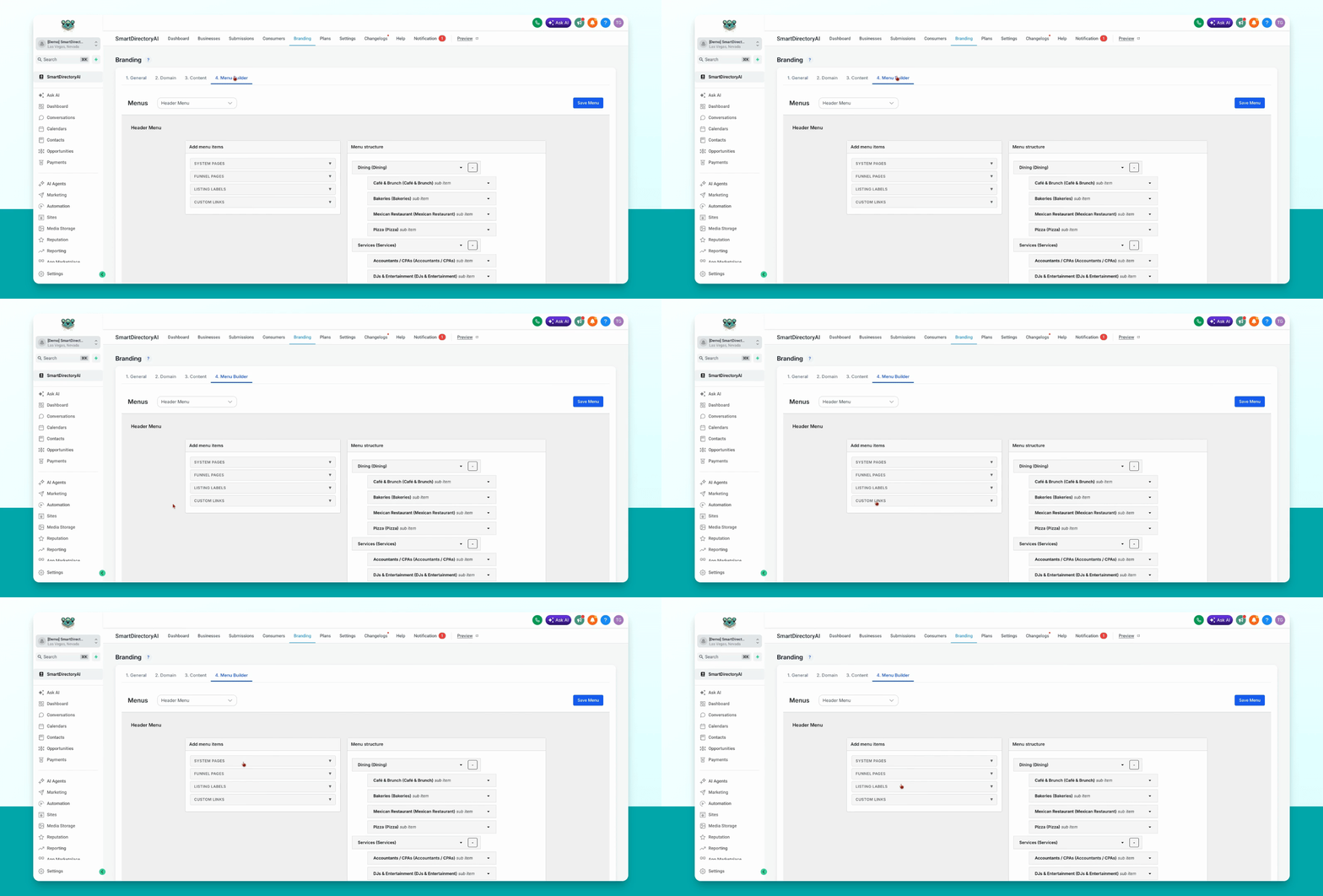
Step 2: Find Listing Labels Tab
On the left-hand section, locate the tab labeled Listing Labels.
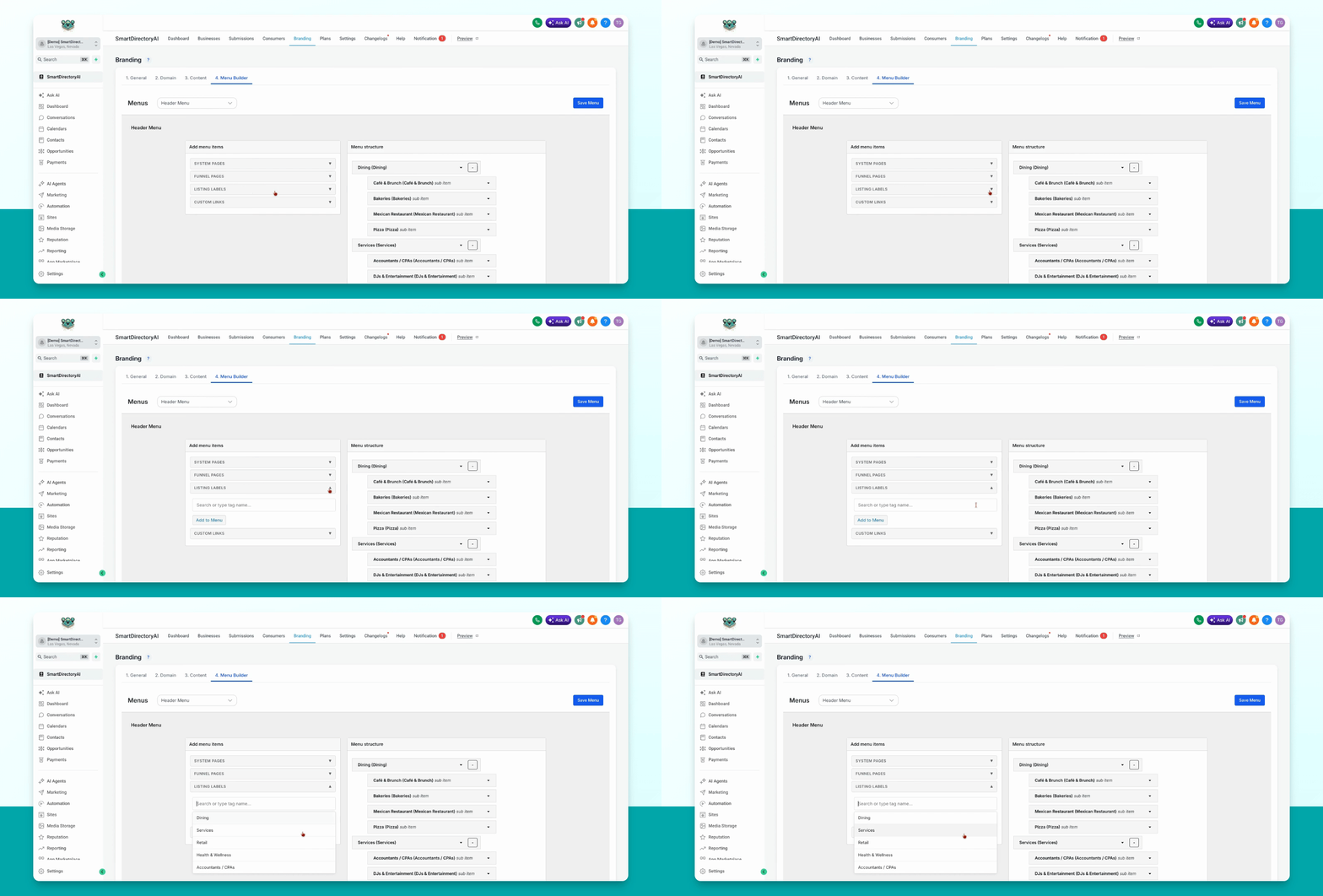
Step 3: Review Existing Labels
This tab displays all the listing labels you have previously created.
Step 4: Add Label to Menu
Select the listing label you want to add, then click Add to menu.
Step 5: Arrange Label Position
The listing label will appear on the left. Drag and drop it to your desired position in the menu.