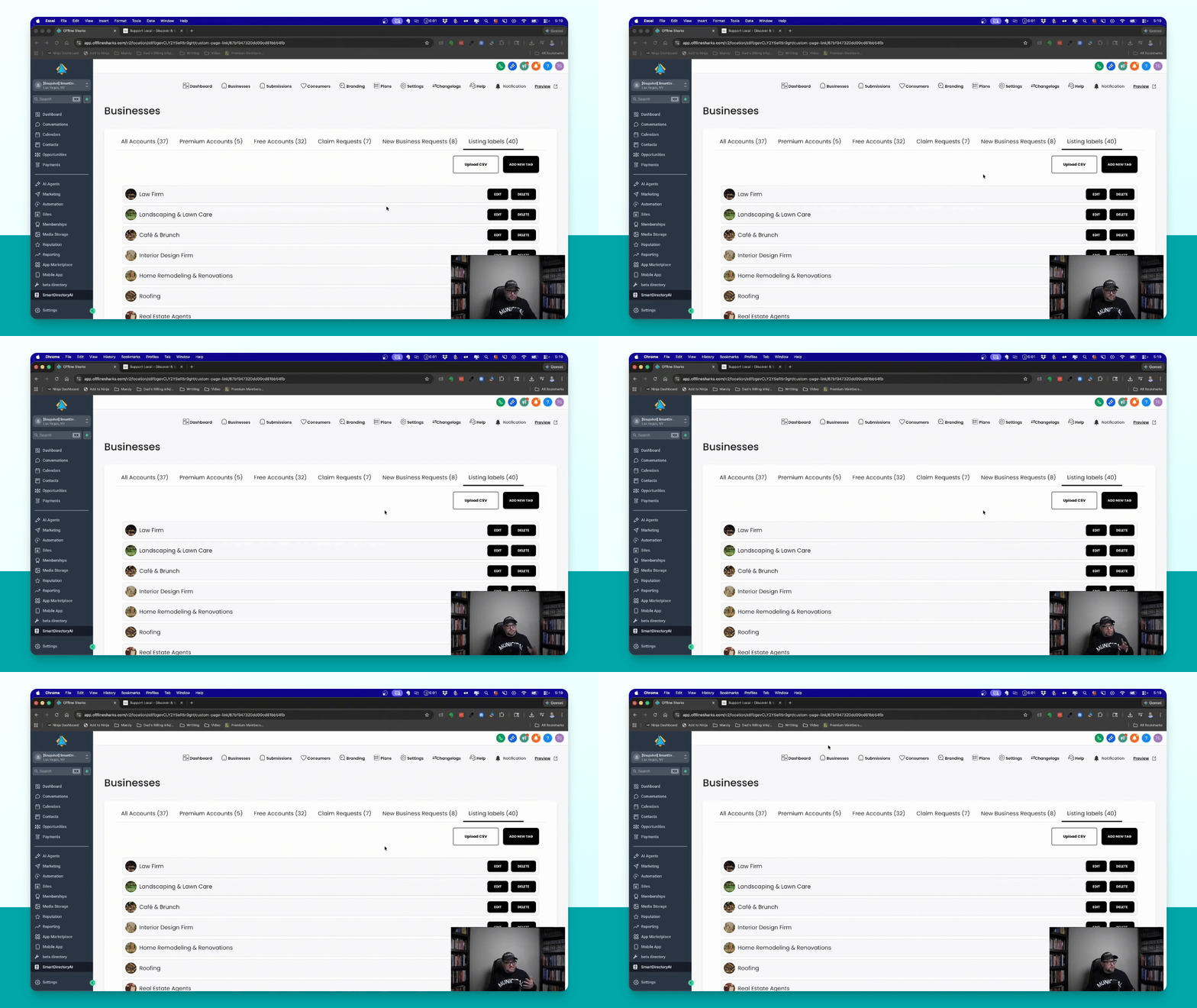
Let's do it together!
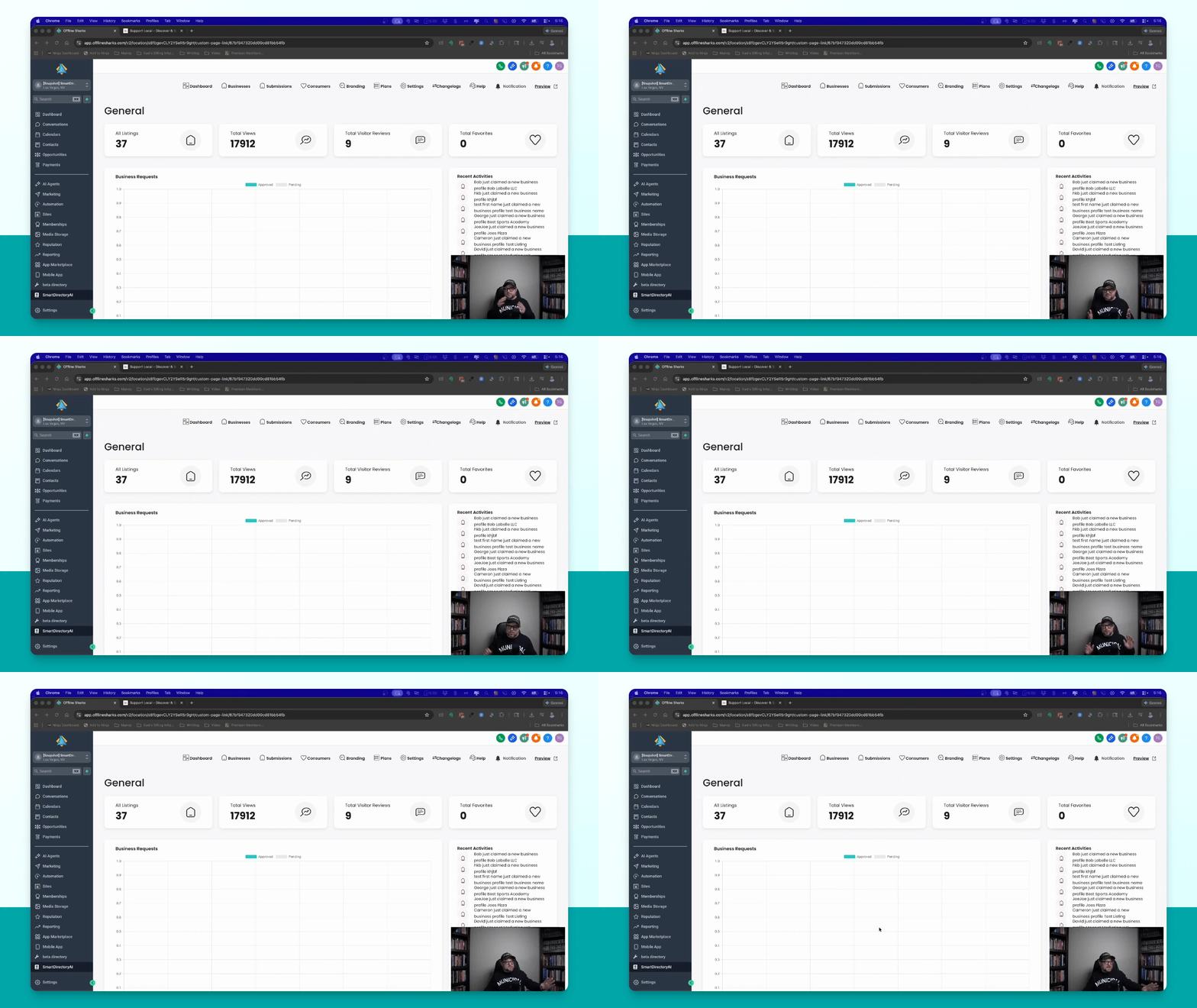
Step 1: Access Dashboard
Open your Smart Directory AI installation and navigate to the dashboard.
Step 2: Find Listing Labels
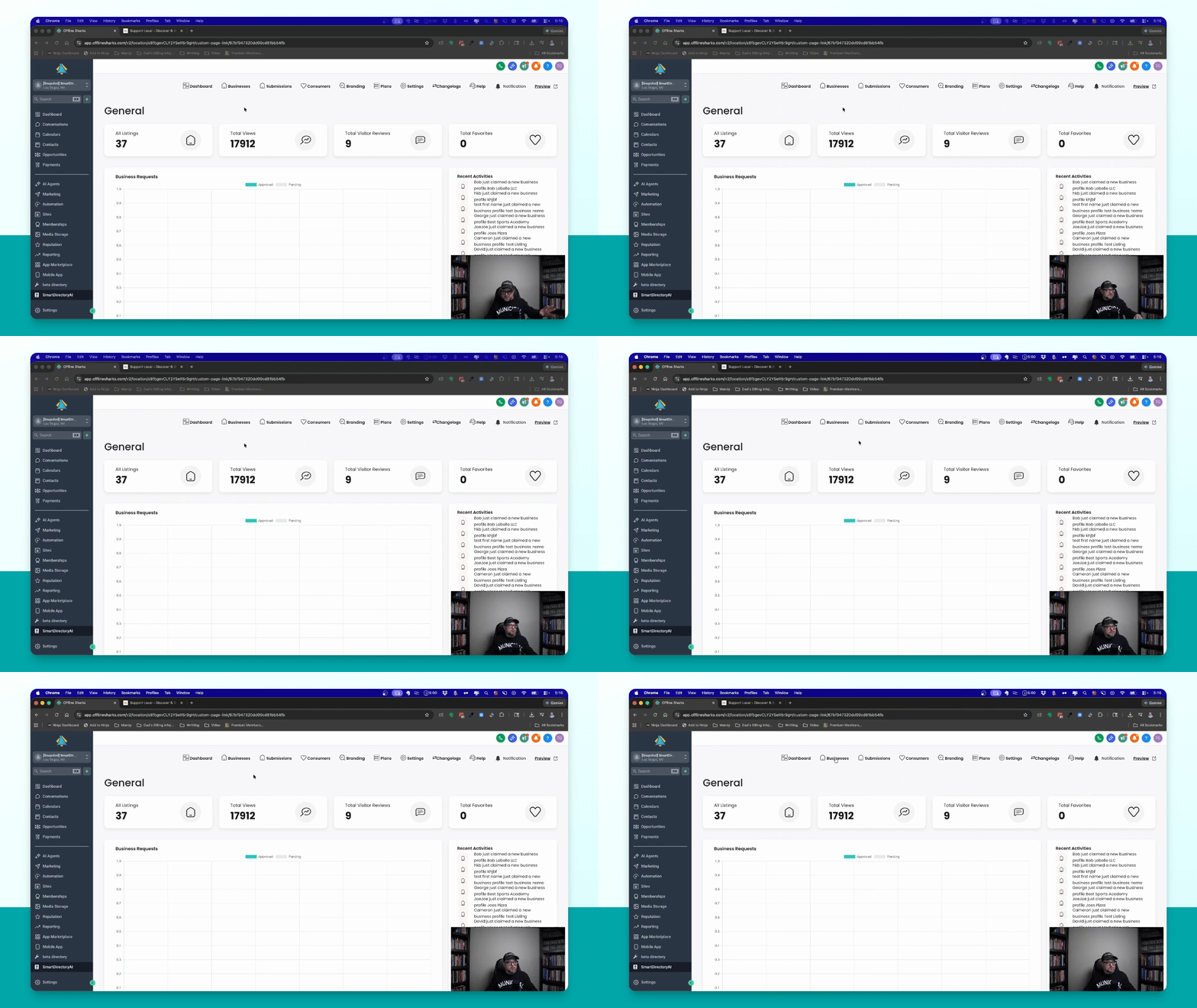
Go to Businesses in the main menu and click on Listing Labels on the far right.
Step 3: Bulk Upload Labels
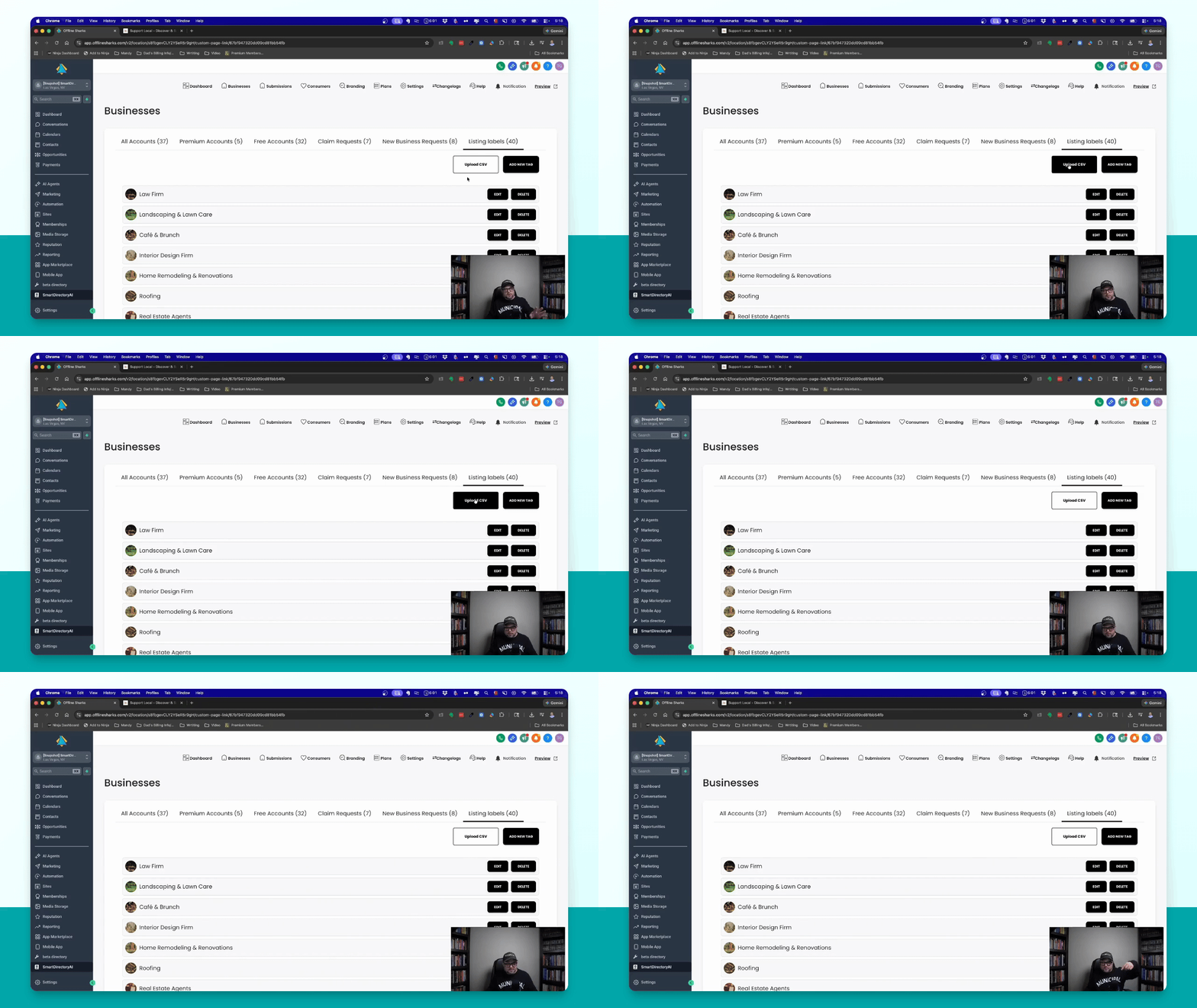
Use the provided CSV template below to upload multiple listing labels with optional images.
Download Sample Bulk Listing Label Import CSV
Note: first row MUST contain column headers 'name' and 'image'
The 'image' column is optional.
Step 4: View On Site
Once created, your listing labels will appear in the Businesses by tags section at the bottom of your site.