Let's do it together!
Step 1: Understand review types
Learn the two ways to get reviews: internal reviews on your site and Google reviews.
Step 2: Connect Google API
Ensure that your Google API is connected to pull in Google reviews.
Step 3: Access business listing
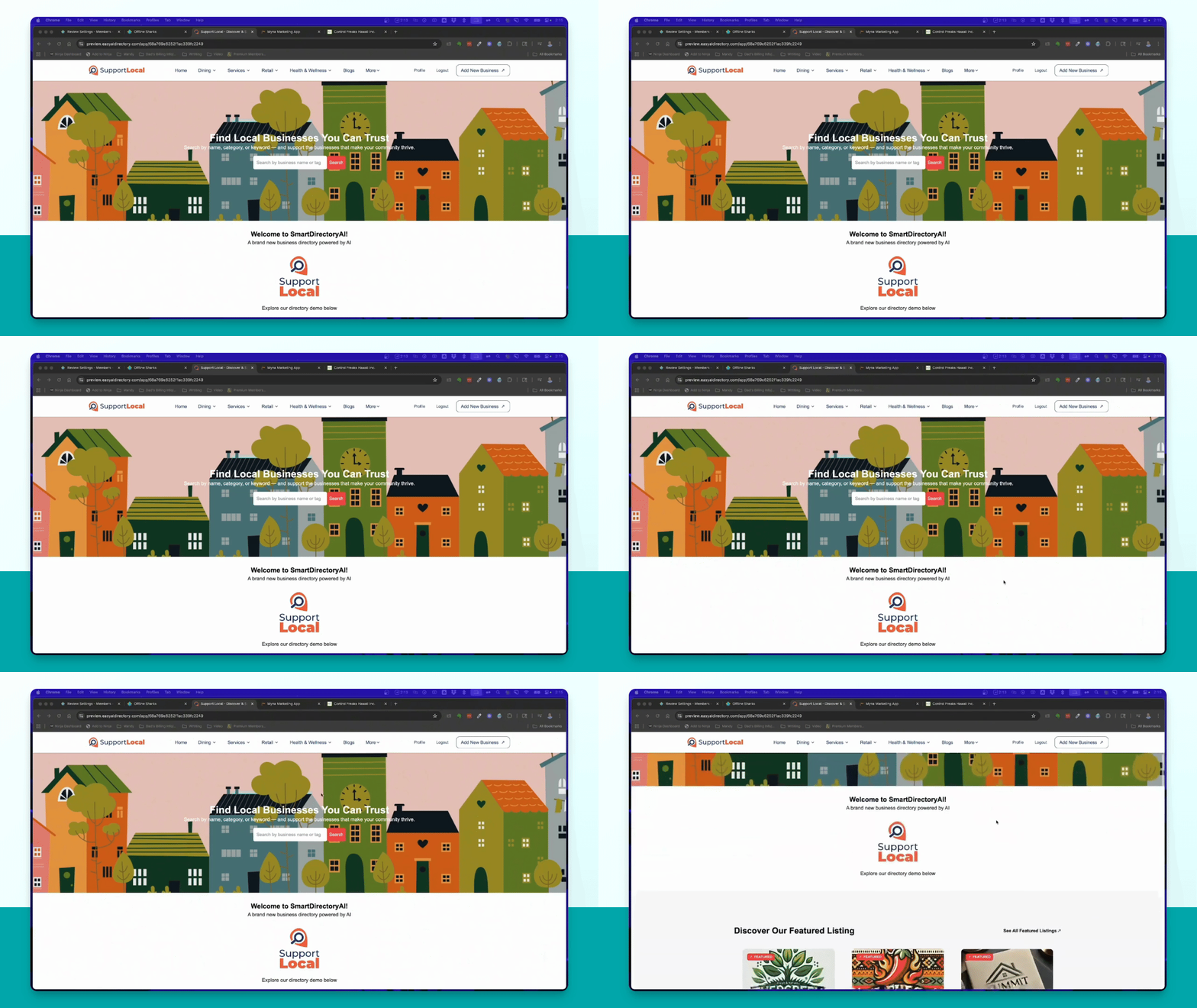
Select a premium business from your Smart Directory AI homepage to view reviews.
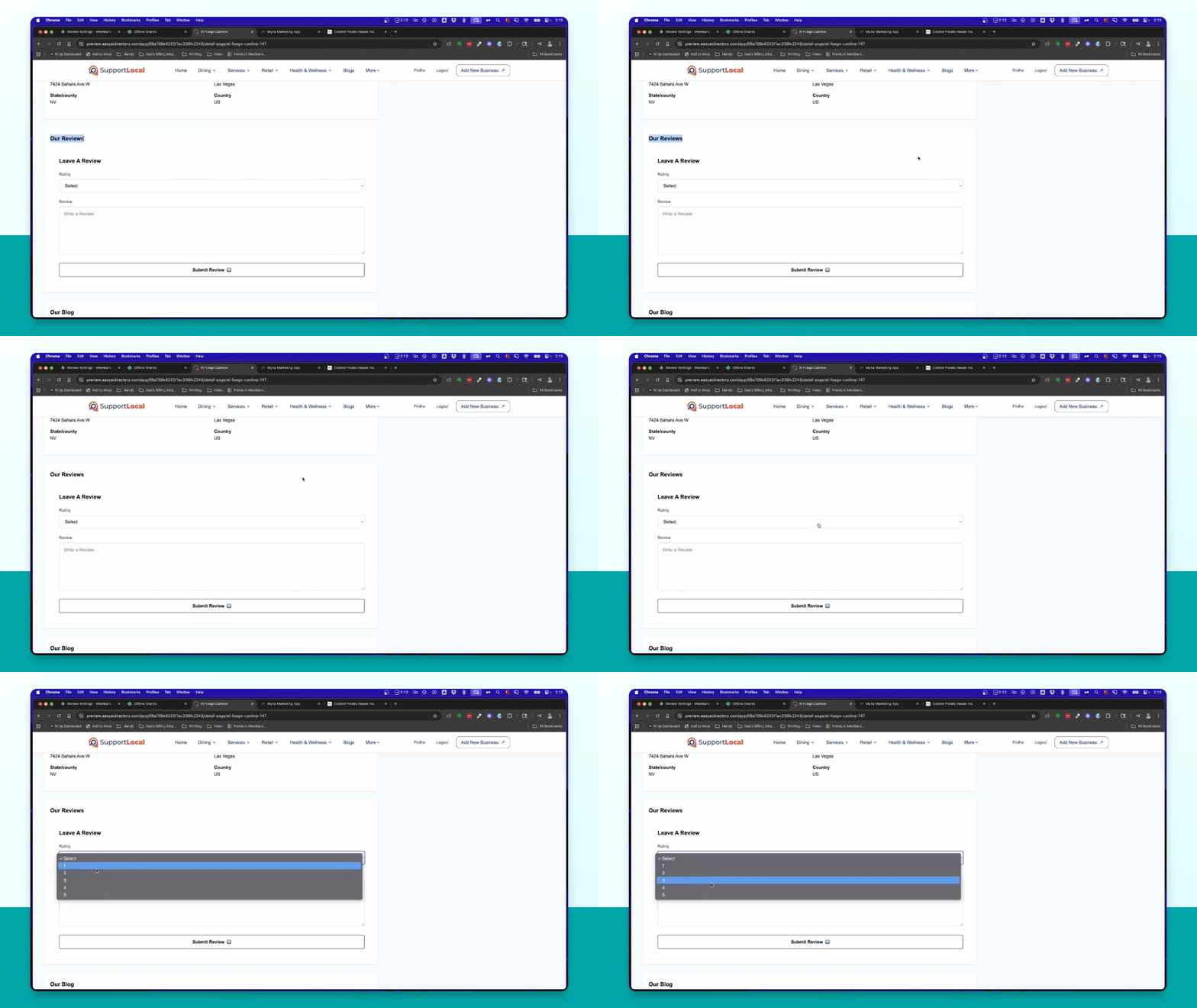
Step 4: Submit internal review
Users can select stars and write a review, then click Submit Review to post it.
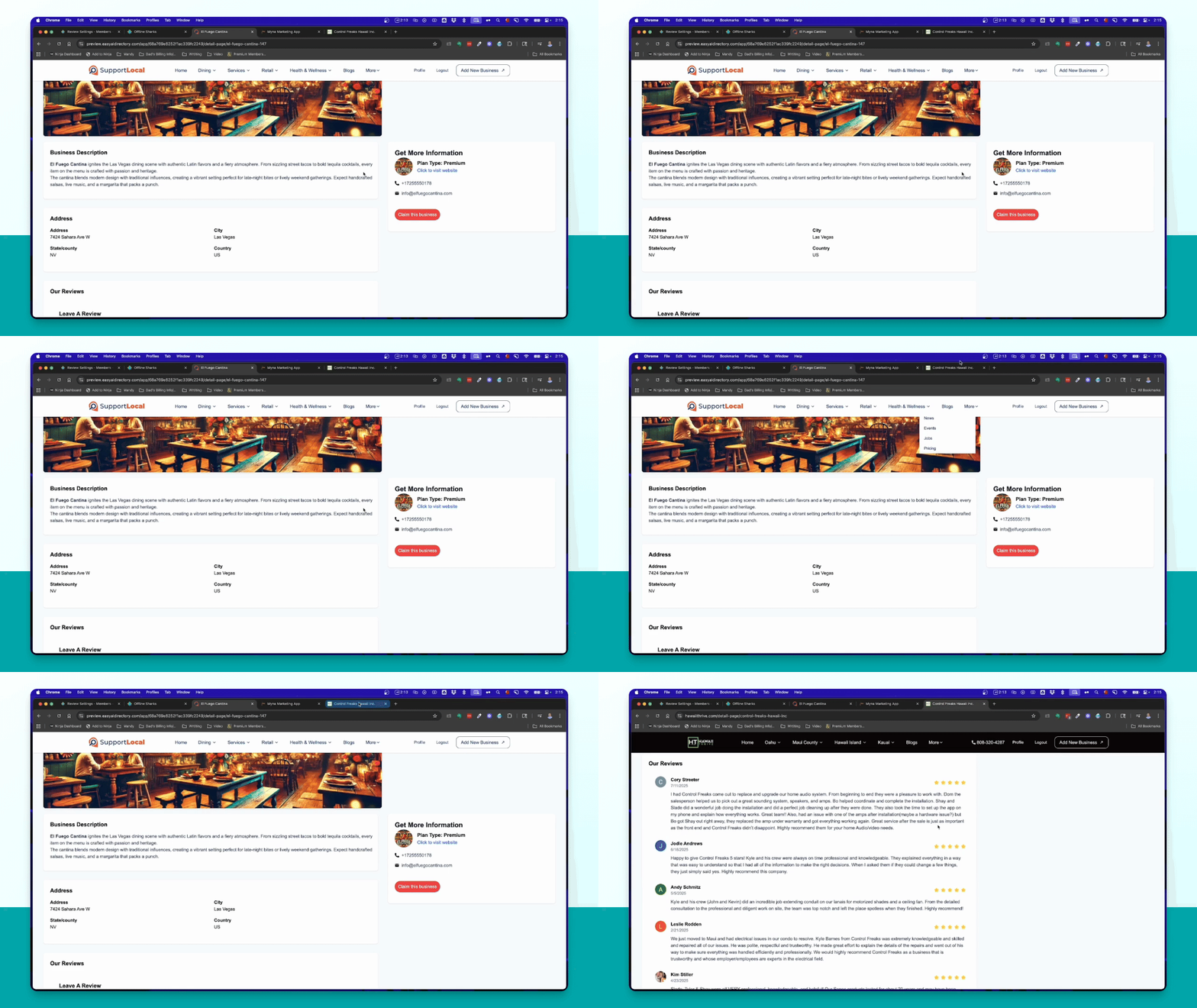
Step 5: View Google reviews
Google reviews appear above your internal review system on the business page.
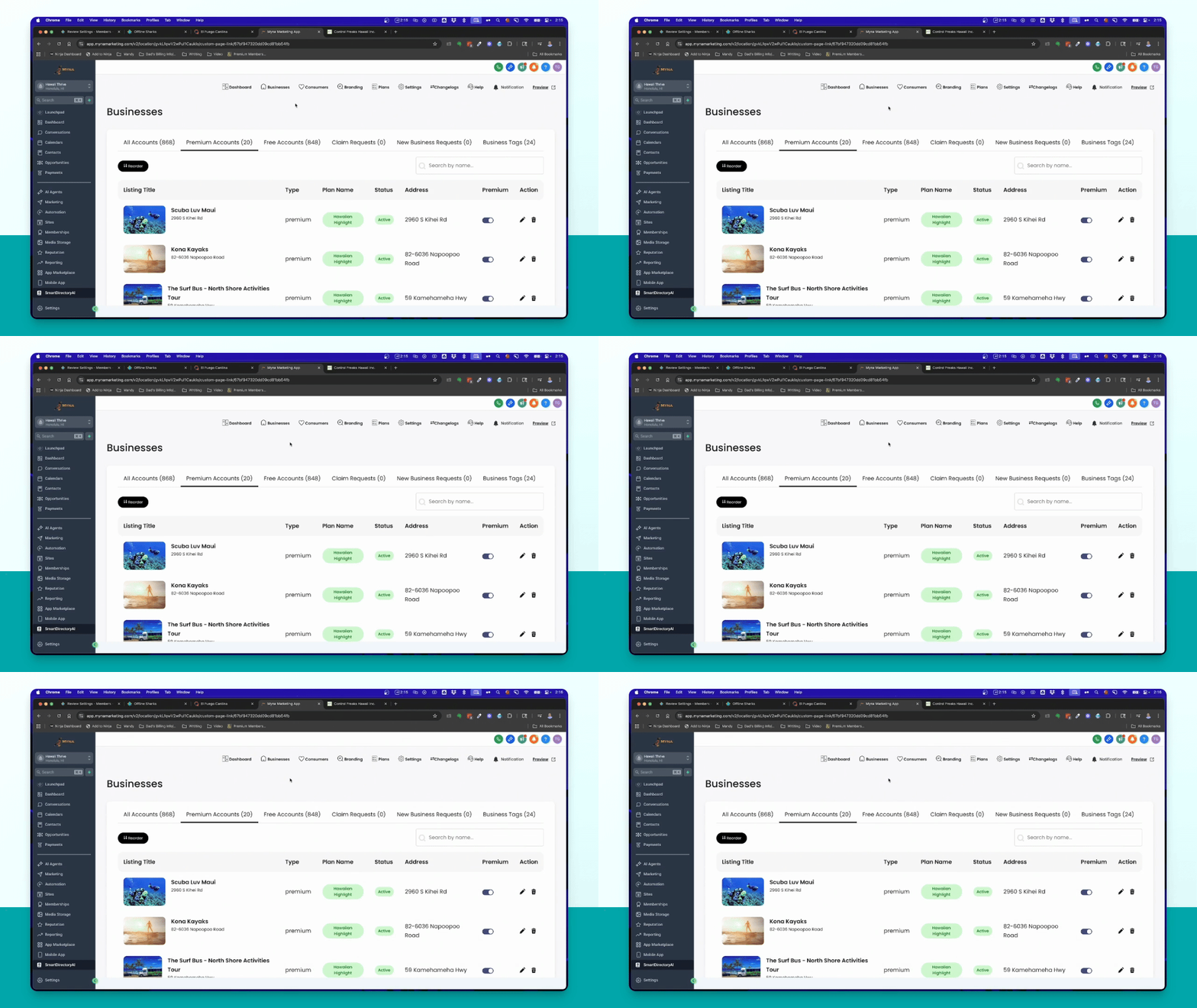
Step 6: Enable Google reviews
Go to the backend and ensure your Google API is connected under Settings → Integrations.
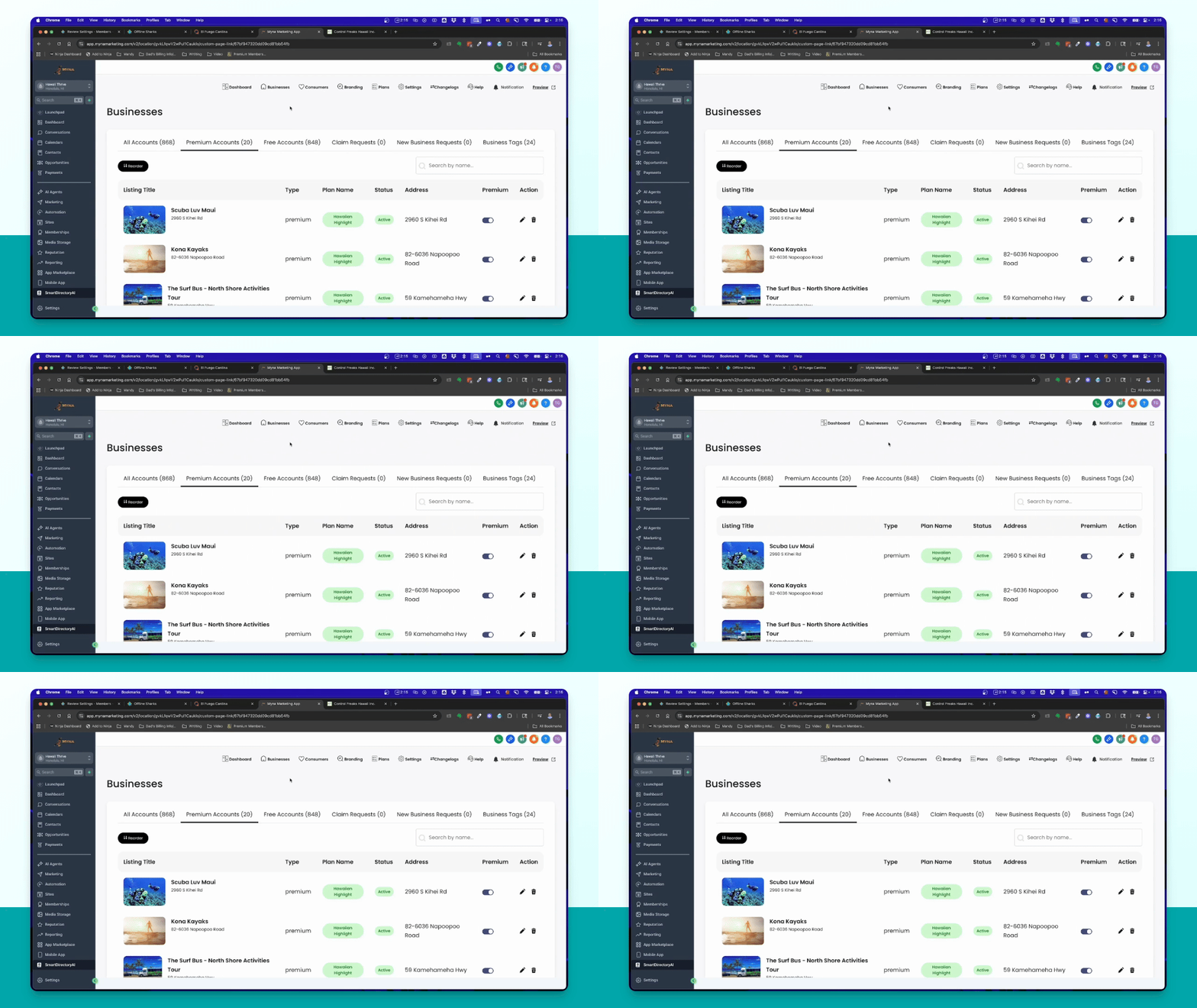
Step 7: Select business
Find the business you want to enable Google reviews for in the dashboard.
Step 8: Upgrade to premium
Ensure the business has a premium account to access Google review features.
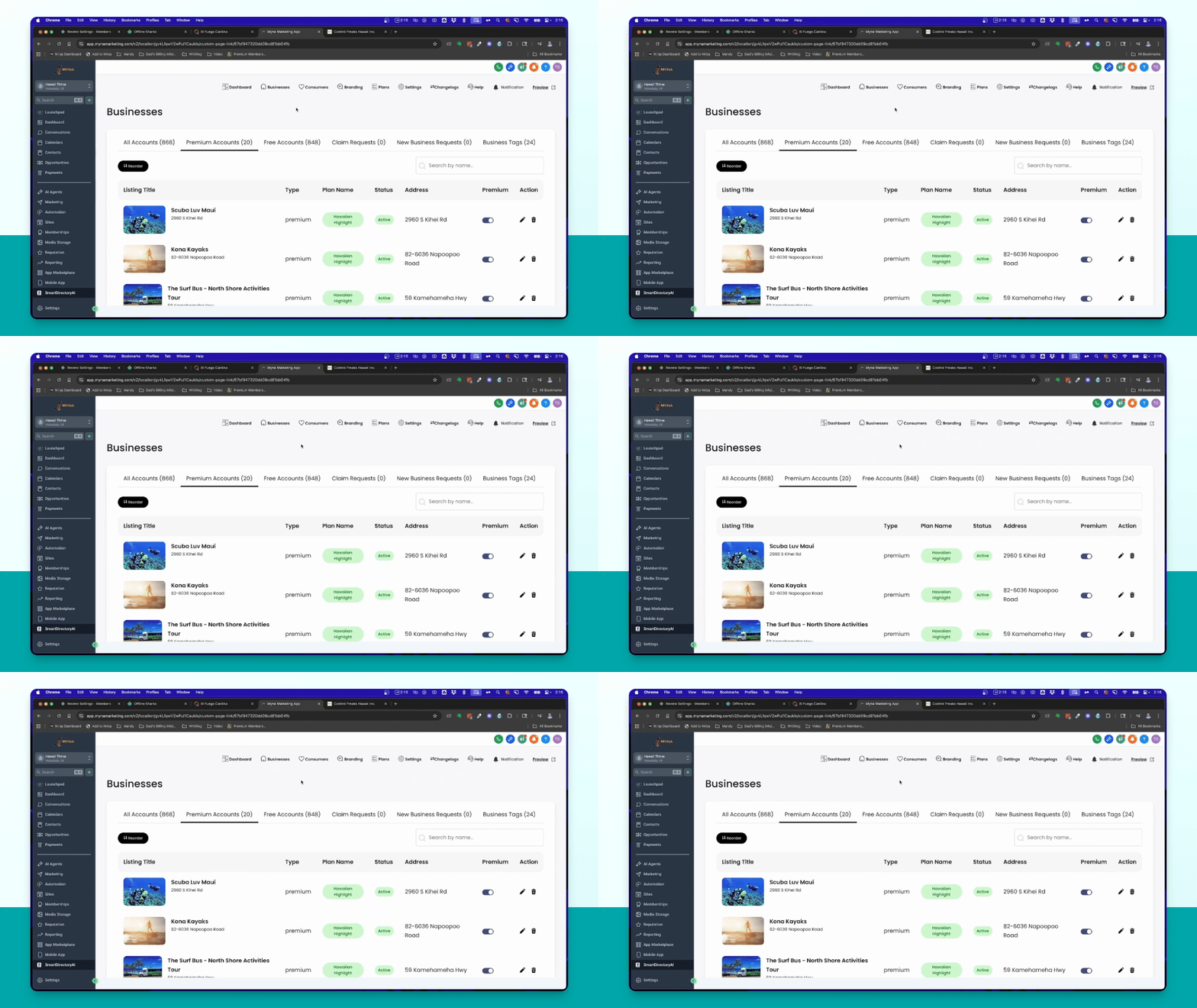
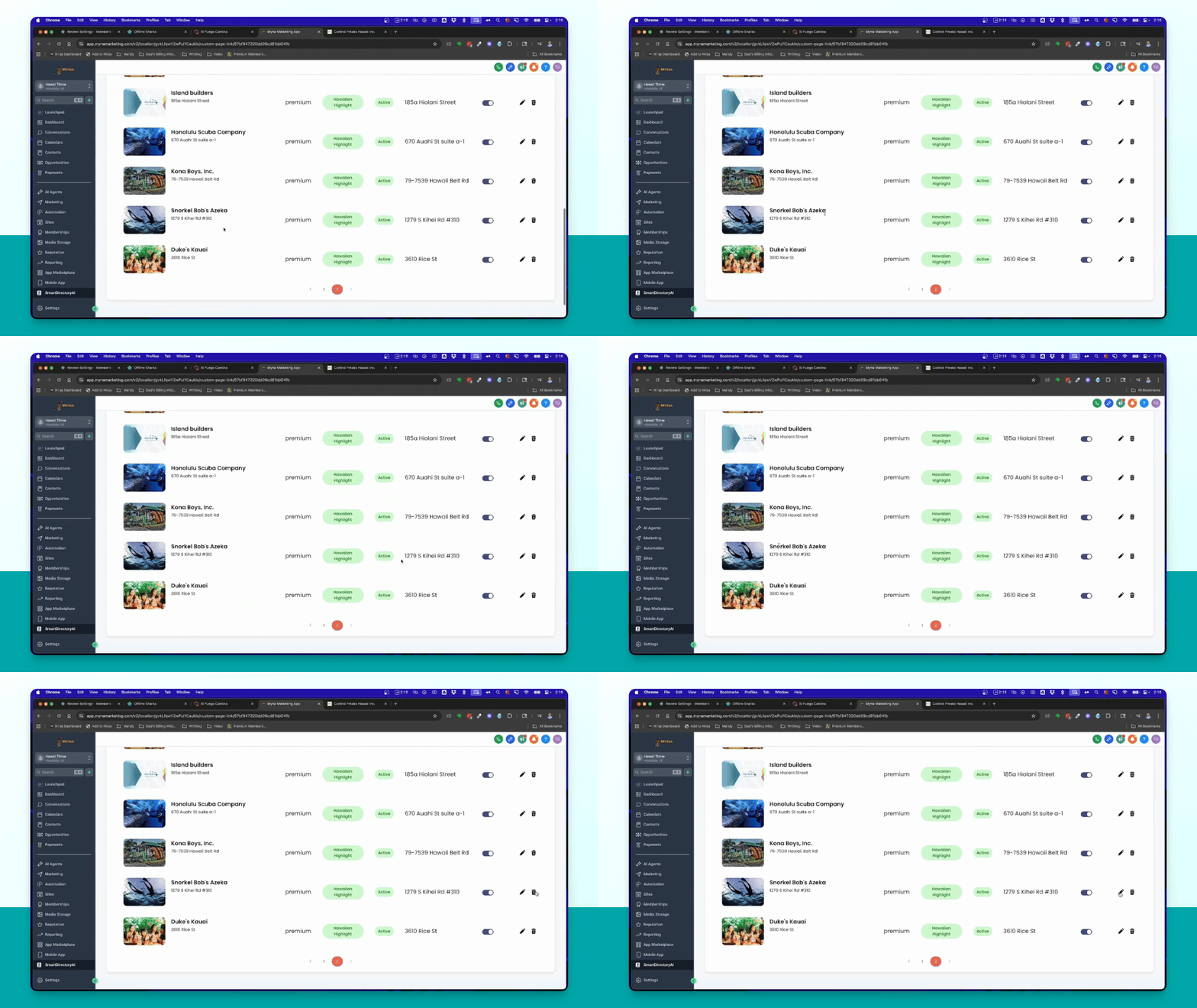
Step 9: Edit business details
Click the pencil icon to edit business details and link to Google Business Profile.
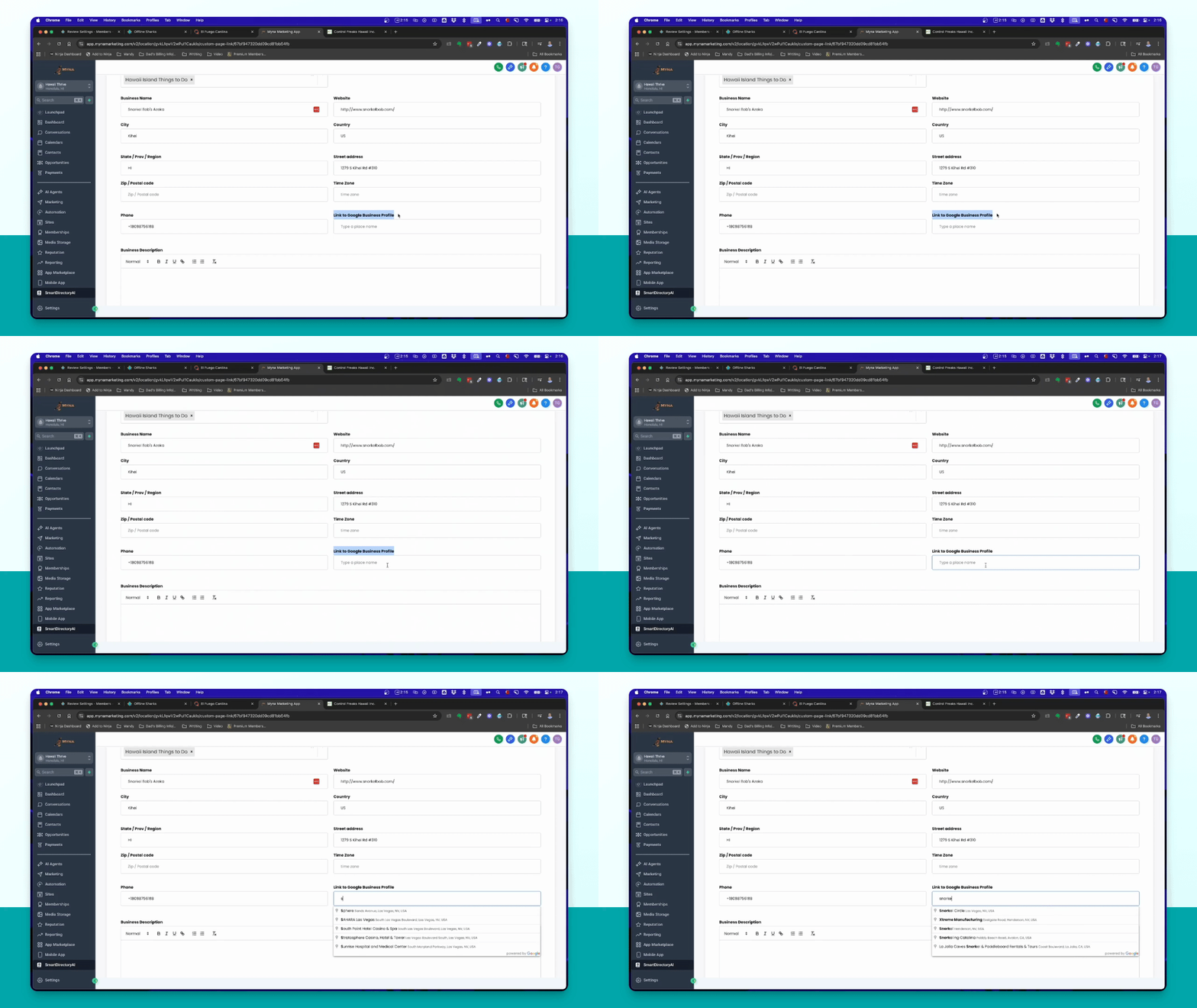
Step 10: Link Google profile
Type the business name in the Google link section and select from the suggestions.
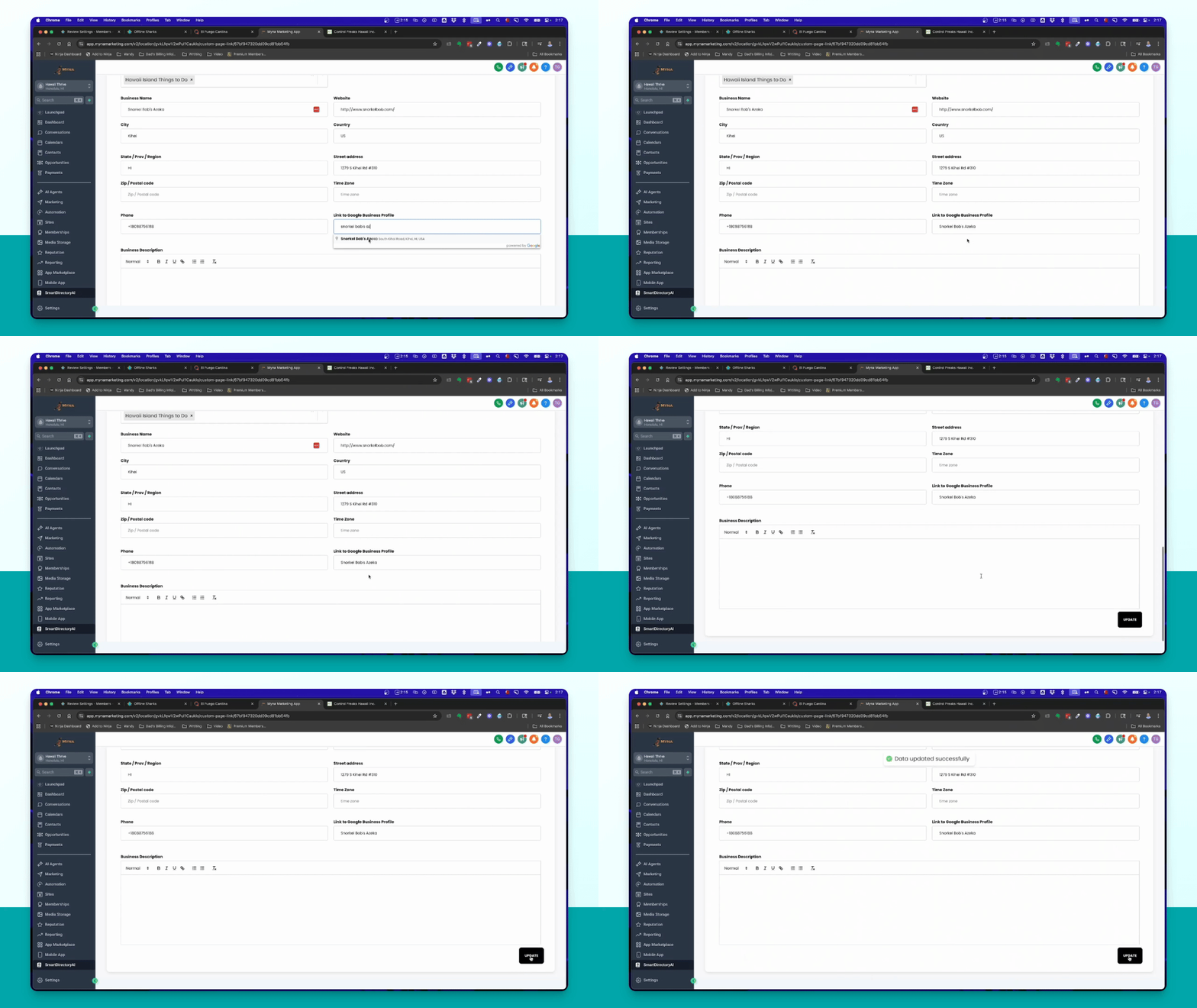
Step 11: Save changes
Click Update to connect the business to its Google Business Profile.
Step 12: Check Google reviews
Verify that Google Reviews are now displayed on the business listing.
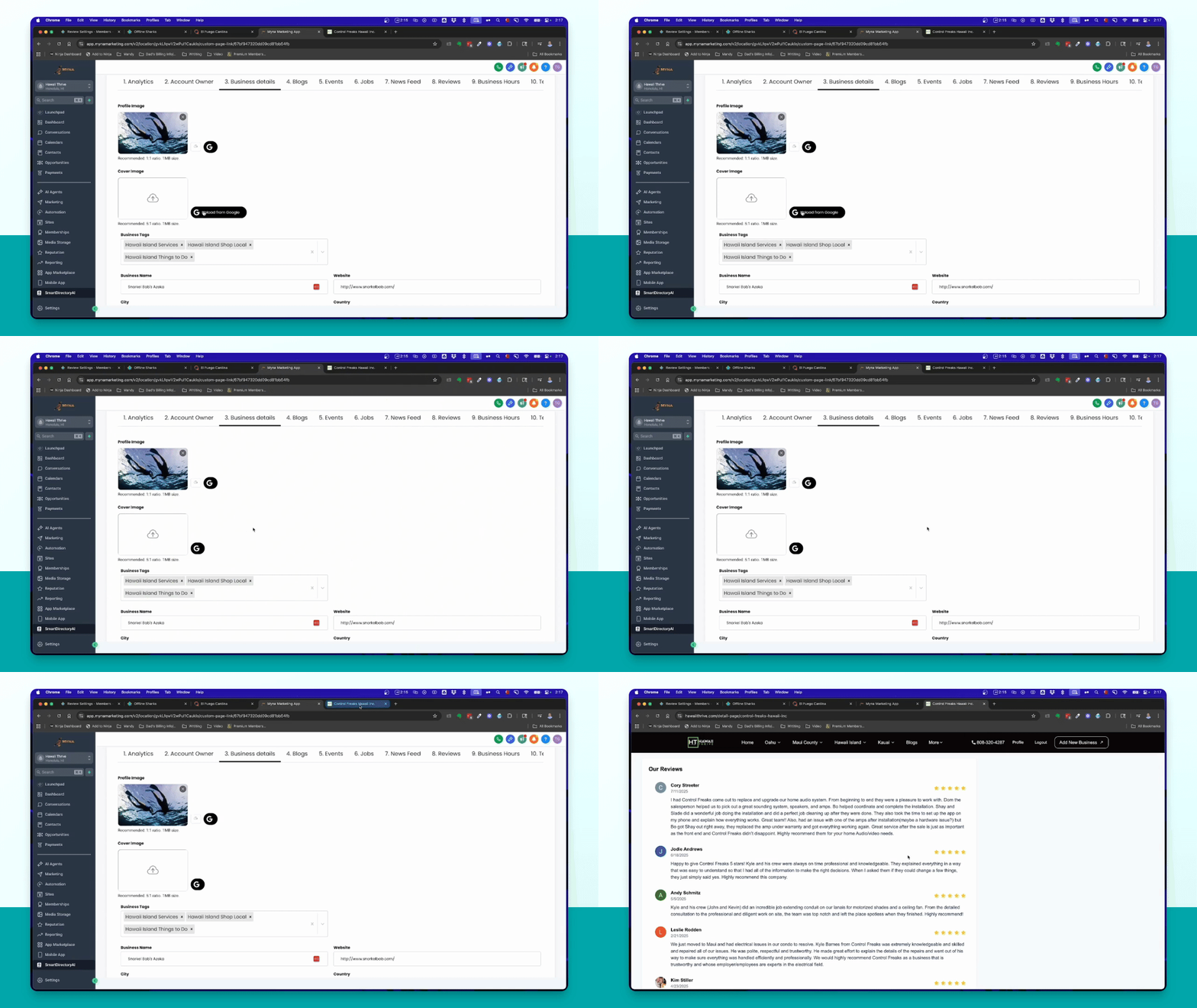
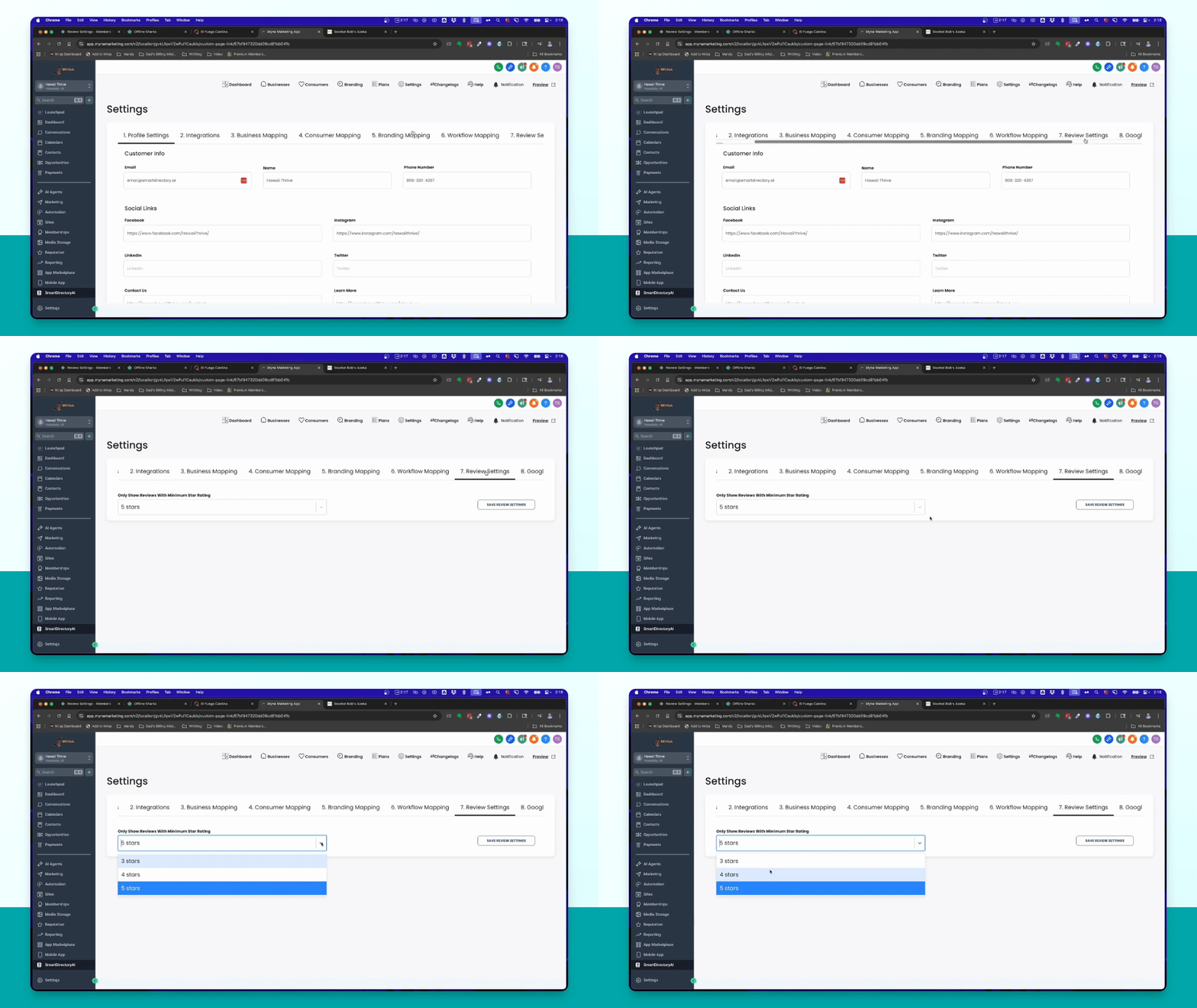
Step 13: Configure review settings
Go to Settings → Review Settings to set the star rating display preference.
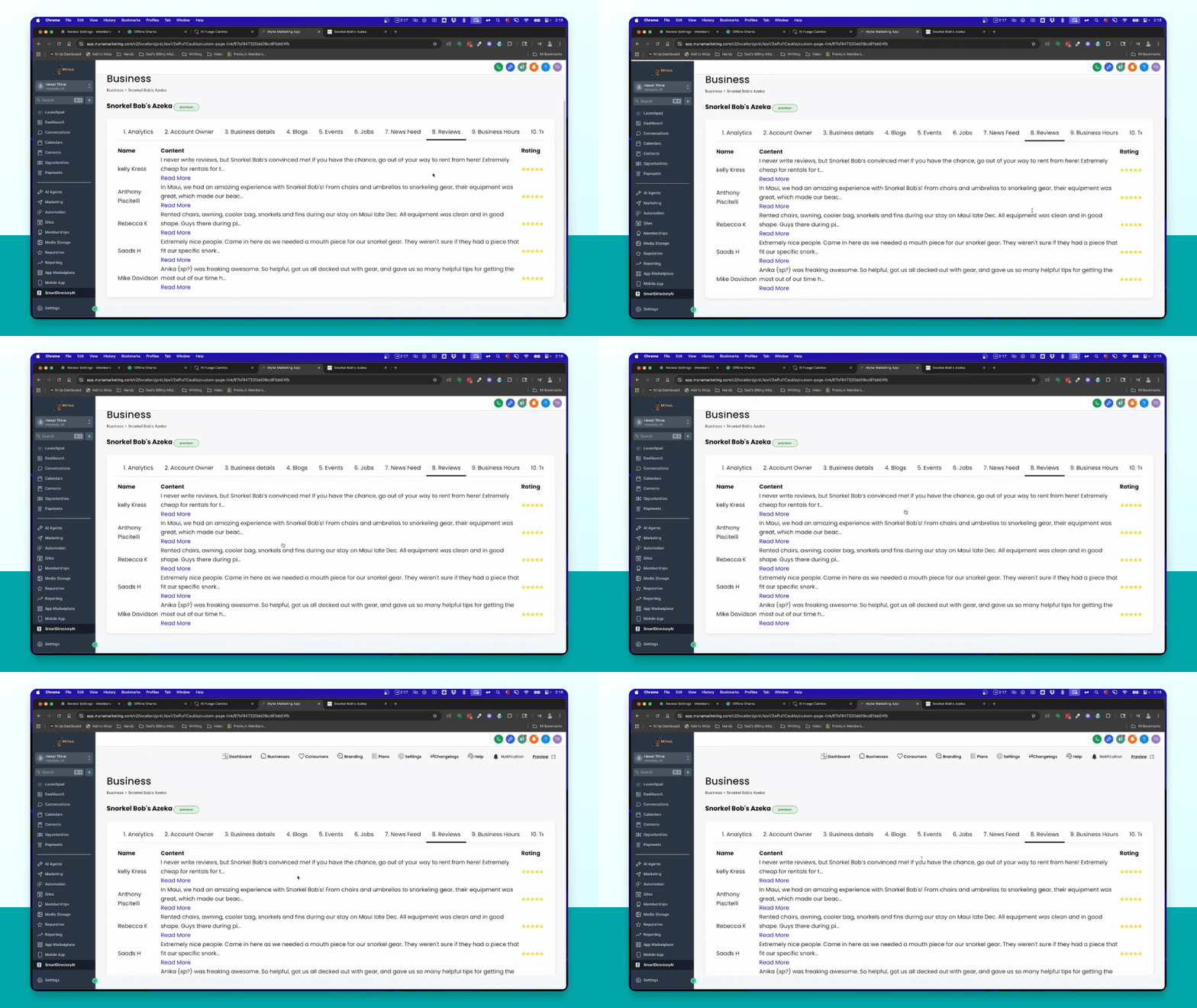
Step 14: Save review settings
Select your preference for star ratings and click Save Review Settings.