

Workflows and automations in Smart Directory AI are triggered by the software itself, not by actions within the workflows. This ensures that automations respond directly to user interactions with your directory. Let's look at the steps:
Step 1: Access Workflow Mapping
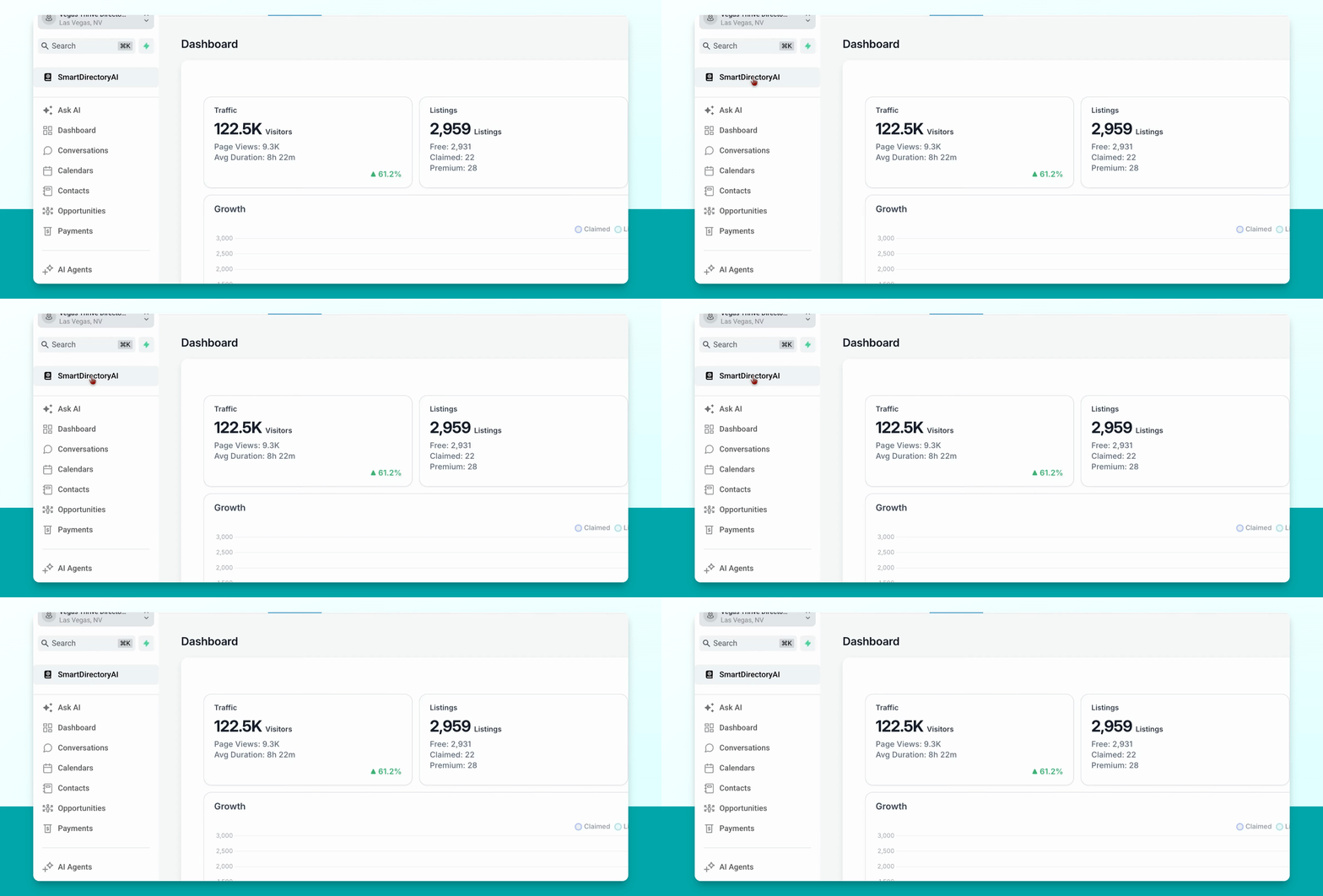
Go to your Smart Directory AI dashboard, click Settings, and then select Workflow Mapping.
Step 2: Review Triggered Events
View the list of events that can trigger workflows and automations. You will see which workflows are fired when specific actions occur.
Step 3: Match Workflows to Events
If any triggers are not set, click the dropdown for the relevant event (e.g., claim request approved), select the appropriate workflow, and match each event to its workflow as needed.
This is how automations are triggered in Smart Directory AI.
Do not change any workflow mapping settings unless you are certain of their impact, as incorrect changes can affect the software's functionality.