

This guide shows you how to add your Google Analytics code to your Smart Directory AI Dashboard. Let's look at the steps:
Step 1: Open Integrations Settings
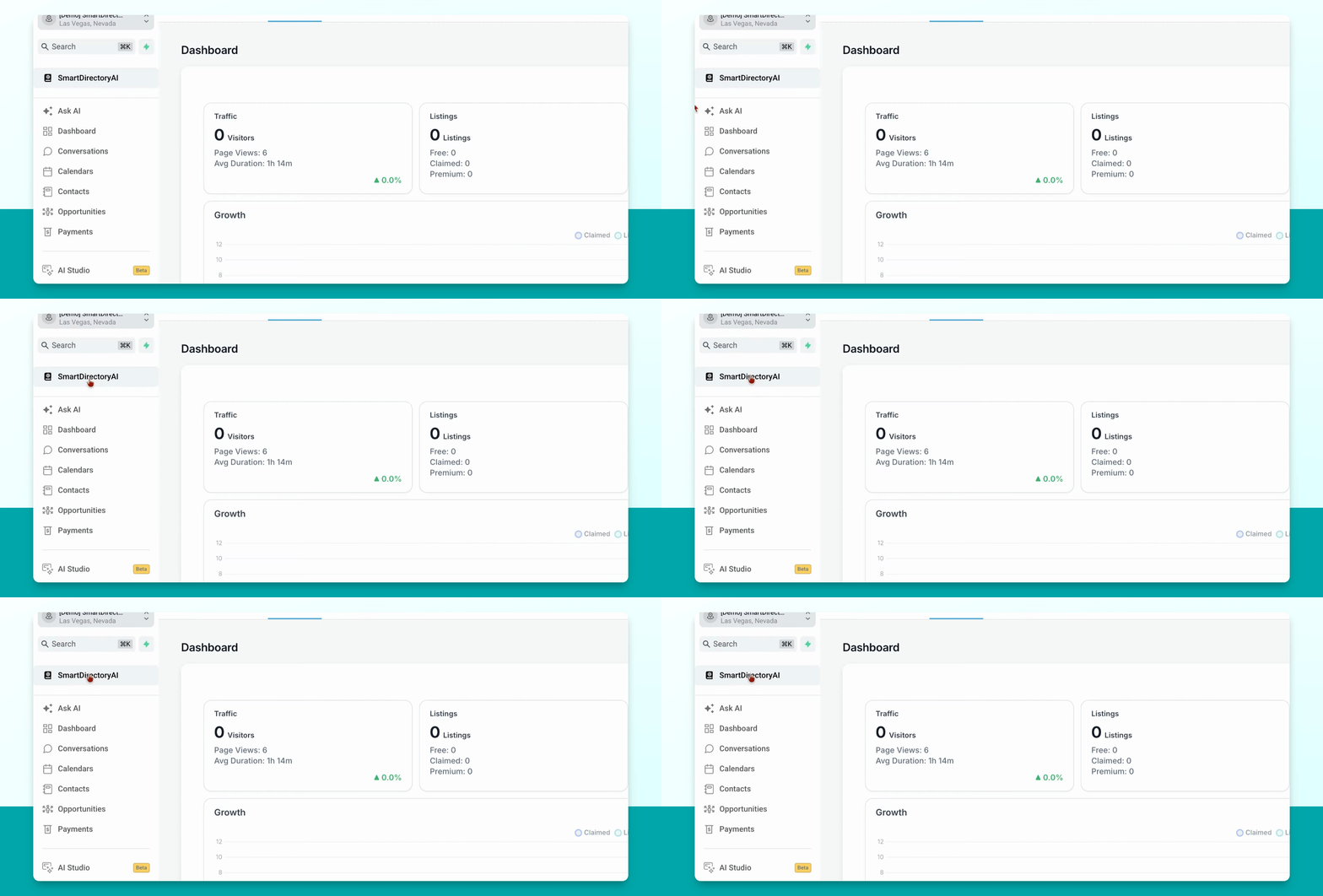
Go to Settings and select Integrations in your Smart Directory AI Dashboard.
Step 2: Find Google Analytics Section
Scroll down until you see the box labeled Google Analytics.
Step 3: Enter Google Analytics Code
Paste your Google Analytics number into this box to complete the integration.