Let's do it together!
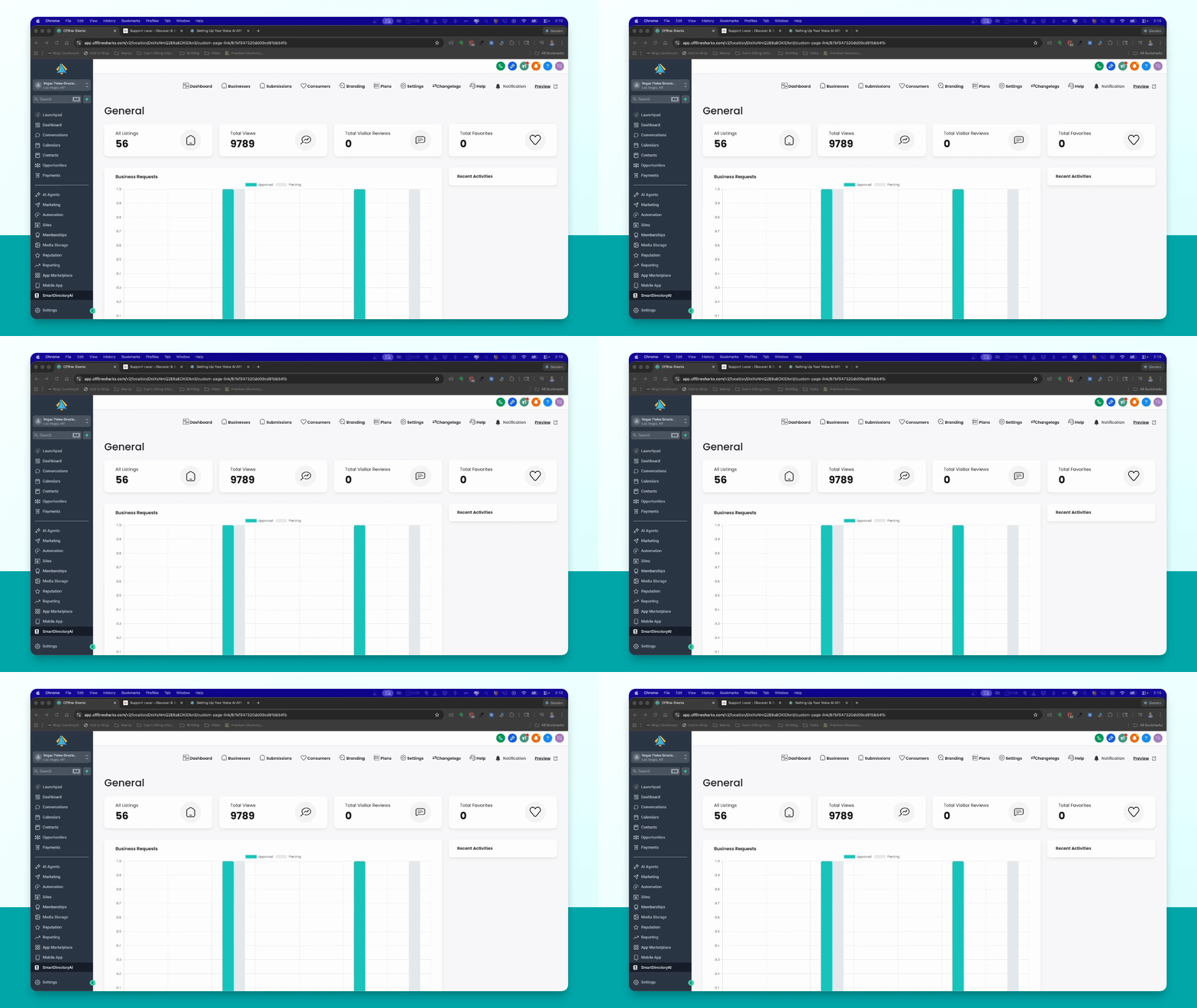
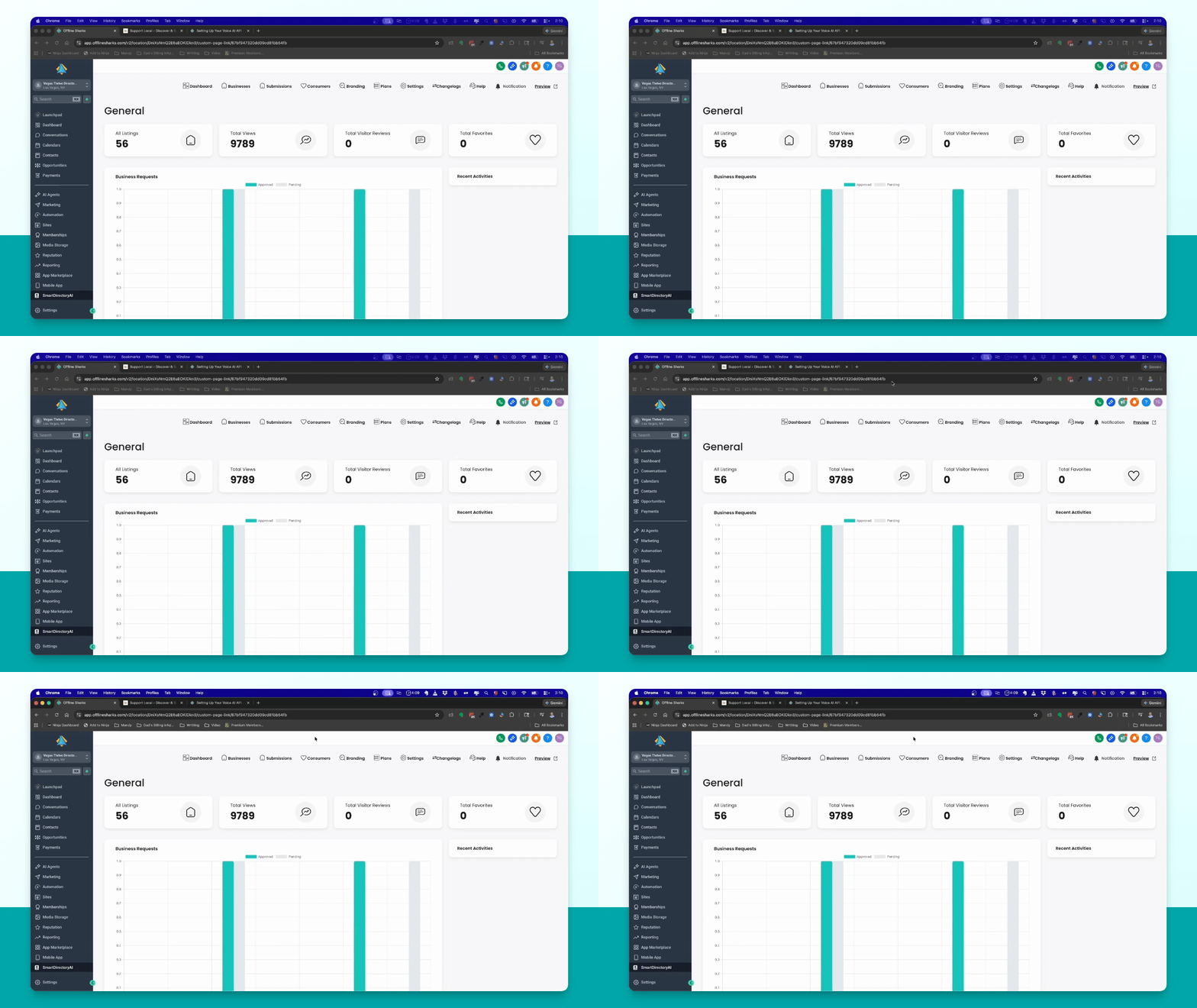
Step 1: Access Dashboard
Open your Smart Directory AI installation and access the main dashboard.
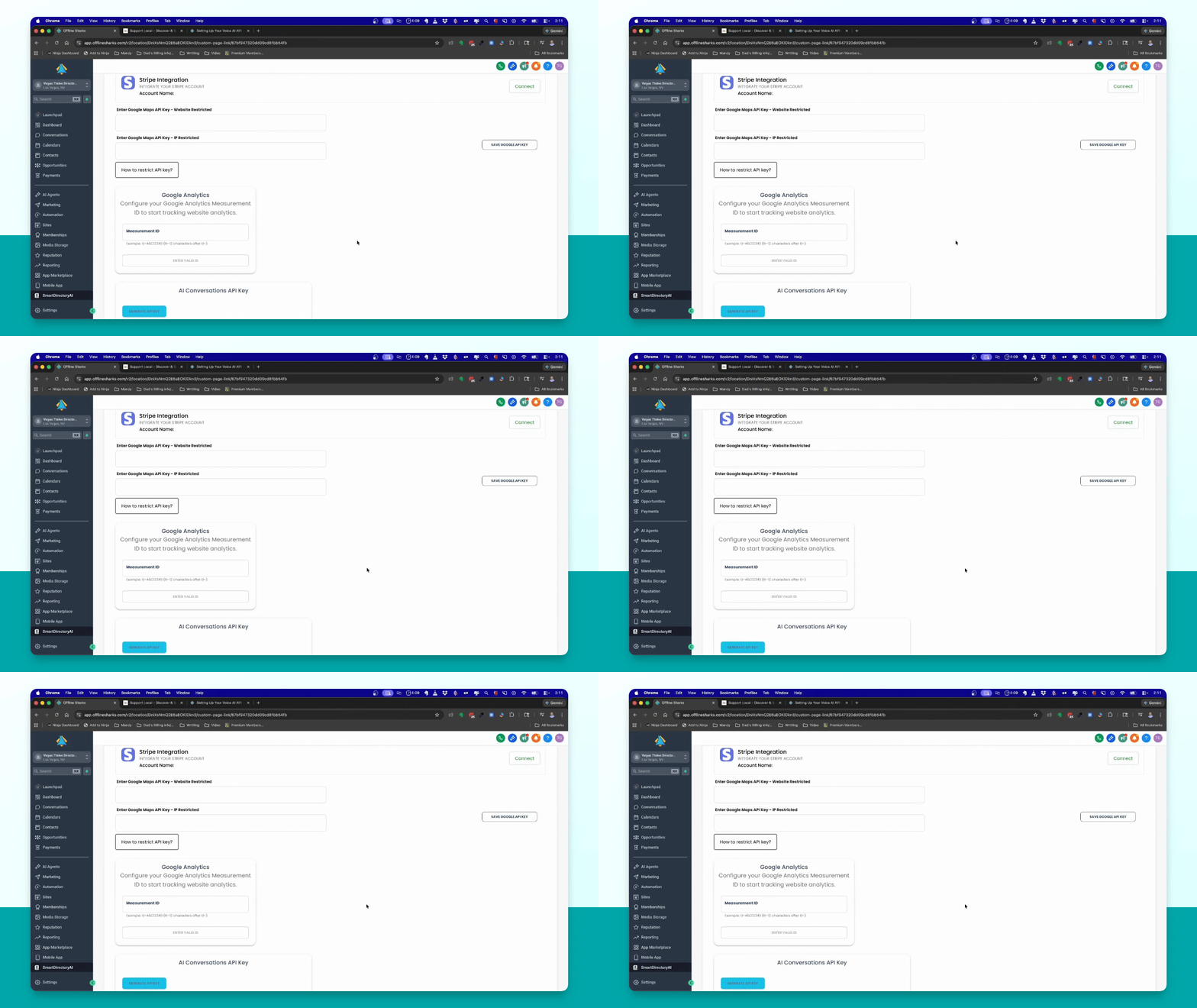
Step 2: Generate API Key
Navigate to Settings → Integrations, and click Generate API key. Copy the key to your clipboard.
Step 3: Collect Business Email
Go to Contacts, apply filter by tag for businesses, and select a business email to copy.
Step 4: Collect Consumer Email
Again in Contacts, filter by consumer tag and copy a consumer email or register as a new consumer.
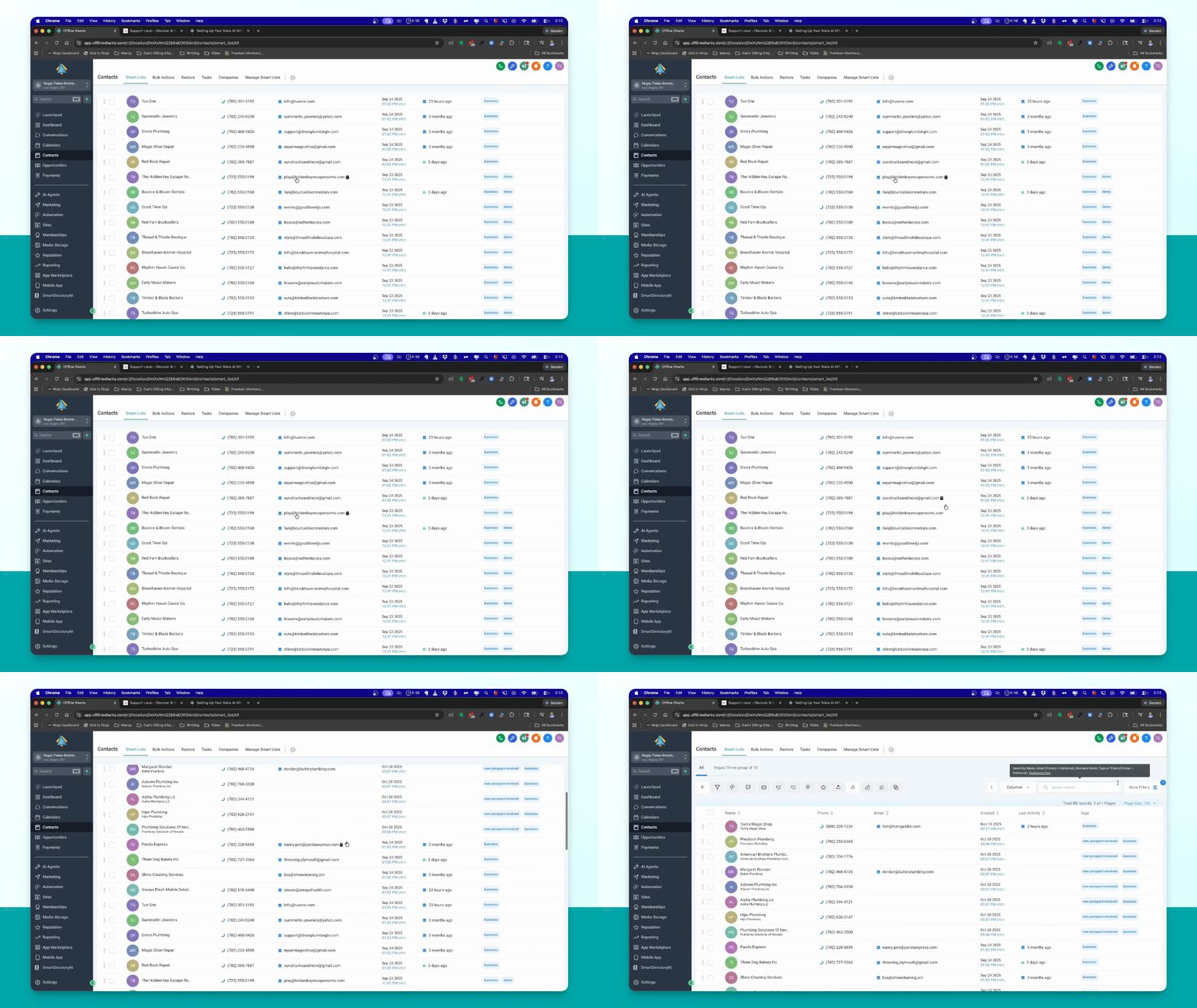
Step 5: Check Email Conditions
Ensure that the consumer email has not claimed the corresponding business.
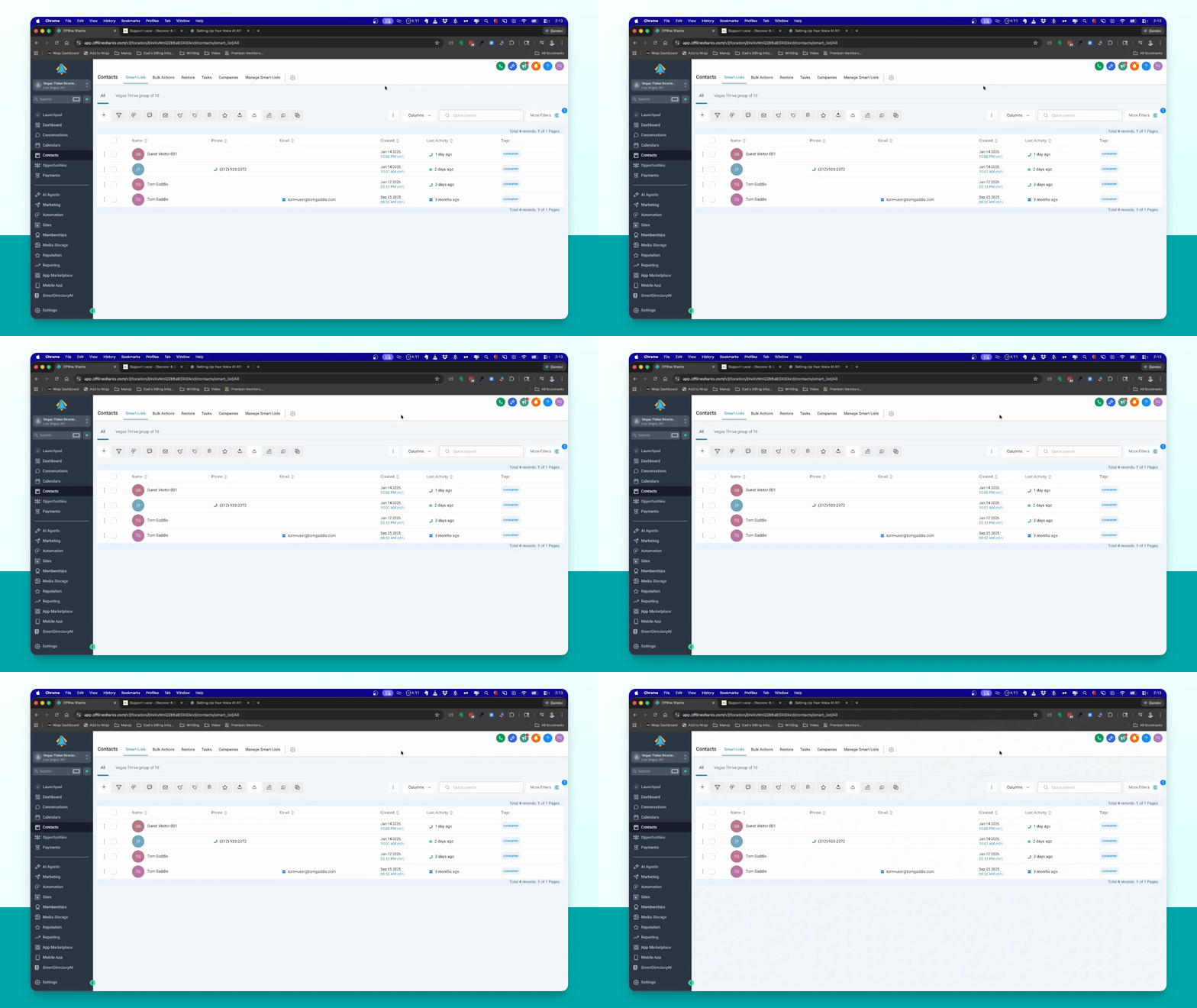
Step 6: Access AI Agents
Navigate back to AI Agents in the left menu to set up the voice AI agents.
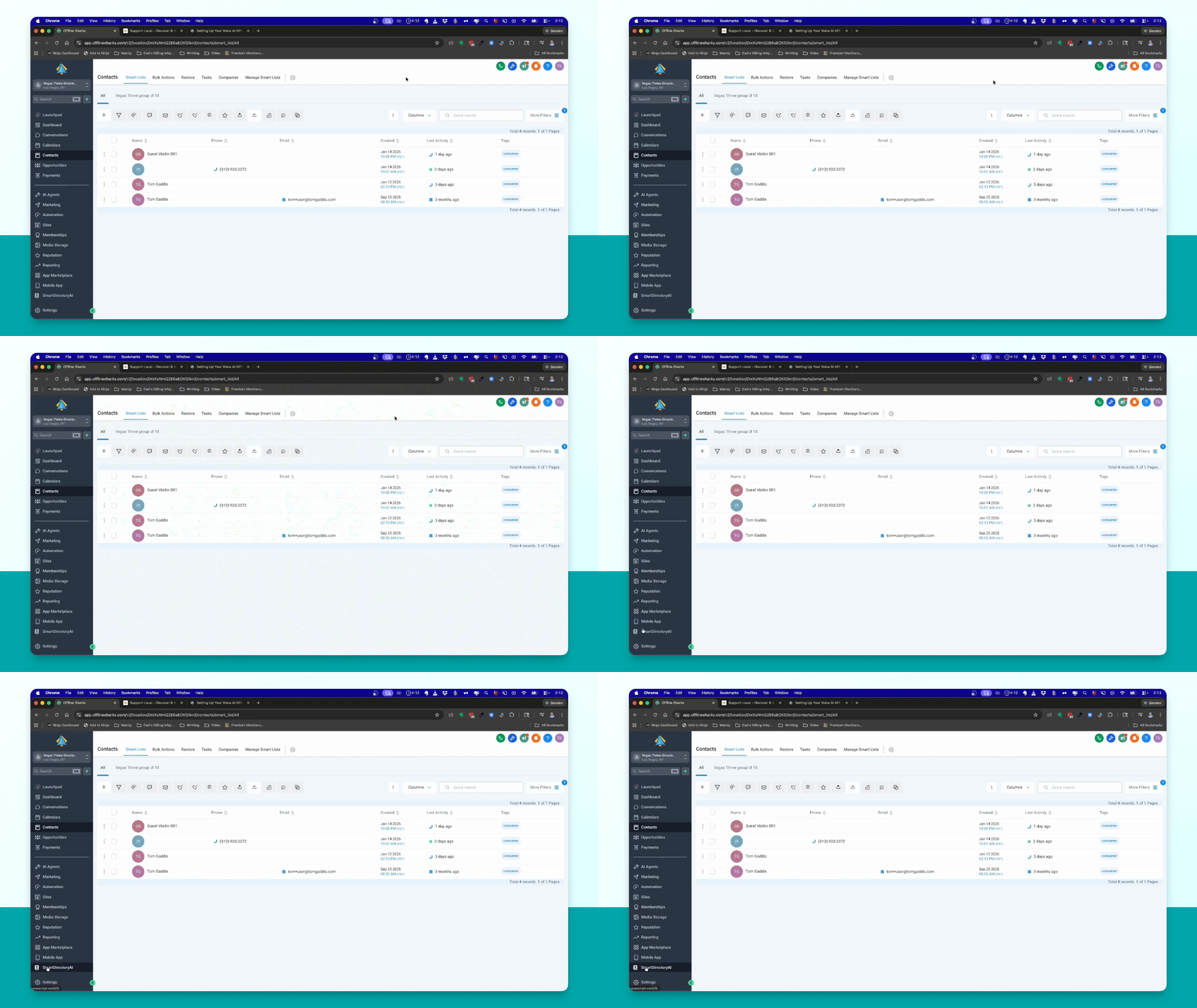
Step 7: Set Up Inbound Agent
Select the inbound agent, go to Agent Goals, and edit the Look up a listing action.
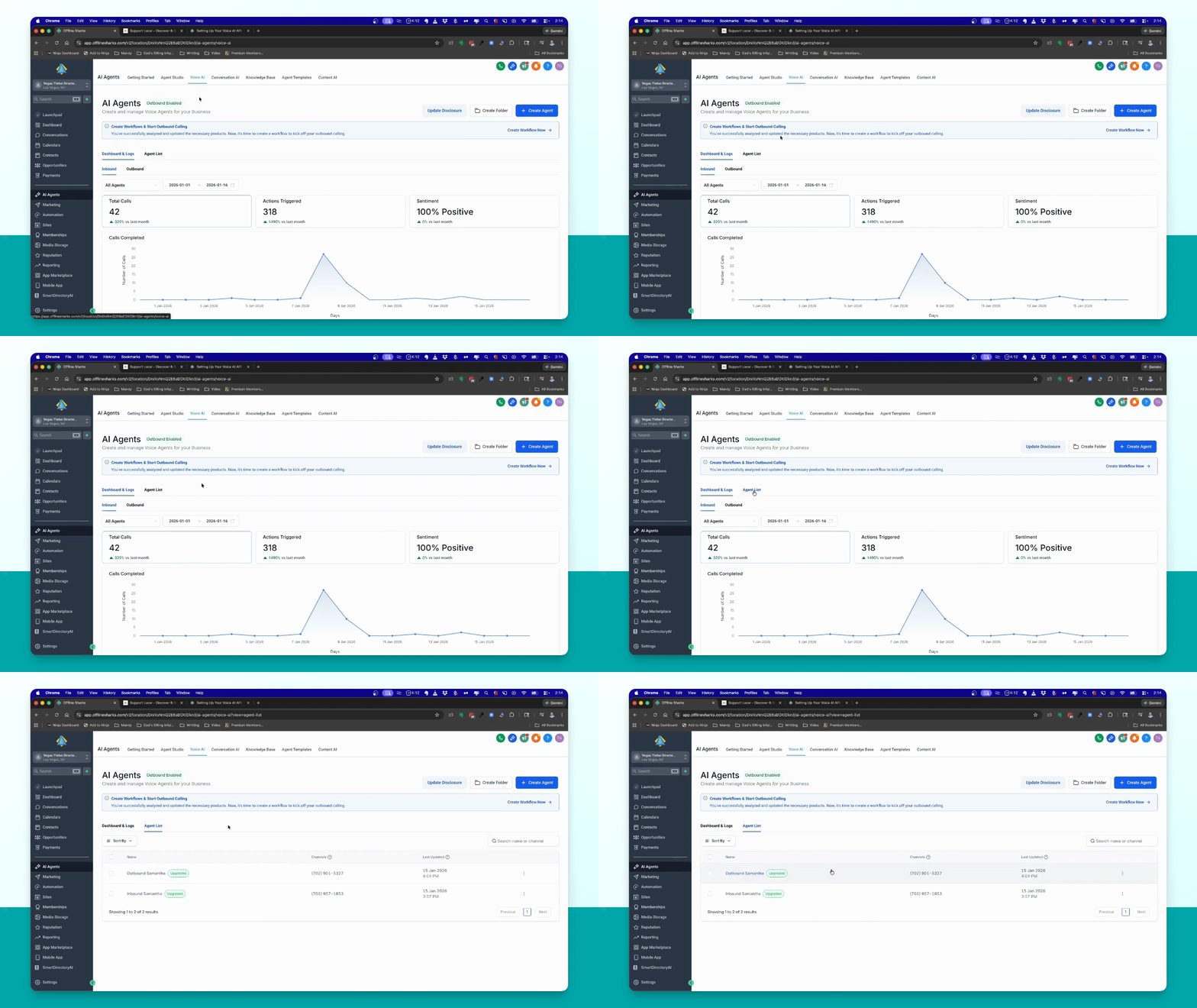
Step 8: Input API Key
Paste your custom API key into the authorization section.
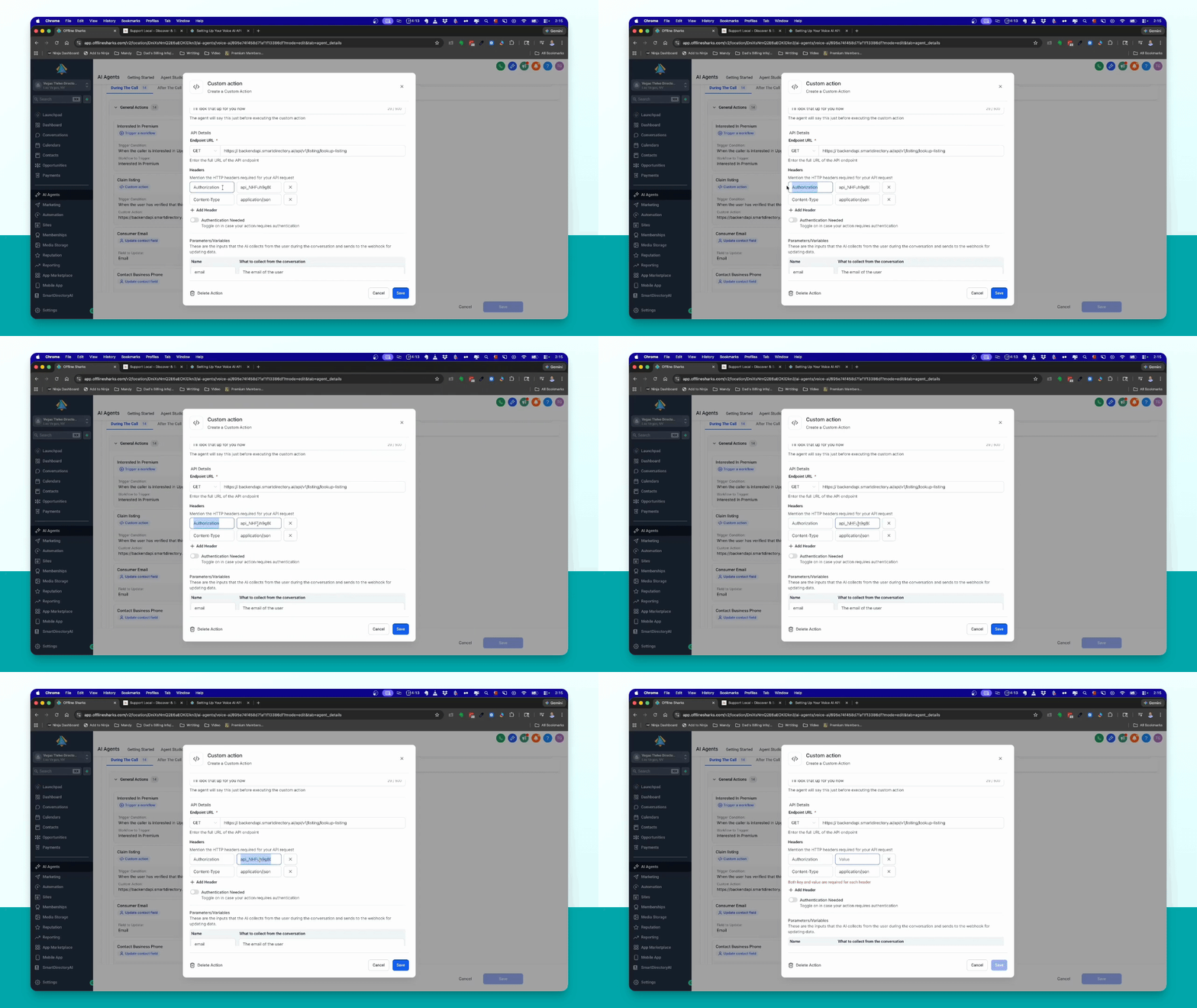
Step 9: Input Business Email
In the parameters variable section, paste the business email you copied earlier.
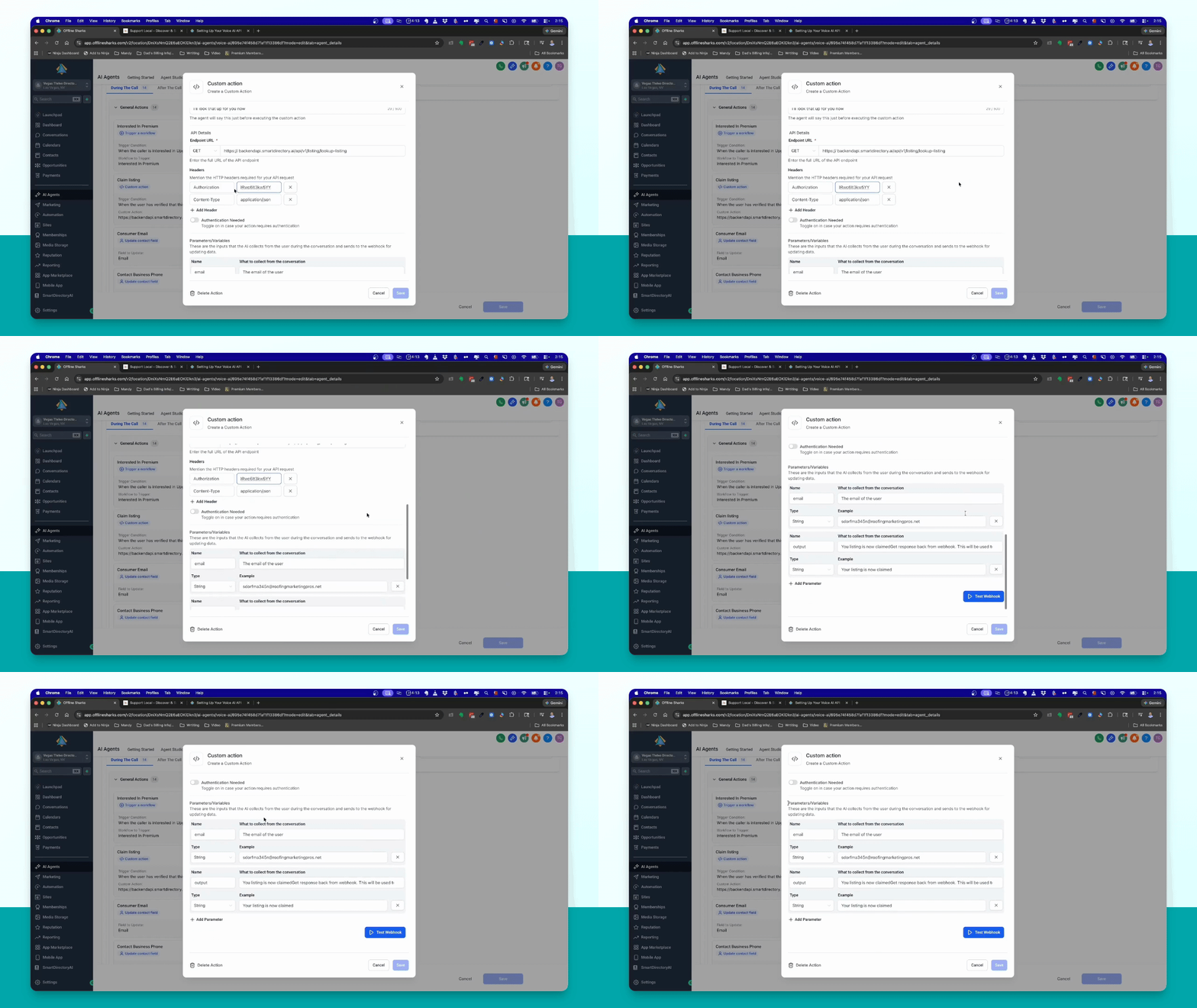
Step 10: Test Inbound Action
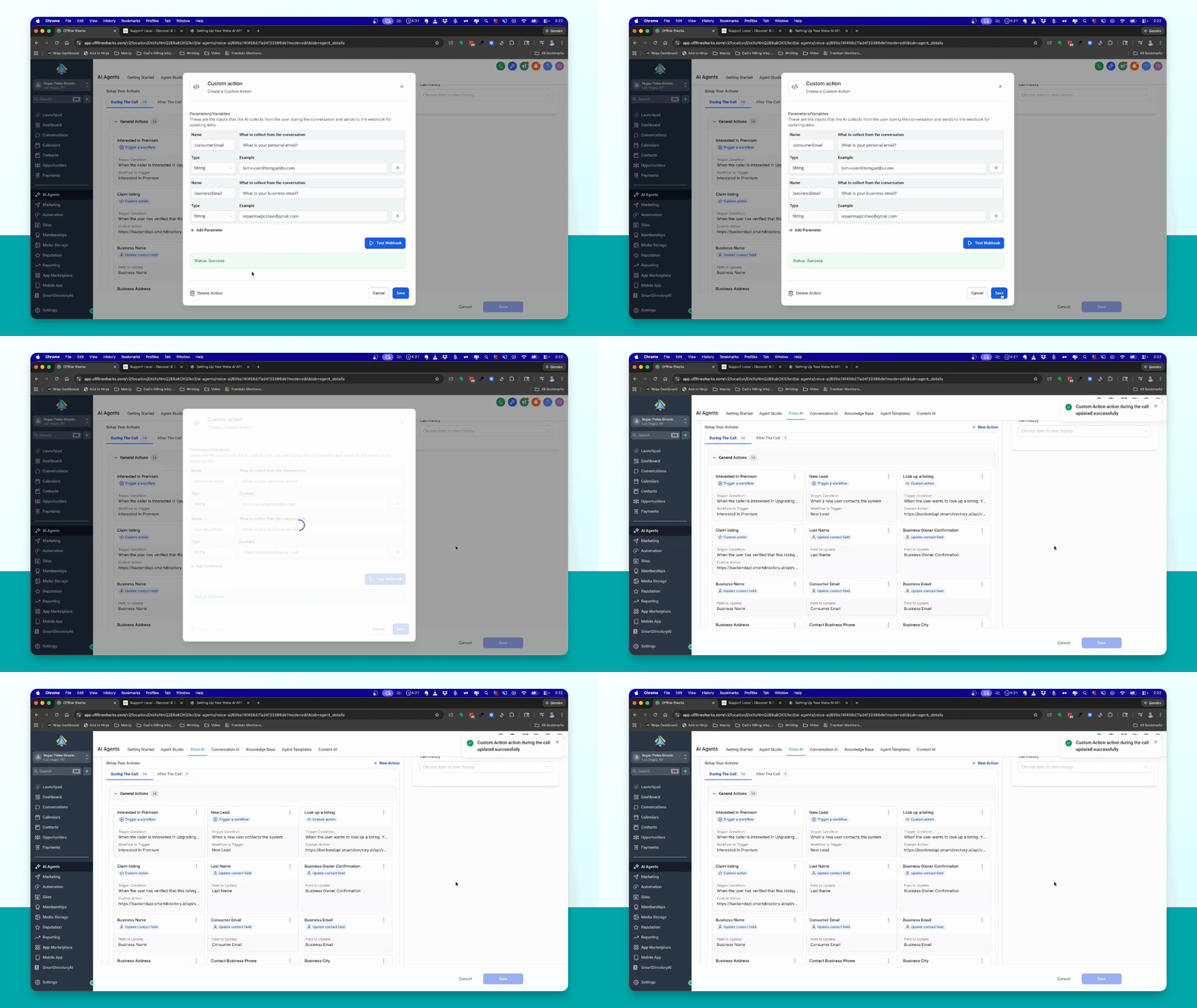
Click Test Webhook, then click Initialize Action and save the changes.
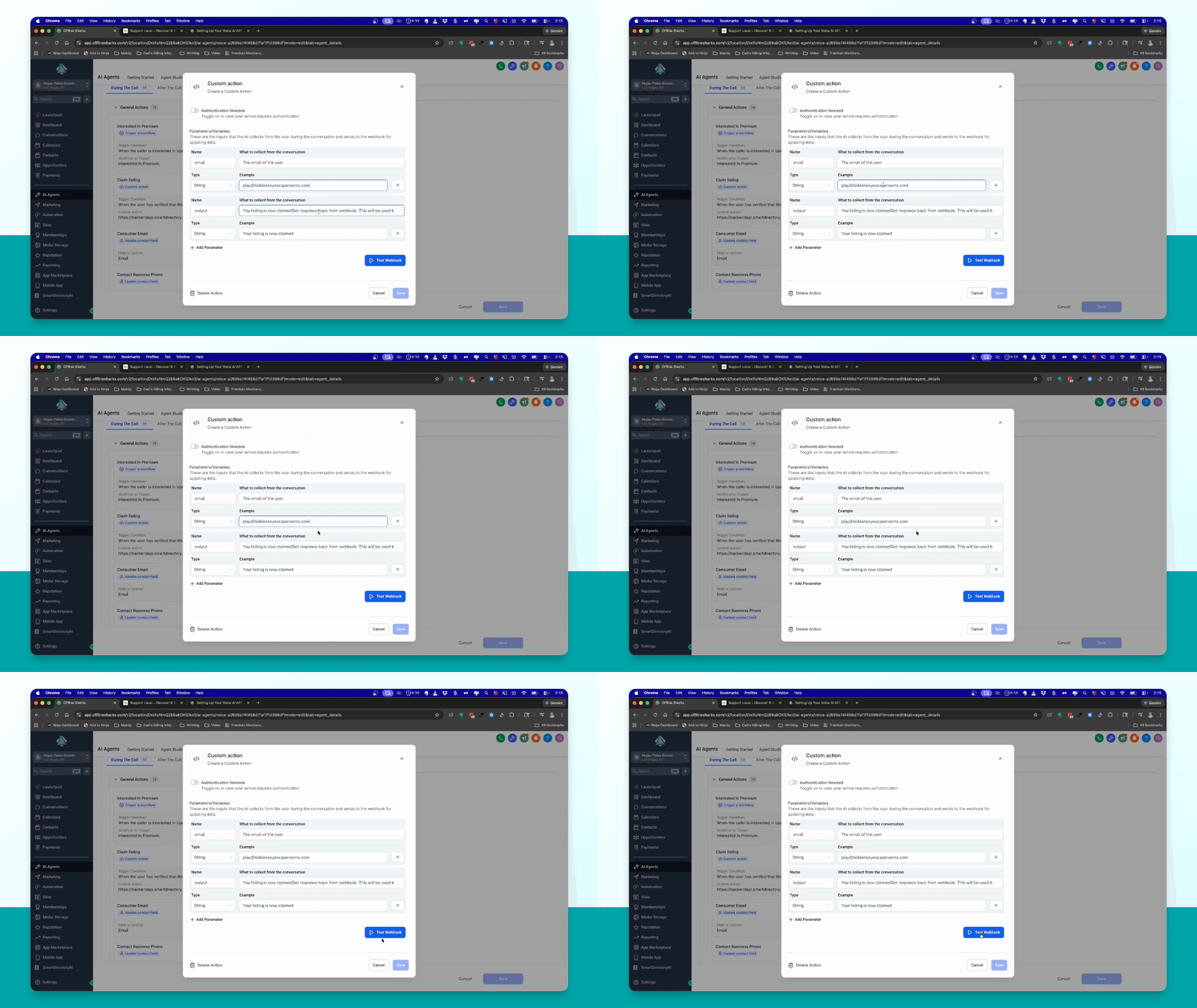
Step 11: Set Up Outbound Agent
Switch to the outbound agent, go to Agent Goals, and select Claim a listing action.
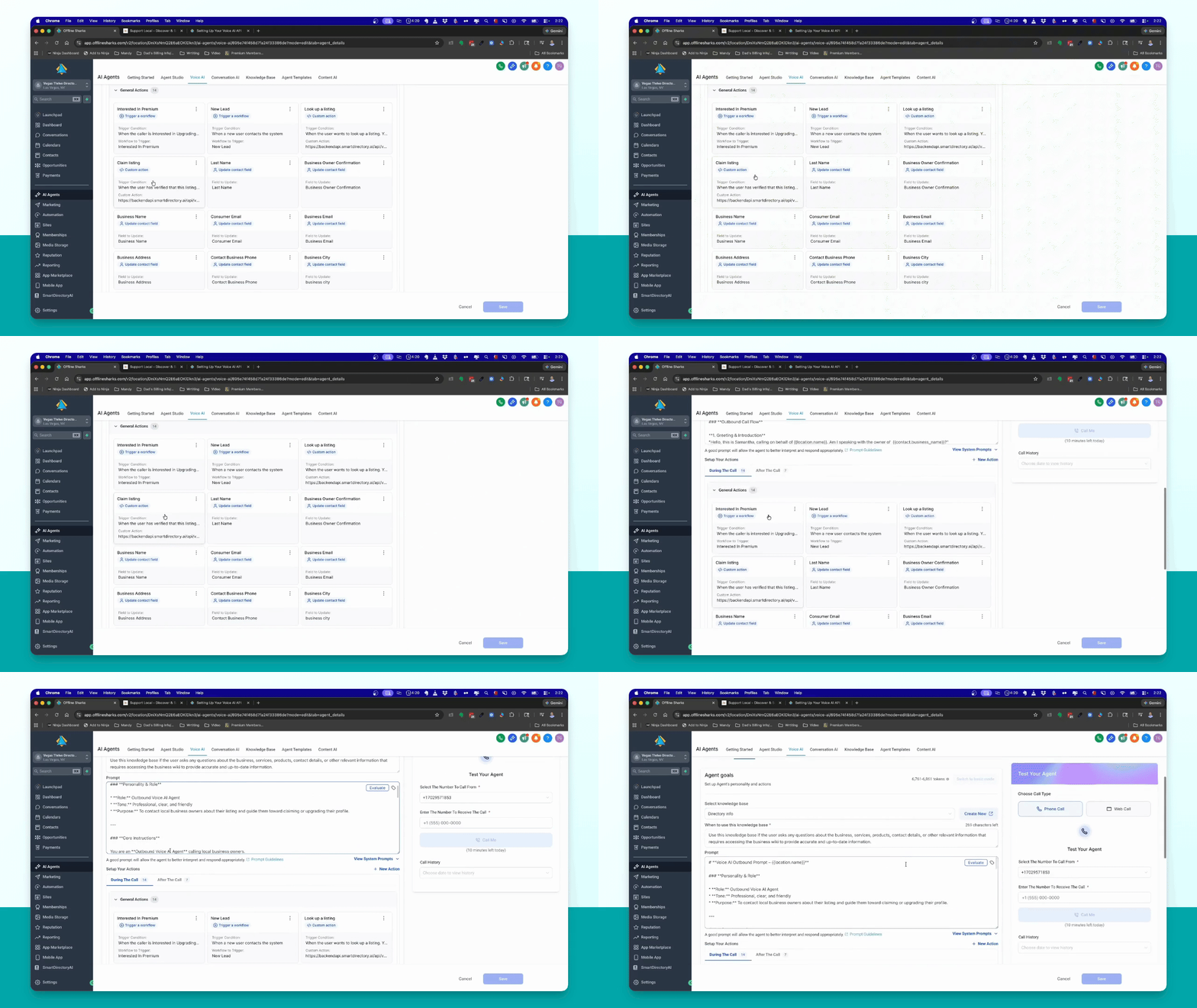
Step 12: Input API Key Again
Paste your custom API key into the authorization section of the outbound agent.
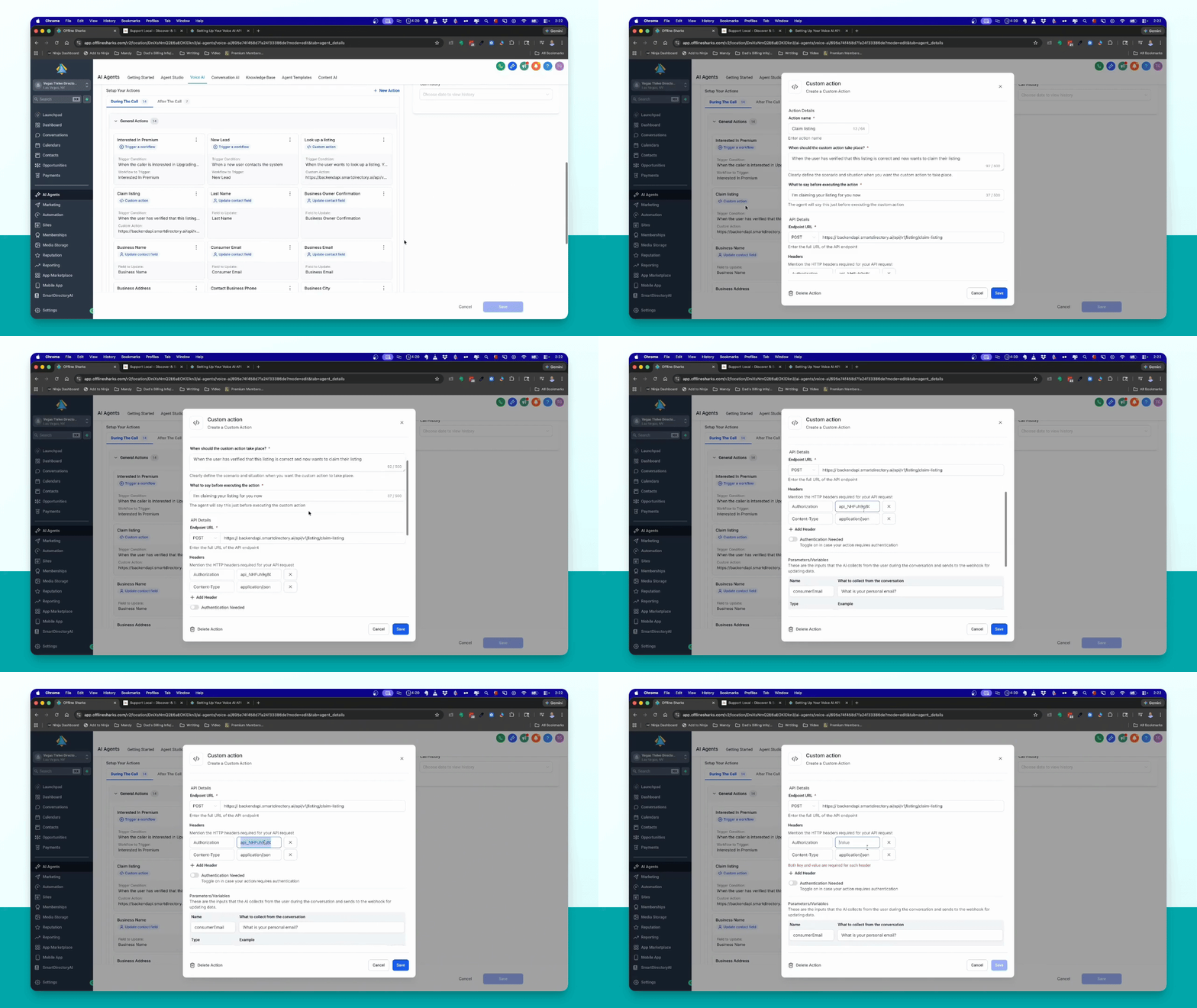
Step 13: Input Consumer Email
Insert the consumer email and the business email in the parameters section.
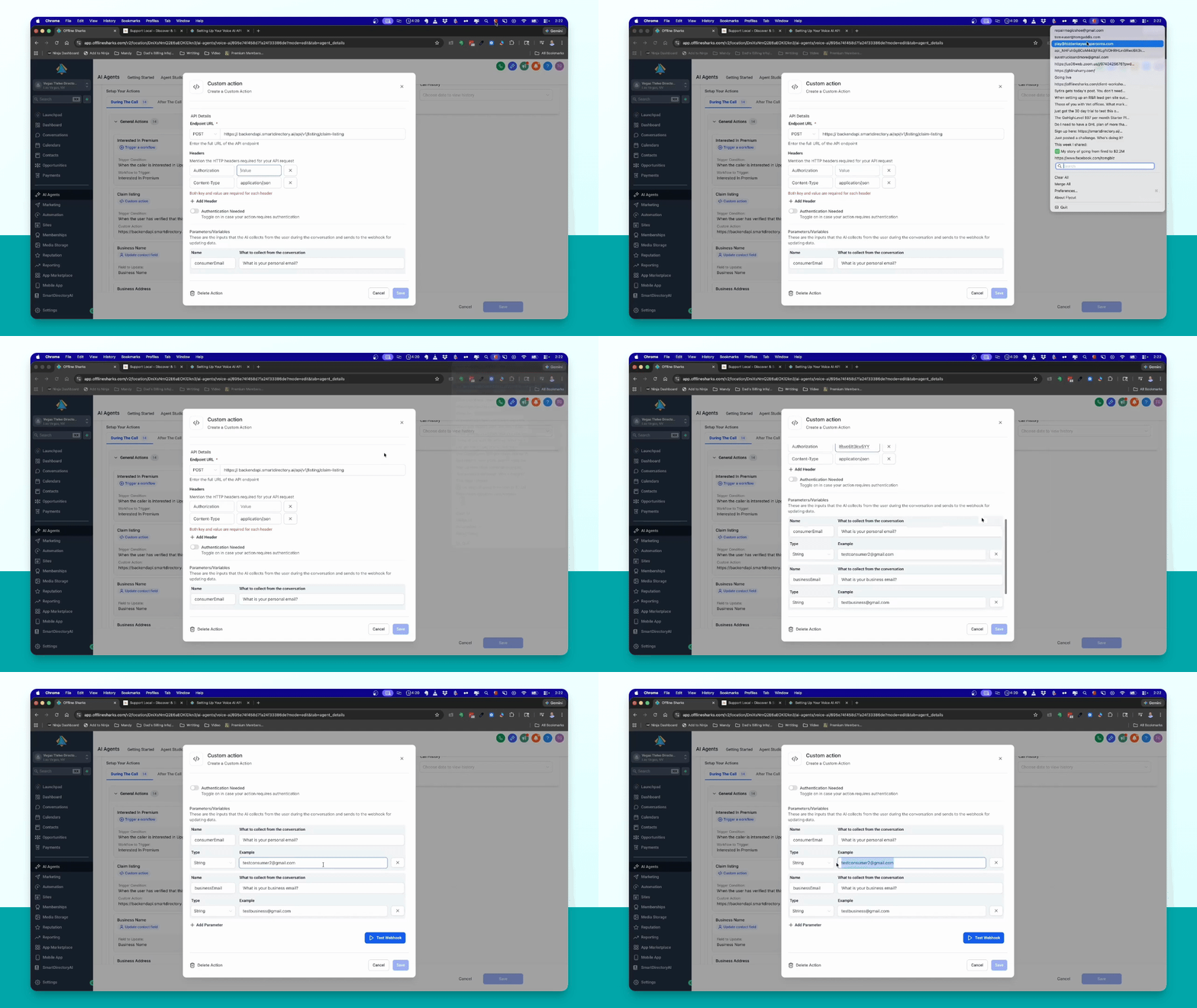
Step 14: Test Outbound Action
Click Test Webhook, then click Initialize Action and save the changes.
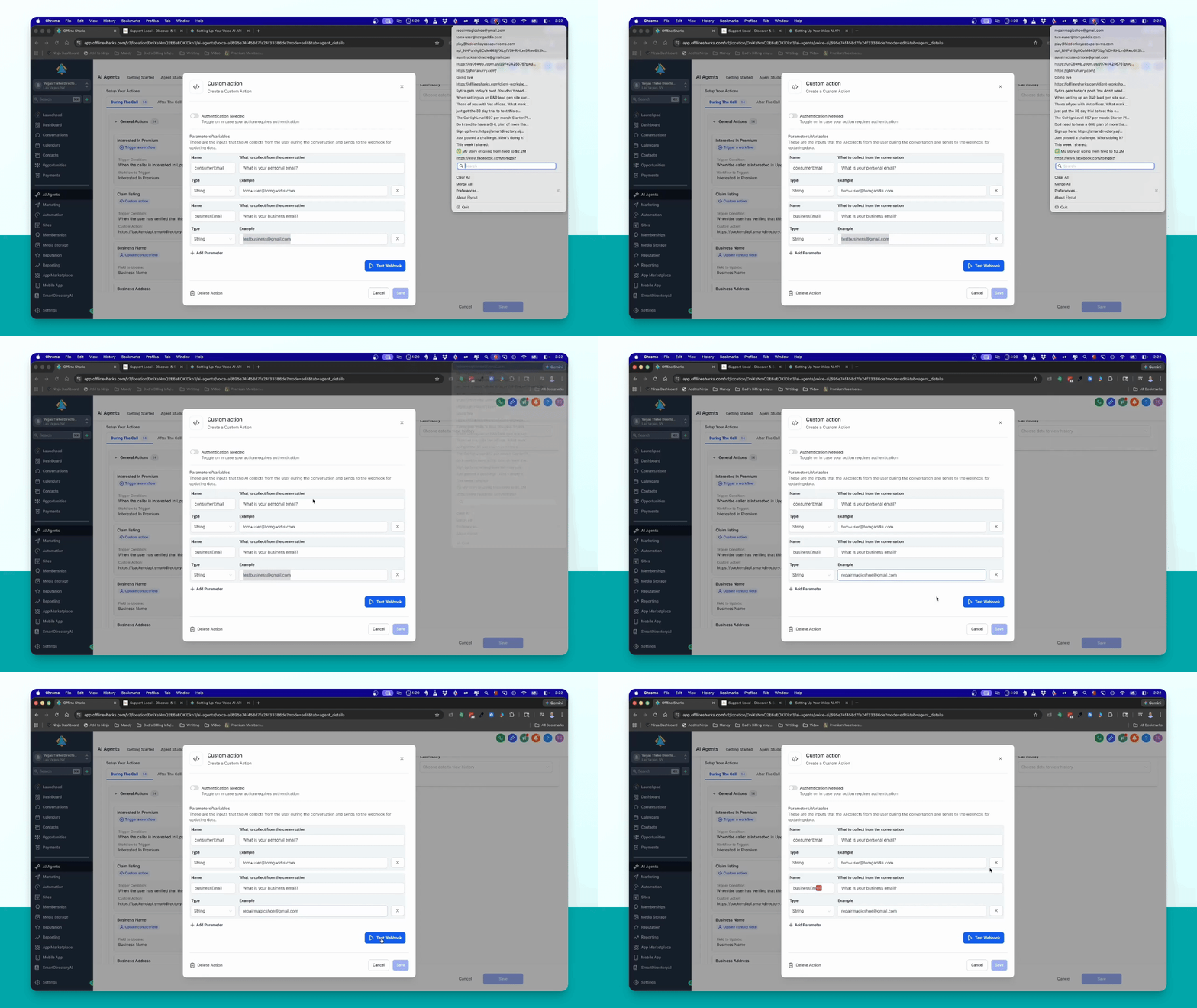
Step 15: Confirmation
Your voice AI inbound and outbound agents are now set up for use with your Smart Directory AI site.