Let's do it together!
Step 1: Access Sub Account
Log into High Level and access the sub account containing your Smart Directory AI site.
Step 2: Prepare AI Agent
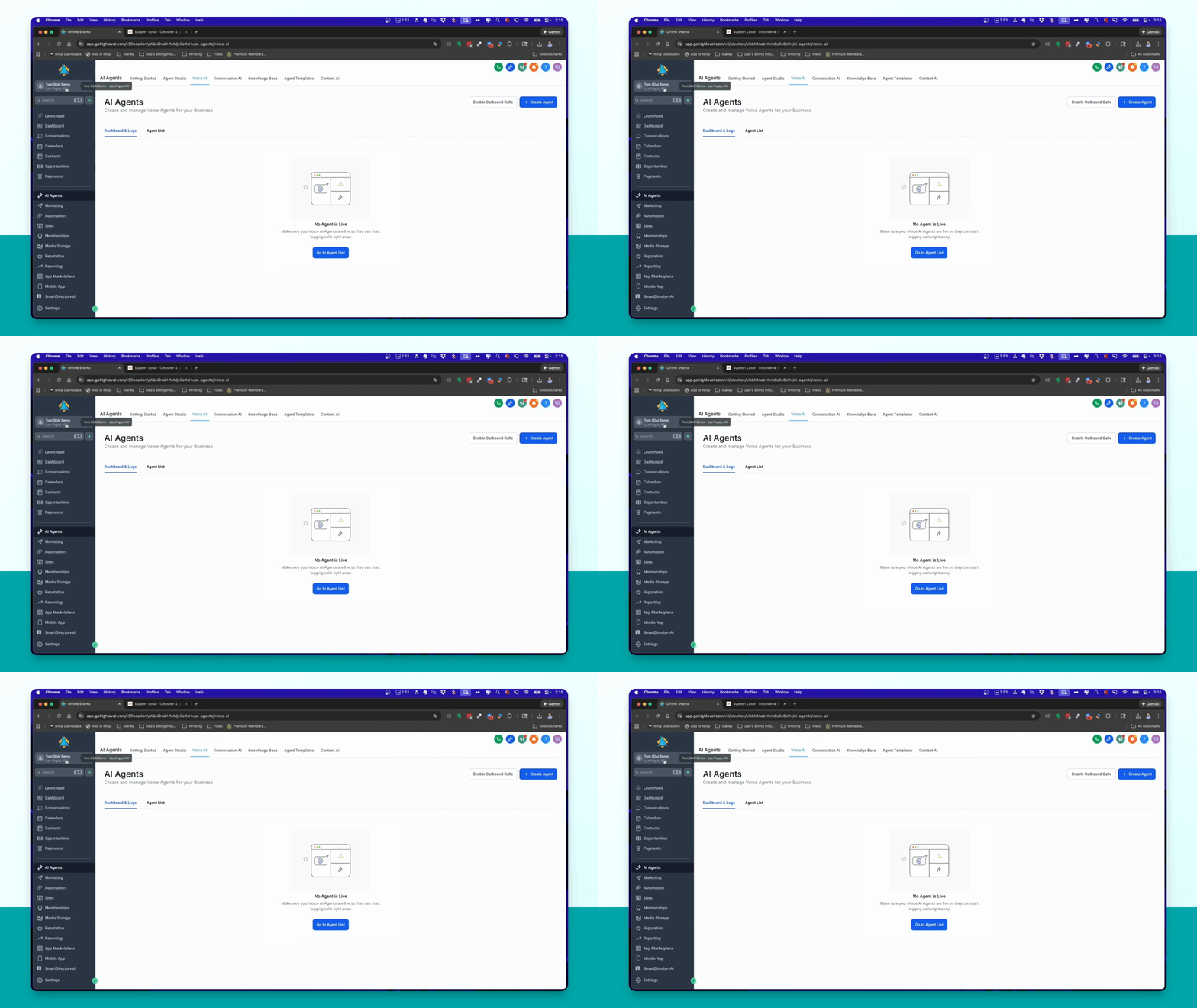
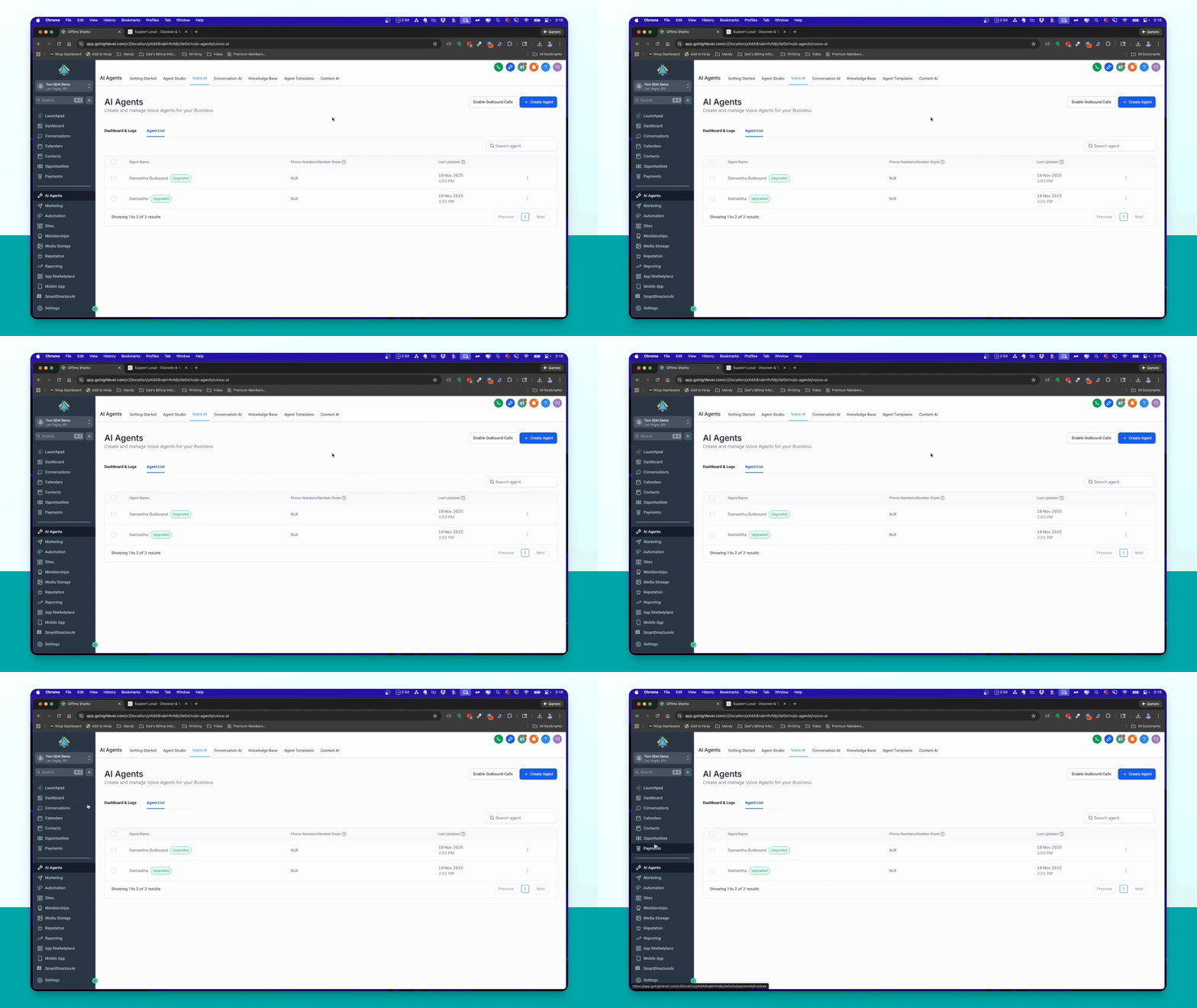
Ensure that the AI agent snapshot is imported, APIs are added, and custom values are set up.
Step 3: Create Chat Widget
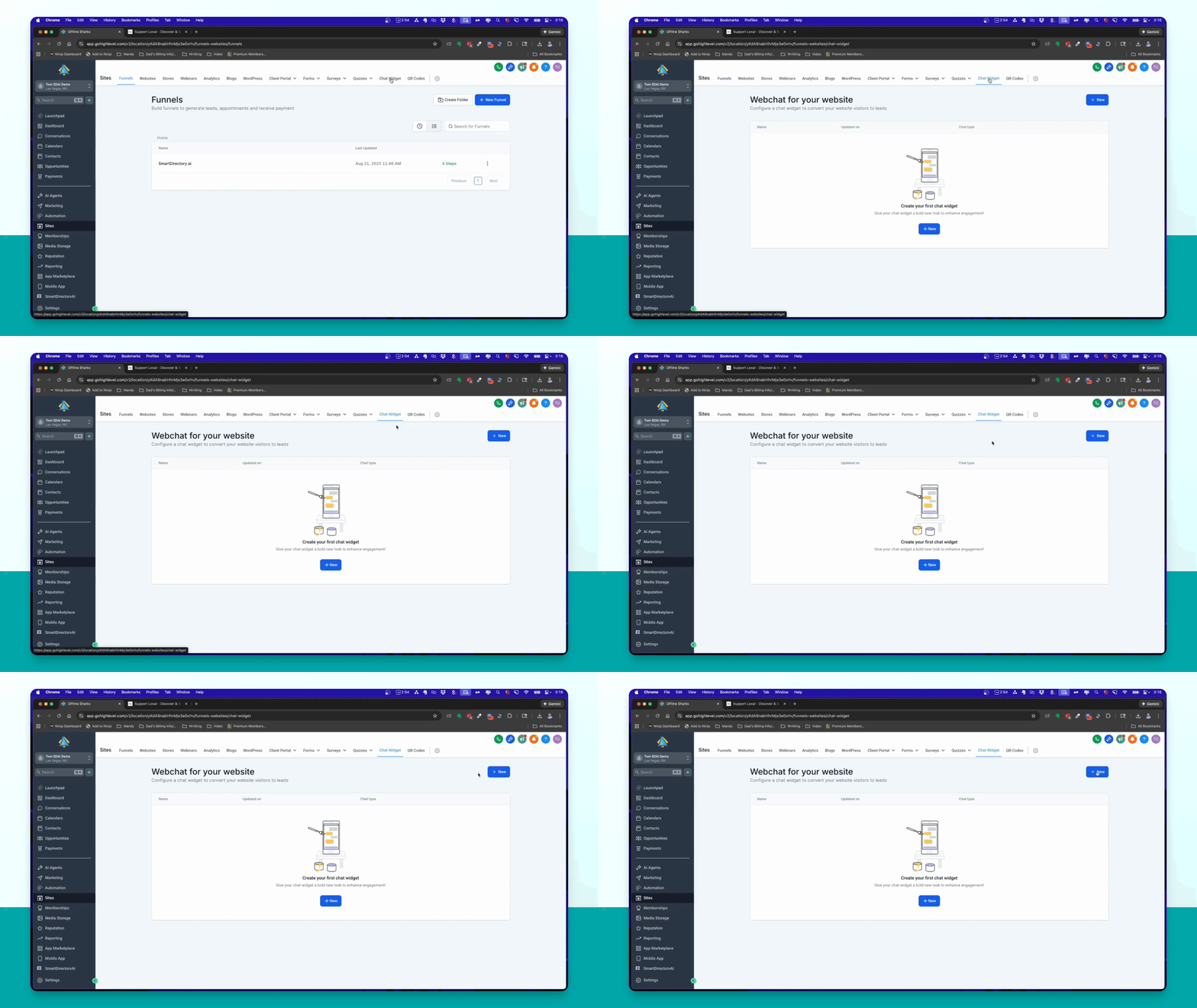
Navigate to the left menu, select Sites, then click Chat Widget in the top menu.
Step 4: Add New Widget
Click on the New button and select Voice AI for the widget type.
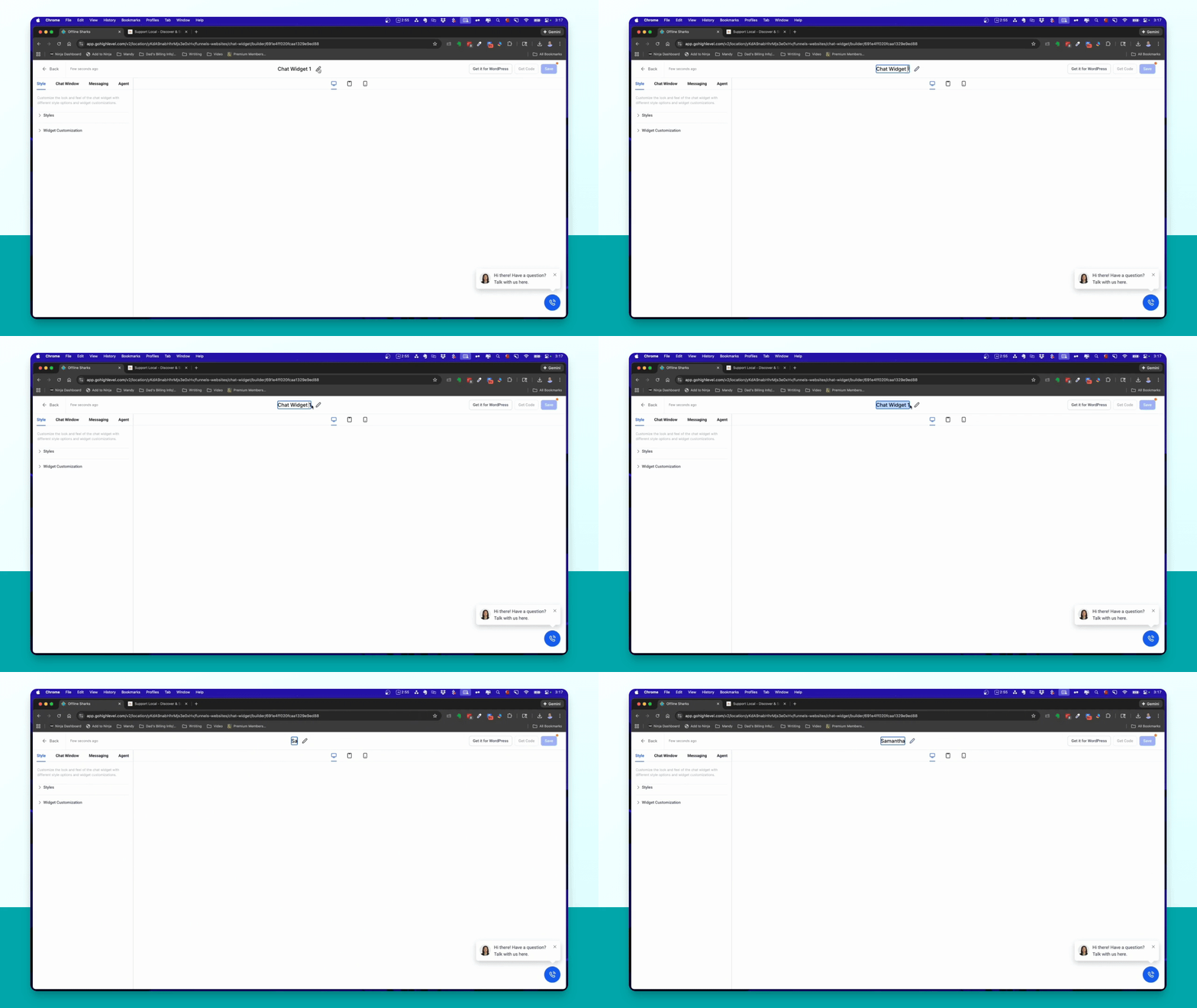
Step 5: Rename Widget
Rename the widget to Samantha Website for identification.
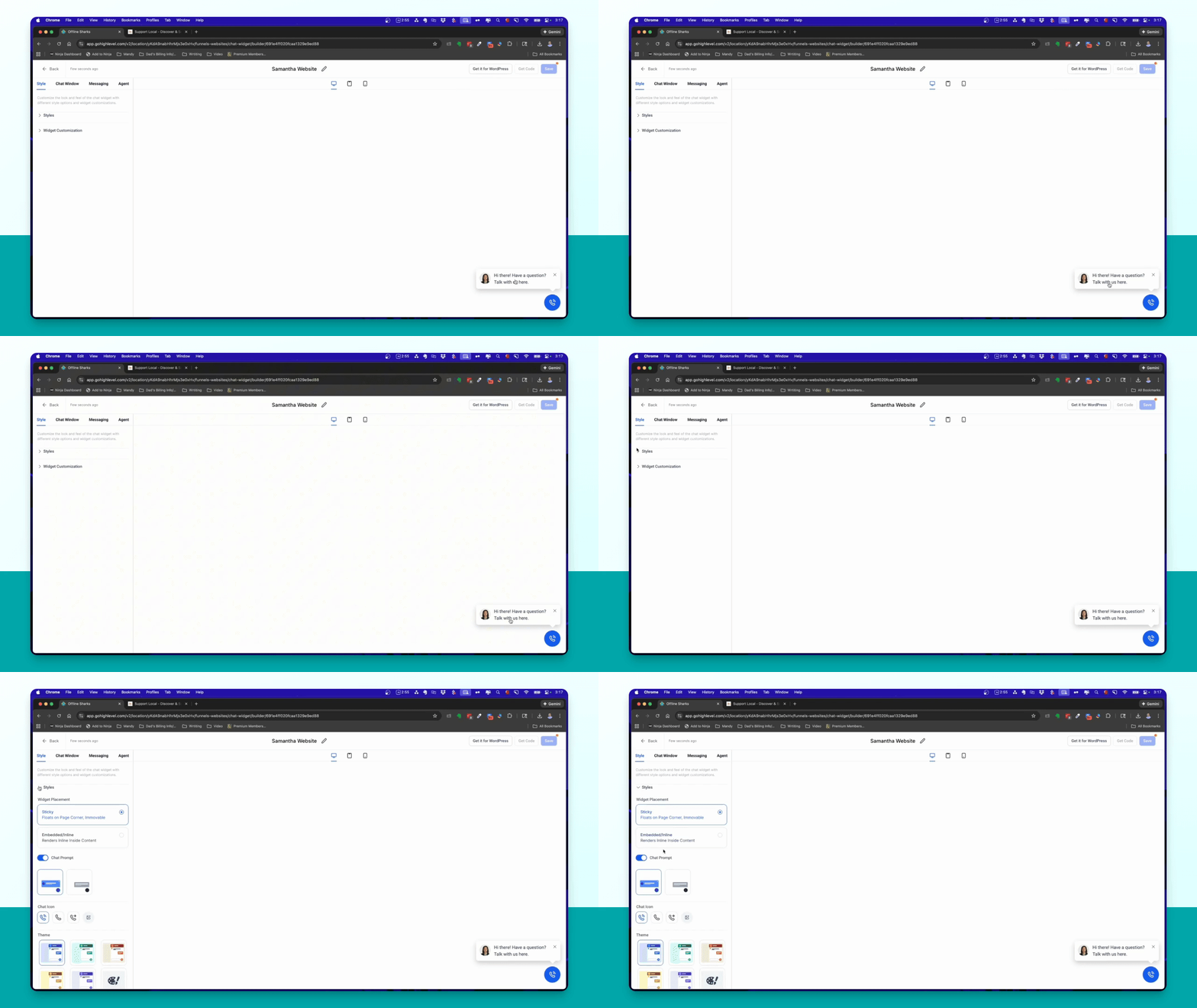
Step 6: Configure Widget Style
Select the widget style, such as floating or inline, and customize the appearance options.
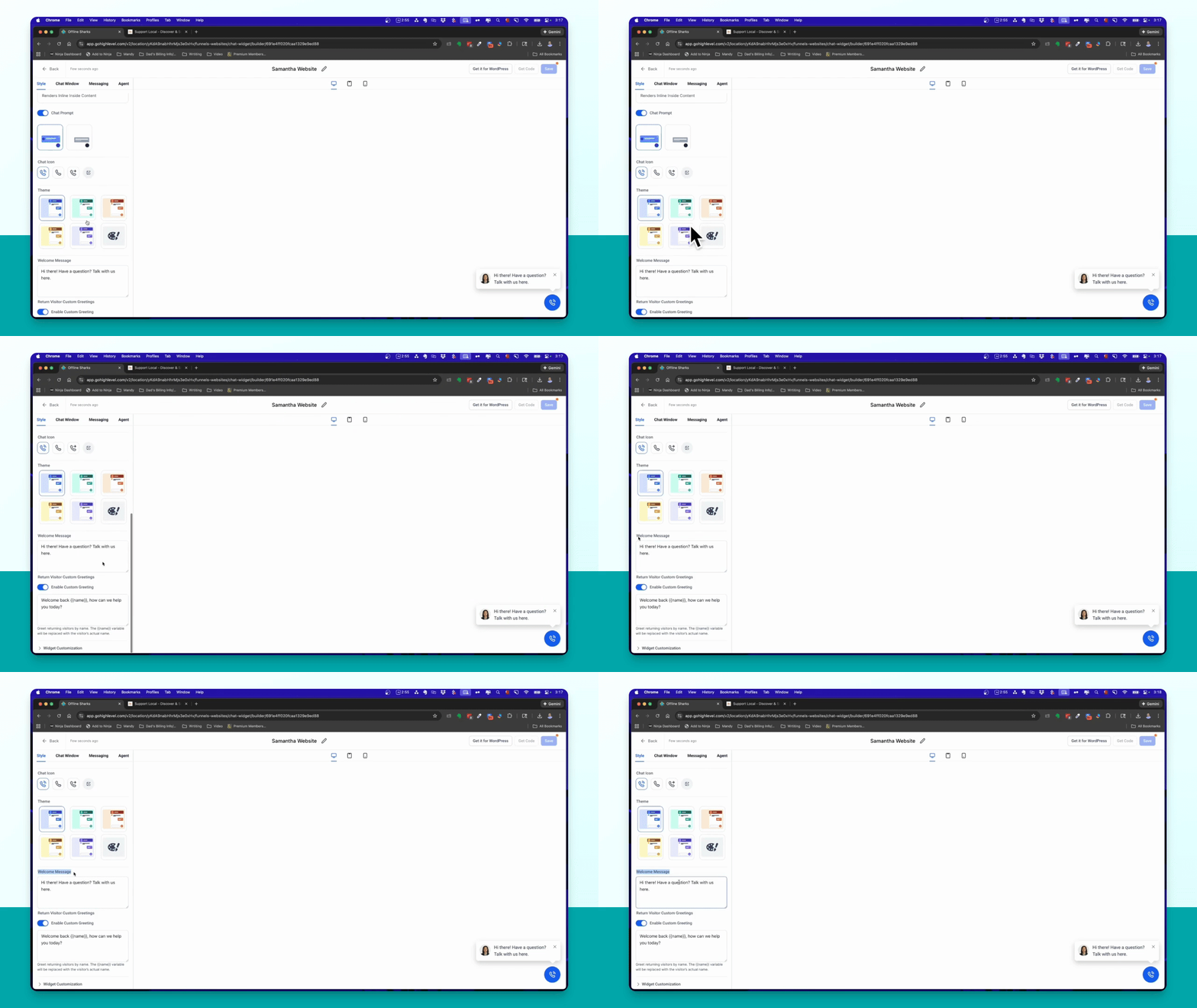
Step 7: Edit Welcome Messages
Change the welcome message and custom greeting for returning users in the widget settings.
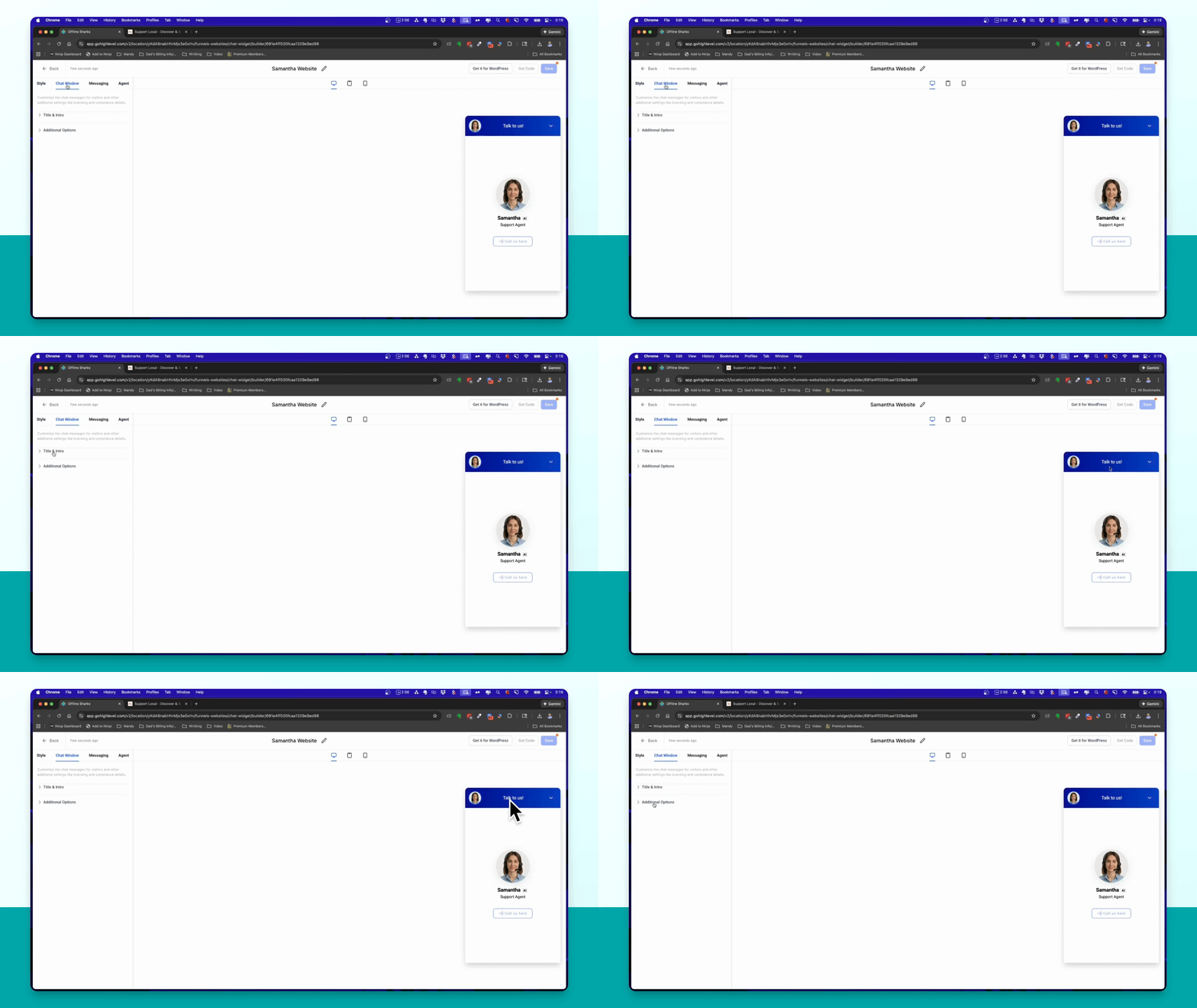
Step 8: Change Title and Button Text
Modify the widget title and button text in the Chat Window settings.
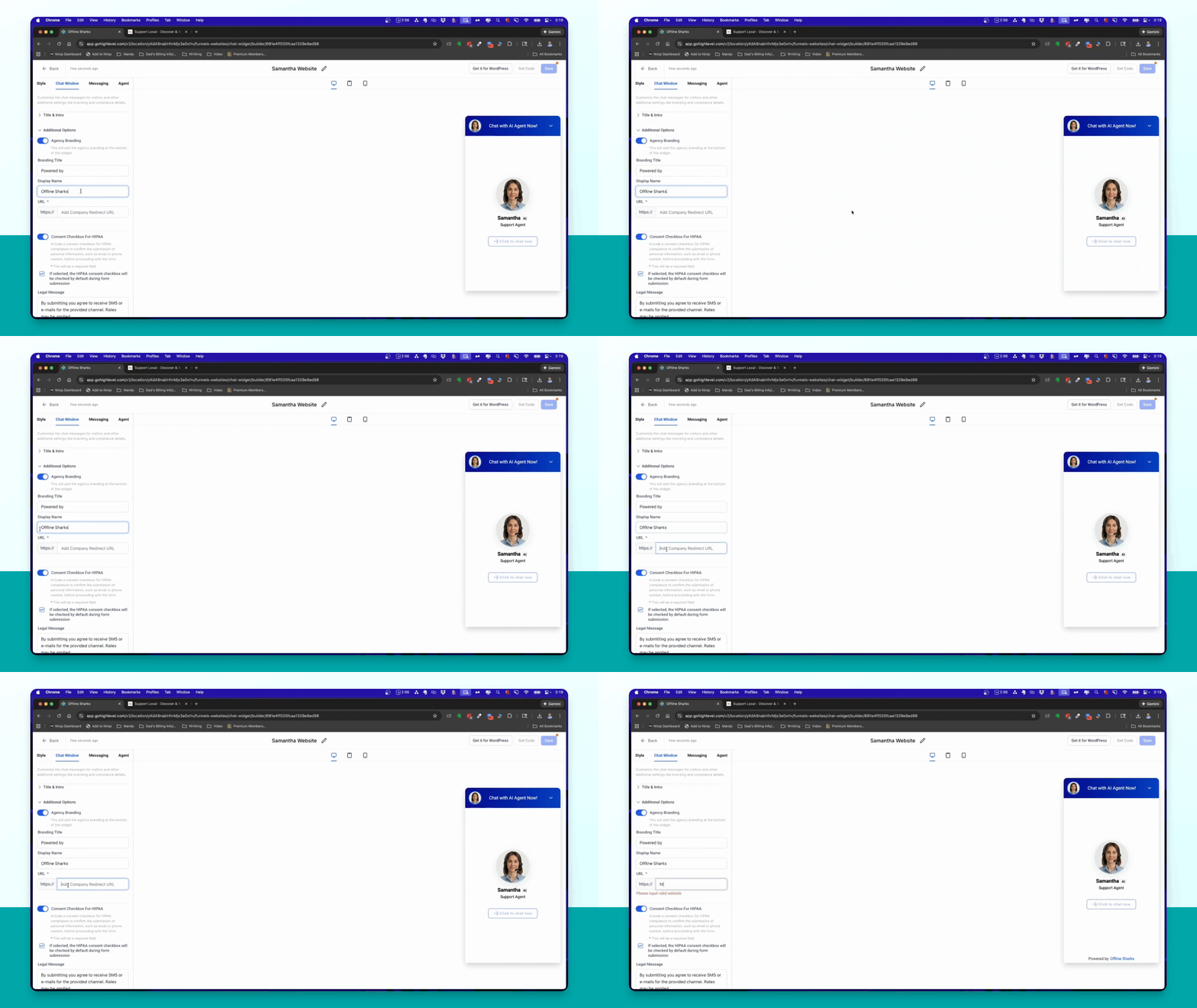
Step 9: Input Site URL
Enter your site URL in the additional options to save the widget configuration.
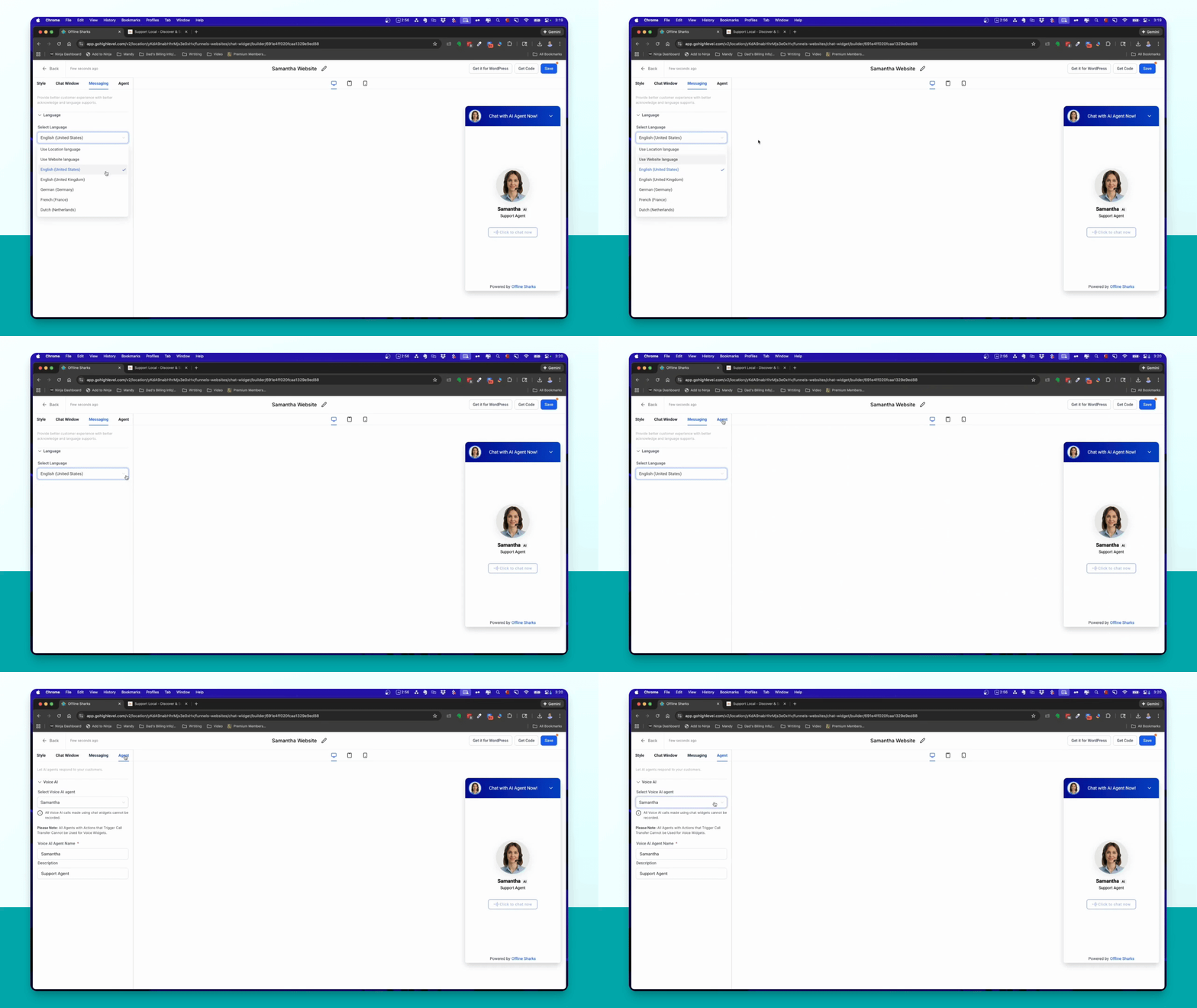
Step 10: Select Agent
Choose the AI agent Samantha and rename it if desired.
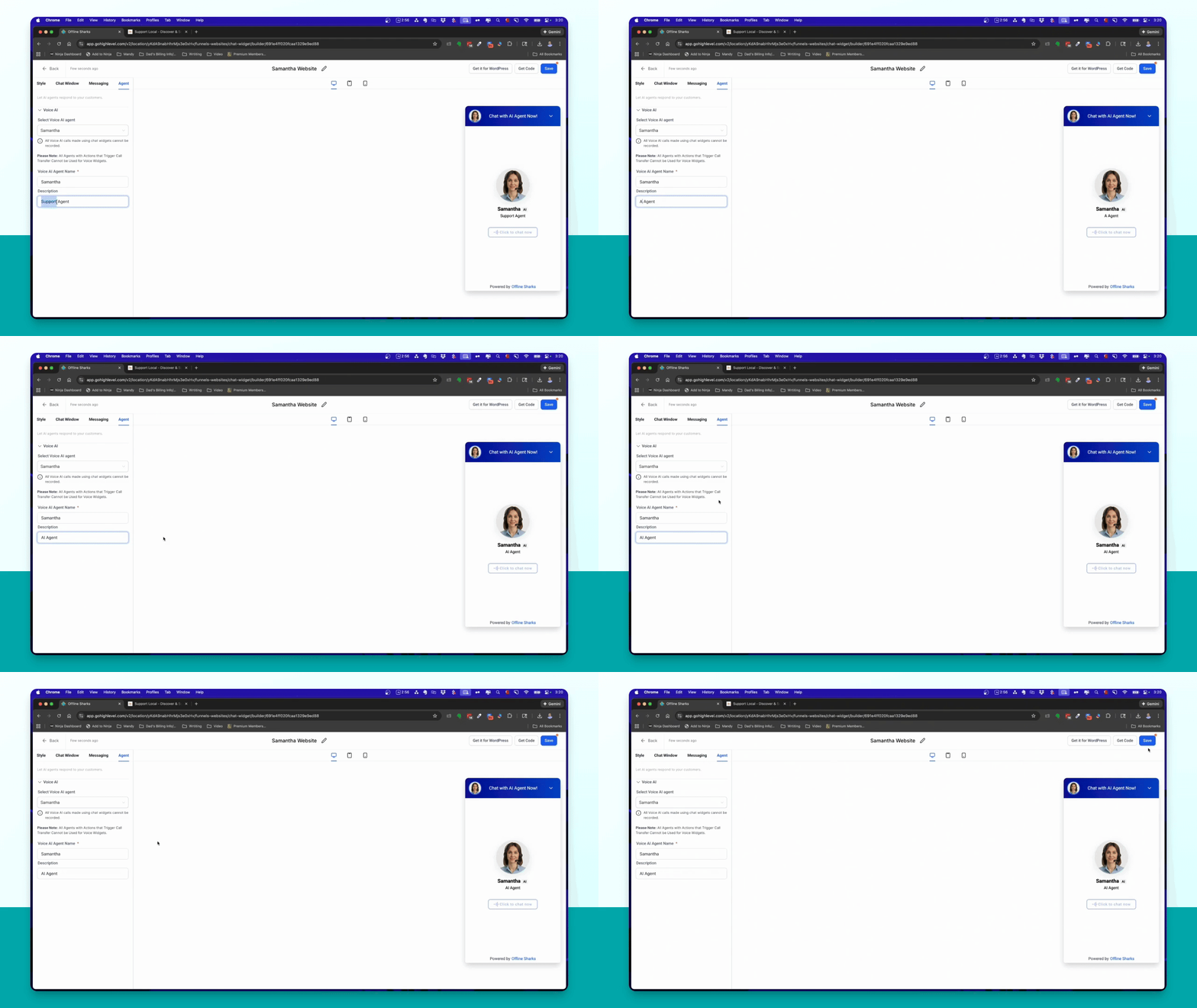
Step 11: Save Widget
Click the Save button to create your chat widget.
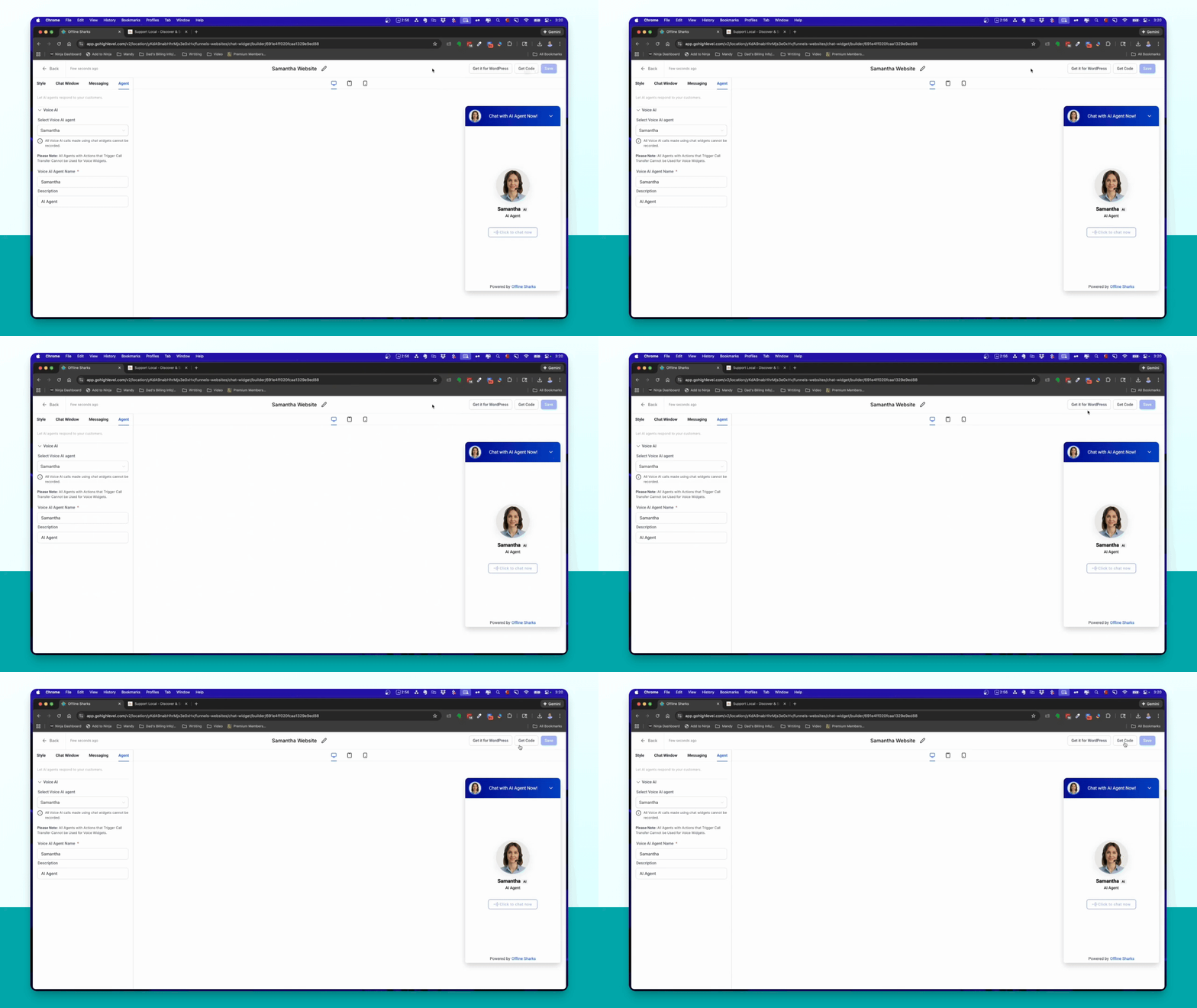
Step 12: Obtain Widget Code
Click the Get Code button to copy the widget code for your site.
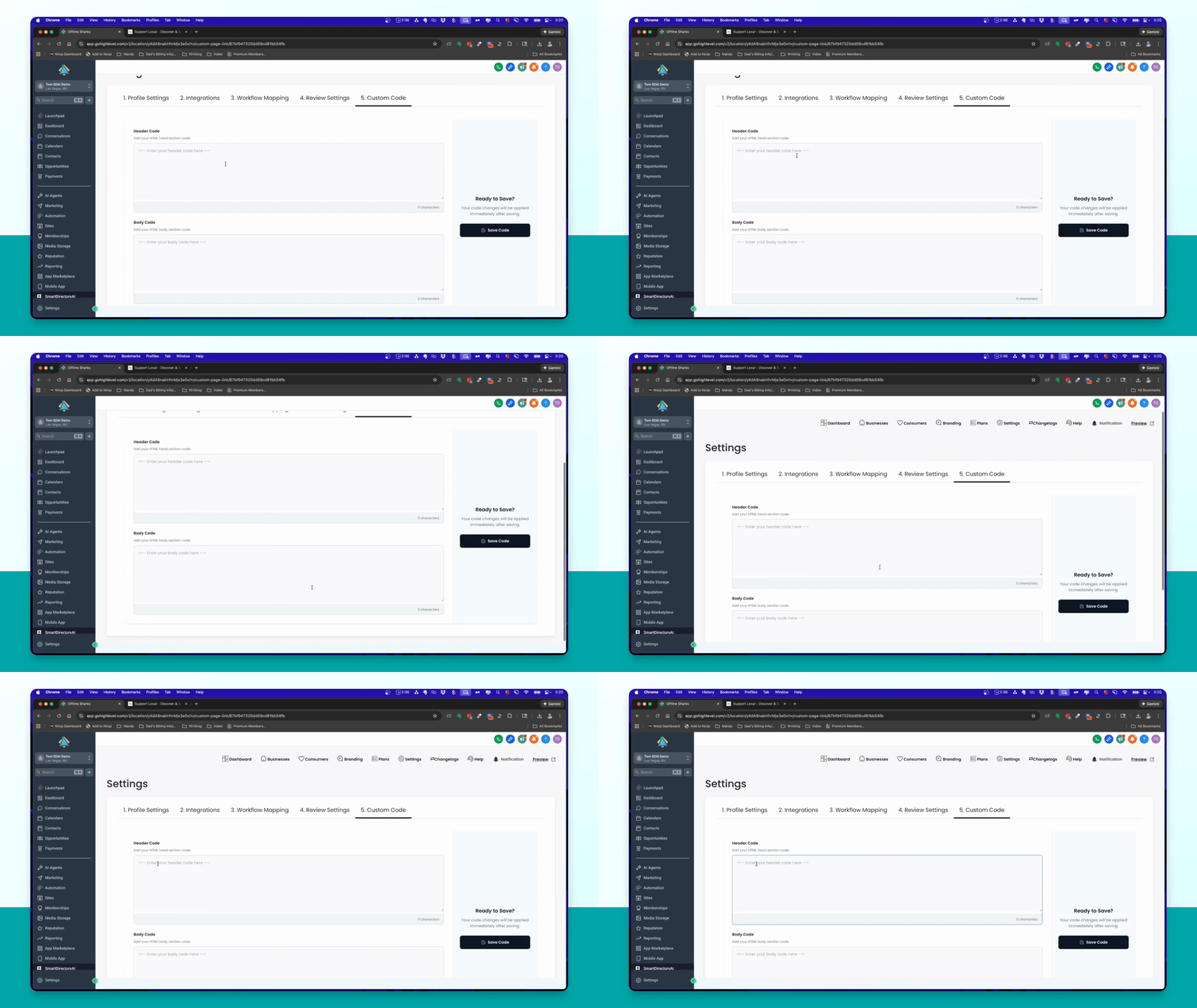
Step 13: Add Code to Site
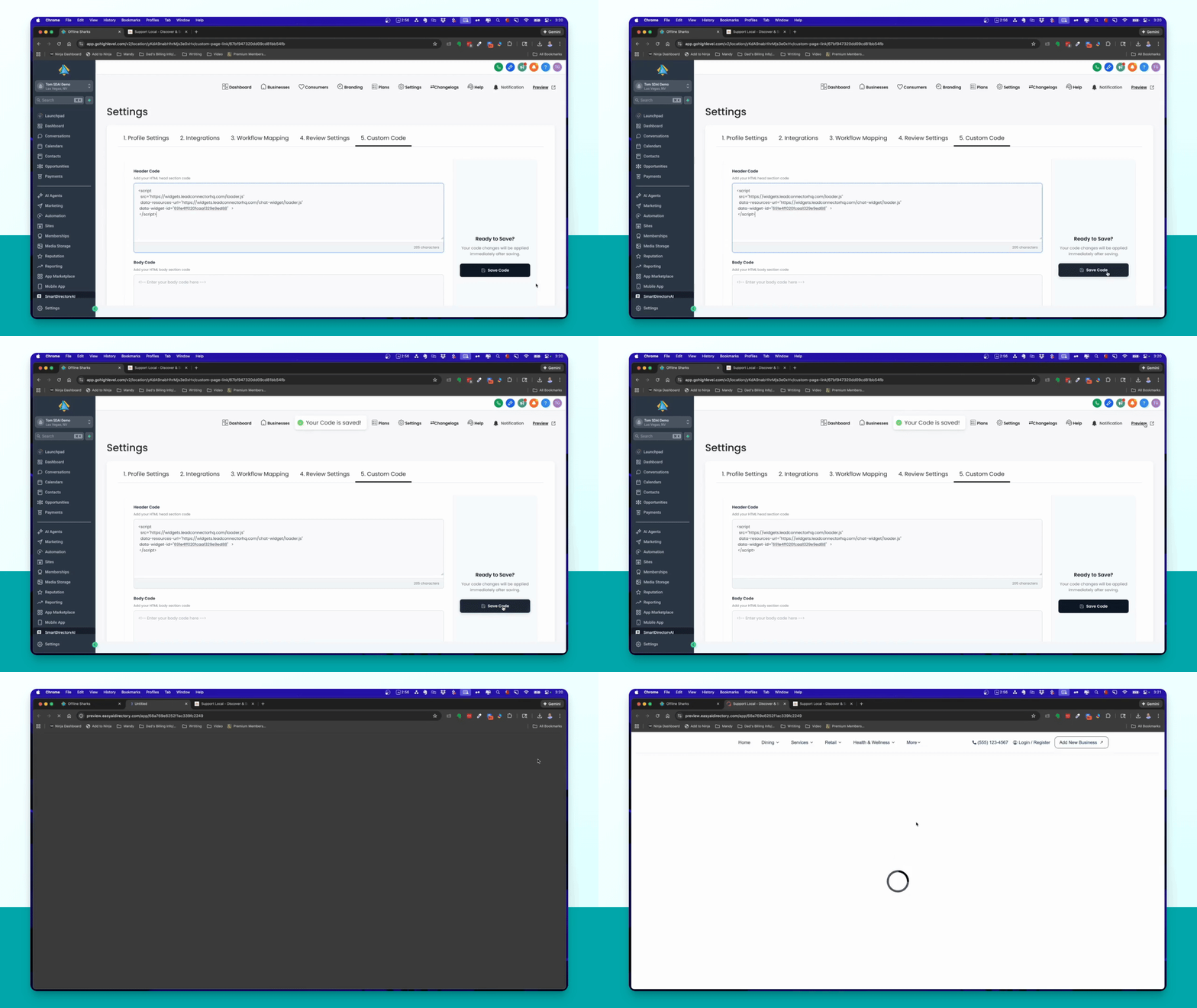
Navigate to Settings in your Smart Directory AI Dashboard, then select Custom Code.
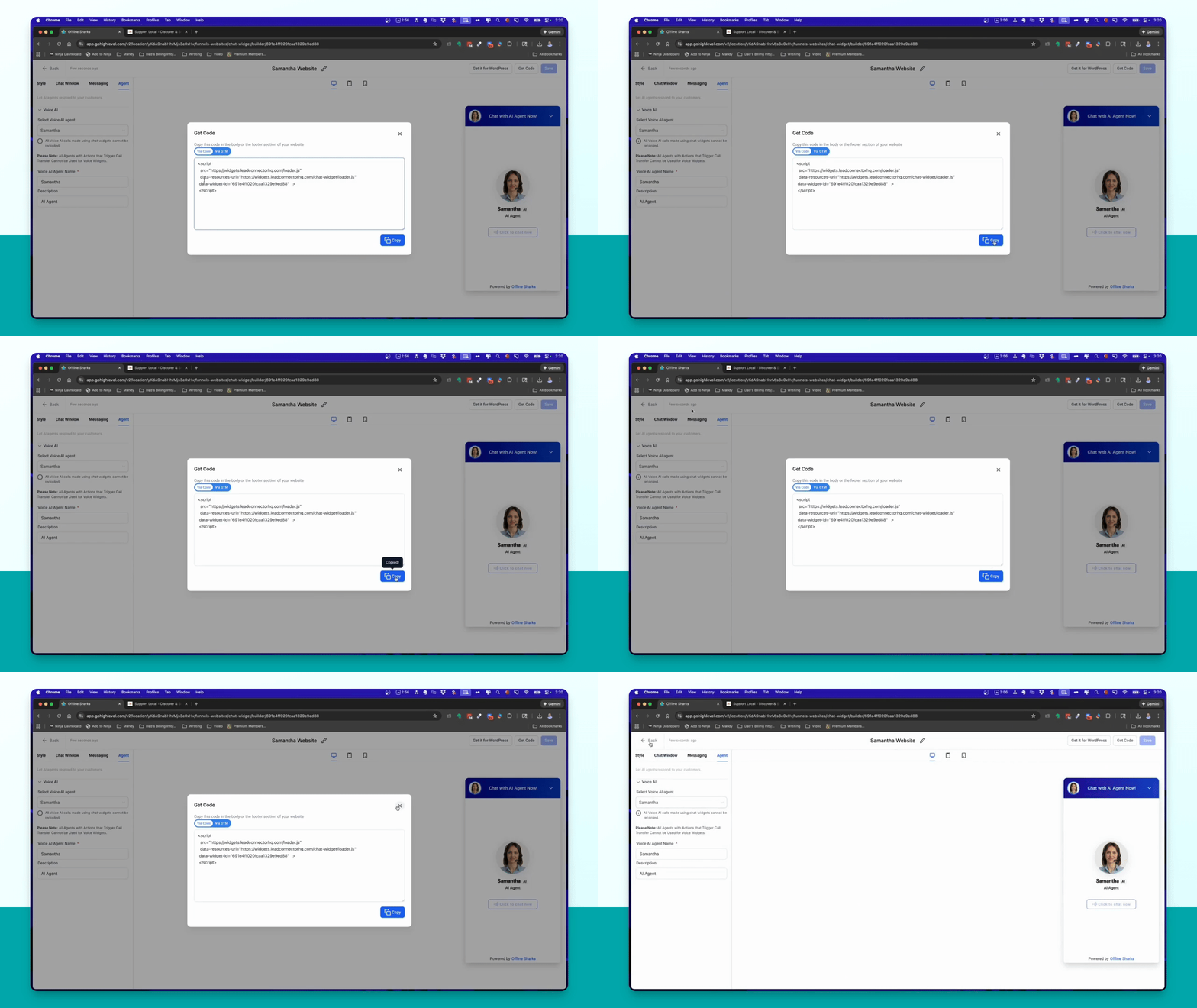
Step 14: Paste Widget Code
Paste the copied widget code into the header code section and click Save.
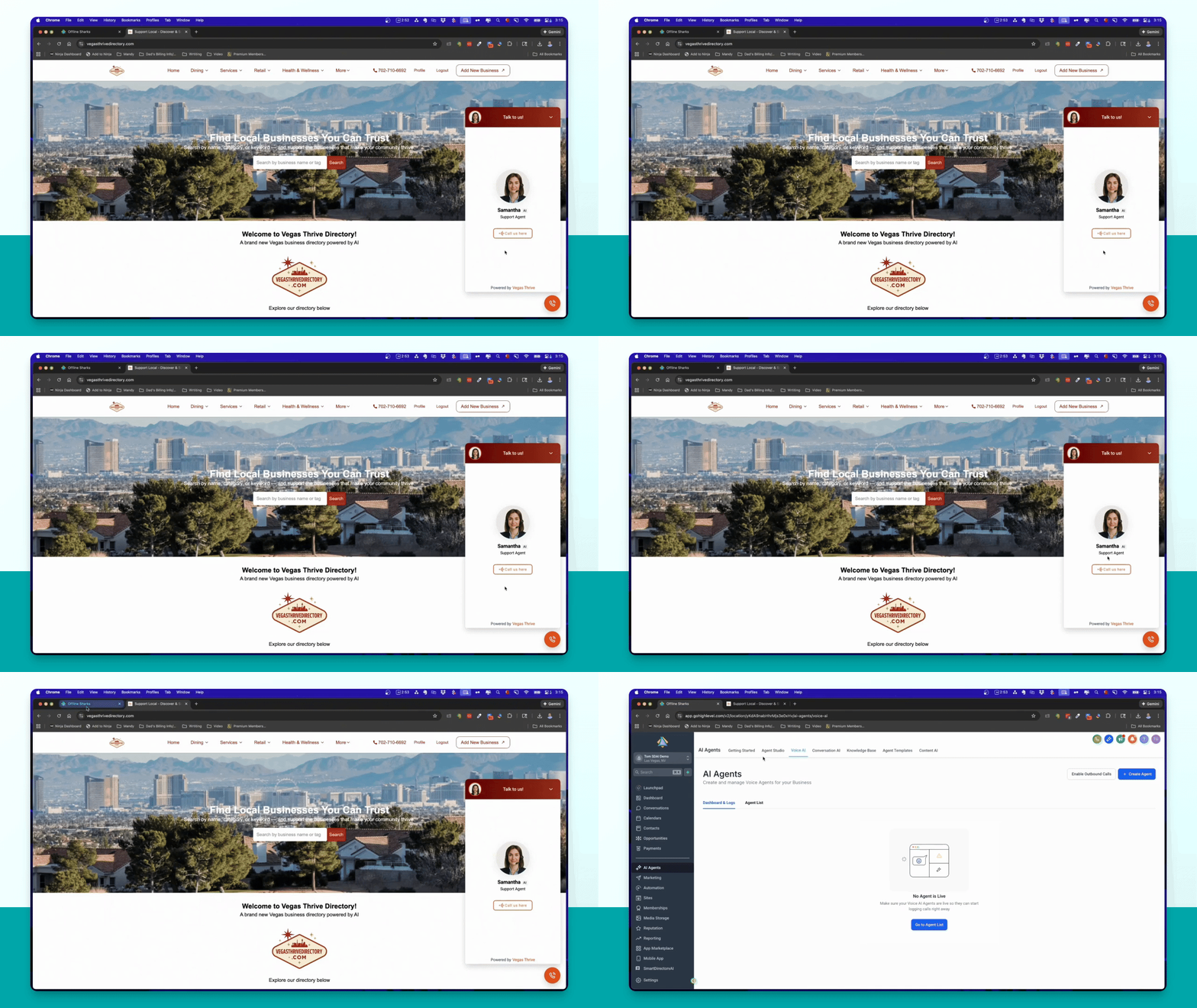
Step 15: Preview Site
Preview your site to confirm the widget appears in the lower right corner and functions correctly.