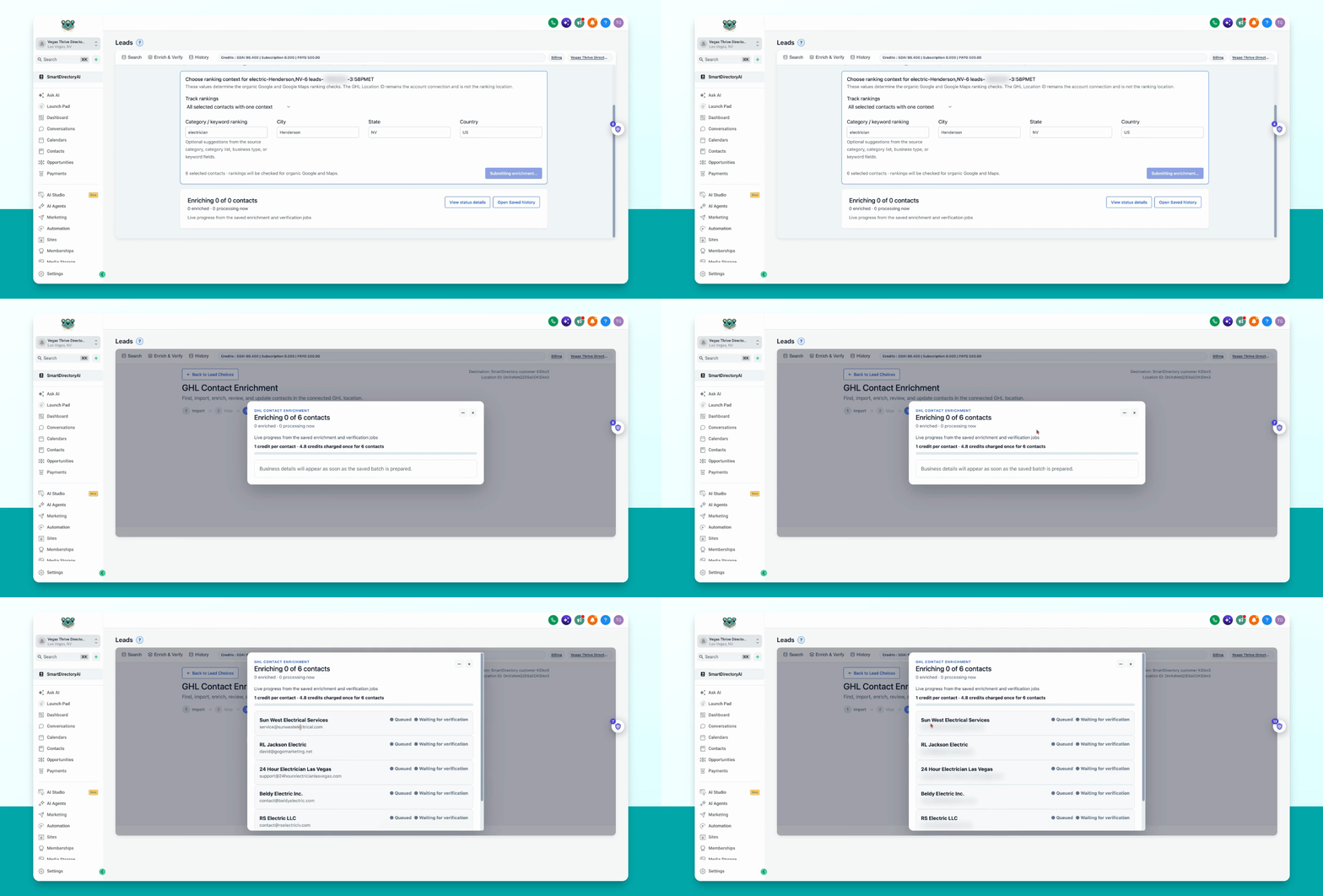
This guide explains how to enrich your existing Go High Level contacts using the Smart Directory AI dashboard. Let's look at the steps:
Step 1: Open Enrich Contacts
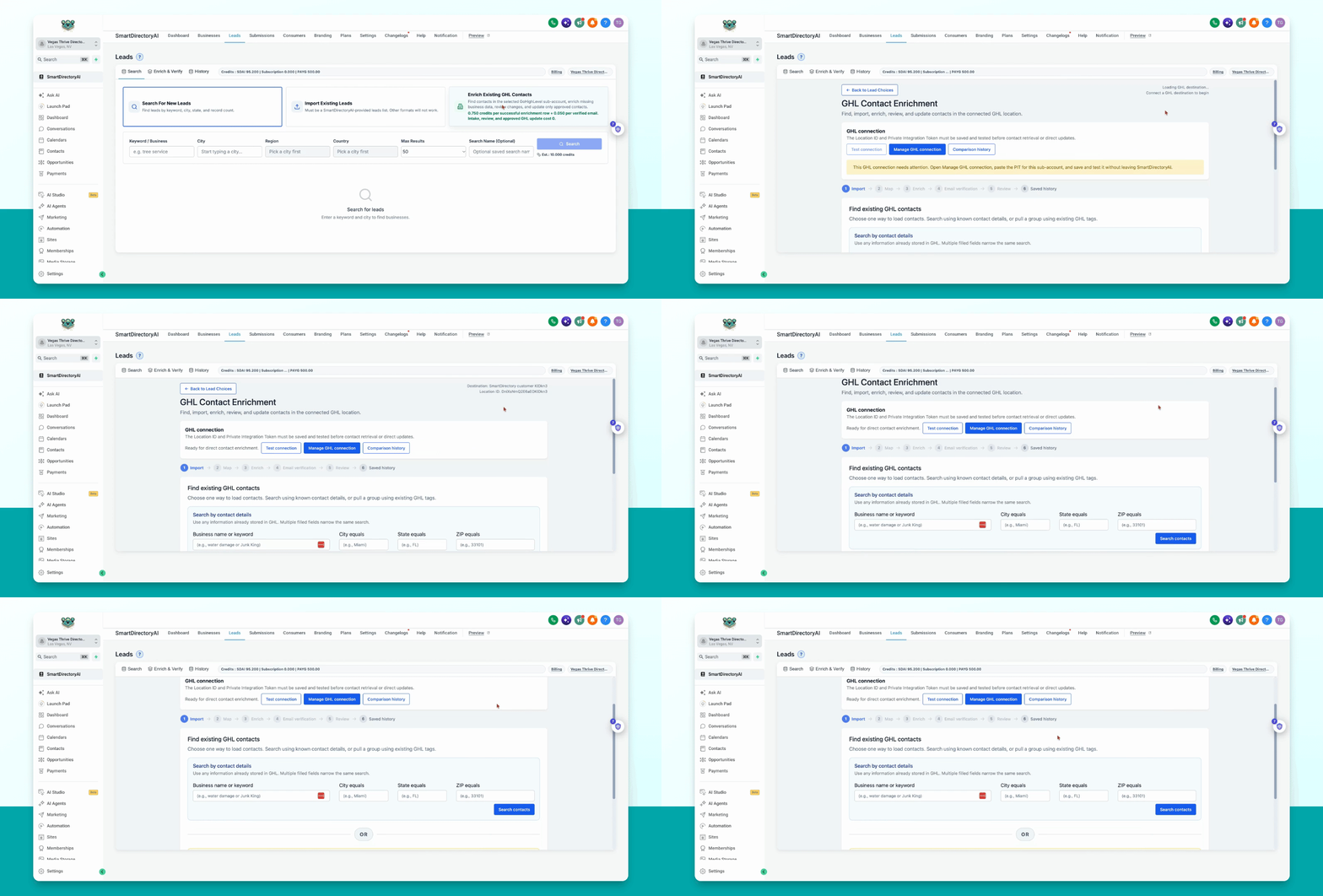
In your Smart Directory AI dashboard, click on Leads and select Enrich existing Go High Level contacts.
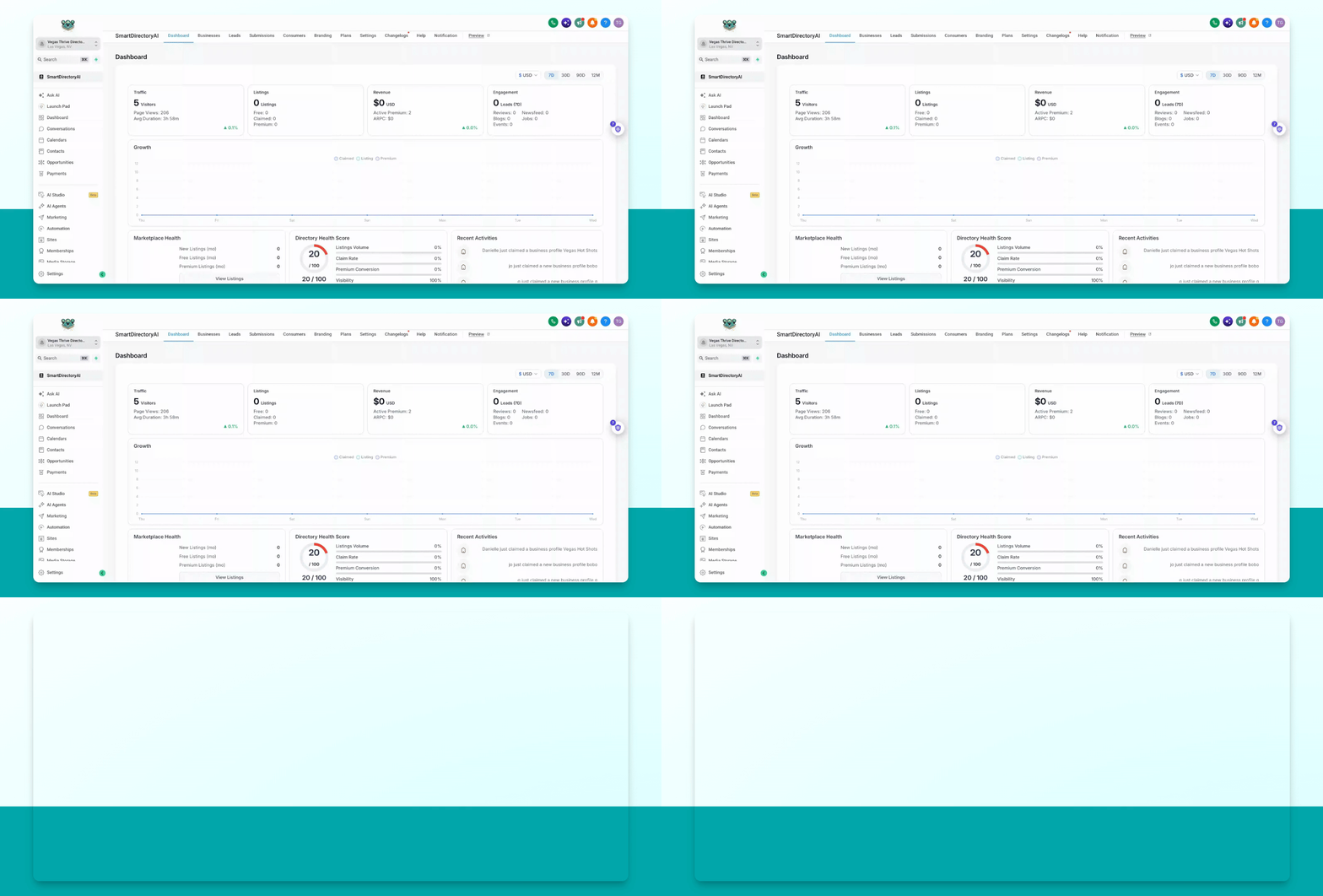
Step 2: Sort or Search Contacts
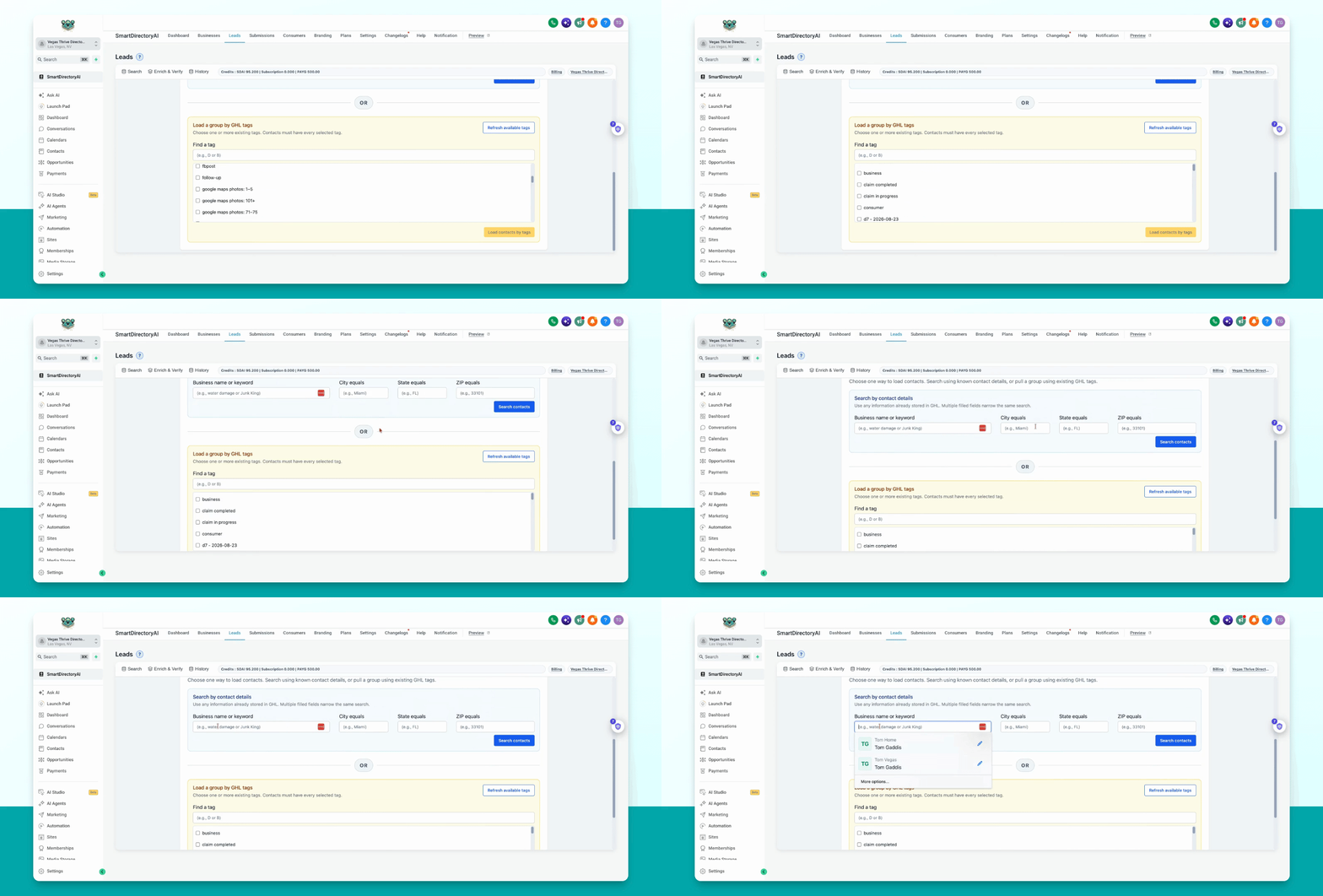
You have several ways to find the contacts you want to enrich. You can search by business name, keyword, city, state, zip, or tags applied to your contacts.
To search by tags, click Load available tags to view and sort by all available tags.
Step 3: Enter Search Criteria
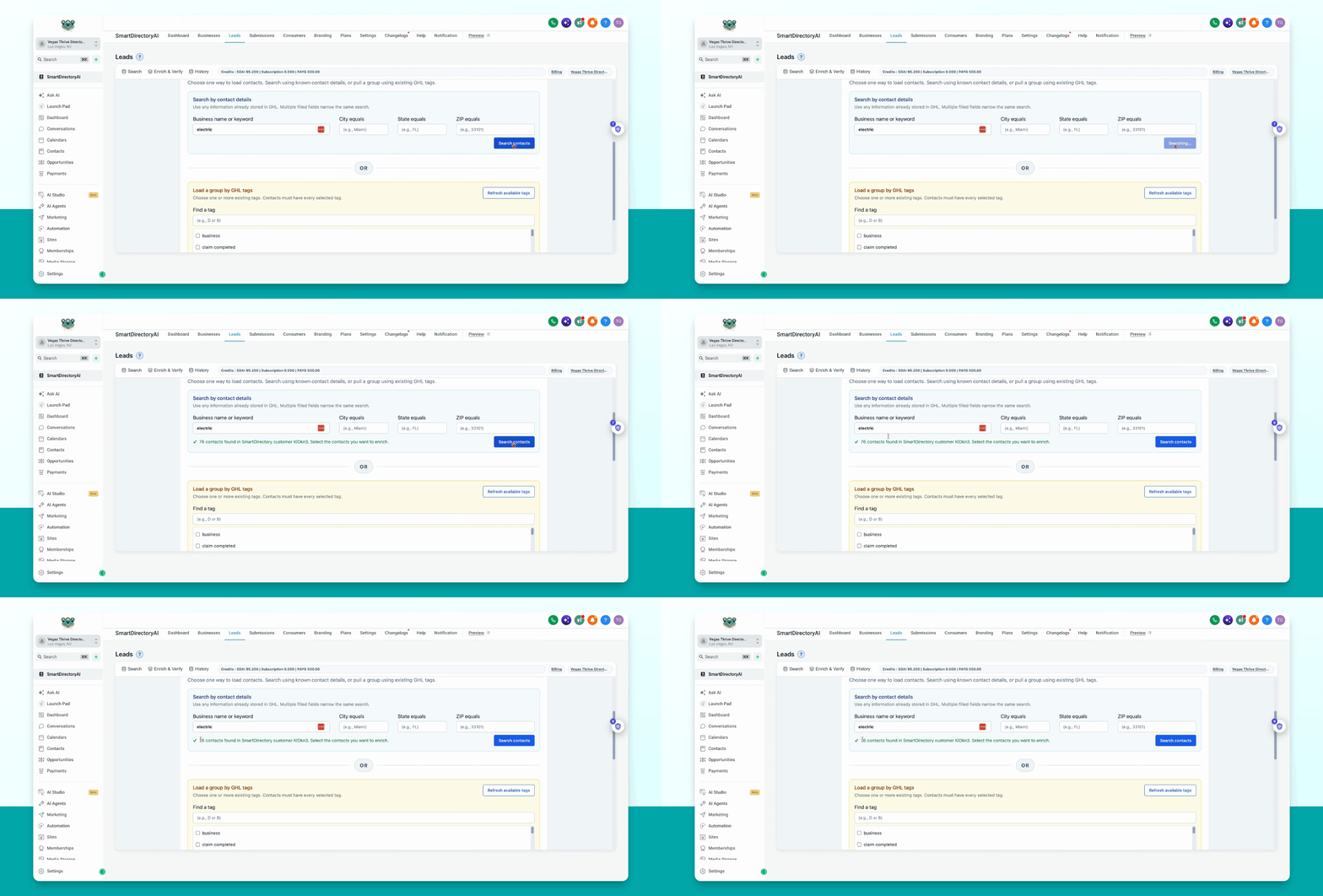
Type your desired keyword in the search box. For example, enter electric and click Search Contacts.
Step 4: Review and Select Contacts
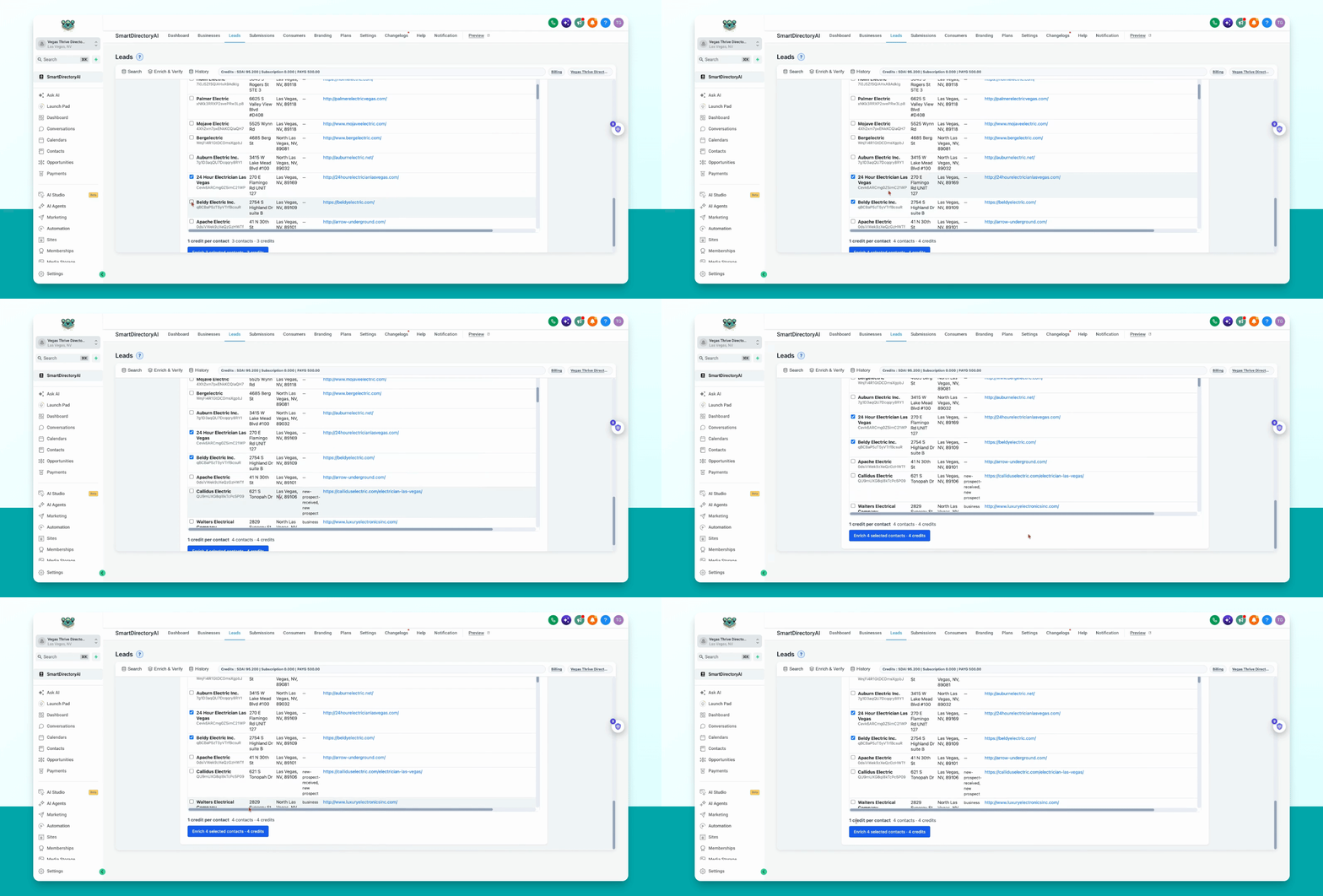
Review the search results. Scroll to see all matching contacts. Select the contacts you would like to enrich.
Step 5: Enrich Selected Contacts
After selecting the desired contacts (for example, six), click Enrich selected contacts.
Step 6: Assign Group Name
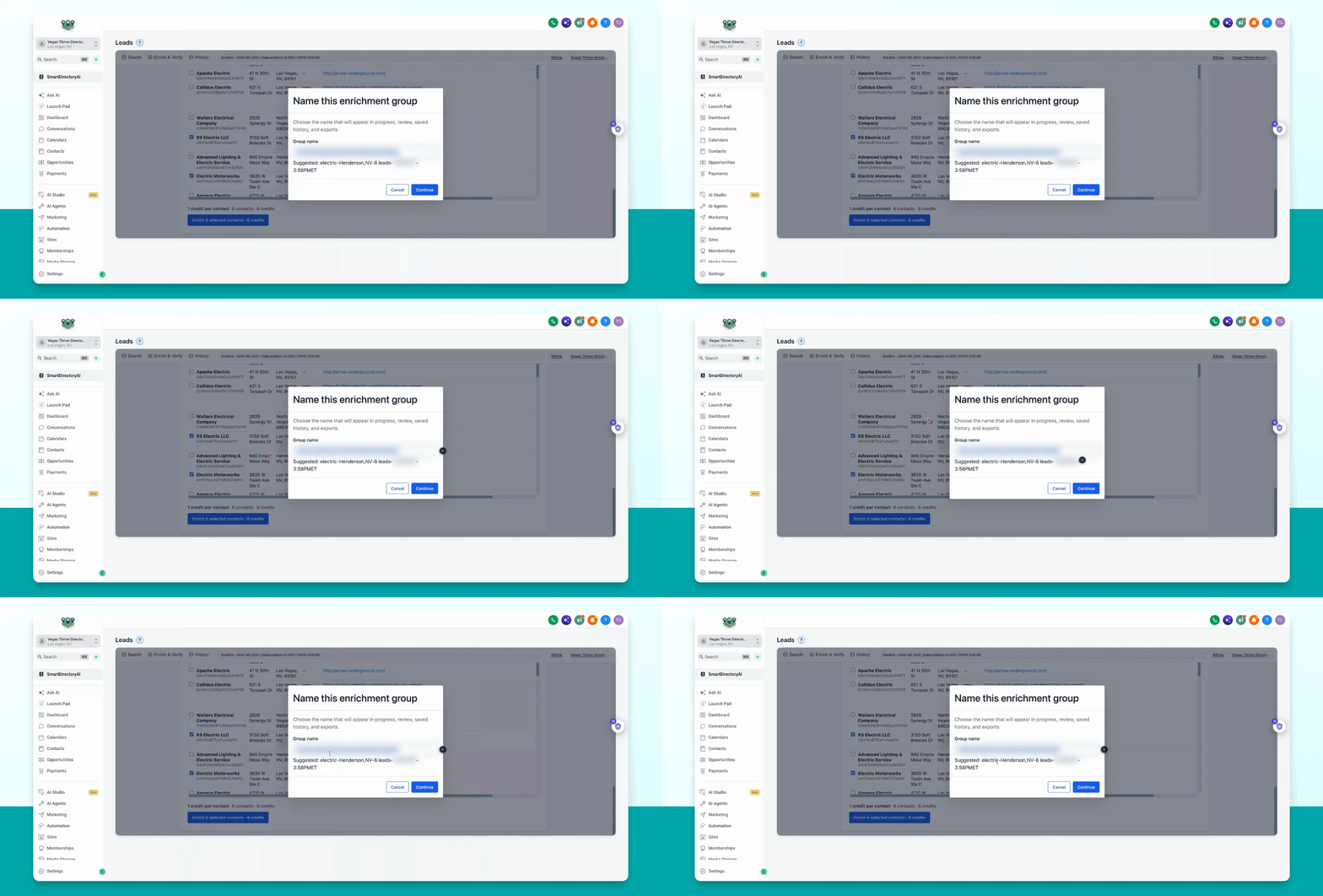
Assign a group name to this enrichment batch. You can use the suggested group name.
Step 7: Continue to Next Step
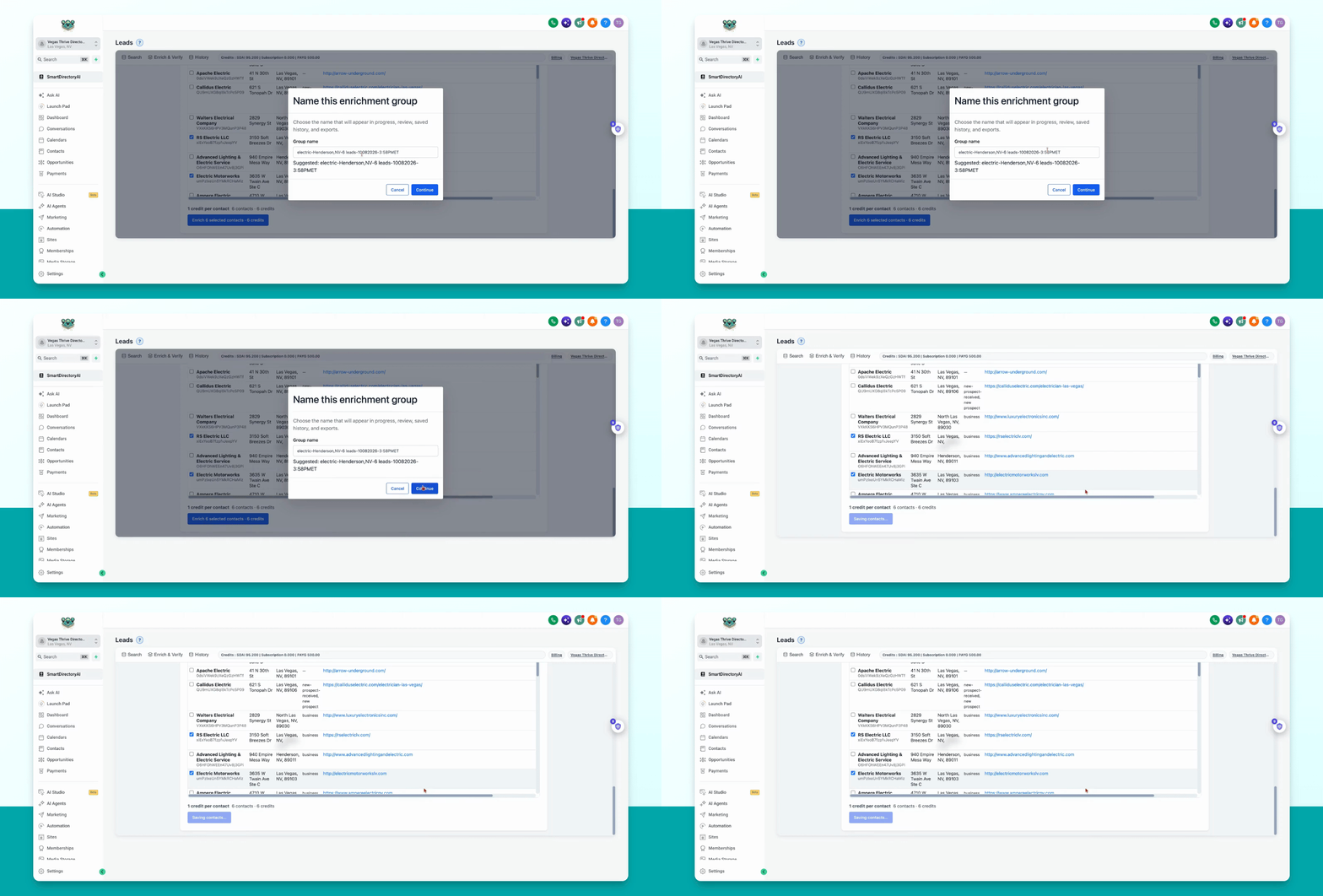
Click Continue to proceed.
Step 8: Enter Keyword and Location
Choose a keyword for ranking analysis. For example, type Electrician and enter the location, such as Henderson, Nevada.
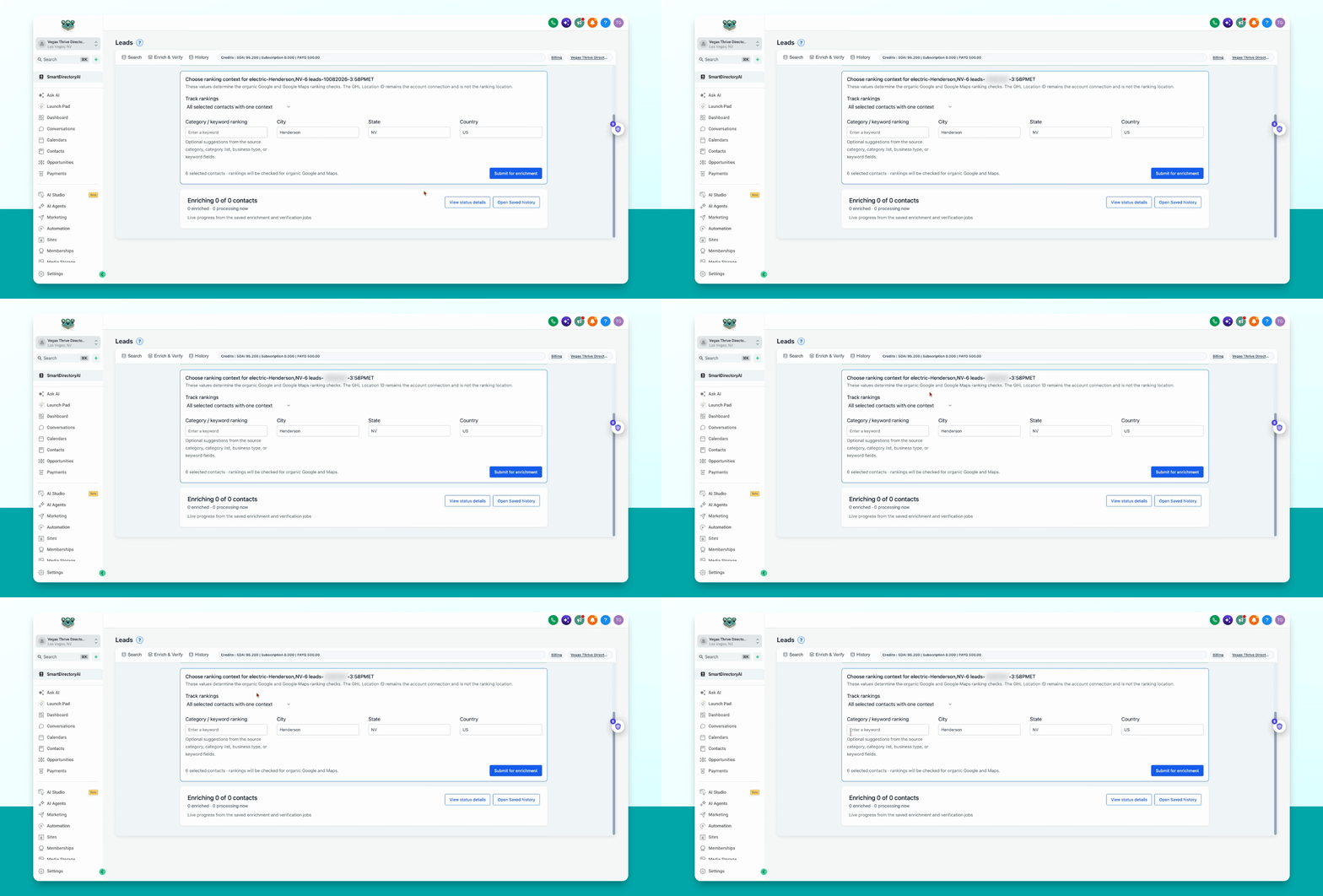
Step 9: Submit for Enrichment
Click Submit for Enrichment to start the process.
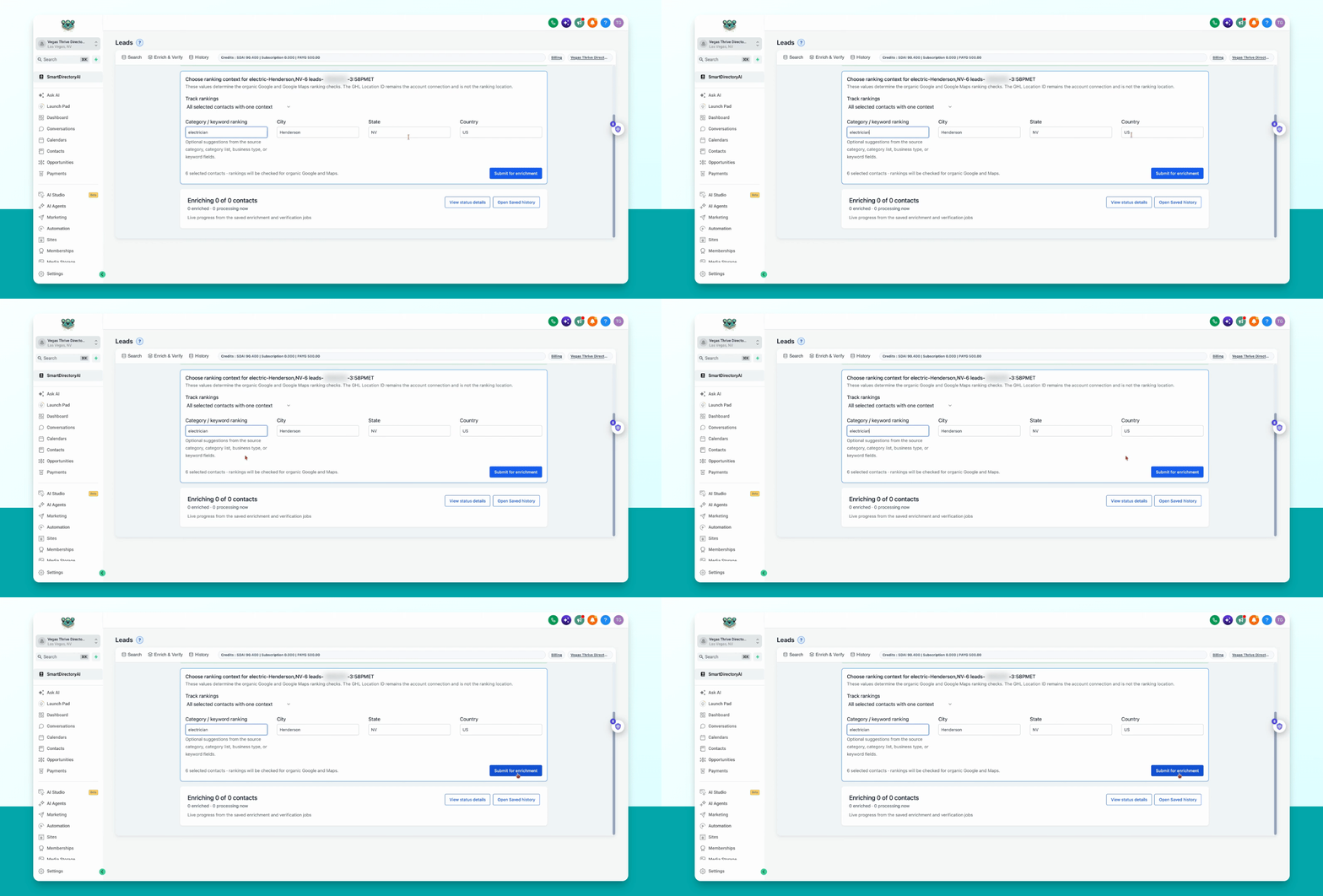
Step 10: Review Enrichment Results
The tool will queue your contacts for enrichment. Once complete, you will receive a report showing all identified issues, corrections made, and tags indicating cold, warm, or hot leads.