

Recommended Aspect Ratio
We suggest using a 5:1 ratio - meaning the image width should be roughly five times the height. For example:
2500 x 500 px
2000 x 400 px
1500 x 300 px
Common Upload Issue: File Size
The most common upload problem is exceeding the file size limit.
Please ensure your image is UNDER 1000 KB (1 MB). If your image is too large, try resizing or compressing it before uploading.
Don’t Forget to Save!
After uploading your image, make sure to click the "UPDATE" button at the bottom of the screen to save your changes.
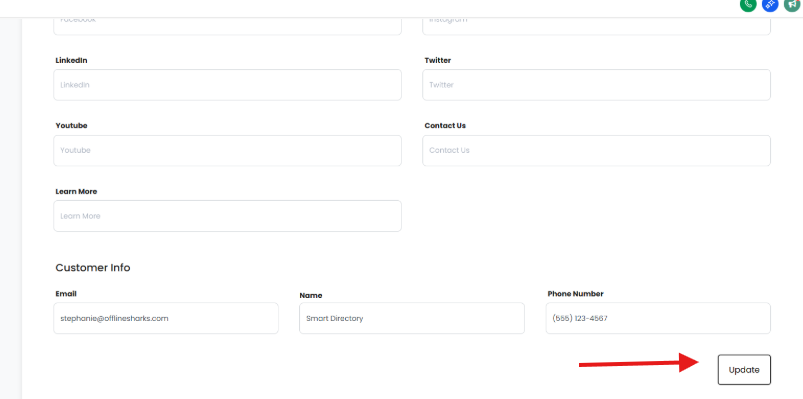
Image Size Reference (Used on Hawaii Thrive)
Here are the recommended dimensions for various sections:
Main Page Hero Section (replacing the map): 1264 x 500 px
Logo & Business Tag Images: 248 x 148 px
Business Listing Profile Image: 248 x 148 px
Business Listing Cover Image: 798 x 400 px
It’s always best to resize your images to the correct dimensions before uploading.
Recommended Tool: Canva
Canva is a free and easy tool for creating or resizing images.
Here's how to use it:
Go to https://canva.com
Click “Custom Size” in the top-right corner
Enter your desired dimensions
Upload or design your image
Click Download, and choose JPEG for a smaller file size