

This guide shows how to set custom default image placeholders for listings in Smart Directory AI. Let's look at the steps:
Step 1: Open Smart Directory AI Dashboard
Go to your Smart Directory AI Dashboard to begin the process.
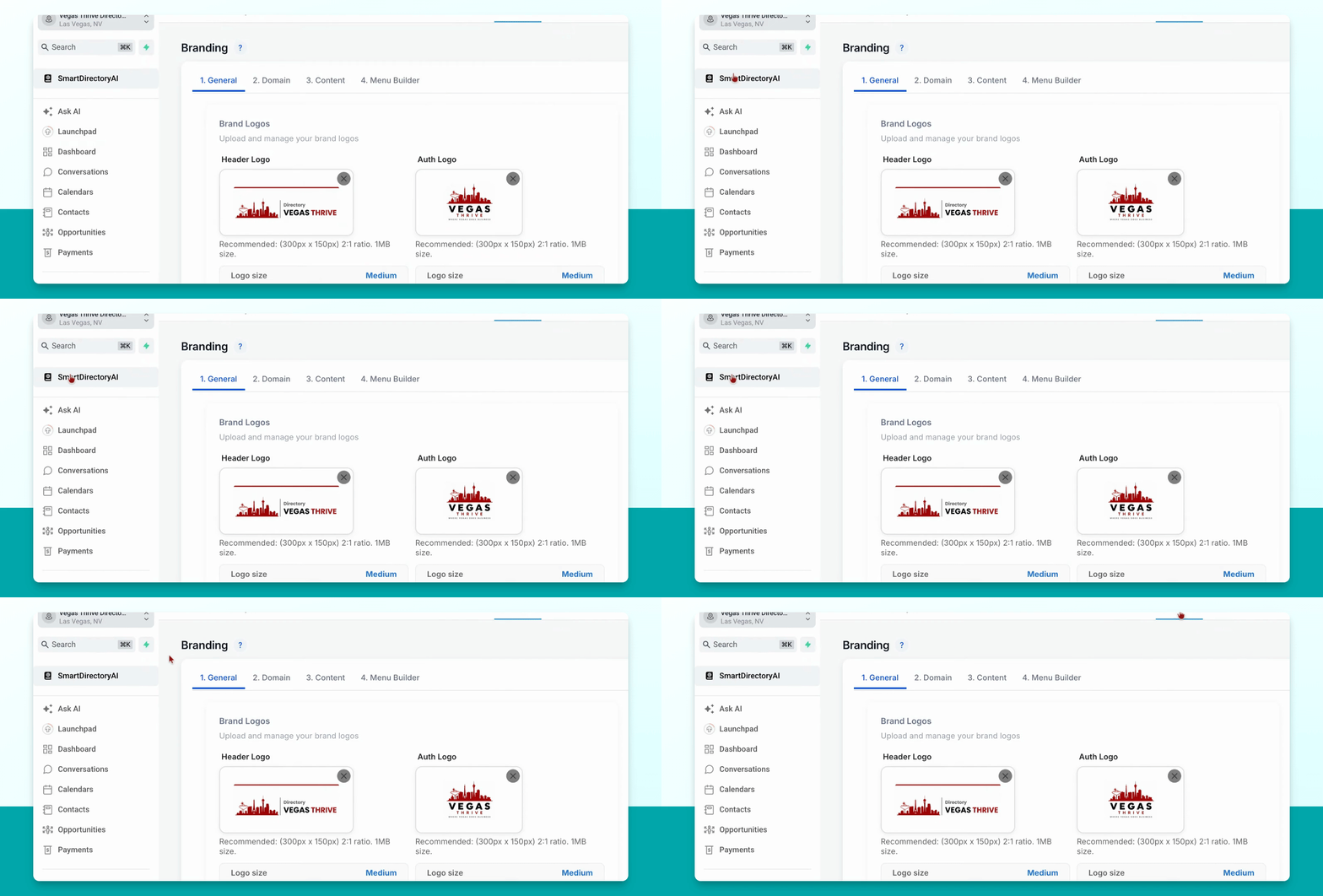
Step 2: Navigate to Branding
In the dashboard, find and click on Branding.
Step 3: Find Listing Placeholders Section
Scroll down until you see the section titled Listing Placeholders.
Step 4: Set Default Profile Image
Click on the default profile image. You can select an image from your media storage, or upload a new image by clicking the blue button.
Step 5: Set Default COVID Image
Repeat the process for the COVID image. Click the image, then either select an image from your media storage or upload one from your computer using the blue button.
Your changes are saved automatically. No need to manually save after updating the images.