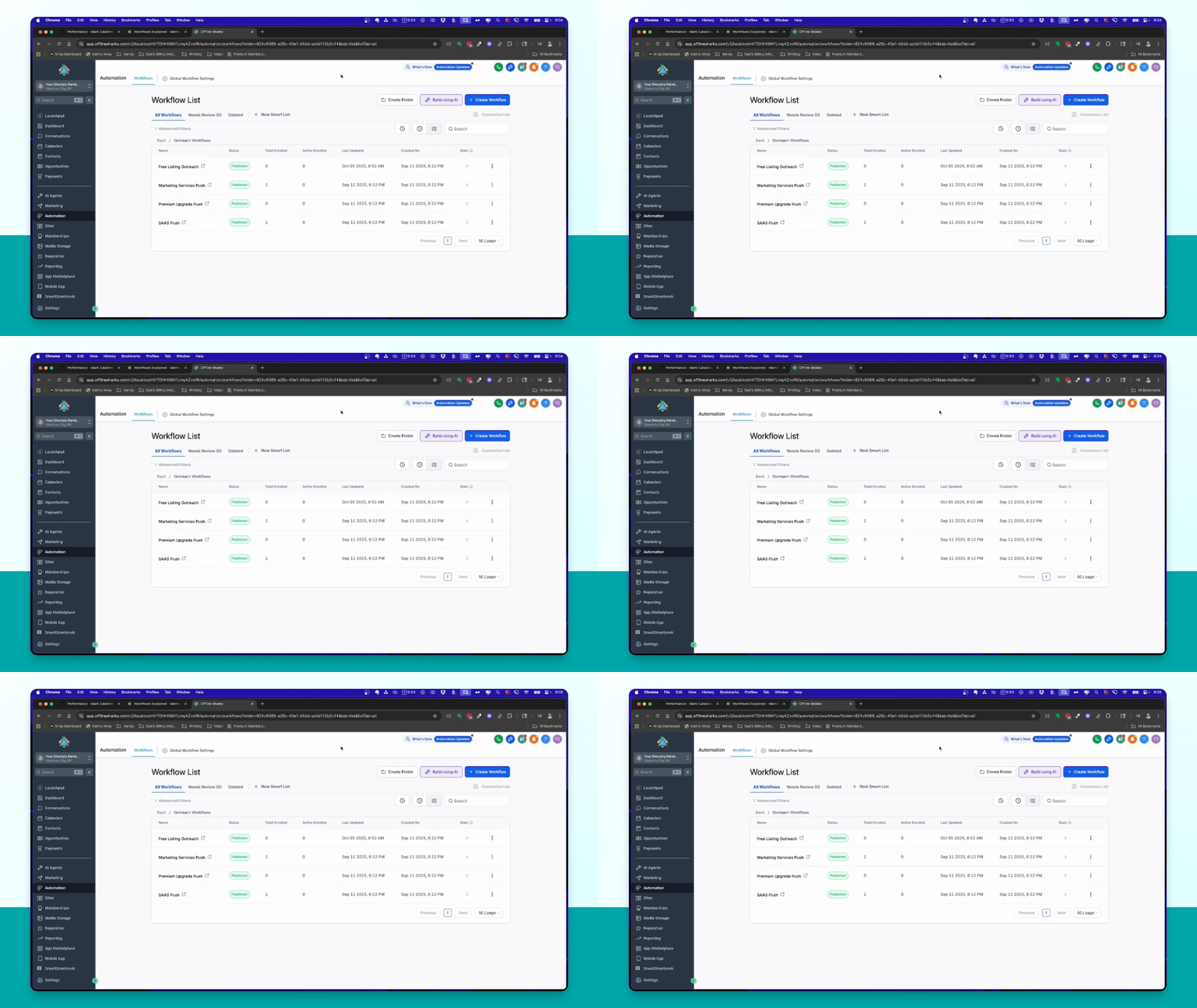
Let's do it together!
Step 1: Access Automation
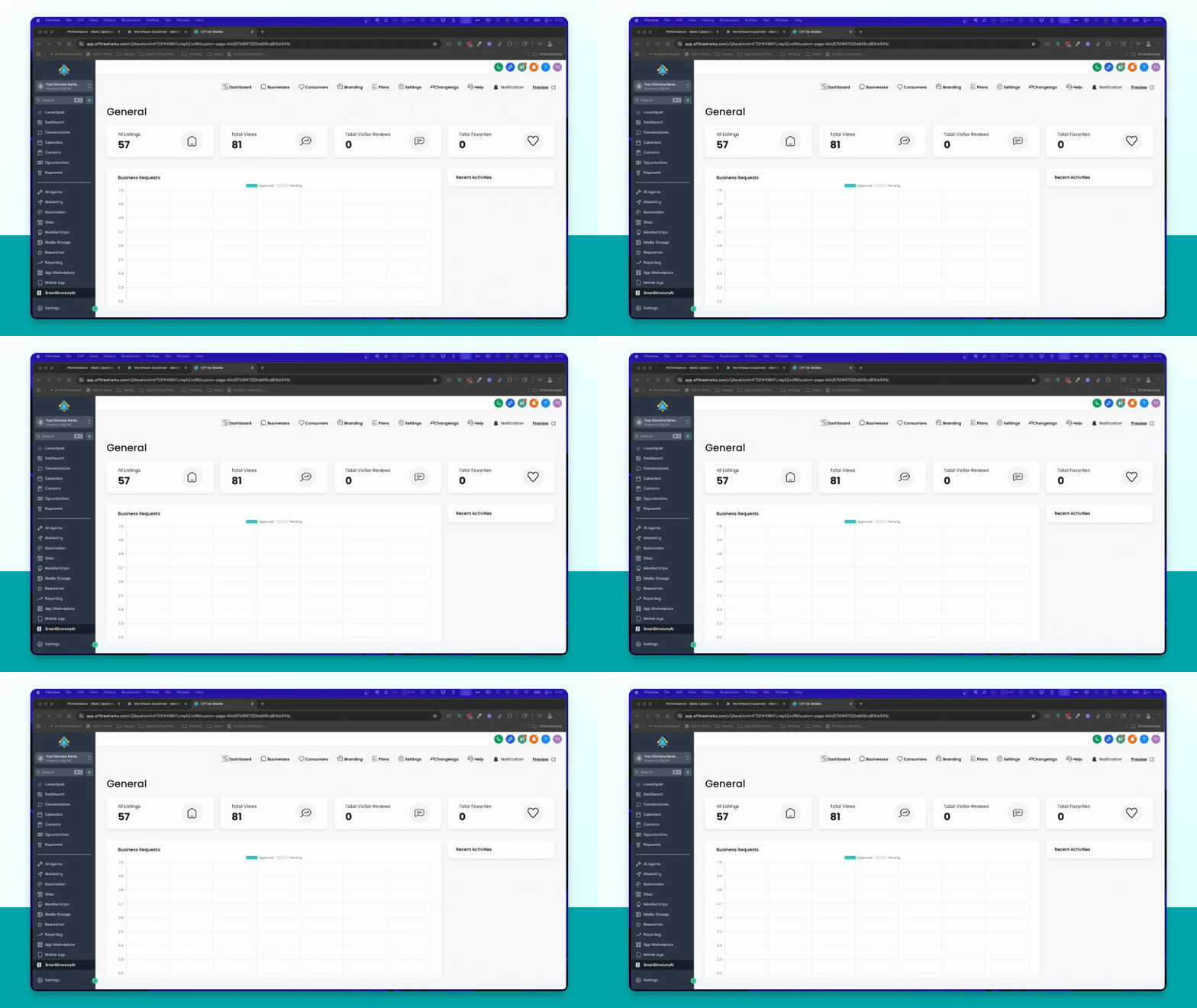
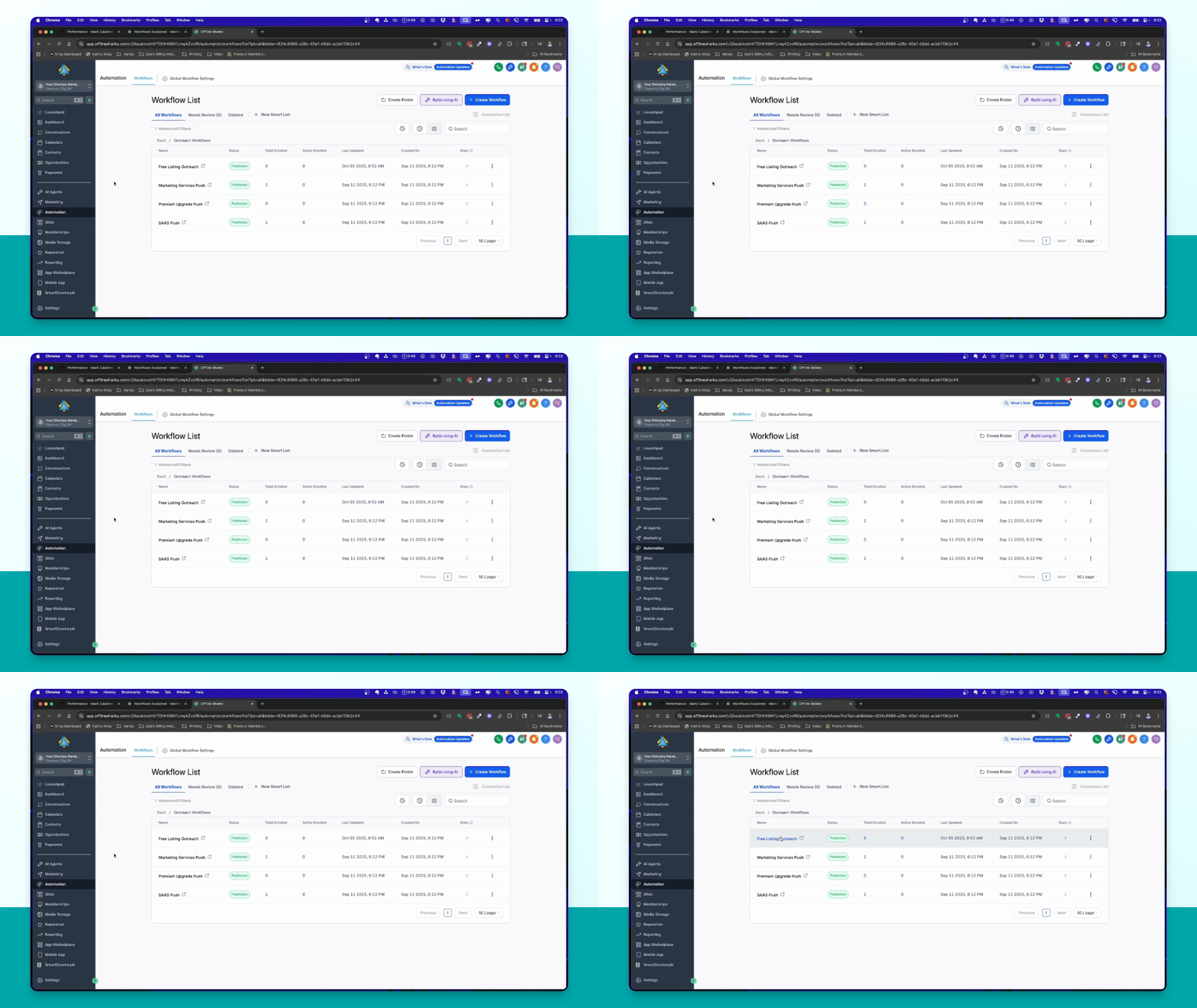
Navigate to the left-hand menu in the Smart Directory AI dashboard and click on Automation to view the workflows.
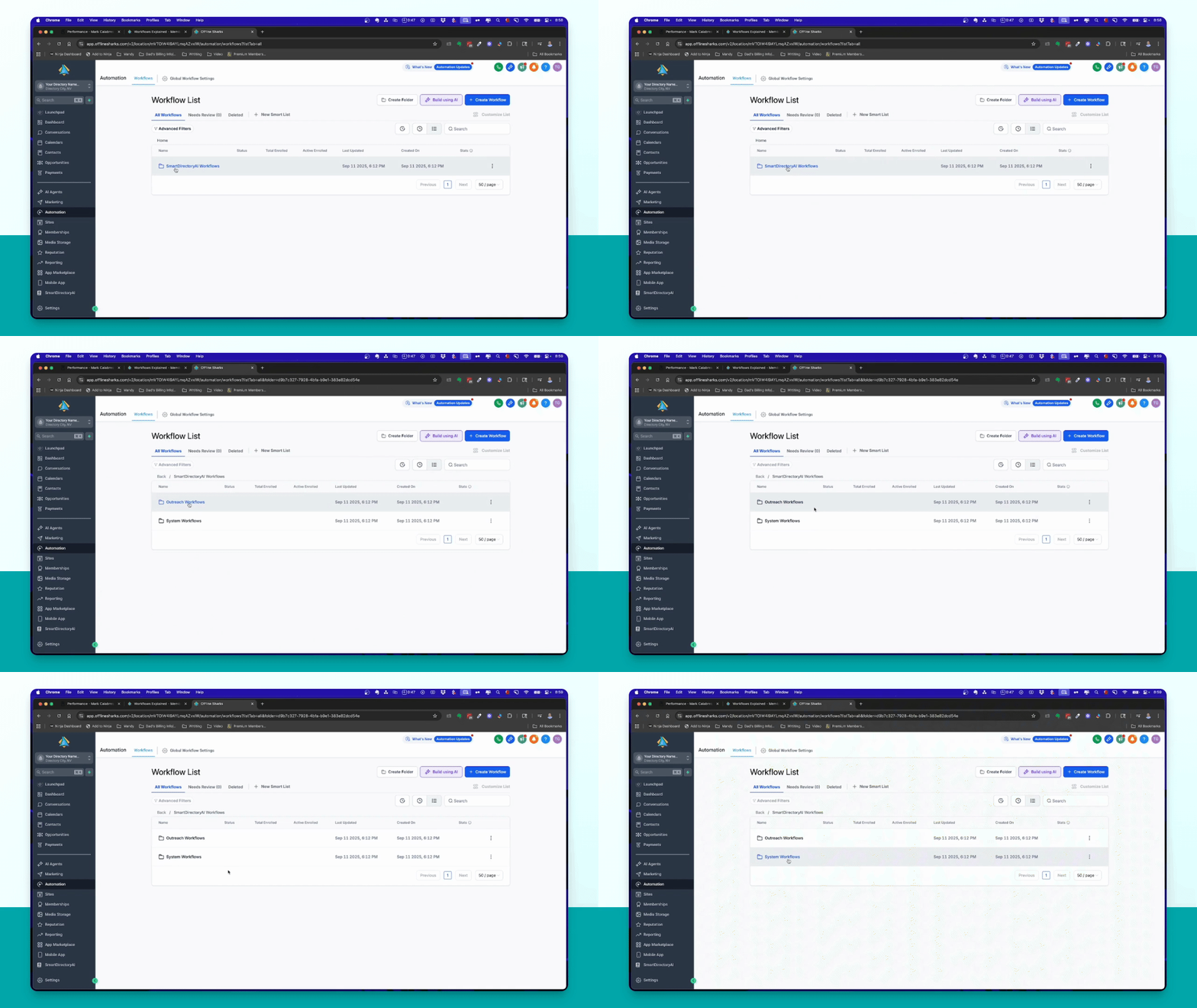
Step 2: Identify Workflow Types
Note that there are two types of workflows: System workflows and Outreach workflows.
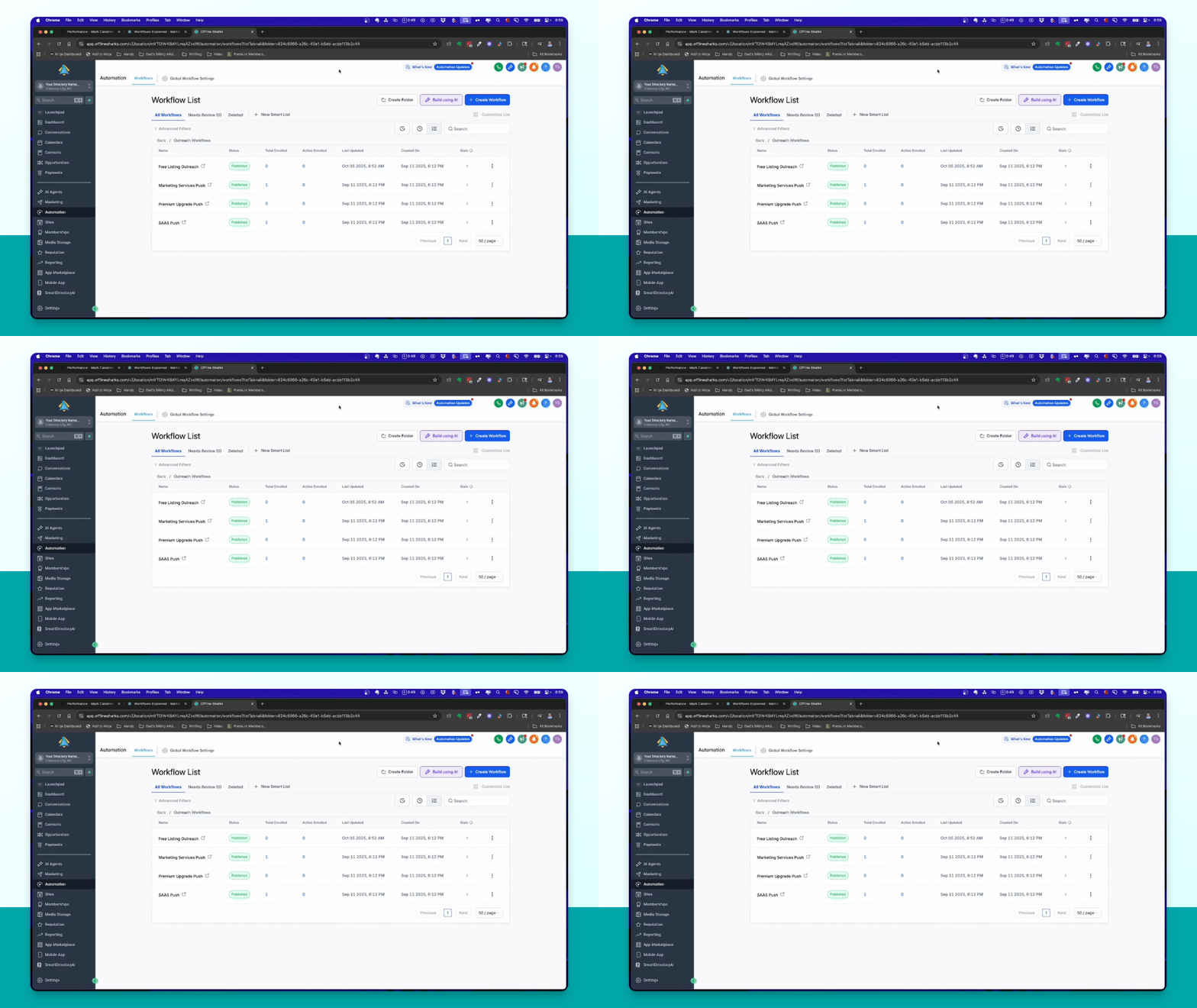
Step 3: Understand Free Listing Workflow
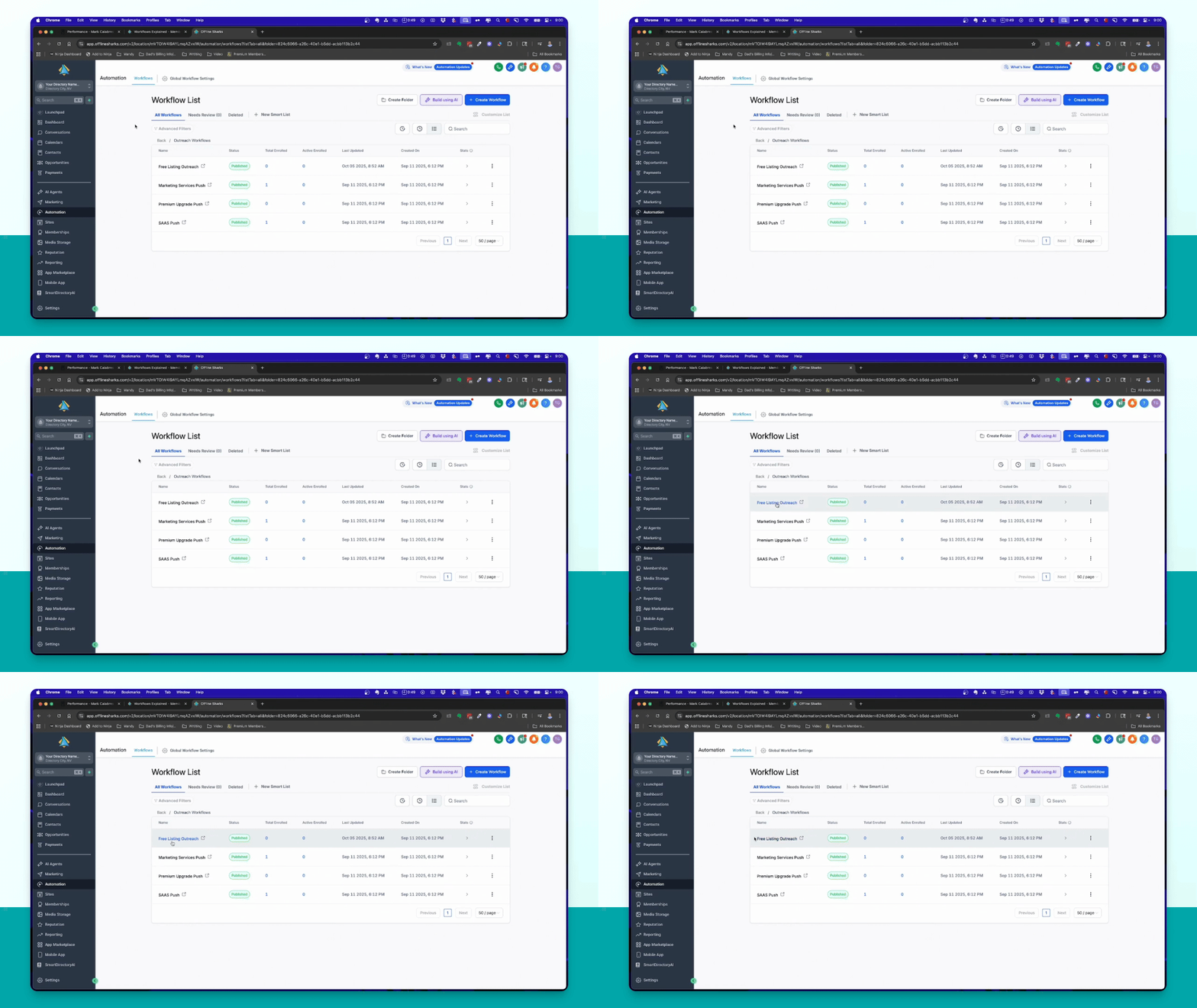
Add prospects to the Free Listing Outreach Workflow to initiate the process. This workflow starts the engagement.
Step 4: Manage Lead Actions
Monitor the actions of your leads. If they claim their listing, they will be moved to the Premium Upgrade Push.
Step 5: Handle Non-Claimed Listings
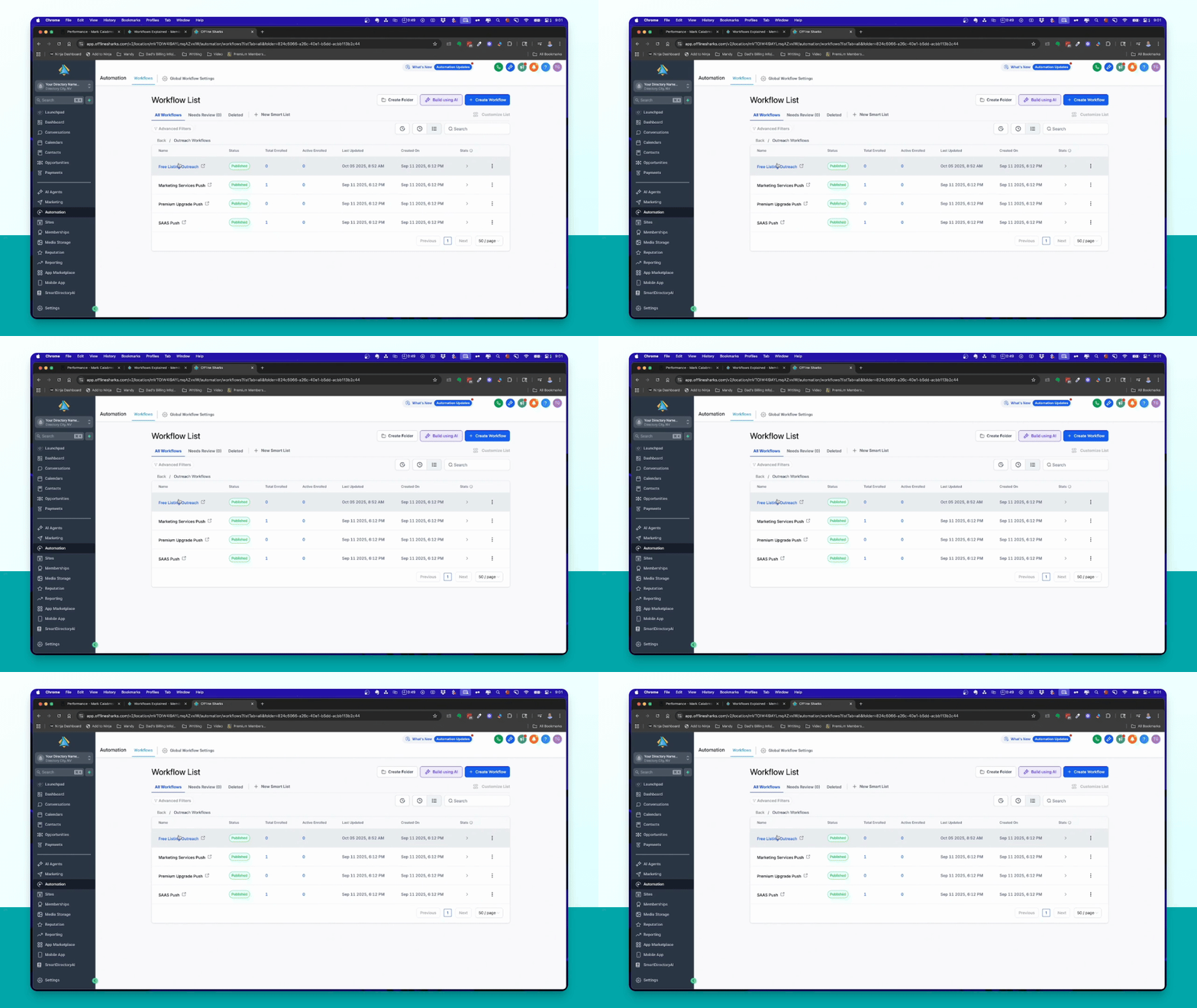
If leads do not claim their listing, follow up using the local liftoff method to encourage action.
Step 6: Upgrade Workflow Flow
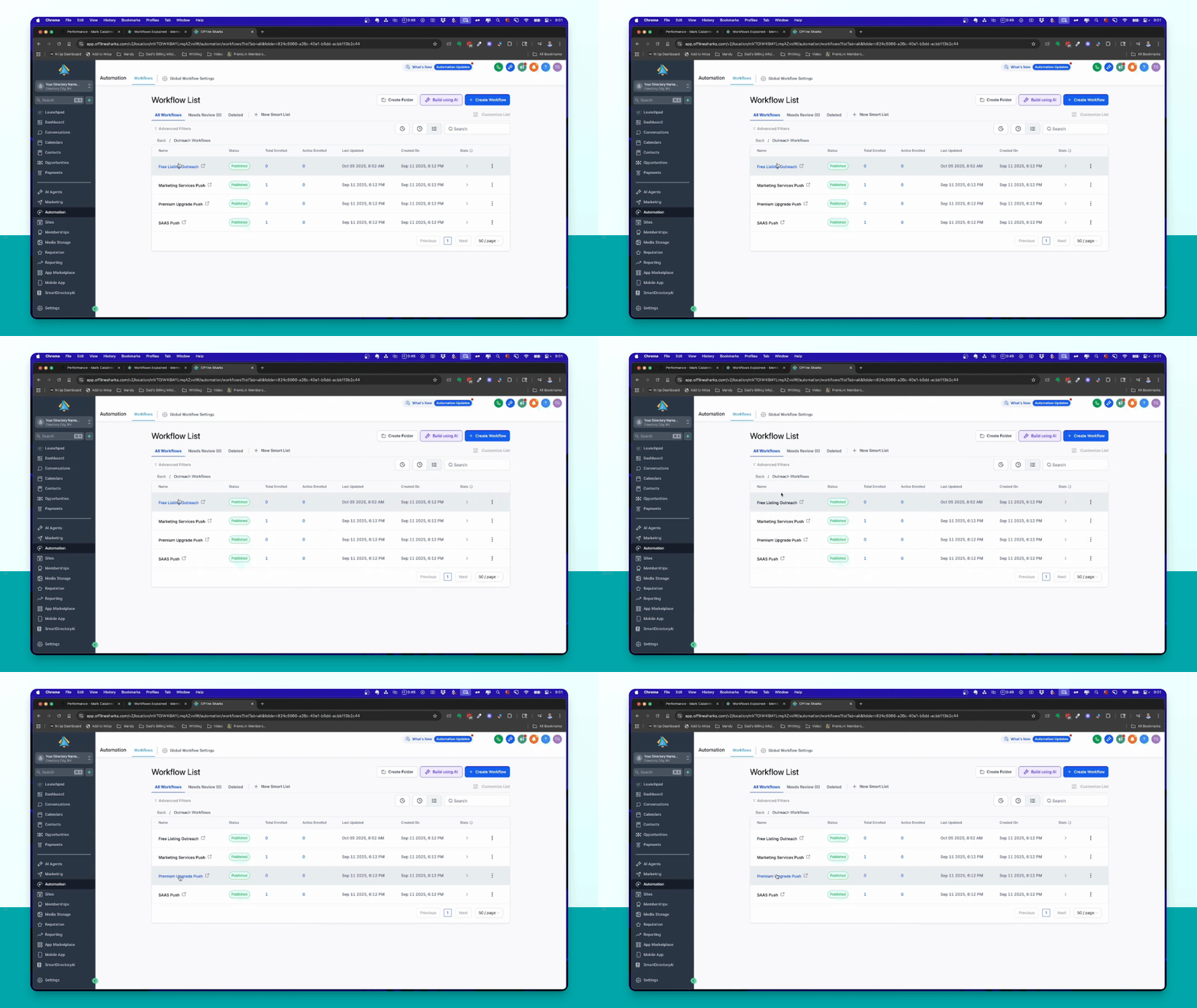
If leads upgrade to a premium listing, they will move to the Software as a Service Push to sell AI services.
Step 7: Marketing Services Push
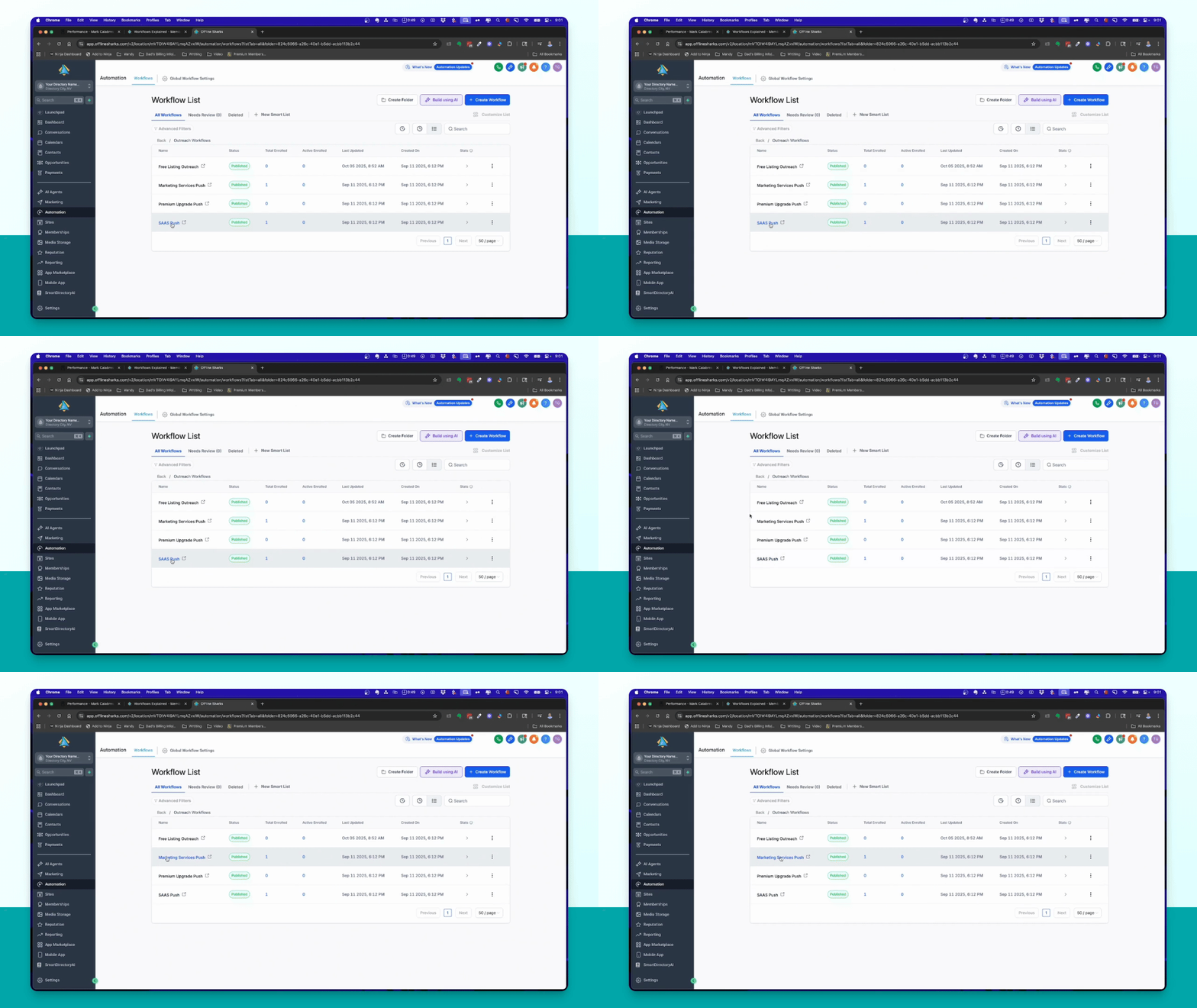
After the Software as a Service push, leads are moved to the Marketing Services Push for traditional marketing services.
Step 8: Customize Workflows
If desired, create a custom workflow for leads who do not claim their listing by moving them to a long-term nurture workflow.
Step 9: Set Up Actions
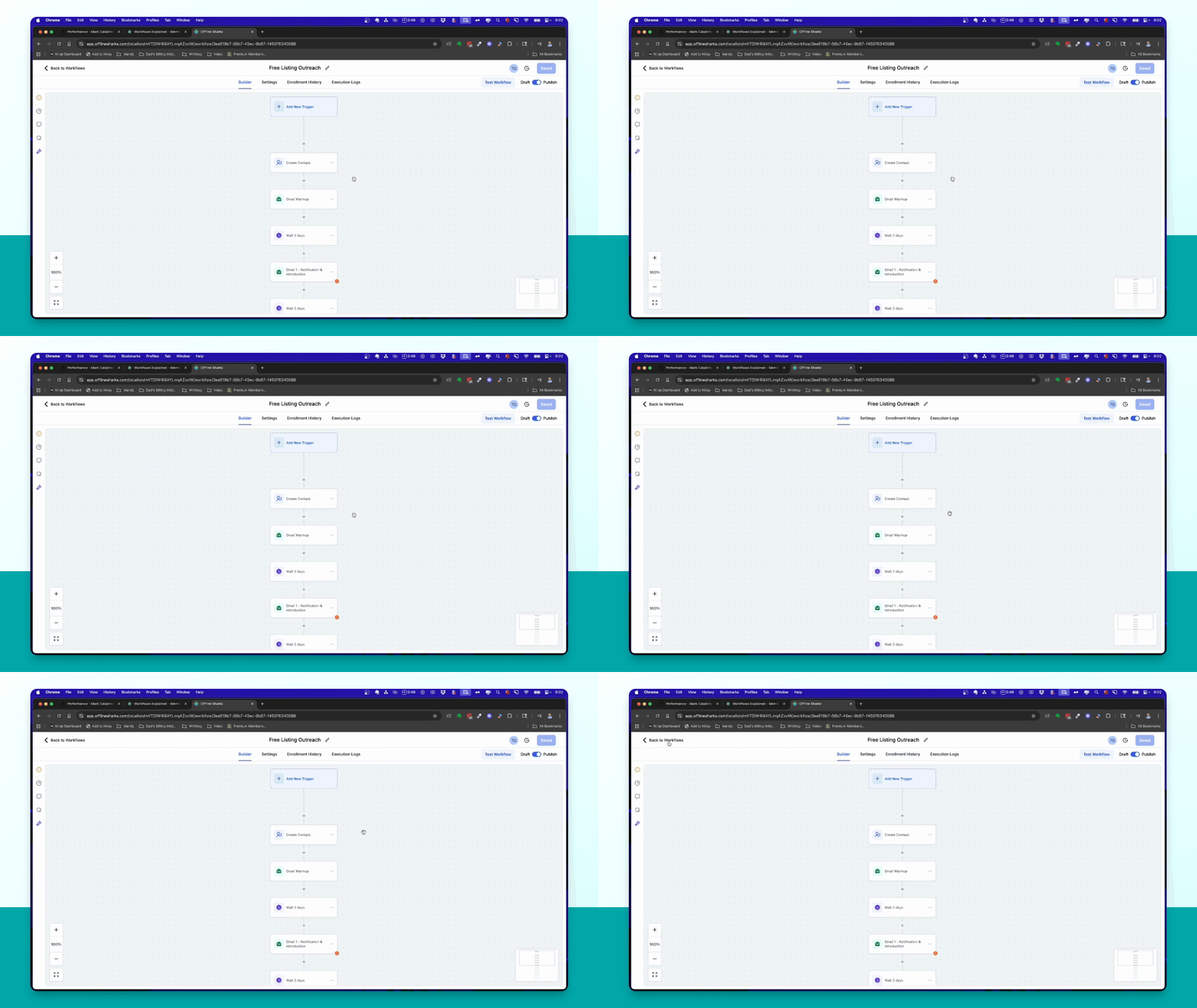
In your selected workflow, add an action to move leads to the desired workflow after they complete the current one.
Step 10: Review and Start Prospecting
Run the base setup to efficiently manage your prospecting and make customizations as you gain experience.