Resources
A2P 10DLC Campaign Approval Best Practices
Let's do it together!
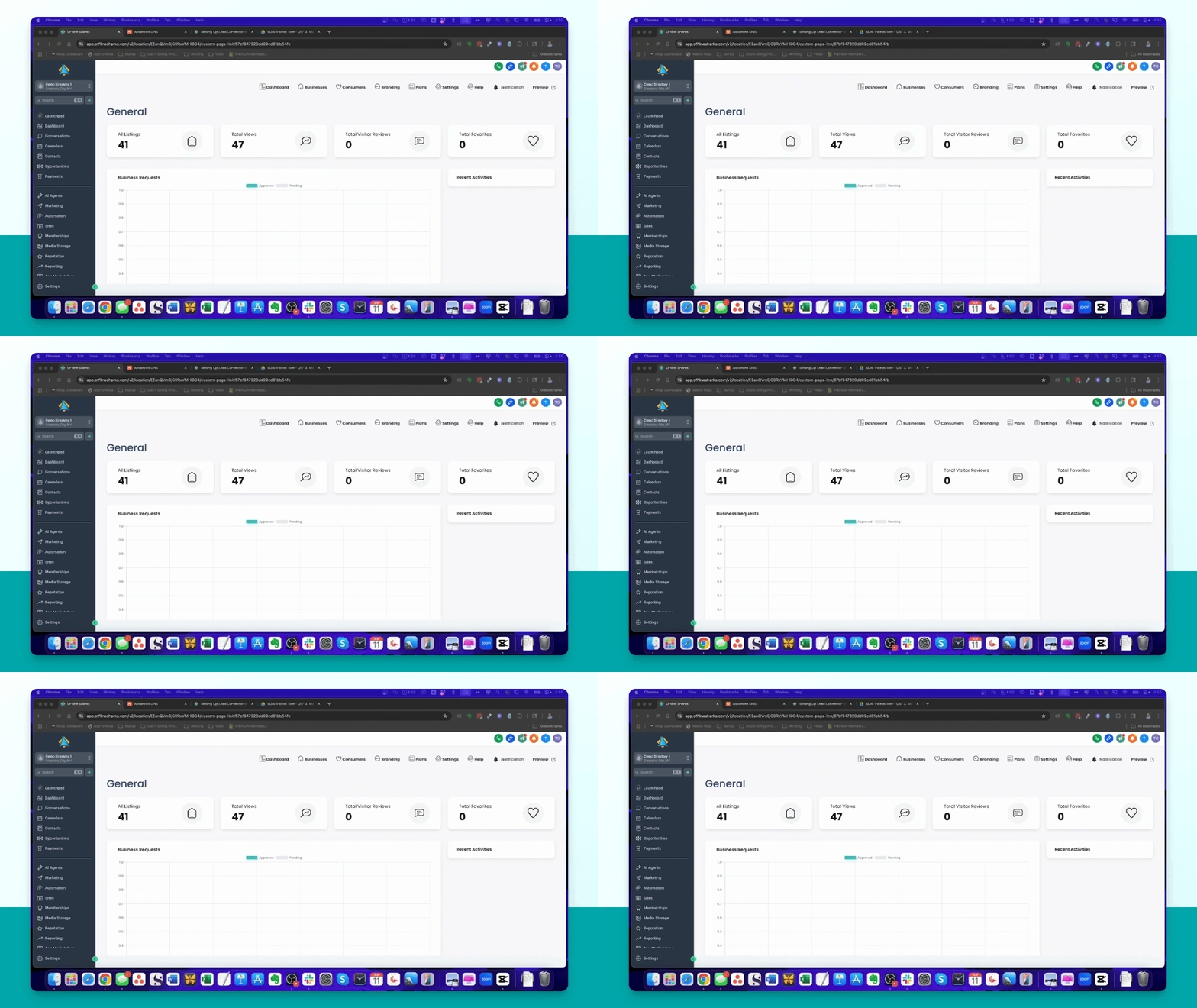
Step 1: Access Settings
In your High Level sub account, navigate to the left-hand menu and click on Settings.
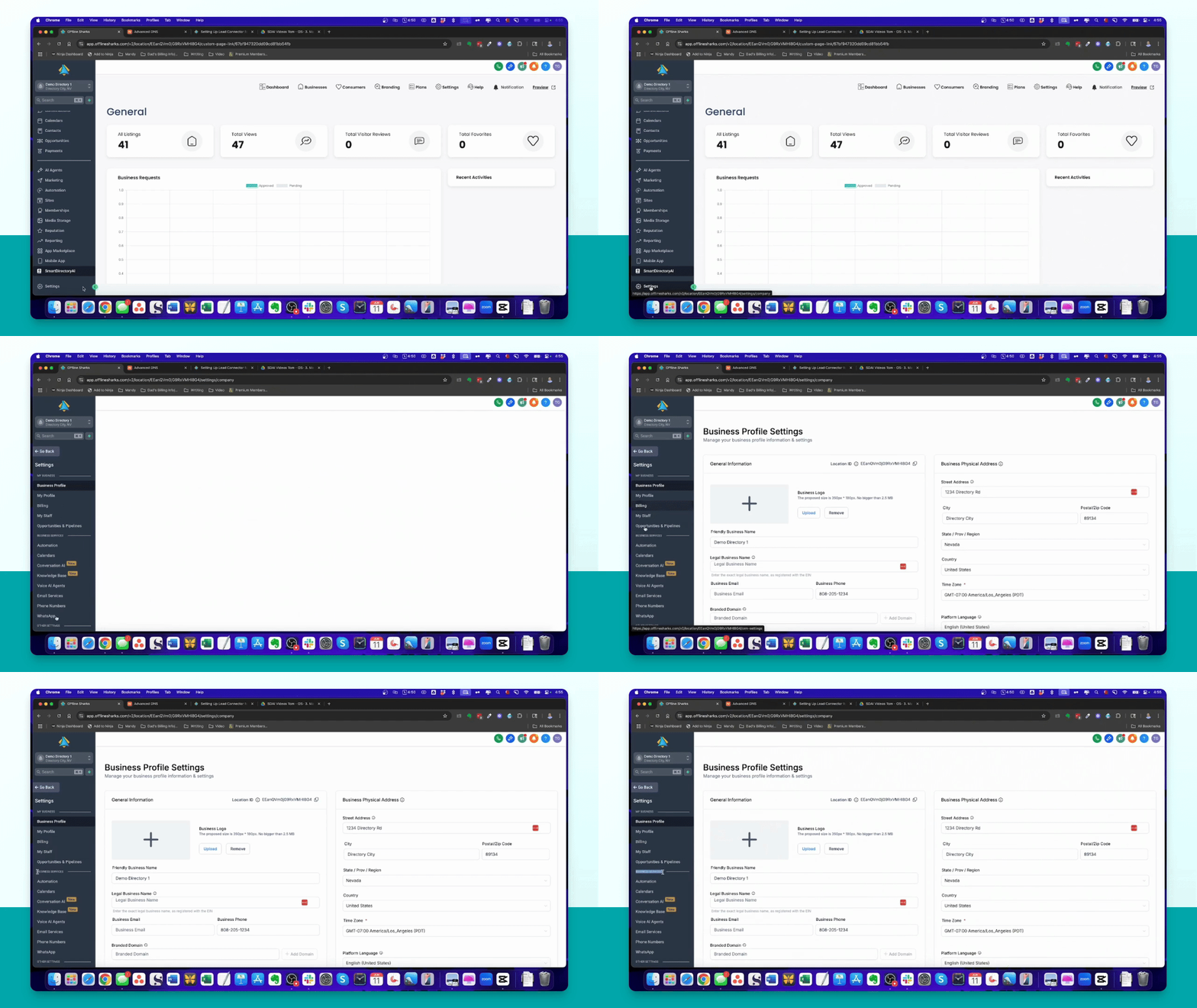
Step 2: Email Services
In the Business Services section, select Email Services to view configuration options.
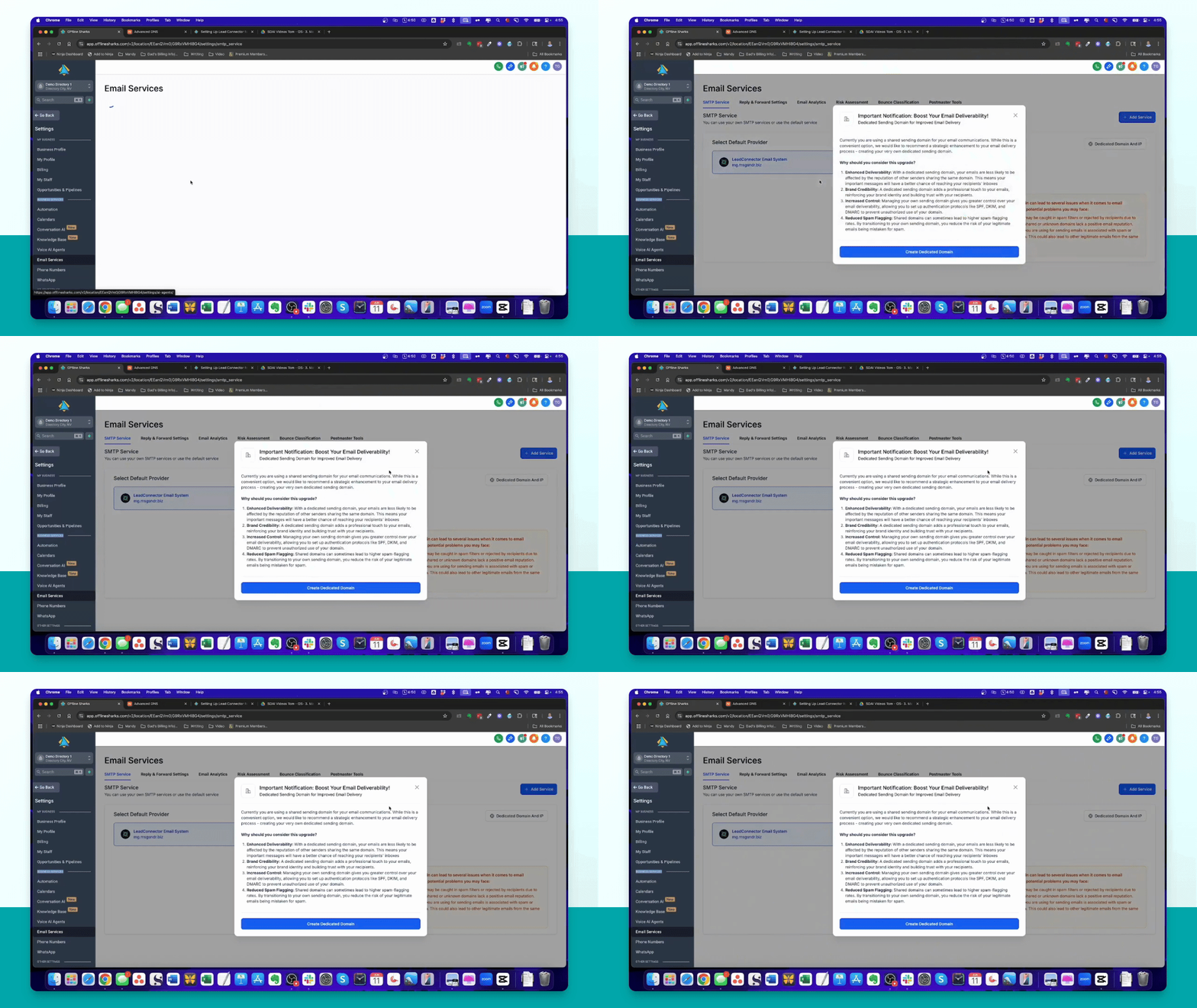
Step 3: Understand Dedicated Domain
Read the message about setting up a dedicated sending domain for better email deliverability.
Step 4: Default SMTP Setup
Ensure that Lead Connector is selected as your default SMTP service for ease of use.
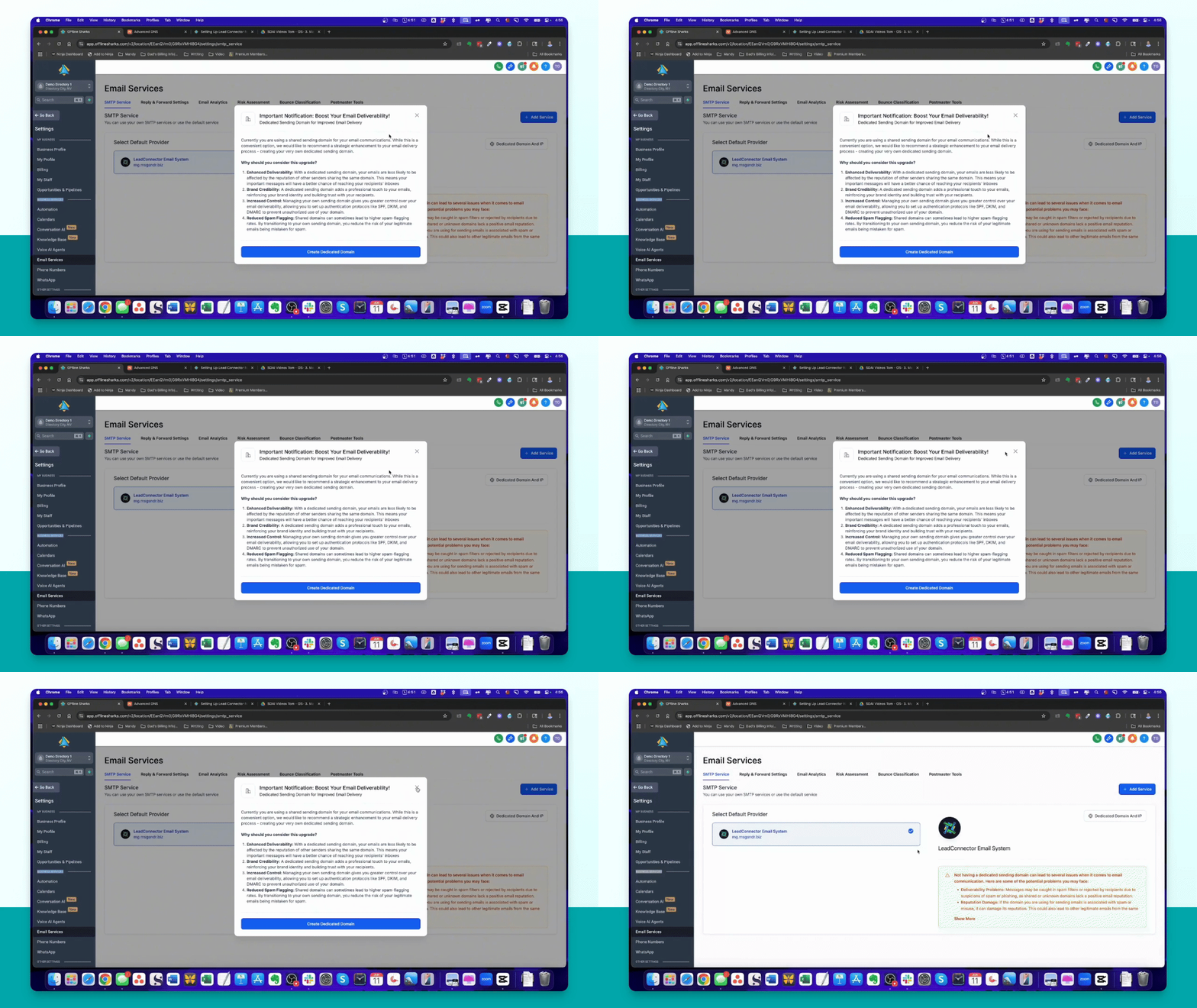
Step 5: Add Dedicated Domain
Click on Dedicated Domain and IP, then click Add Domain to start the setup process.
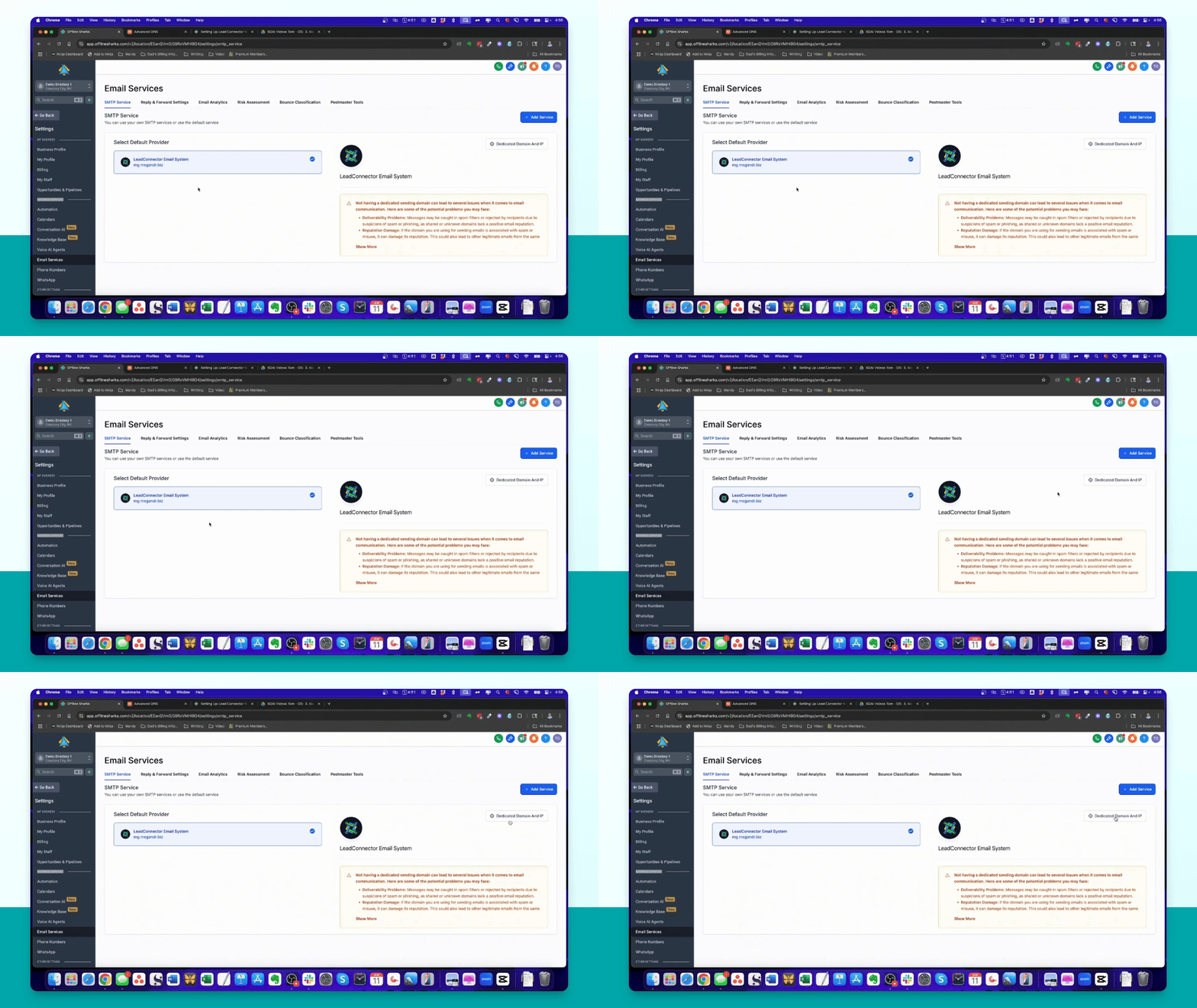
Step 6: Create Subdomain
Input a subdomain, for example, mg.examplesmartdirectory.com, and click Add and Verify.
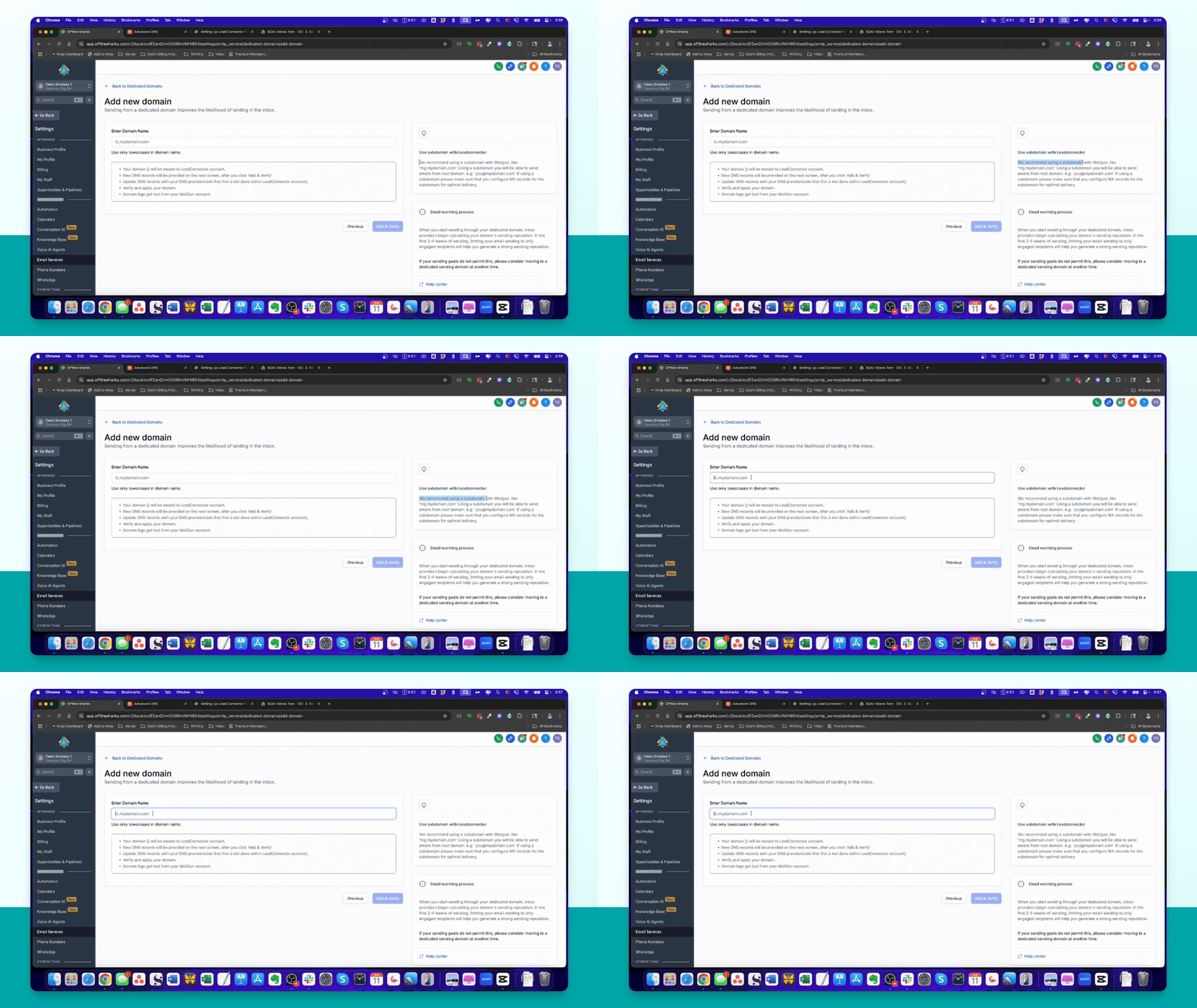
Step 7: Domain Registrar Access
If automatic setup doesn't succeed, access your domain registrar to manually configure DNS records.
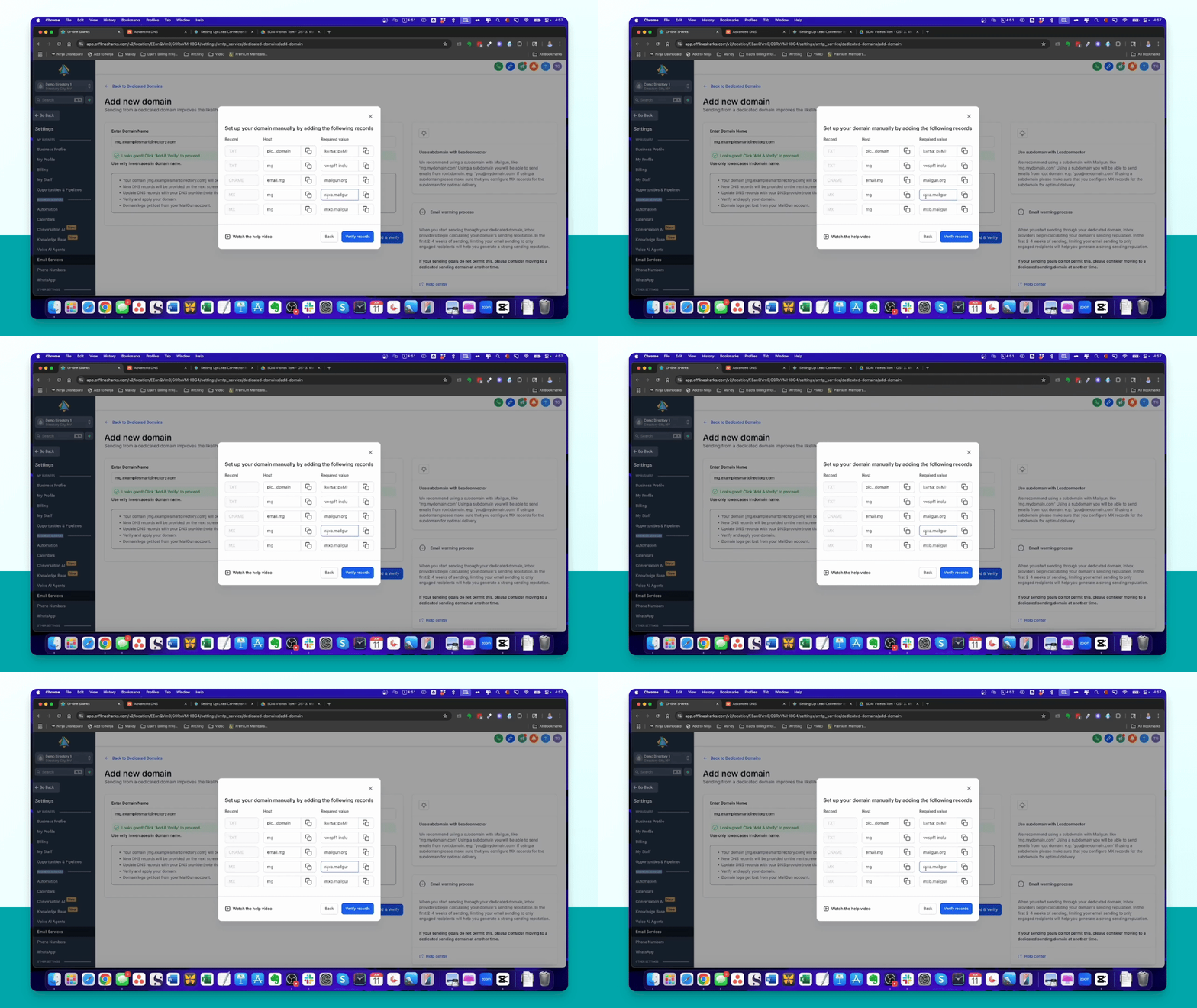
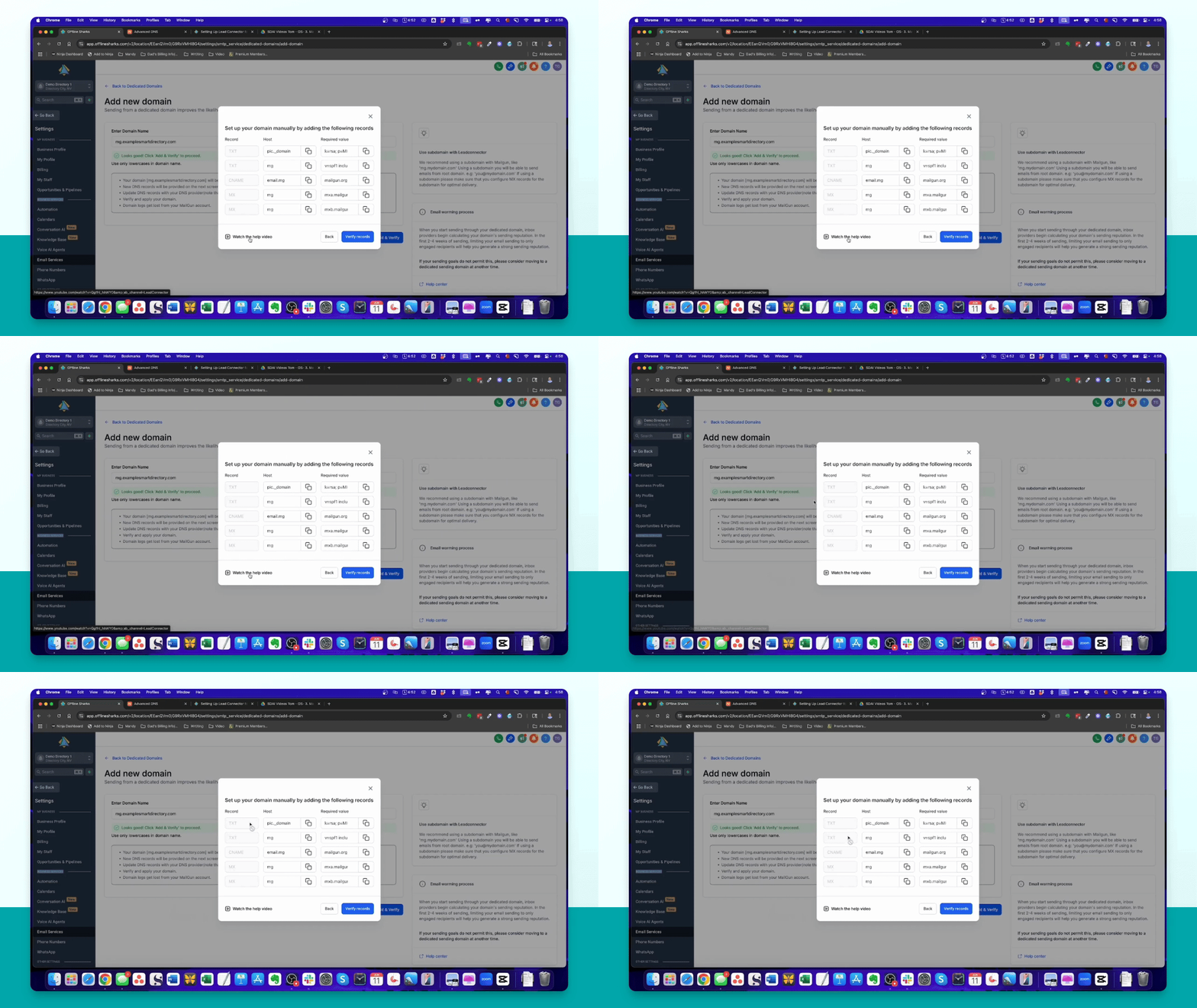
Step 8: Add Required Records
In your domain registrar, add two text records, a CNAME record, and two MX records as instructed.
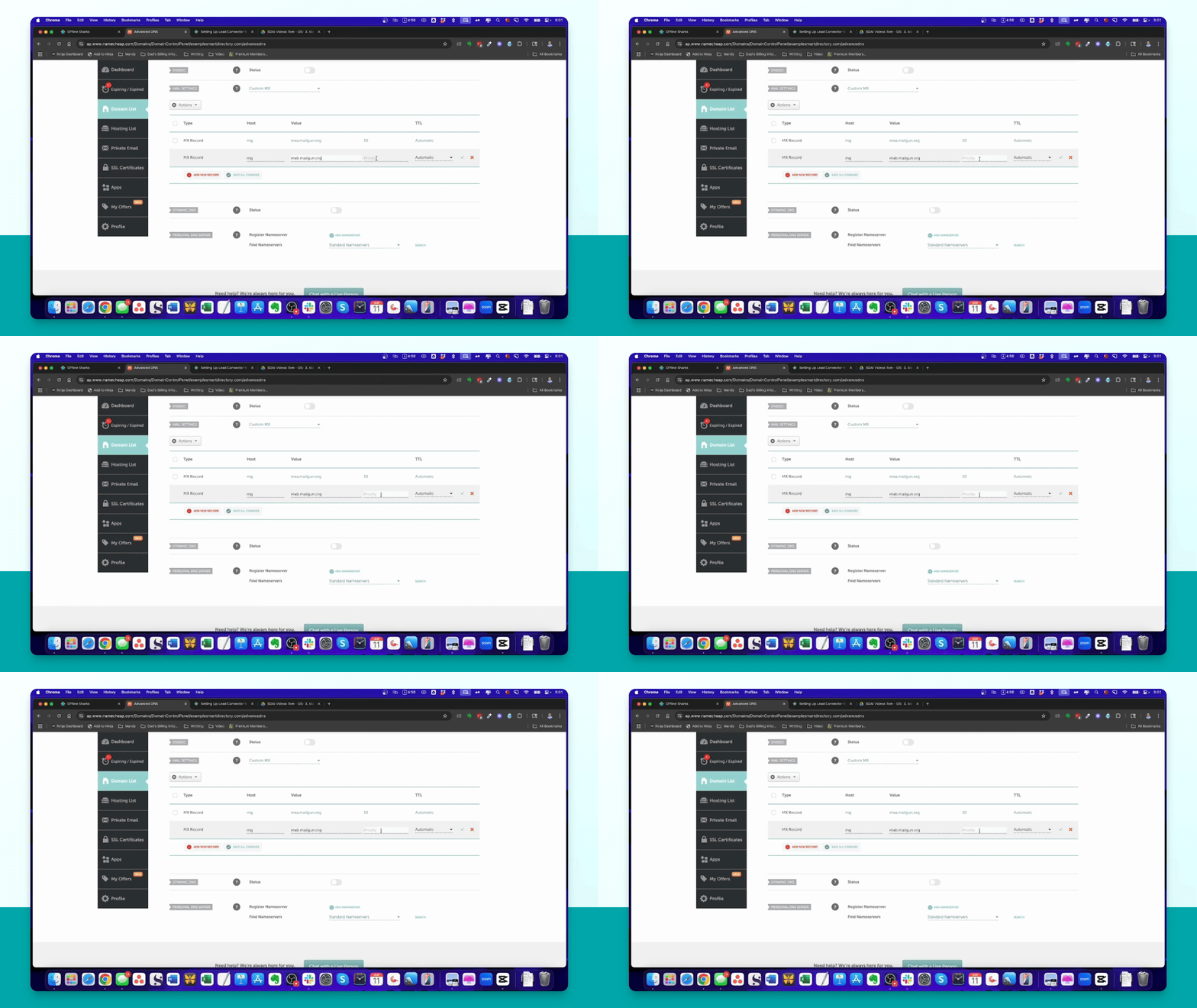
Step 9: Configure MX Records
For MX records, set the priority to 10 when adding them in your registrar's settings.
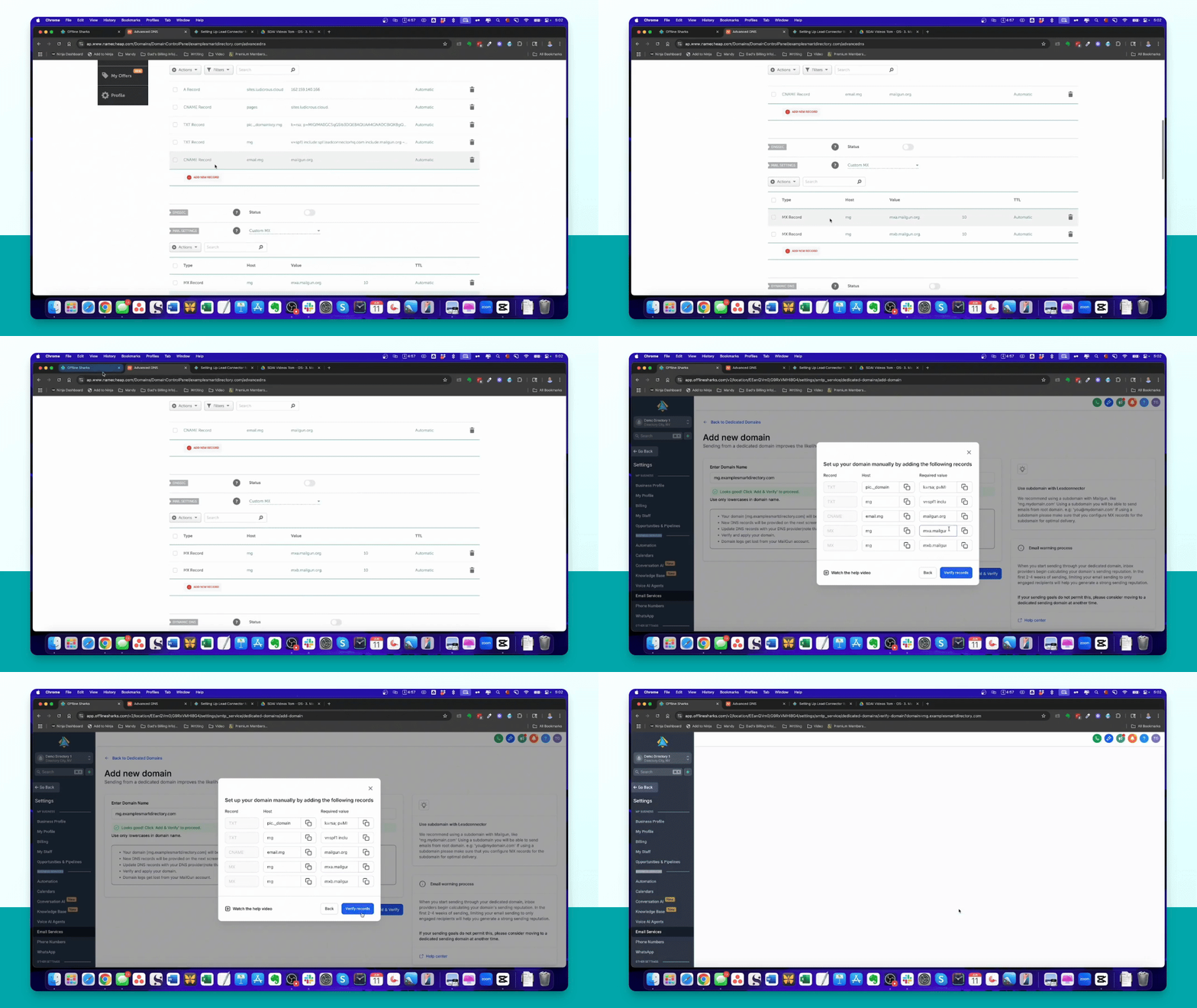
Step 10: Verify Records
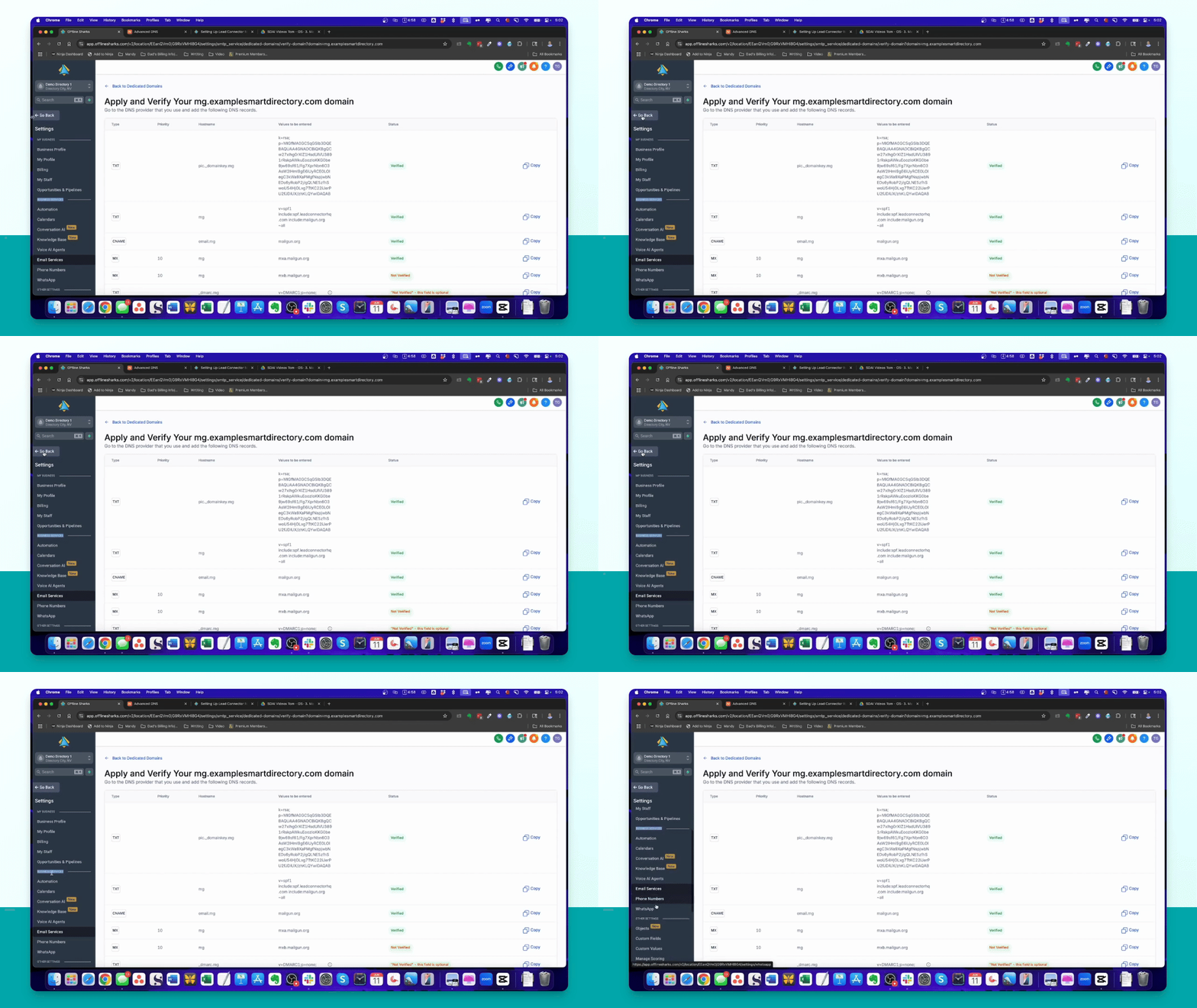
After adding all records, click Verify Records in High Level to check setup success.
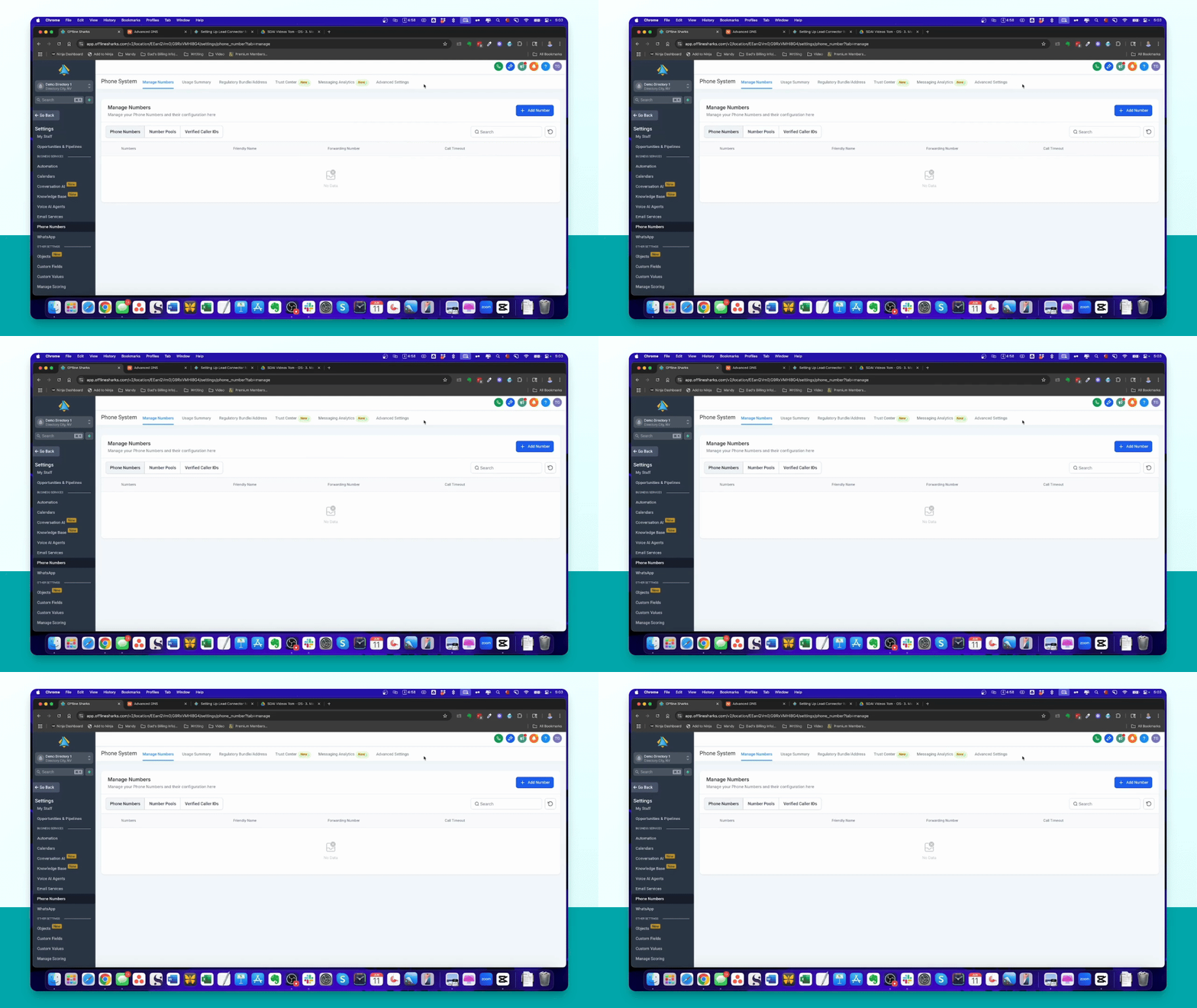
Step 11: Add A2P Approved Phone Number
Navigate to Phone Numbers, click Add a Number, and purchase a phone number for SMS.
Step 12: A2P Approval Note
Understand that A2P approval is mandatory for SMS. Follow the required steps to obtain approval.
Step 13: Alternative Contact Methods
If you can't get A2P approval, consider using email or other communication methods like WhatsApp.