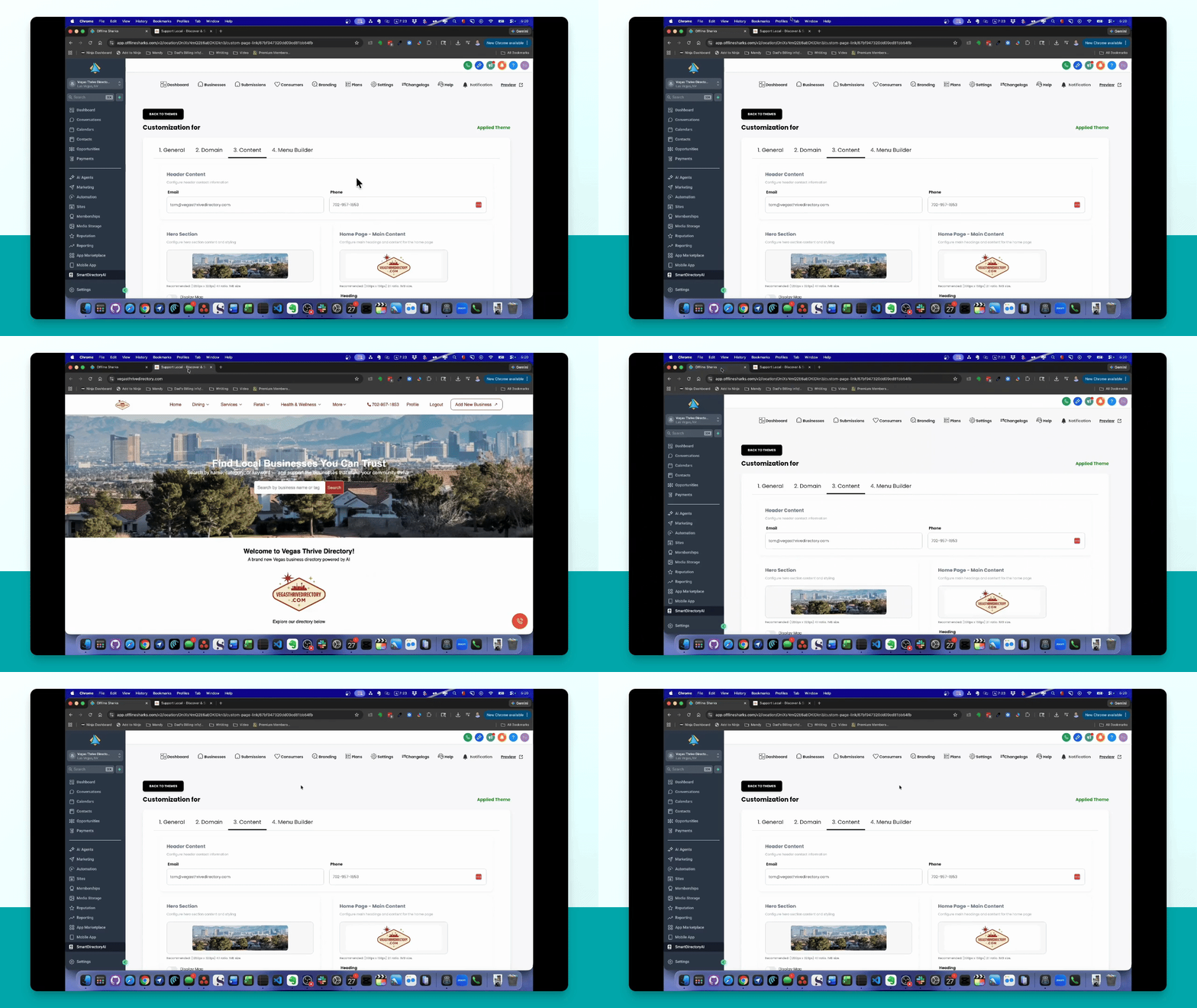
Let's do it together!
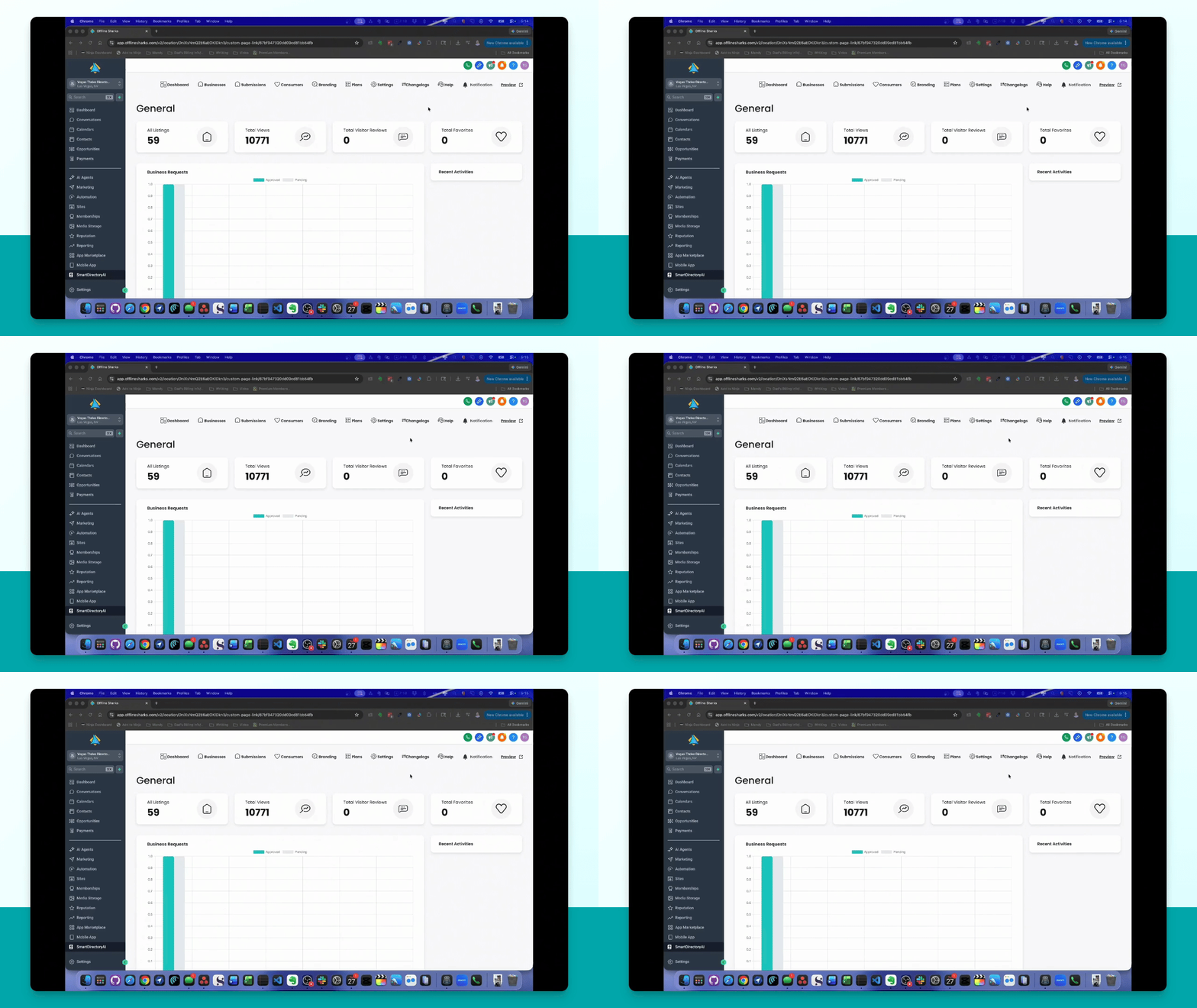
Step 1: Access Sub Account
Go to the sub account where your Smart Directory AI site is located.
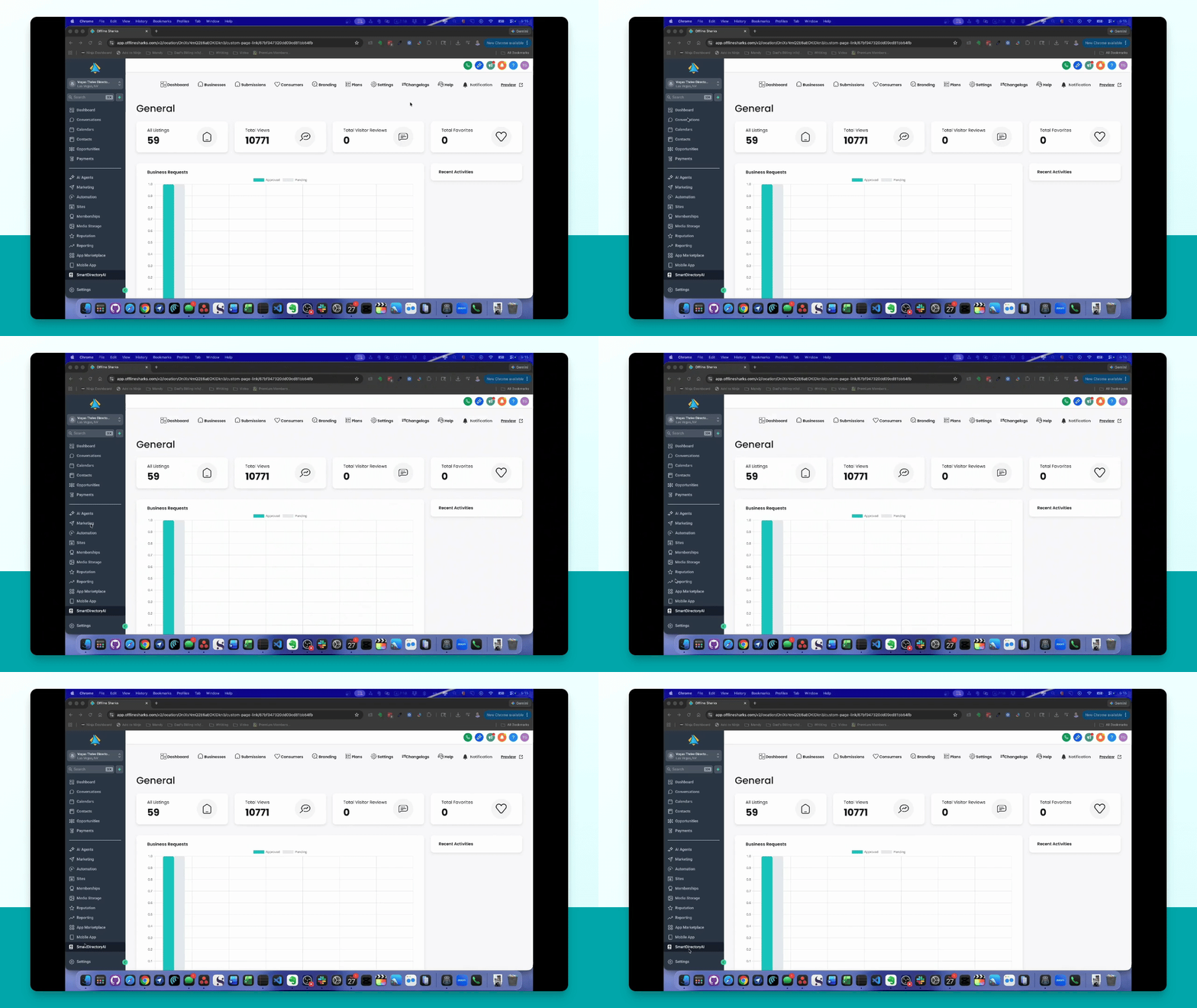
Step 2: Open Settings
In the left menu, scroll down and click on Settings under the Smart Directory AI app.
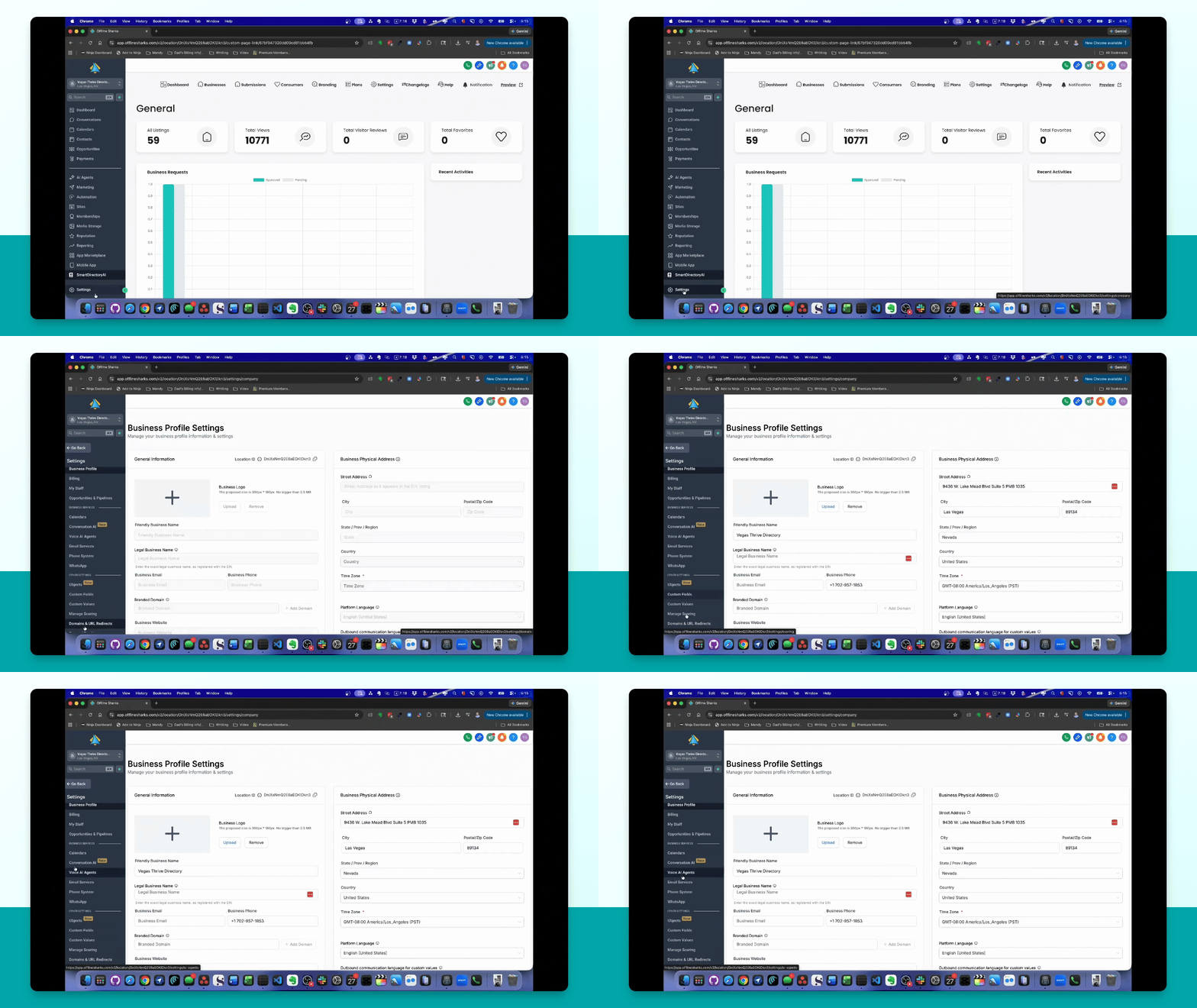
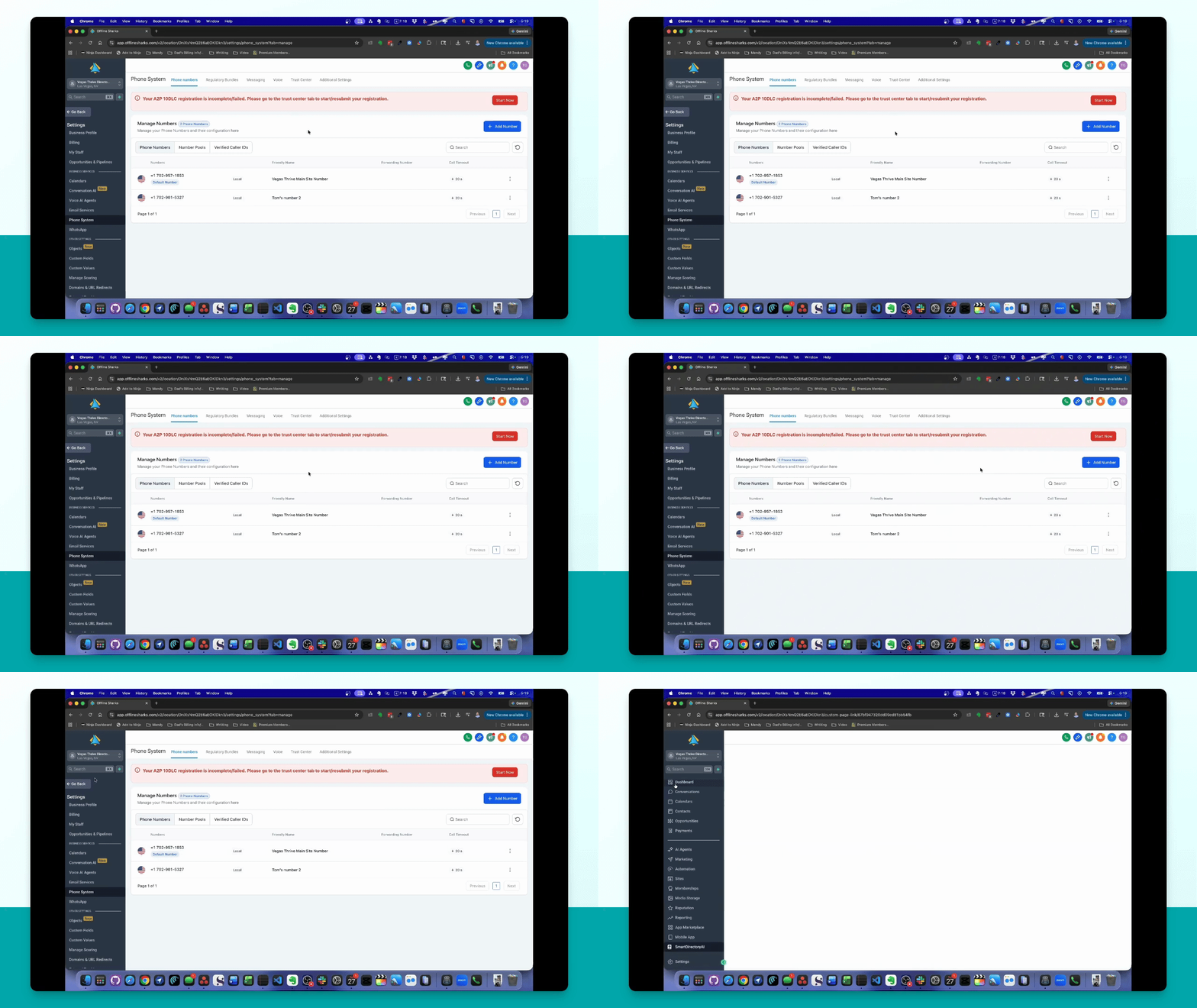
Step 3: Access Phone System
In the middle section, click on Phone System to view your phone system area.
Step 4: Choose Number Type
Select the type of number you want to purchase: phone number, number pool, or verified caller ID.
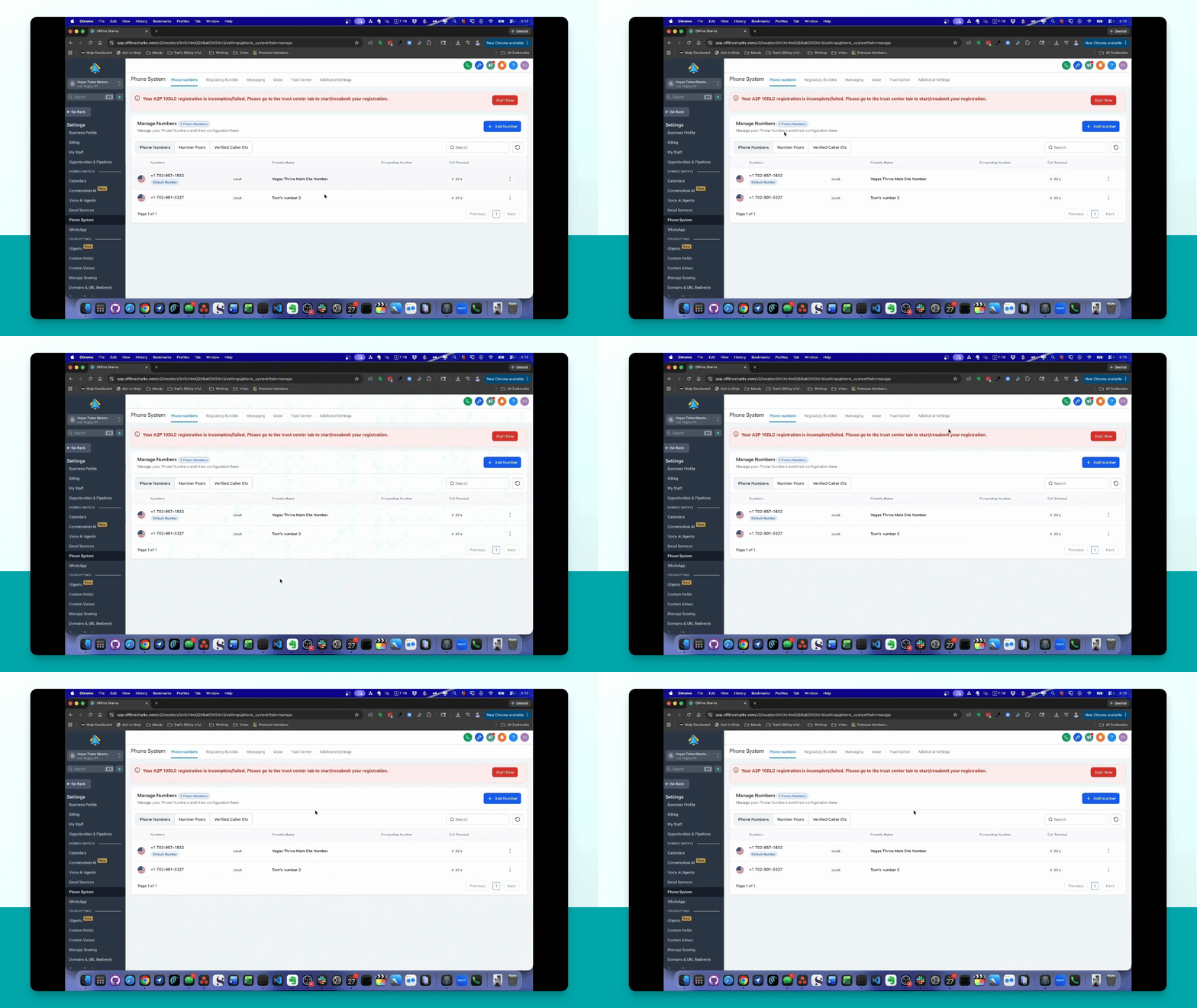
Step 5: Add Phone Number
Click the Add number button and select Add phone number.
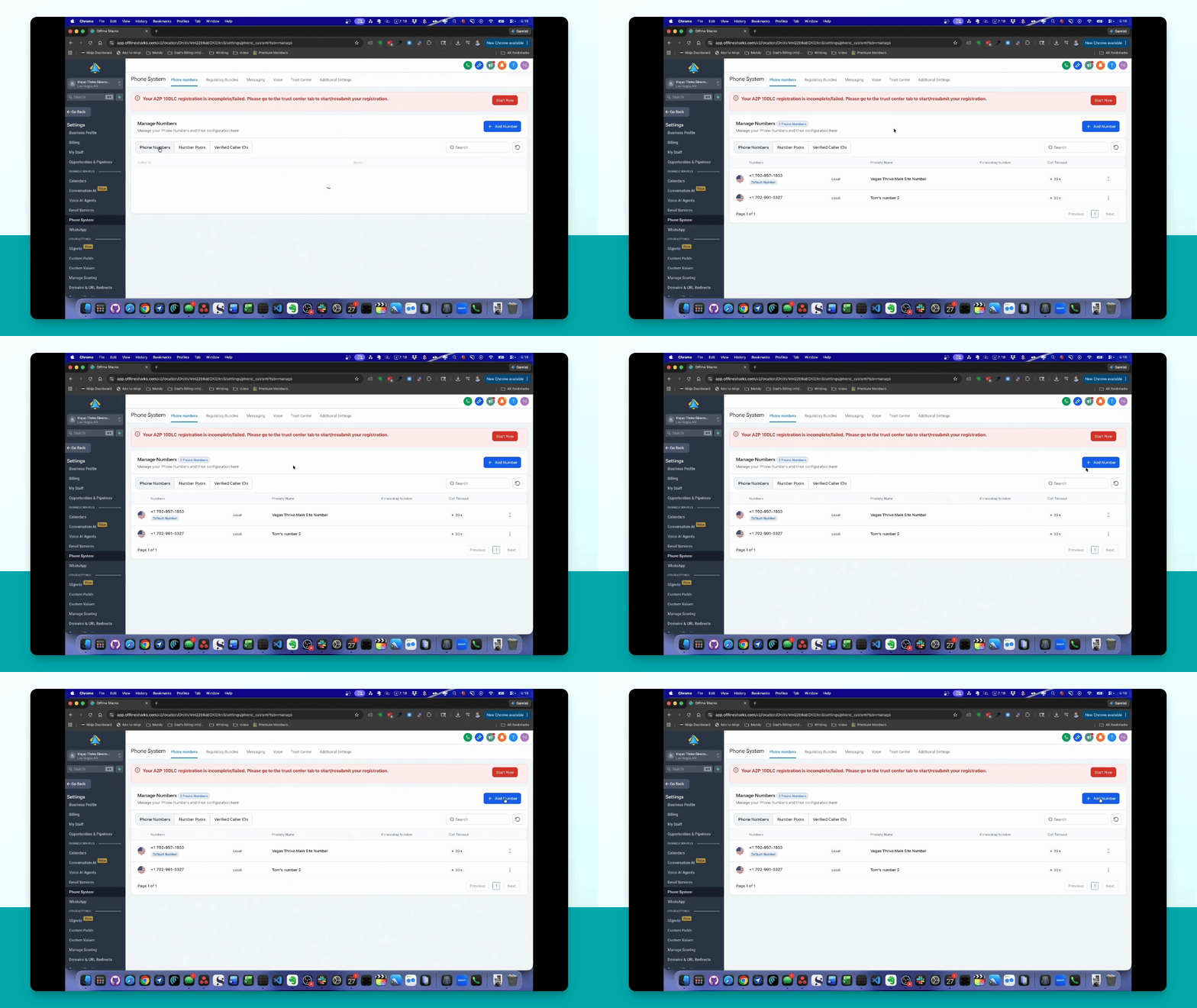
Step 6: Select Country
Choose your country from the list provided. Currently, it's set to the United States.
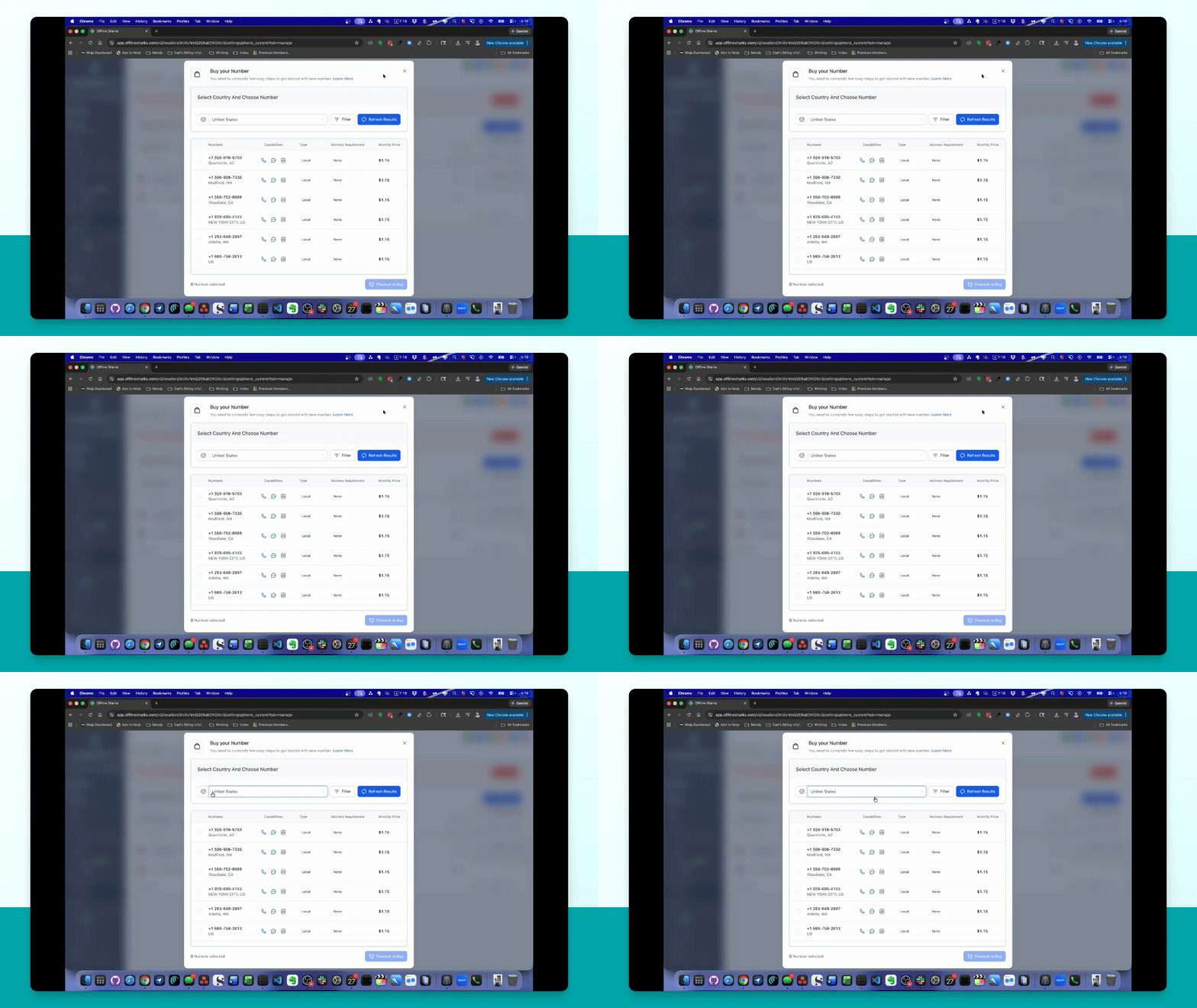
Step 7: Filter Area Code
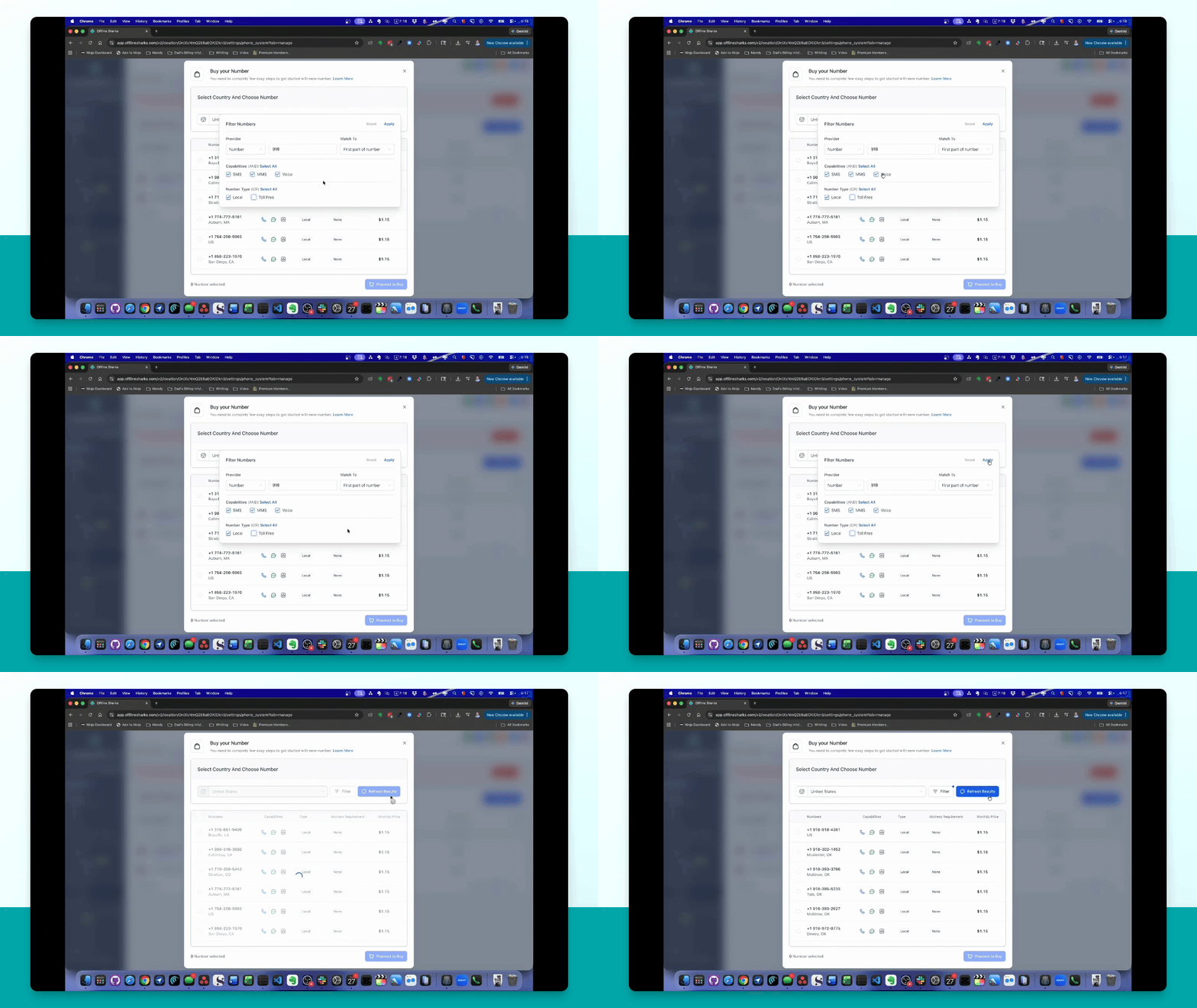
Click the filter button, select number, and enter your desired area code, such as 918.
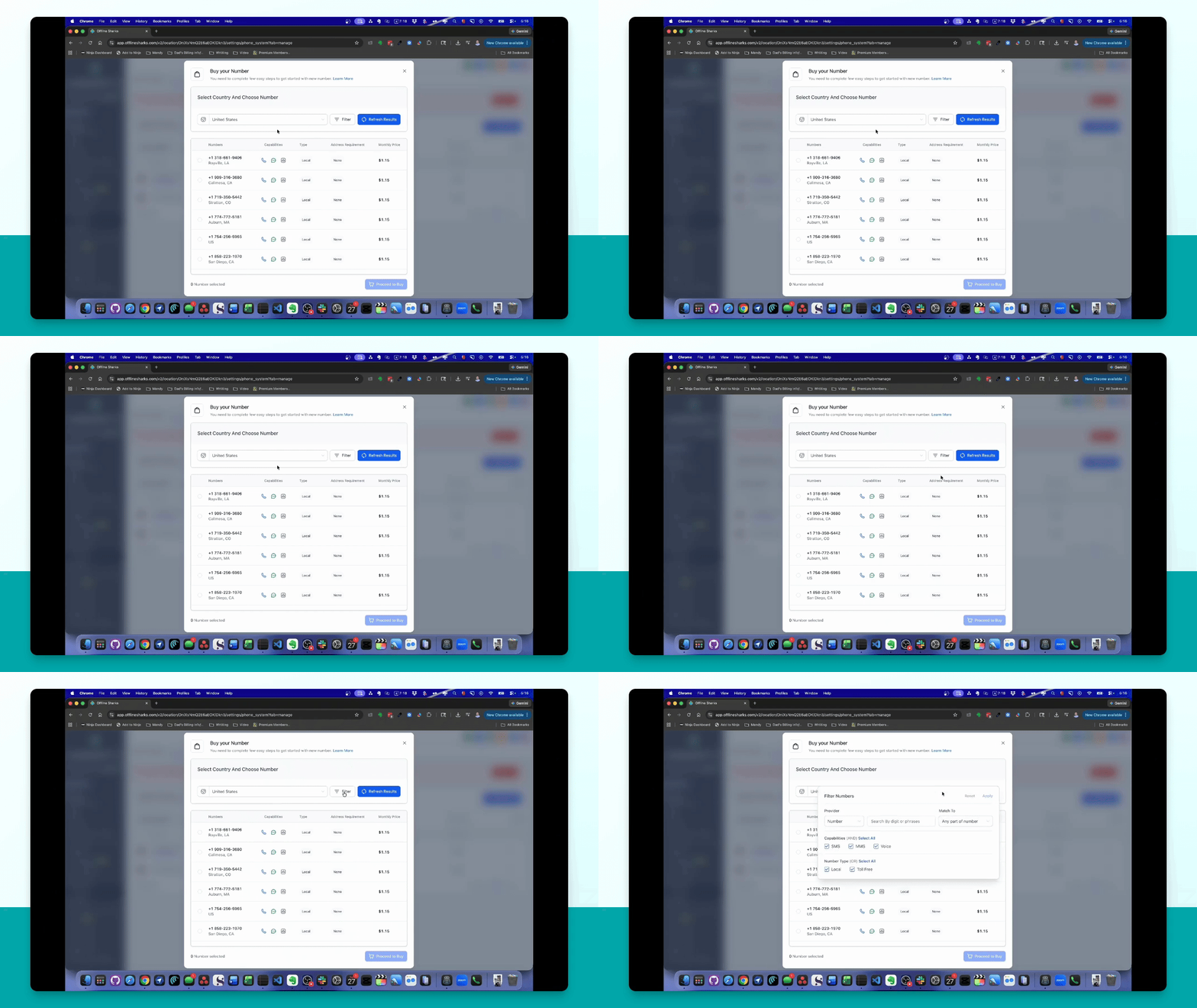
Step 8: Apply Filter
Click Apply to display available numbers in the selected area code.
Step 9: Purchase Number
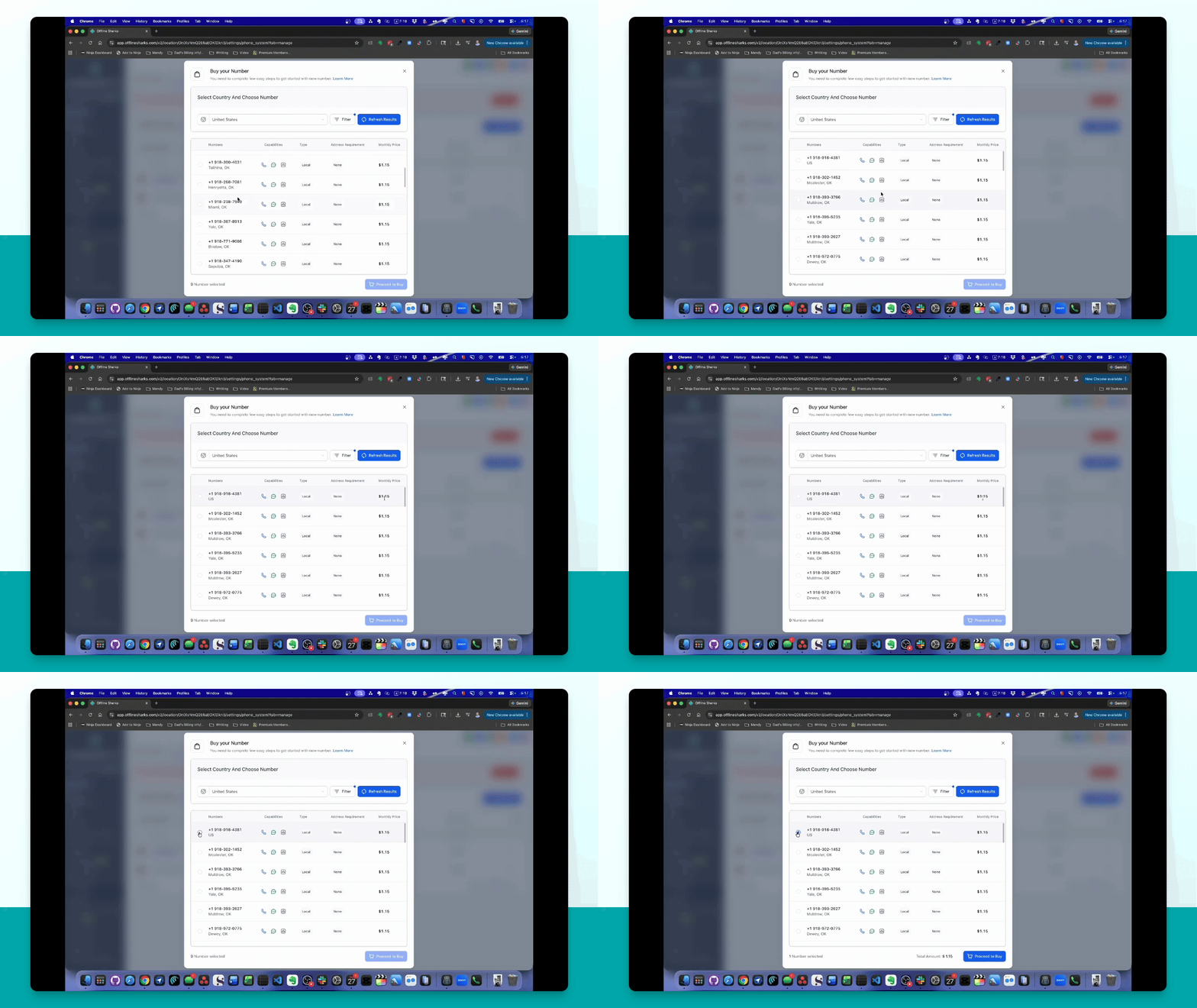
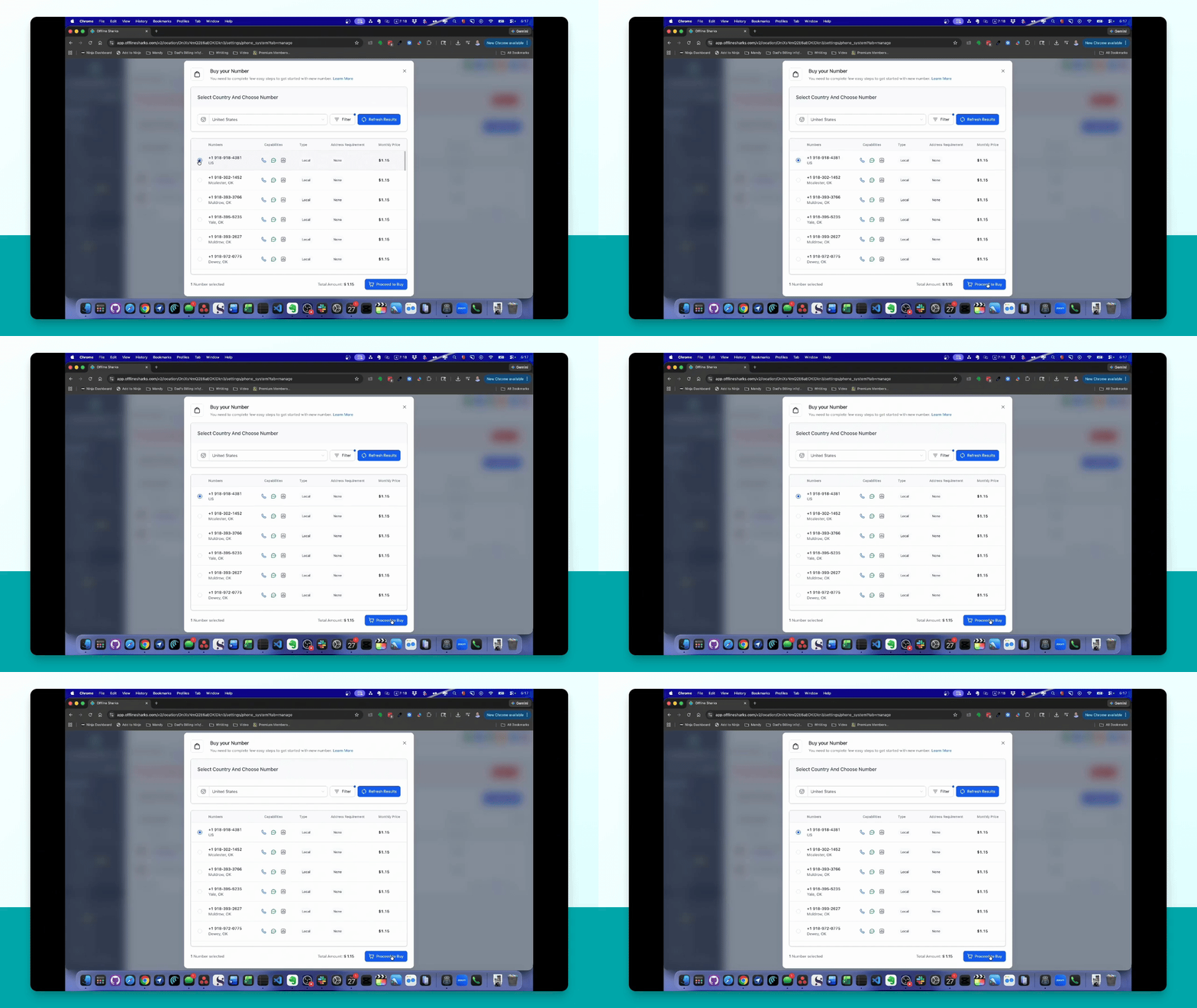
Click the button next to your desired number and select Proceed to Buy.
Step 10: Verify Identity
Complete the verification process by providing personal information and uploading a valid ID.
Step 11: A2P Approval
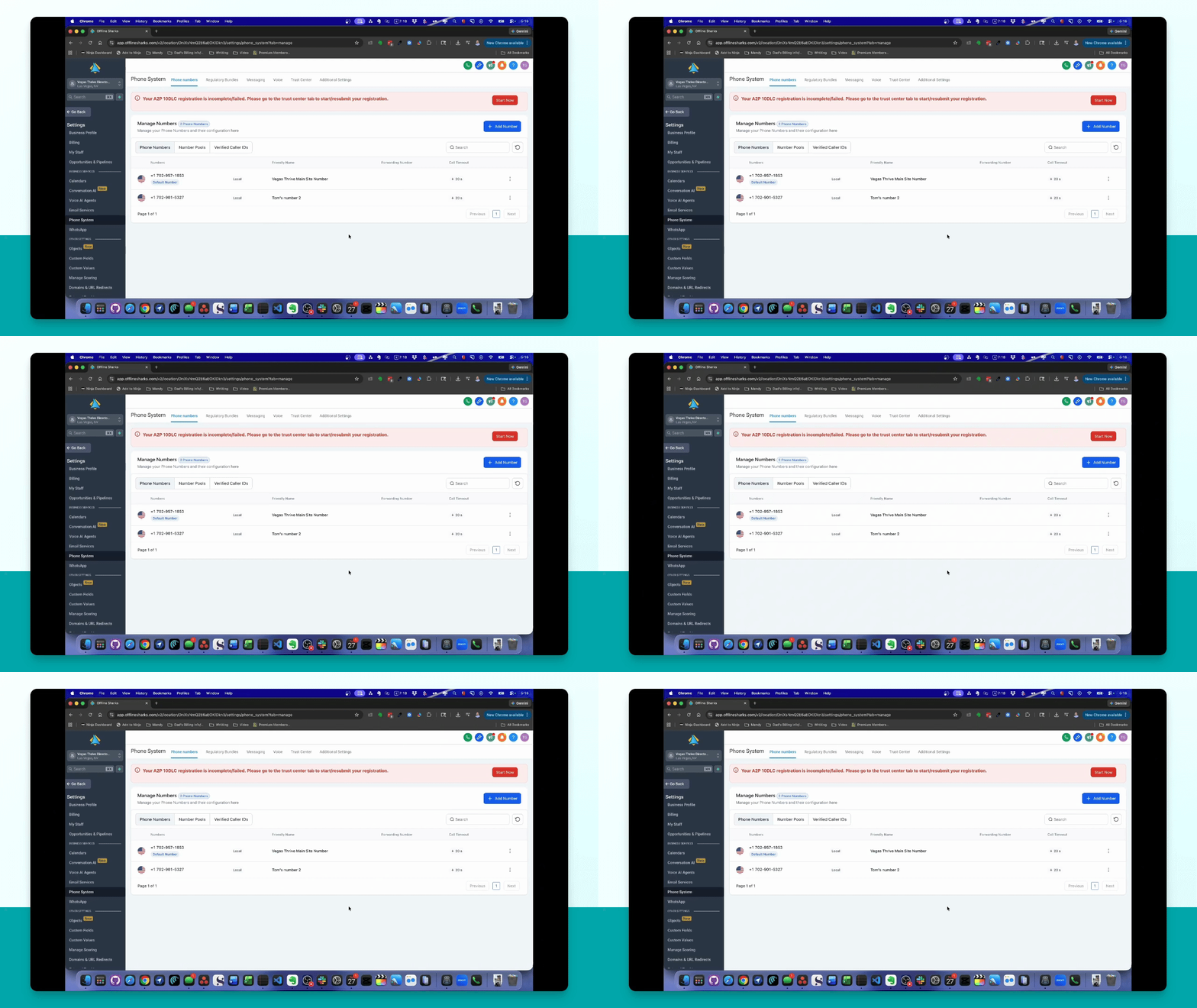
If you plan to do SMS or MMS marketing, start the A2P approval process.
Step 12: Connect Phone Number
To connect the number to your Smart Directory AI site, go to Branding and enter the phone number.
Step 13: Link to Voice AI Agent
Select the AI agent, go to Agent Goals, and link your phone number.