

Let's do it together!
Step 1: Understand the process
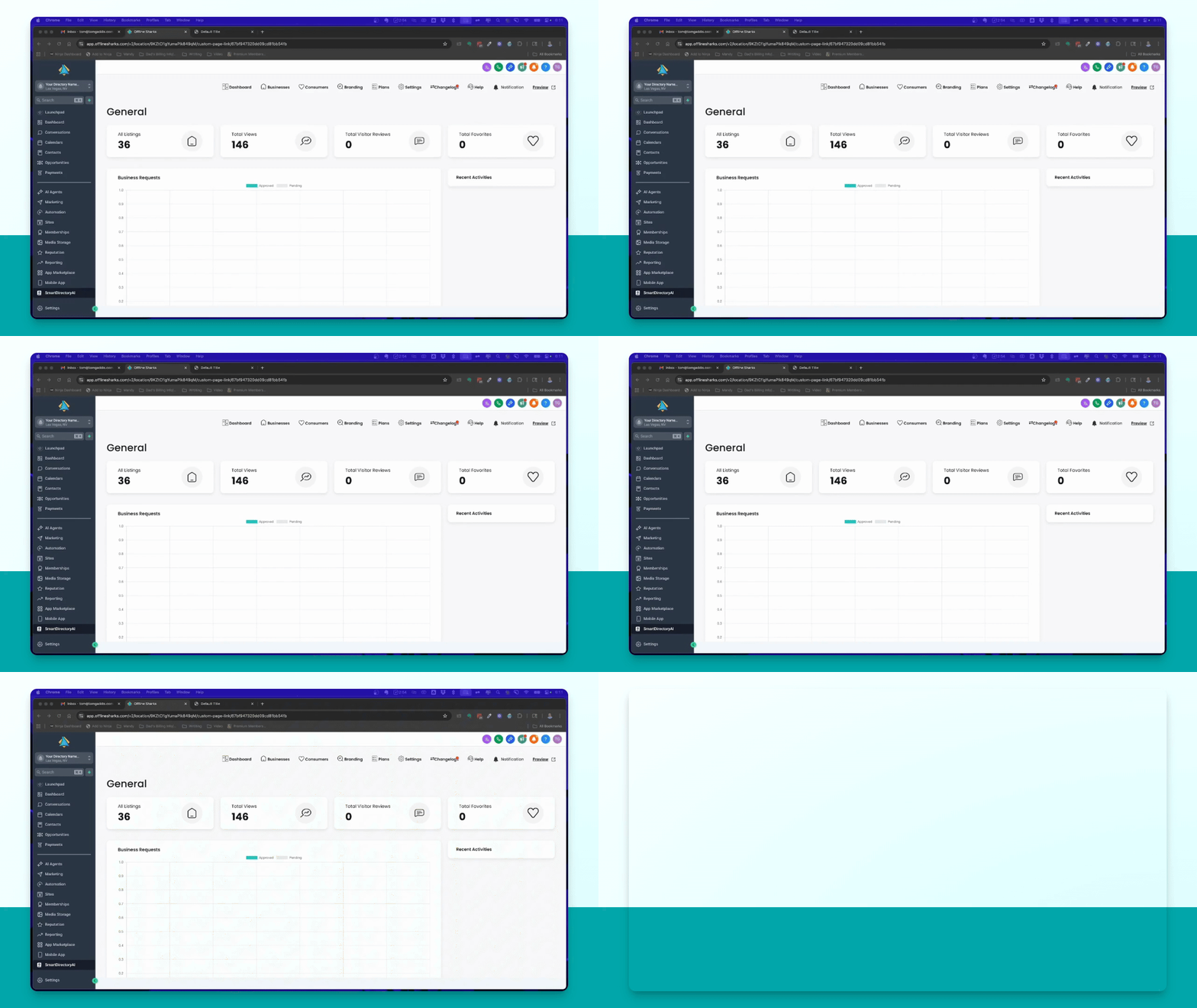
The primary purpose of Smart Directory AI is to prospect by adding businesses as contacts and creating listings.
Step 2: Access Automations
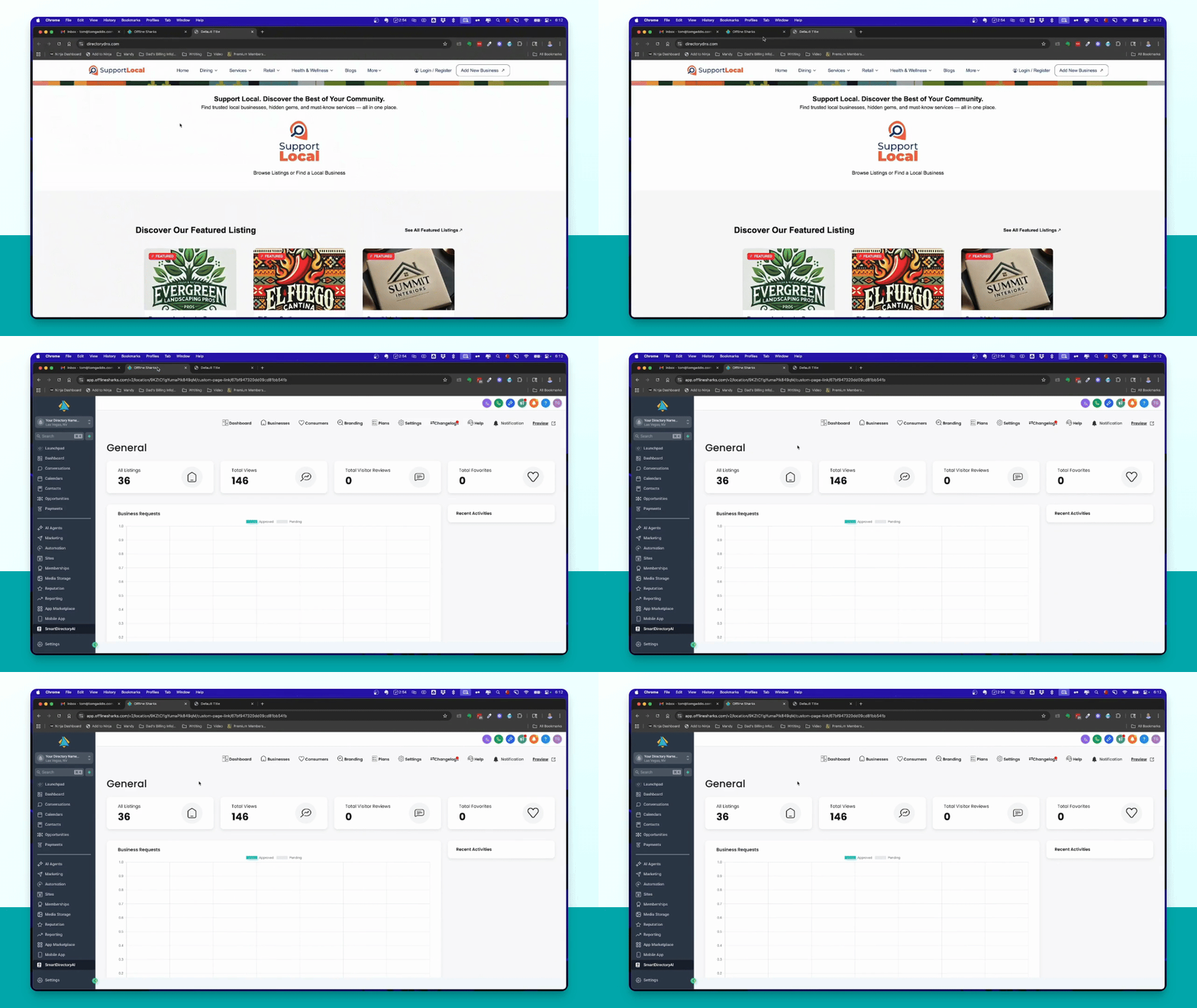
Navigate to the automations section and select the Free Listing Outreach automation.
Step 3: Initiate Outreach
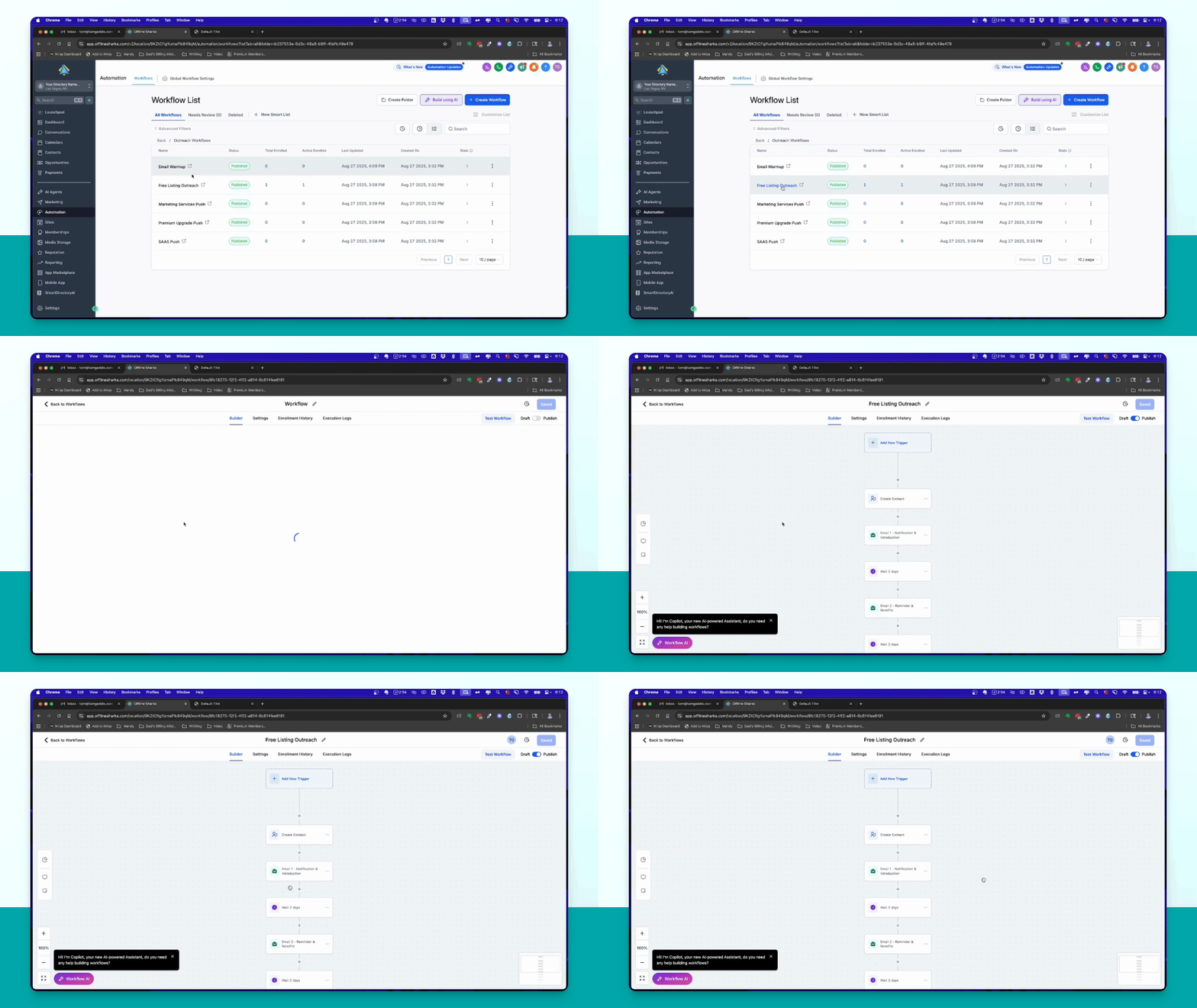
Drop a contact into the outreach automation to send them an email about their new listing.
Step 4: Check Email
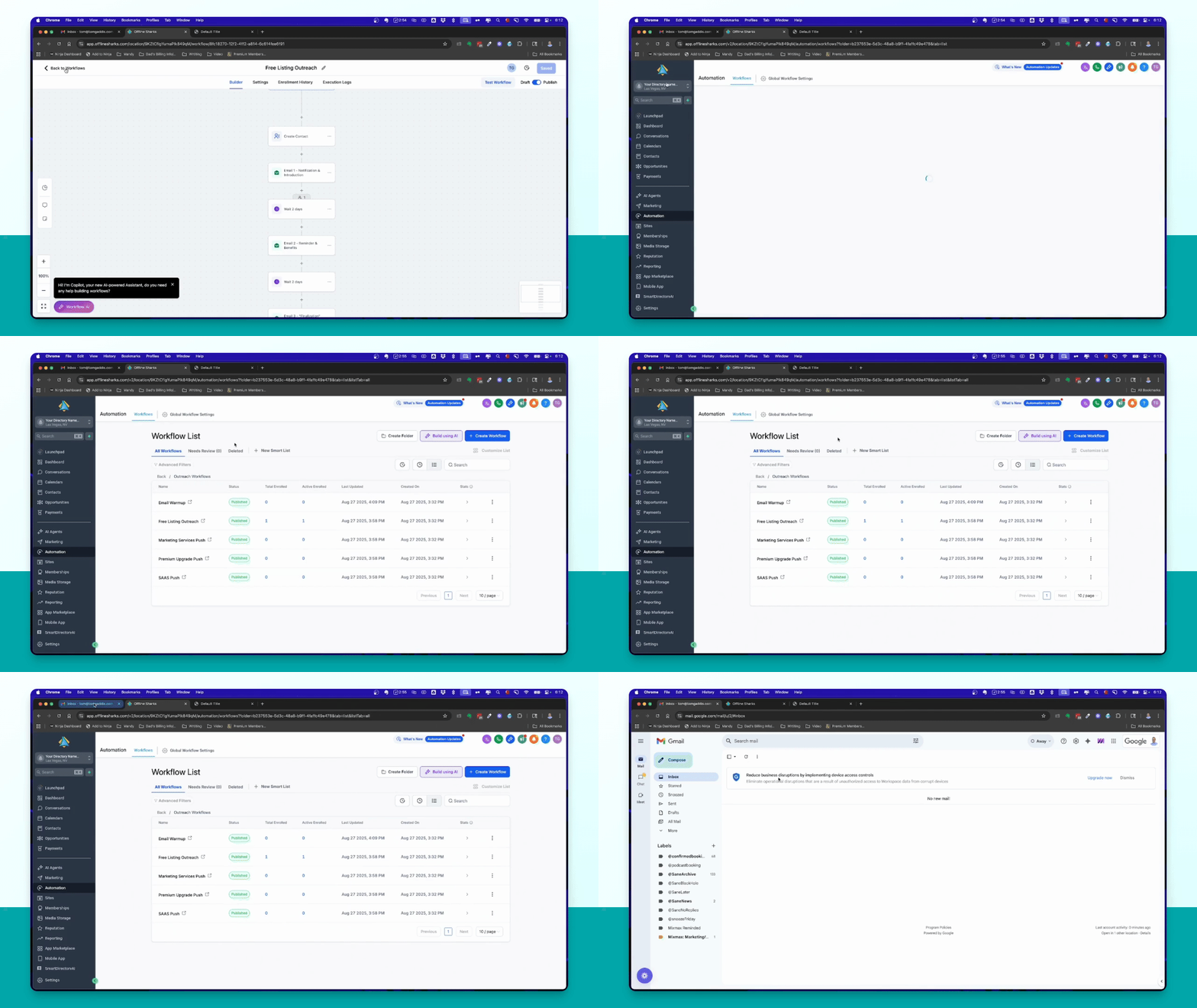
Verify that the contact receives an email confirming their listing and providing a link to claim it.
Step 5: Claim Business
Instruct the contact to click the link, then create or log into their account to claim their business.
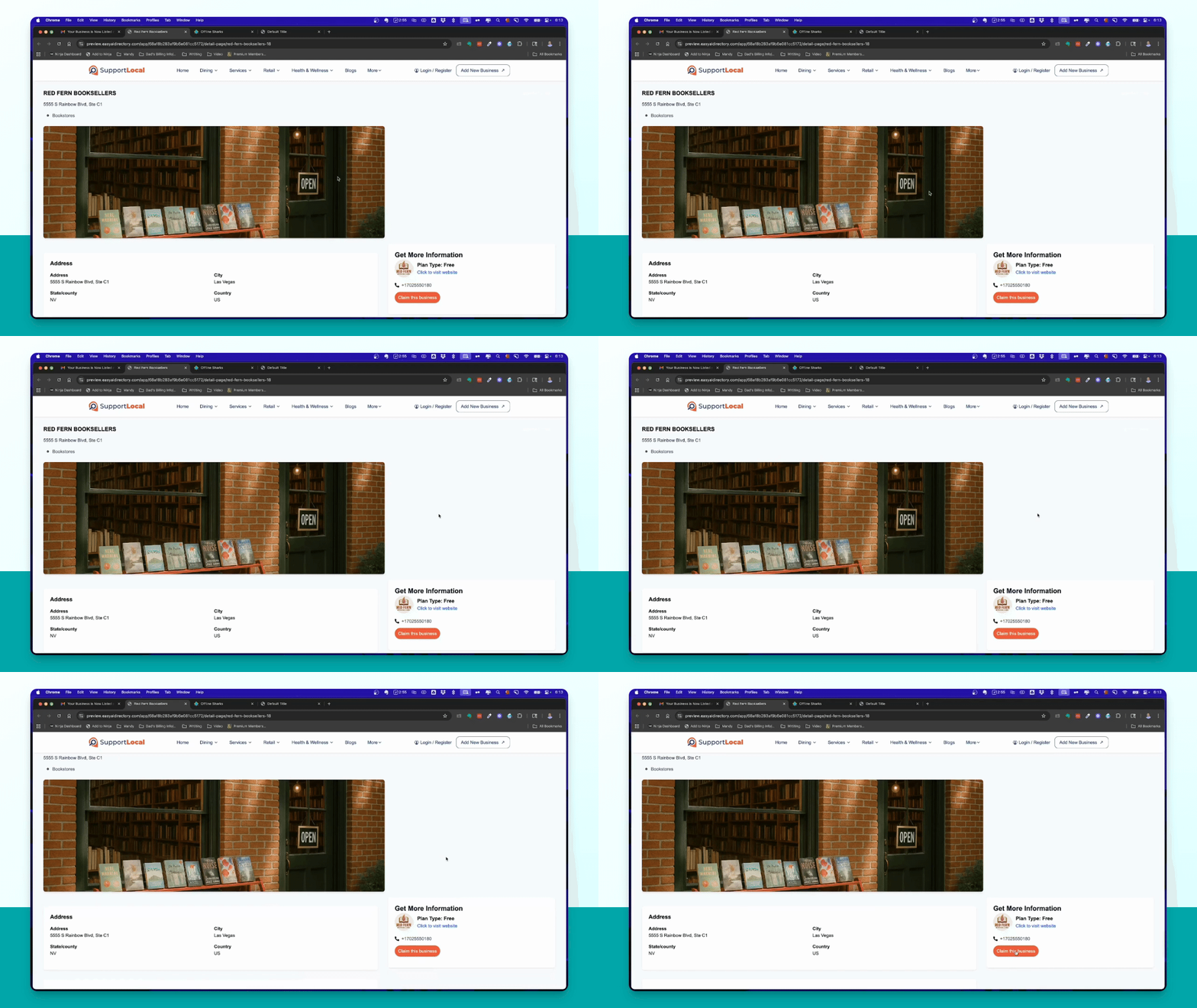
Step 6: Review Claim Request
Check the Smart Directory AI dashboard for a claim request for the business.
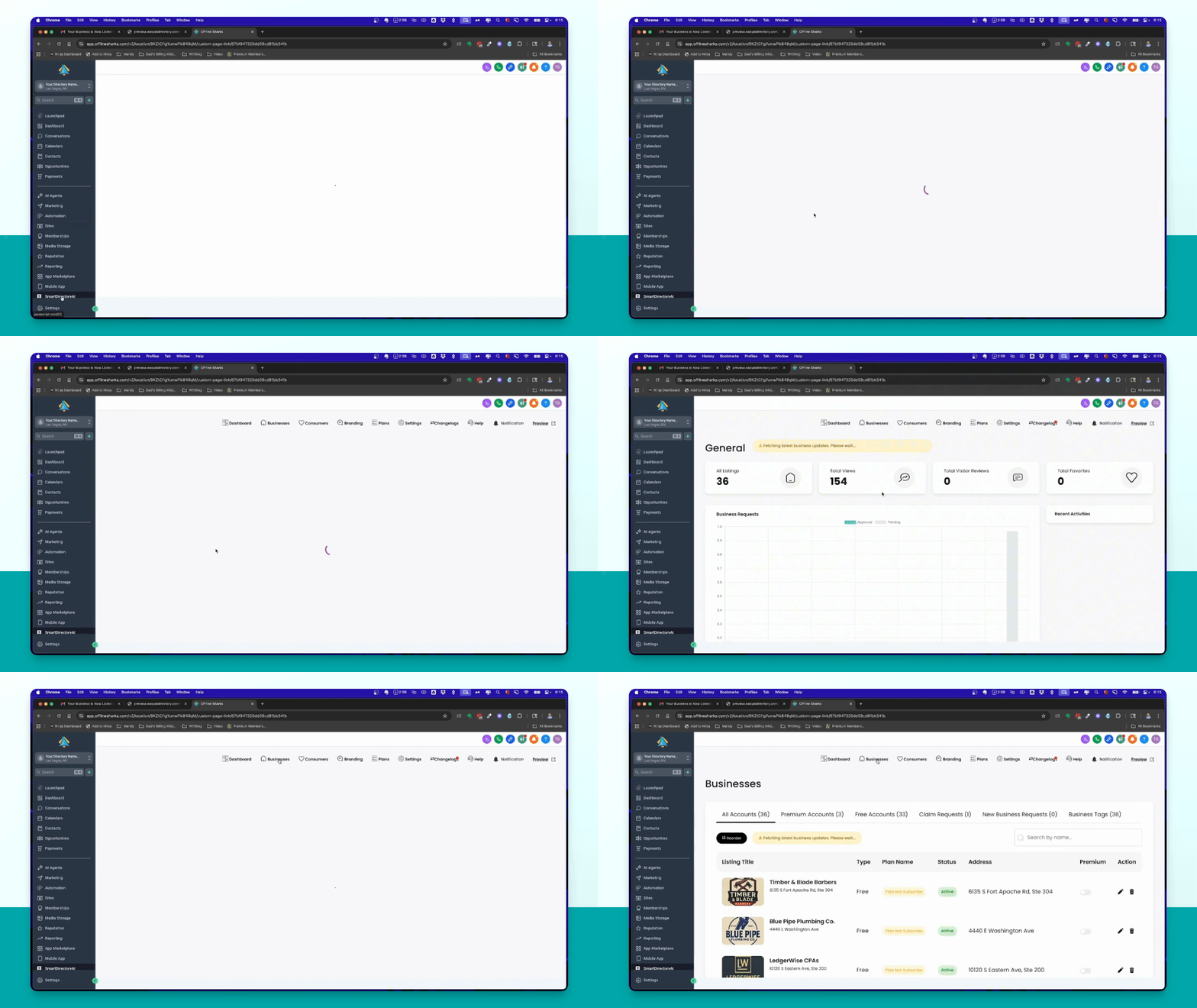
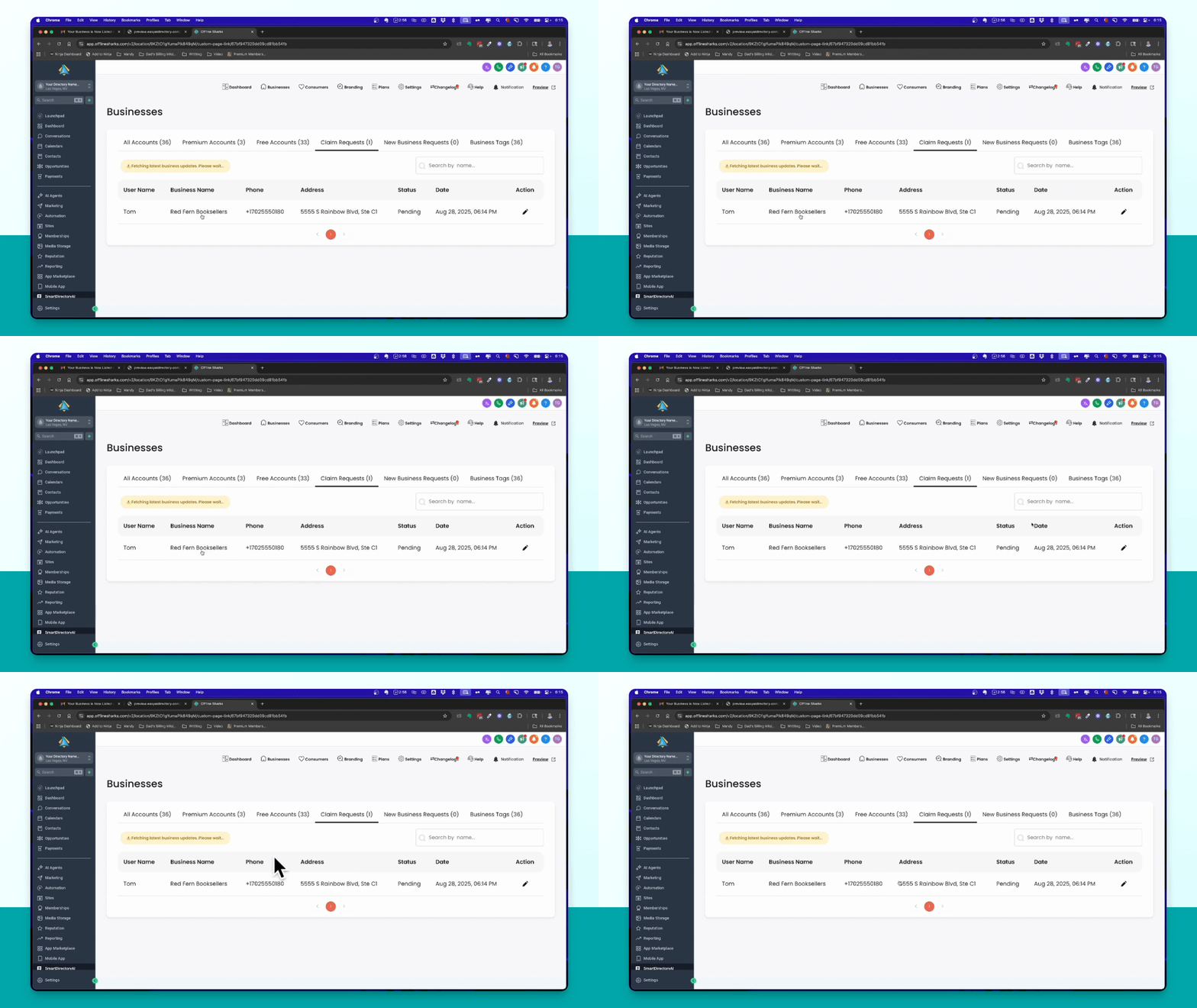
Step 7: Approve Claim
Click the pencil icon in the dashboard to approve the claim request for the business.
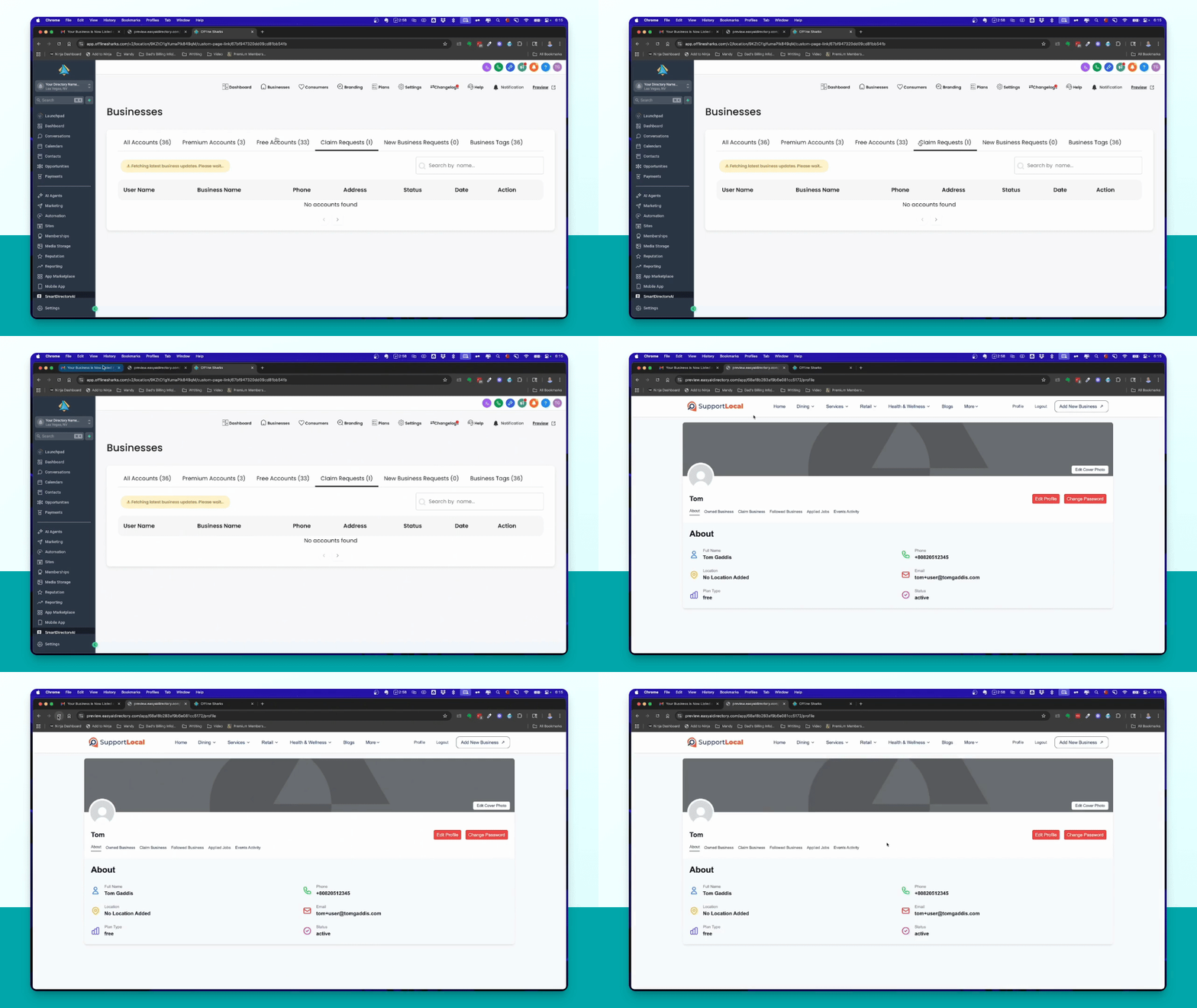
Step 8: Manage Business Listing
Once approved, the business will appear in the user's account, allowing them to manage their listing.
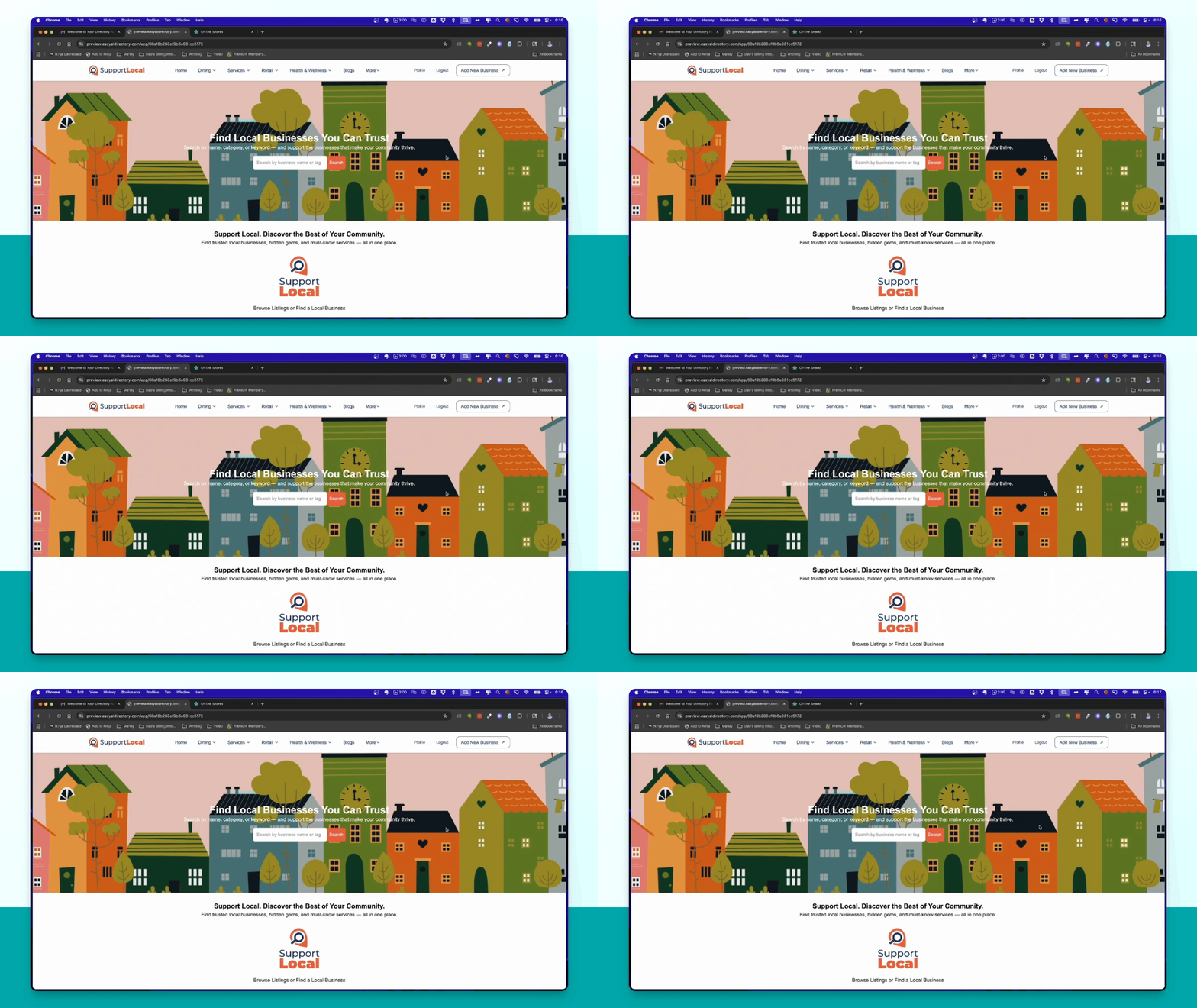
Step 9: Add New Business
If a new consumer wishes to add their business, they can click the Add New Business button.
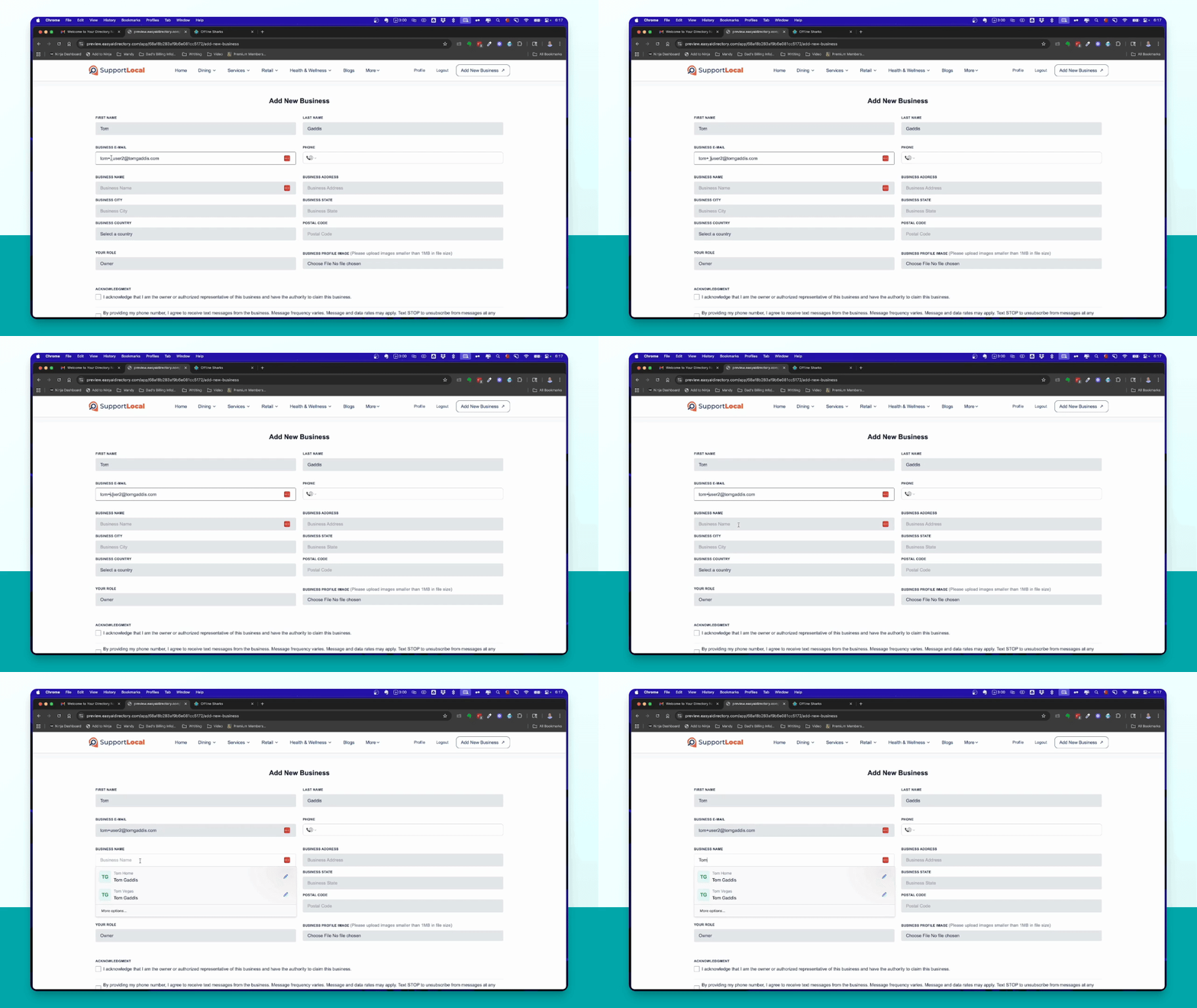
Step 10: Fill Business Form
The consumer fills out the business information form and submits it to request addition.
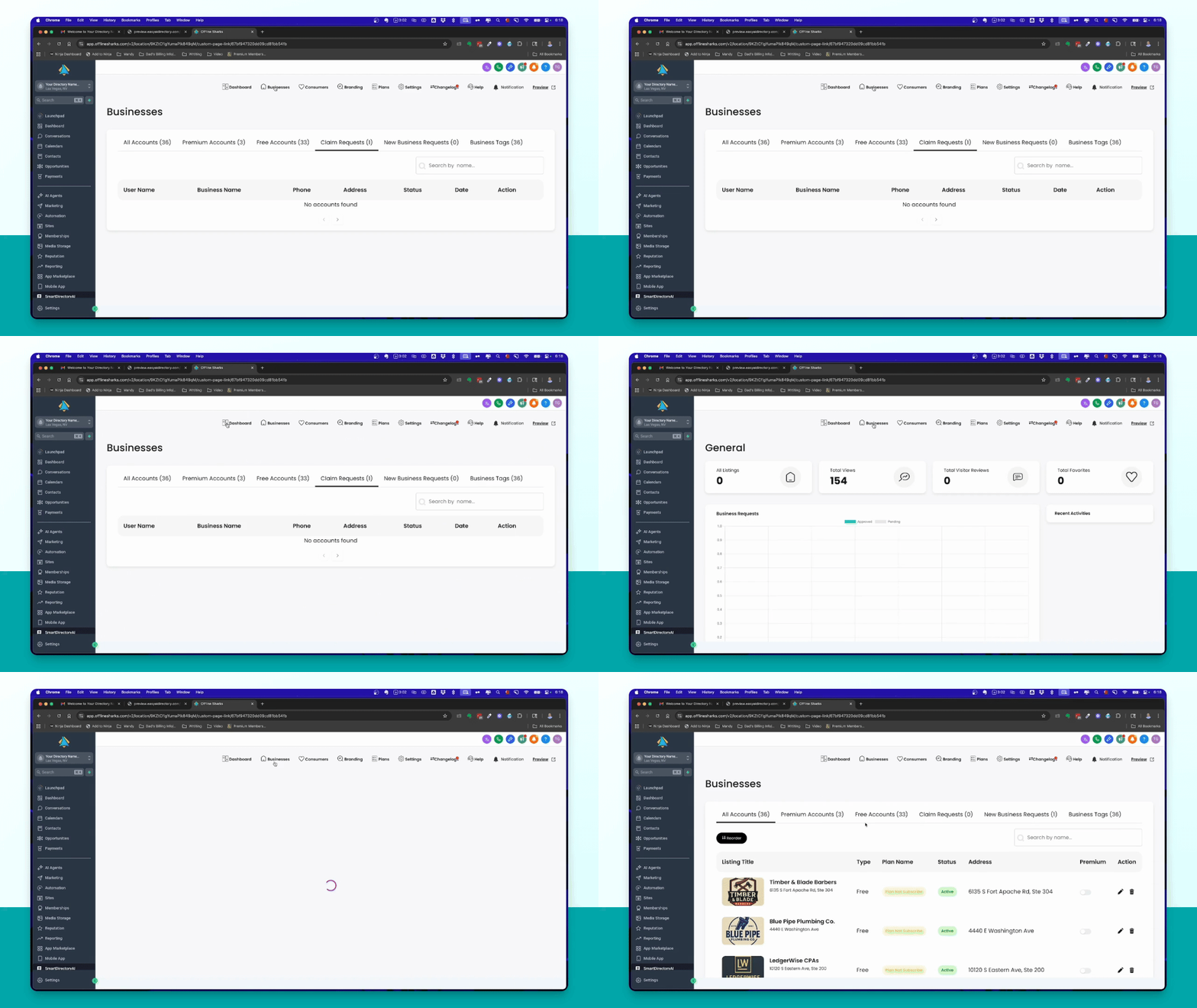
Step 11: Review New Request
Check the dashboard for a new business request and either approve or reject it.
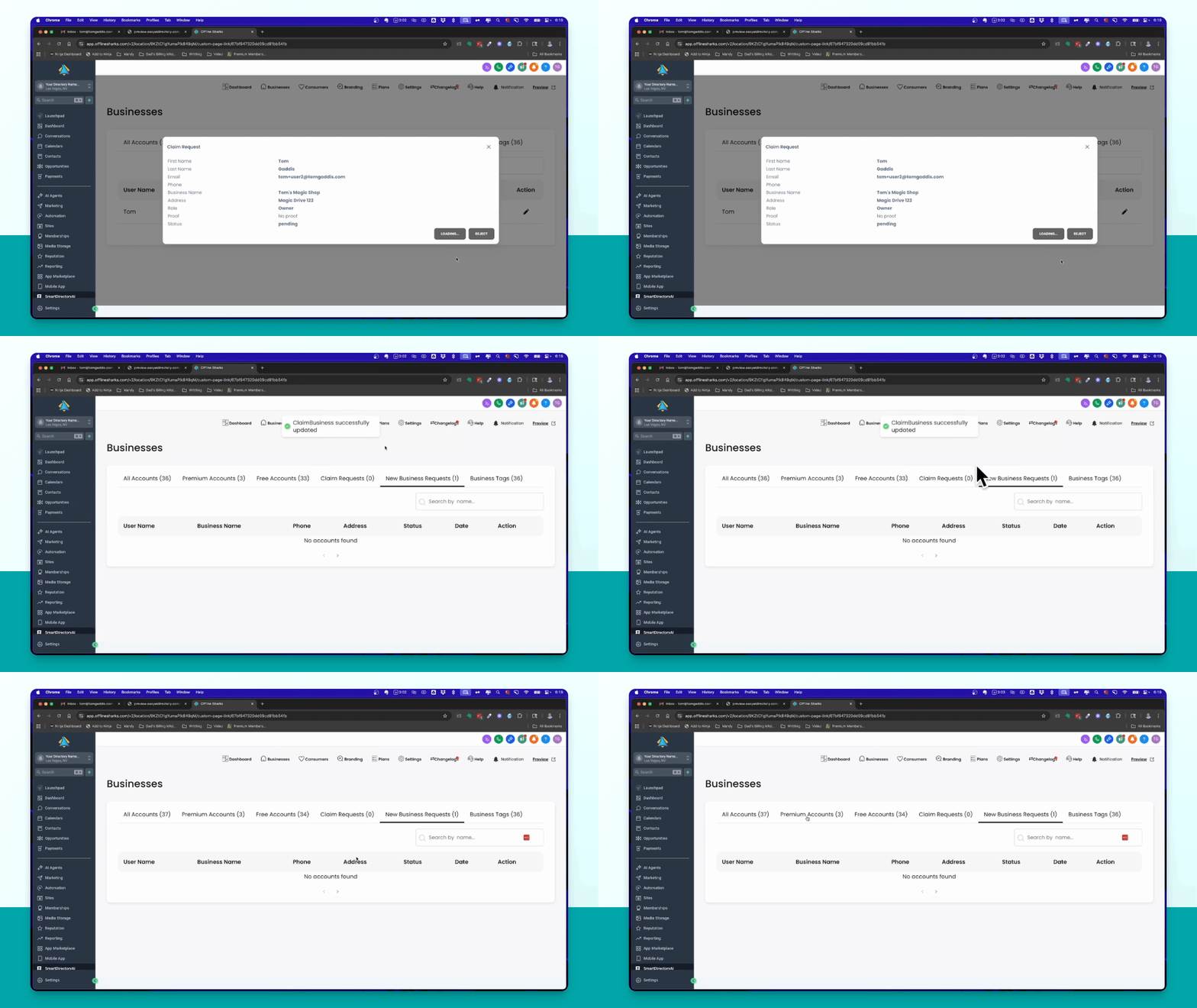
Step 12: Finalize Addition
Upon approval, the new business will be added to the directory and visible in the dashboard.
Listing & Consumer Flowchart
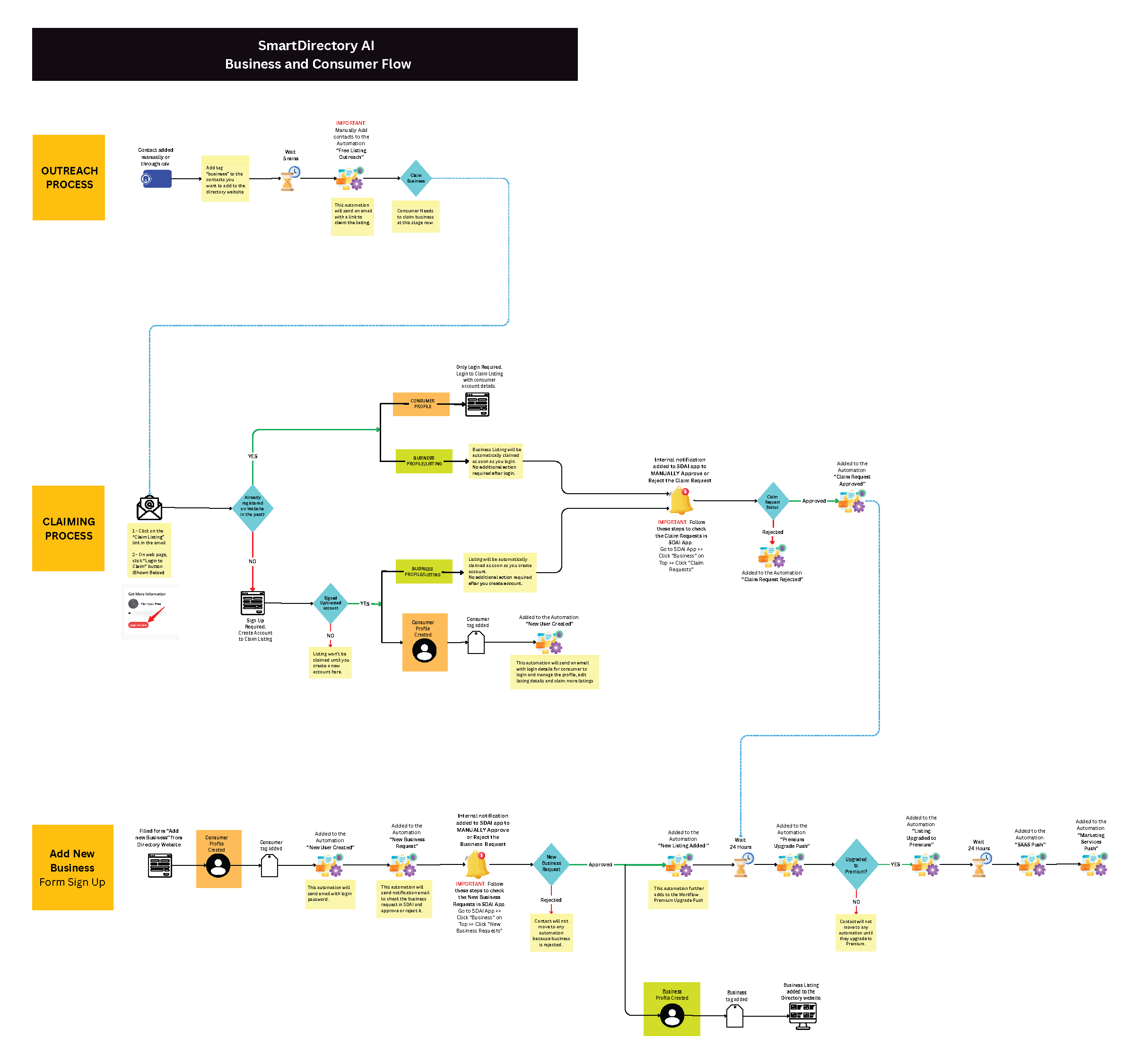
Download High-Res PDF Flow Chart